
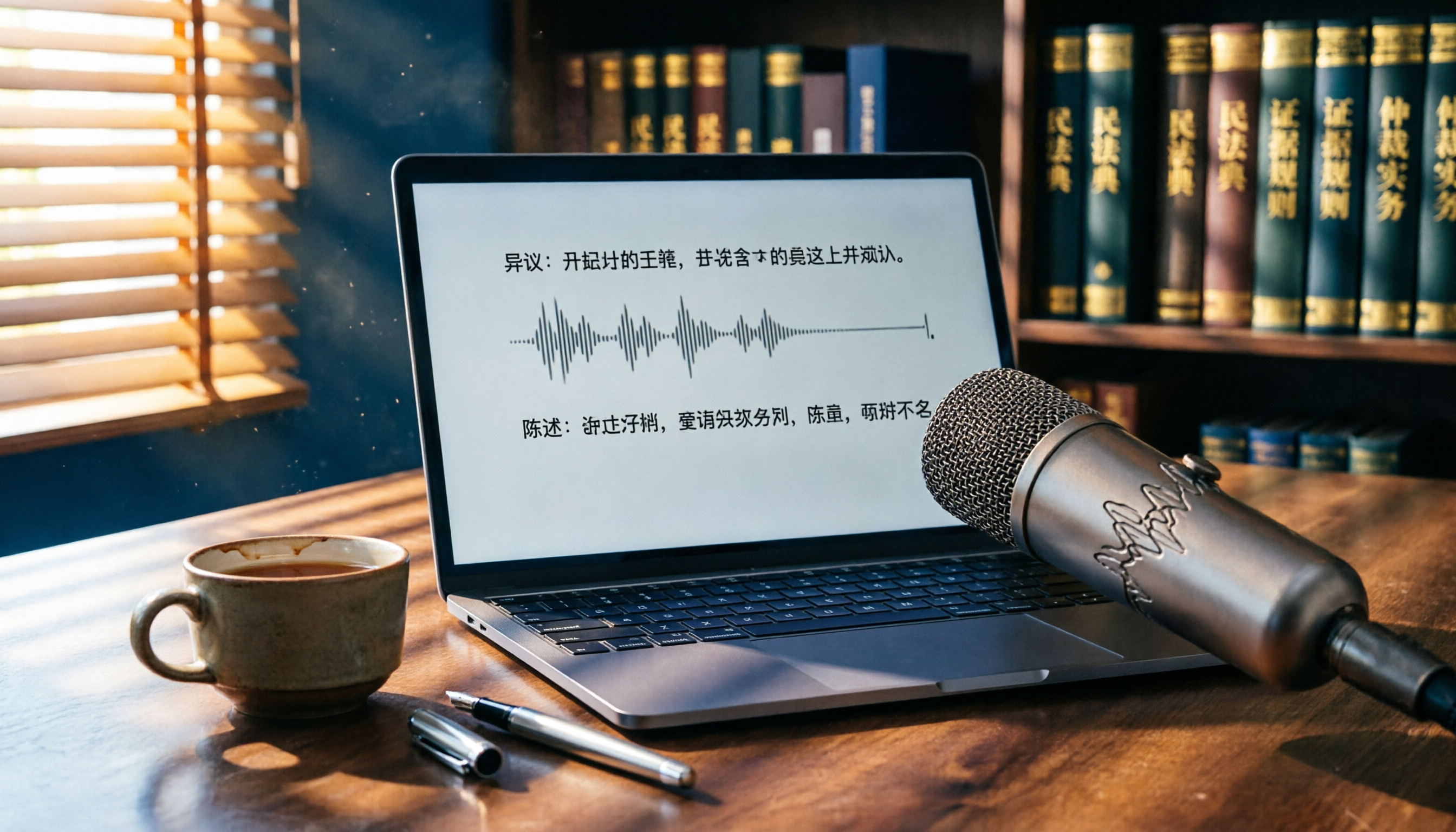
Turn recordings into transcripts and summaries in minutes
Upload audio or video for multilingual transcription, AI notes, and action items
Courtroom Audio Transcription: What You Need Is Not Just a Tool, but a Solution
You secretly record key testimony during a hearing, only to find that a 30-minute audio file takes two hours to transcribe manually. Worse, judges often require a transcript when submitting audio evidence, or it may be disregarded entirely.
Even if you're not a lawyer, transcription is a basic skill when you need to protect yourself in litigation. However, courtroom audio often has echoes, multiple people speaking at once, and many proper nouns, which general speech-to-text software may not handle well.
If you're struggling with these issues, this article is for you—we've tested several tools to help you find the best solution for courtroom audio transcription.
Before Choosing a Courtroom Audio Transcription Tool, Understand These 5 Key Points
Accuracy: Don't Just Look at Official Numbers; Check Real-World Conditions
Many tools claim 98% accuracy, but that's measured in a quiet recording studio with a standard microphone. Courtroom recordings have distance, echo, and overlapping speech, which significantly reduce accuracy. We recommend using your own audio files for free trials and comparing results to get a true picture.
Input Sources: Do You Only Have Audio Files, or Also Videos?
Court evidence might be .mp3 from a voice recorder, .m4a from a phone, or even surveillance footage. The tool must support multiple file formats, and it's even better if you can paste video links directly.
AI Organization: The Transcript Is Just the First Step; What Follows Is Key
After getting the transcript, you need to extract key points from thousands of words, add timestamps, and organize them into legal documents. If the tool can automatically summarize, extract action items, or even let you ask questions like "What did Witness A say?" as if asking an assistant, it can save you a lot of time.
Cross-Platform and Collaboration: Are You Only Working on Your Phone?
Many transcription apps only support iPhone, but organizing transcripts and drafting legal documents usually requires a computer. Tools that sync across devices make the workflow much smoother.
Price and Free Tiers: Legal Cases May Require Long Recordings
A single court session can last hours, and free tier limits are quickly exhausted. But you shouldn't sacrifice accuracy for cost—proofreading errors takes even more time and money.
Tinrec (Miao Ting Lu Yin): Our Top Pick After Testing
Tinrec is an AI recording and audio/video organization tool available on iOS, Android, and web, supporting 14 languages, and is particularly suited for legal document scenarios involving Chinese recordings.
One-Tap Courtroom Audio to Text, Plus AI Q&A to Find Key Points
Open Tinrec during a hearing, and it displays the transcript in real time as it records. By the end of the session, AI has already generated summaries and key sections, allowing you to search for "the part where the witness mentioned the contract" without listening from start to finish. More useful is the AI Q&A feature—after recording, you can ask "What did the judge rule?" and it provides answers based on semantic understanding, not just keyword search results. Currently, few competitors in this price range offer this capability.
Not Just Recording: It Also Transcribes Videos and Files
If you have old court audio files in .mp3 or .wav, you can upload them directly for transcription. Surveillance videos, or even links to public hearings on YouTube, can be pasted and converted into transcripts, making it ideal for parties or lawyers who need to organize large amounts of evidence.
Cross-Device Sync: Record on Phone, Organize on Computer
Record on your phone during the hearing, then use the web version of Tinrec on your computer at home. All recordings and transcripts are in the cloud, ready for editing and export to Word or PDF for submission to the court.
Pros
Stop organizing recordings by hand
Upload audio or video and automatically get a transcript, summary, and action items
- Accuracy is excellent in typical meeting environments, with decent recognition of Chinese legal terms after training (tested at over 90% in quiet settings with normal speech speed).
- The free tier includes a monthly transcription allowance (about 100 minutes), enough for trials or short hearings.
- The AI Q&A feature significantly reduces time spent searching through transcripts.
Limitations
- Accuracy drops in highly noisy or overlapping speech situations; important sections still require manual proofreading.
- The free tier is limited; for heavy long-term use, consider the Pro plan.
Who Is It For?
- Litigants who need cross-platform (phone + computer) recording organization.
- Lawyers or legal professionals who want to use AI search and summarization after recording.
- Users with historical audio or video files that need transcription.
What Other Options Are There Besides Tinrec?
Plaud Note: A Portable Recording Hardware, but with More Limitations
Plaud Note is a dedicated recording card that is slim and portable. However, it requires an additional hardware purchase (about $179), and it only supports iPhone with no web version. If you only need to record court sessions occasionally, the extra hardware cost isn't worth it. Moreover, it doesn't support uploading existing files for transcription, and it lacks AI conversational query features—you can only read the transcript line by line.
iPhone's Built-in Voice Memos: Free but Not Reliable Enough
With iOS 18, the Voice Memos app includes a built-in transcript feature. However, in courtroom conditions (distance, echo), the error rate and missed sentences are high, and there are no summarization or Q&A features. If you only have one or two short recordings to transcribe, it can be a quick fix; but for cases requiring precise citations, the proofreading cost may be higher.
Pitfall Guide: 3 Common Mistakes When Choosing a Courtroom Audio Transcription Tool
Pitfall 1: Only Looking at Price, Ignoring Time Costs
Free or cheap tools might save you a few hundred dollars a month, but if the error rate is high, you'll spend hours listening and proofreading, which isn't cost-effective when converted to an hourly rate. Tools are meant to save you time, not give you a second job.
Pitfall 2: Overlooking Cross-Platform Needs
Many apps are mobile-only, but drafting legal documents and organizing evidence is almost always done on a computer. If the tool doesn't support web or computer sync, you'll have to transfer files back and forth, adding unnecessary hassle.
Pitfall 3: Ignoring AI Value-Added Features, Treating the Tool as a Mere Converter
The value of courtroom audio transcription isn't just in converting to text, but in quickly locating key testimony. Tools like Tinrec's AI Q&A can directly find "who said what and when," essentially providing a virtual assistant, which is the core of efficiency gains.
Conclusion: Which One Should You Choose?
Overall, if you need a courtroom audio transcription solution that works across devices, supports multiple file formats, and uses AI to organize key points, Tinrec is the top choice balancing functionality and price.
- Need to handle audio files, videos, and YouTube links → Tinrec (the only one with full support)
- Want to use Q&A to find testimony after recording → Tinrec (most competitors lack this)
- Use iPhone exclusively and don't want to install new apps → iPhone's built-in Voice Memos (free but with higher error rates)
- Prefer hardware recording and don't mind carrying an extra card → Plaud Note (hardware advantage, but narrower functionality)
We recommend downloading the free version of Tinrec to try it out. The monthly allowance is enough for a few court sessions. After experiencing the AI Q&A and cross-platform convenience, you can decide whether to upgrade. Remember: evidence transcripts are your weapon in litigation; choosing the right tool makes your case stronger.
References
- Judicial Yuan Website - Query Services - Judicial News - Court Chinese Speech Recognition System Officially Launched, Accuracy Over 90%, No More Waiting for Transcripts
- Voice to Text: AI Transcript, Recording to Text, Voice Memo Instant Translator App - App Store
- How to Transcribe Mobile Meeting Recordings? Use Plaud + AI Recording and Organization in One Go
- Why Must You Attach a Transcript When Submitting Audio or Video Files to Court? :: Lawyer Li Yuting & Lawyer Cai Rumei
- Court Speech Recognition System Launched, Accuracy Over 90% - Judicial Yuan Website - Query Services - Judicial Weekly - Advanced Search
Turn every recording into actionable outcomes
Get 60 free transcription minutes when you sign in. No credit card required.
Related Reading
You might also like

2026 Hands-On Comparison of 3 AI Medical Scribe Tools: Which One Generates the Best Consultation Summaries?
Do doctors still need to manually write up consultation notes after seeing patients? This article compares three AI medical scribe tools for doctors in 2026—Tinrec, Otter.ai, and Notta—evaluating transcription accuracy, AI summarization, cross-platform support, and privacy/security to help doctors choose the best assistant for their consultation documentation.
Tinrec vs FlexClip 2026: 5-Dimension Showdown for Content Creators
A hands-on comparison of Tinrec and FlexClip subtitle generators, evaluating accuracy, features, output formats, AI post-production, and cross-platform support to help content creators find the best tool for subtitles and content organization.

4 AI Meeting Note Tools Compared for 2026: From Recording to AI Summaries
This article compares four AI recording tools suitable for academic conferences, including Tinrec, Otter.ai, Notta, and Fireflies.ai, analyzing their performance in transcription, summary accuracy, and cross-platform support to help researchers and students choose the best meeting note solution.
2026 Screenwriting Audio-to-Text Tools: AI Summaries + Multi-Source Organization
Scriptwriting often requires organizing large amounts of interviews, meetings, or inspiration recordings. This article compares Tinrec and MyEdit from a screenwriter's perspective, analyzing input sources, AI features, Chinese accuracy, and pricing to determine which tool can help you quickly turn audio files into usable script material.

Tinrec vs Otter.ai in 2026: A 5-Dimension Comparison for Cantonese Users
Tired of working overtime on meeting minutes after endless meetings? Looking for a speech-to-text app but unsure which one fits? We tested Tinrec and Otter.ai, breaking down accuracy, AI features, Cantonese support, cross-platform capability, and free tier limits to help Hong Kong professionals find the best choice.

How to Choose a Transcription Tool for Journalists in 2026? A 4-Step Complete Comparison
Should journalists choose the free Yating Transcript or Tinrec with more comprehensive AI features for transcribing interview recordings? This article compares them across four dimensions—input sources, post-transcription processing, cross-platform support, and pricing—to help you find the best tool for organizing interviews.
4 Best Meeting Recorder Apps for Students in 2026: A Law Student's Hands-On Comparison
As a senior law student, I tested 4 voice-to-text apps for recording lectures and mock trial discussions to find the best fit for students. Includes free tier limits, AI summarization features, and legal considerations.

2026 Test Comparison of 4 Interview Transcription Tools: Which One Can Save You 80% of Editing Time?
Transcribing interview recordings is time-consuming. This article tests 4 AI transcription tools, comparing transcription accuracy, AI summarization features, and free plans, to help you find the best assistant for editing interview recordings and easily turn audio into usable transcripts and key summaries.
How to Choose Podcast Audio-to-Text Tools in 2026: A 5-Step Guide
Podcasters face hours of recordings daily. How can you quickly convert audio to text and organize key points? This article compares scenarios, accuracy, AI features, and pricing to help you choose the right tool in 5 steps. Tinrec performed well in our tests and is a top pick for boosting efficiency.