

Turn recordings into transcripts and summaries in minutes
Upload audio or video for multilingual transcription, AI notes, and action items
The Pain Point of Academic Meeting Notes: You Don't Need a Recorder, You Need a Tool That Organizes Ideas
At academic conferences, the speaker talks non-stop while your hand cramps from writing notes; during paper discussions, the back-and-forth Q&A is fleeting, and you always miss key points when recalling later. Not to mention those international online meetings with mixed Chinese and English speech—the recording can be two hours long, and manually transcribing it is a nightmare.
These scenarios are all too familiar. A traditional voice recorder only captures audio; the real effort lies in organizing, identifying key points, and comparing different speakers' perspectives.
What if a tool could not only transcribe meeting recordings but also automatically summarize, extract action items, and even let you query the meeting content like a database? How much more efficient would academic work become? This article will test four popular AI meeting note tools on the market to find the best fit for academic scenarios.
5 Key Points to Understand Before Choosing an Academic Meeting Note Tool
1. Language Support: Chinese, English, or Mixed?
Academic conferences often involve multiple languages, with a single meeting alternating between Chinese and English. If a tool's language recognition is only strong in one language, it will struggle with mixed content. Before purchasing, make sure it can handle multiple languages simultaneously, especially the quality of Traditional Chinese transcription.
2. Transcription Accuracy: Don't Just Look at Official Numbers; Test Real Scenarios
Many tools claim "98% accuracy," but that's measured in a studio environment. Real academic conferences have background noise, multiple speakers, and frequent jargon, which significantly reduces accuracy. We recommend trying tools with your own recordings rather than relying on ads.
3. AI Summarization: Can It Only Transcribe, or Can It Highlight Key Points?
A verbatim transcript is just the first step. The real value lies in whether the tool can automatically generate summaries, mark sections, and even extract research questions, methods, and conclusions. If a tool only transcribes, you'll still have to read through everything to find the key points, defeating the purpose of saving time.
4. Cross-Platform and Export: Can It Seamlessly Integrate with Your Note-Taking Apps?
Academic professionals often use Notion, OneNote, or Google Docs to organize materials. If a tool can export summaries, action items, and even full transcripts to these platforms with one click, your workflow won't be interrupted.
5. Is the Free Tier Sufficient?
Graduate students and early-career researchers often have limited budgets, so the free tier's allowance is crucial. If it's only 60 or 120 minutes per month, you might run out after two meetings. Choosing a tool whose free version can handle basic meeting needs, and only upgrading if you find it truly useful, is a smart approach.
Tinrec (Miao Ting Lu Yin) — Our Top Pick for Academic Scenarios After Testing
Tinrec is an AI recording and audio/video organization tool that supports multiple languages (including Traditional Chinese) and covers iOS, Android, and web. It doesn't just convert speech to text; it can turn meeting recordings, course audio, and even academic videos from the internet into searchable, summarizable, and queryable knowledge assets.
Three Most Useful Features for Academic Scenarios:
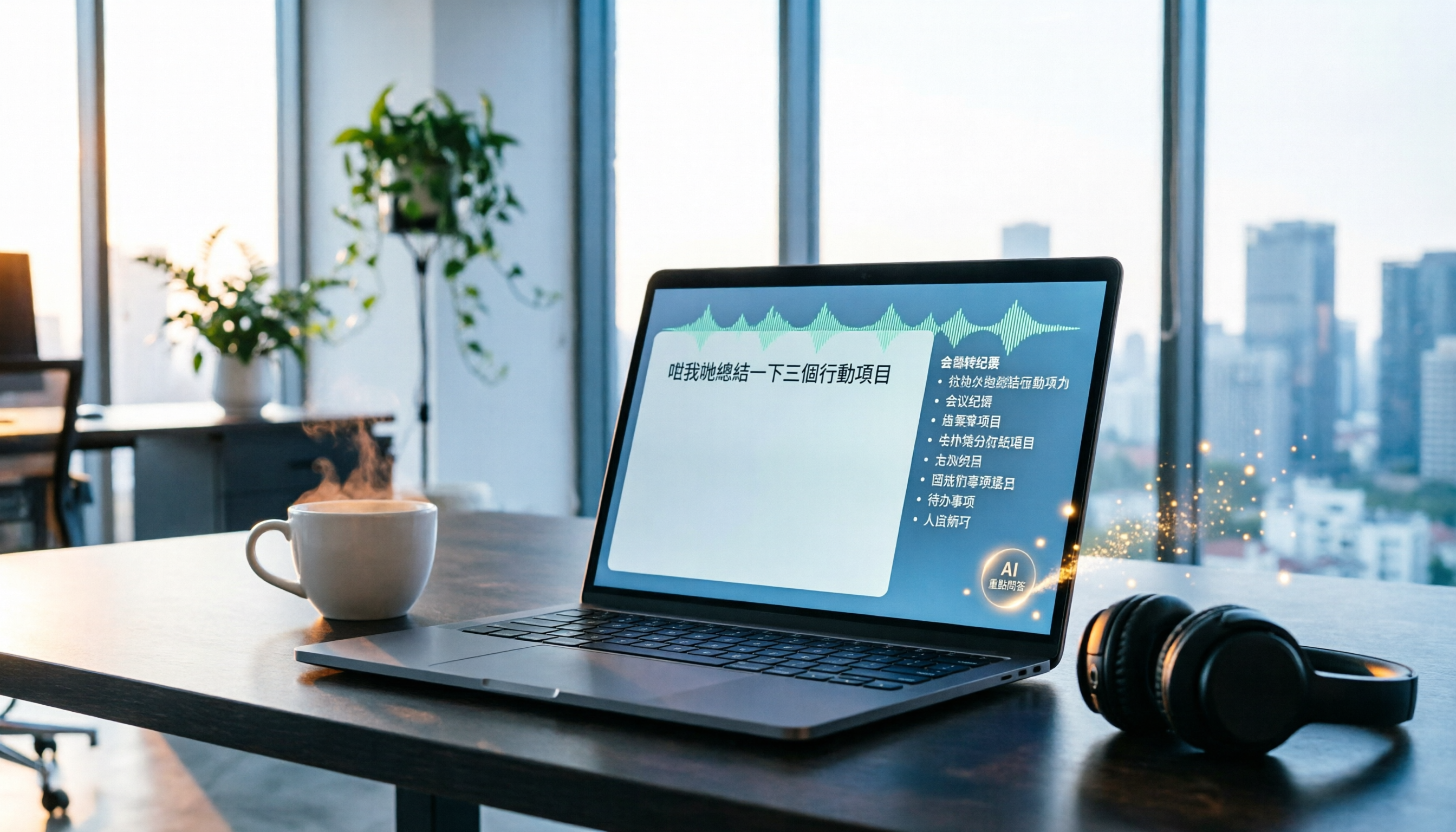
Record and Transcribe in Real Time + Automatic Post-Meeting Summary: When you attend a seminar or class, open Tinrec and it will record and display the transcript in real time. As soon as the meeting ends, the AI has already generated a summary, chapters, and action items—which speaker mentioned which paper, and what the key points for the next discussion are, all at a glance.
Upload Recordings or Parse Online Academic Videos: If you have past recordings or YouTube academic lectures and conference videos, just upload the file or paste the link, and Tinrec will transcribe and organize the key points. This is extremely useful for those who need to review a large amount of literature or collect research materials.
AI Chat Query: After recording, you can directly ask Tinrec: "Who mentioned the control group design in the experiment?" or "What follow-up research projects were decided in the meeting?" It will give you answers based on semantics, so you don't have to manually search the transcript. Among similar tools, few can handle mixed Chinese-English queries like this.
Stop organizing recordings by hand
Upload audio or video and automatically get a transcript, summary, and action items
Hands-On Testing Insights (tested in a typical academic conference environment, recorded on iPhone with slight background air conditioning and keyboard noise): Transcription of mixed Chinese-English speech was stable, and recognition of proper nouns was decent. The AI summary captured the discussion context rather than just piecing together sentences.
Pros:
- Multiple input sources: real-time recording, file upload, and web links are all supported, so academic material organization is centralized
- Excellent support for Chinese and mixed Chinese-English scenarios, with smooth Traditional Chinese recognition
- AI summaries, chapters, action items, and Q&A features significantly reduce post-meeting organization time
Cons:
- The free tier offers 100 minutes per month, which may not be enough for intensive conference attendance or long seminars, but it's sufficient for graduate students attending two or three meetings a week to try it out
- Accuracy can still be affected by heavy accents or extremely noisy environments; we recommend verifying important details against the original audio
Who Is It For? If you frequently attend academic conferences with mixed Chinese and English, need to quickly organize recordings, or want to extract notes from online academic videos, Tinrec is currently the closest match to academic needs.
What Other Options Are There Besides Tinrec?
Otter.ai: An AI tool focused on English meetings, automatically joining Zoom/Teams, with excellent transcription and summarization quality in English environments. The free tier offers a generous 300 minutes per month. However, note that it doesn't support Chinese and cannot parse online videos. If your meetings are primarily in English and don't involve Chinese content, Otter.ai is a backup option. But if Chinese is often spoken in your meetings, Tinrec offers more comprehensive performance.
Notta: Strong transcription and translation capabilities, supports multiple languages, and offers meeting transcription and file upload. However, Notta's free tier is only 120 minutes per month, which runs out quickly. Additionally, it lacks an AI chat query feature; you can only manually search the transcript, not ask questions directly like with Tinrec. It's suitable for users who need translation features and are willing to pay.
Fireflies.ai: A typical meeting bot that automatically joins online meetings and generates minutes, with robust team collaboration features. However, based on user feedback, its transcription and summarization of Chinese content is less stable than tools specifically optimized for Chinese, and it doesn't support direct transcription from online video links. If your academic meetings are all in English and conducted online, it's worth considering; otherwise, Tinrec is more flexible.
Pitfall Guide: 4 Common Mistakes When Choosing an Academic Meeting Note Tool
1. Only Looking at Transcription Time, Not Organization Capabilities Many tools emphasize "unlimited minutes," but you still have to organize the content yourself afterward. Tools that can automatically produce structured summaries and action items are what truly save time.
2. Ignoring Cross-Platform Export If a tool can't export summaries to Notion or Google Docs with one click, you'll have to copy-paste and reformat, which is more hassle. Check which export options are supported before purchasing.
3. Buying an AI Tool but Only Using It for Transcription Using these services only as transcript generators means you're only using 30% of their potential. Try the AI query feature: "What was the conclusion of this meeting?" You'll find that reviewing meetings becomes much more efficient.
4. Chasing "Unlimited Free" at the Expense of Accuracy Free and good is ideal, but if the free version's accuracy is poor, you'll spend extra time proofreading, which defeats the purpose. We recommend trying the free tier first to verify transcription quality before deciding.
Summary: Which One Should You Choose?
There's no absolute winner among academic meeting note tools; the key is your use case.
- Need mixed Chinese-English transcription + AI summaries + slide/video organization → Tinrec (most comprehensive, best fit for academic scenarios)
- Pure English online meetings, need auto-join and team collaboration → Otter.ai (mature English ecosystem)
- Frequently need to translate meeting content and willing to pay → Notta (excels at translation)
- Large volume of pure English online meetings with emphasis on automation → Fireflies.ai (top choice for meeting bots)
For most academic professionals, Tinrec can handle in-person meetings, online meetings, recordings, and academic videos without additional hardware, and its AI summary and Q&A features significantly improve post-meeting organization efficiency. We recommend downloading the free version to try it—the 100 minutes per month is enough for two or three seminars or class recordings, so you can experience it firsthand before deciding to upgrade.
References
Turn every recording into actionable outcomes
Get 60 free transcription minutes when you sign in. No credit card required.
Related Reading
You might also like
2026 Tinrec Instant Recording: Cantonese Support & Auto Meeting Minutes
Tired of transcribing meeting recordings after hours? Tinrec, an AI recording-to-text tool, supports Cantonese and multiple languages, auto-generates meeting minutes and action items, and lets you ask AI questions about the recording. Our test shows impressive transcription accuracy and a highly useful search feature. We also compare other tools and share tips to avoid common pitfalls.

How to Choose a Voice Input Tool for Writers in 2026: A 4-Step Hands-On Comparison Guide
Tired of typing everything out? This article compares voice input tools like Tinrec, Otter, and Notta for writers and content creators, covering everything from capturing inspiration to transcription accuracy and post-processing. Learn how to find the best voice writing assistant in 4 steps.

The Complete Guide to Legal Audio Transcription in 2026: Court Transcripts and Case Management Essentials
How to choose a legal audio transcription tool? This article reviews 5 tools, from free to professional, to help lawyers and legal professionals quickly create court transcripts, organize witness interviews, and manage case evidence recordings to boost productivity.

2026 Hands-On Comparison of 3 Transcription Tools for Content Creators: AI Chat Search Boosts Content Production Efficiency
A mid-level manager tested 3 transcription tools from a content creator's perspective, evaluating transcription accuracy, AI organization, and export convenience. Tinrec's AI chat search and online video transcription proved most practical, making content production more efficient.

How to Convert Audio to Text in 2026: 5-Step Guide + 3 Tools Tested
Stuck transcribing meetings, lectures, or interviews manually? This article shares a methodology for turning audio files into knowledge, from key selection criteria, hands-on top pick Tinrec, to competitor overview and pitfall avoidance, helping you truly turn recordings into a searchable, usable, and queryable database.

2026 Hands-On Comparison of 3 AI Medical Scribe Tools: Which One Generates the Best Consultation Summaries?
Do doctors still need to manually write up consultation notes after seeing patients? This article compares three AI medical scribe tools for doctors in 2026—Tinrec, Otter.ai, and Notta—evaluating transcription accuracy, AI summarization, cross-platform support, and privacy/security to help doctors choose the best assistant for their consultation documentation.

Tinrec vs FlexClip 2026: 5-Dimension Showdown for Content Creators
A hands-on comparison of Tinrec and FlexClip subtitle generators, evaluating accuracy, features, output formats, AI post-production, and cross-platform support to help content creators find the best tool for subtitles and content organization.

2026 Screenwriting Audio-to-Text Tools: AI Summaries + Multi-Source Organization
Scriptwriting often requires organizing large amounts of interviews, meetings, or inspiration recordings. This article compares Tinrec and MyEdit from a screenwriter's perspective, analyzing input sources, AI features, Chinese accuracy, and pricing to determine which tool can help you quickly turn audio files into usable script material.

Tinrec vs Otter.ai in 2026: A 5-Dimension Comparison for Cantonese Users
Tired of working overtime on meeting minutes after endless meetings? Looking for a speech-to-text app but unsure which one fits? We tested Tinrec and Otter.ai, breaking down accuracy, AI features, Cantonese support, cross-platform capability, and free tier limits to help Hong Kong professionals find the best choice.