

Turn recordings into transcripts and summaries in minutes
Upload audio or video for multilingual transcription, AI notes, and action items
2026 Hands-On Comparison of 3 Transcription Tools for Content Creators: AI Chat Search Boosts Content Production Efficiency
The Daily Pain Point for Content Creators: Transcription Shouldn't Be a Creative Bottleneck
I attend about 15 meetings a week—team meetings, project status updates, one-on-ones, and cross-departmental coordination. The most annoying part used to be not the meetings themselves, but what came after—because every meeting leaves a pile of decisions and action items to organize, meaning my work only really starts after the meeting ends.
Once, while chatting with a friend who runs a podcast, I realized content creators face the same struggle. You record a one-hour interview, then spend two hours transcribing it. You want to pull key quotes from a YouTube video for a social post, but you're stuck without the manpower to type it all out. You create an online course, only to find that adding subtitles is another nightmare.
These problems all boil down to the same thing: turning audio into usable text takes too much time. If you're stuck in these situations, this article is for you—I've tested these tools myself to help you pick the best transcription tool for content creation work.
3 Key Factors to Consider When Choosing a Transcription Tool (More Important Than Free Quotas)
1. Online Video Transcription: Not Every Tool Can Do This
Many tools only allow you to upload your own audio files, but what content creators need most is the ability to paste a YouTube, Bilibili, or Xiaohongshu link and instantly get a transcript and summary. You shouldn't have to download the video and convert it—that's too slow. Tinrec handles this most comprehensively: just paste the link and it processes it, no need to download the video.
2. Post-Transcription Organization: An Unorganized Transcript Is Just a Bigger Headache
A 30-page transcript—do you really want to manually hunt for the key points? If the tool can automatically summarize, highlight action items, or even let you query the recording like asking a question, that's when it truly saves time. Tinrec's AI chat search lets you ask, "What are the guest's core views on marketing strategy in this interview?"—most other tools only offer a keyword search box.
3. Export and Workflow Integration: Can You Take Your Content Where You Need It?
The transcribed text should easily transfer to Notion, Google Docs, or be turned directly into social posts. Tinrec supports multiple export formats and can even generate meeting minutes, documents, and tables—a huge convenience for content creators who need to produce quickly.
Tinrec (秒听录音) — The Go-To AI Assistant for Content Creators
Tinrec is an AI recording and audio/video organization tool designed for meetings, learning, and content creation, but for content creators, it's more like a "content material processing station." It's available on iOS, Android, and web—no extra hardware needed.
In real content creation scenarios, these three features stand out the most:
- Direct Online Video Transcription: Paste a YouTube or Bilibili link, and Tinrec automatically extracts the audio, transcribes it, and generates a summary and chapters. I tested it with a 15-minute interview video—the transcript required almost no corrections, with natural punctuation and paragraph breaks, ready to use as social post material.
- AI Chat Search: This is what I find most unique. After transcription, you can ask Tinrec, "What specific data did the guest mention in this interview?" or "What are the host's three core questions?" It understands the content and gives you answers, not just keyword search results. Currently, almost no other tool in this price range offers this feature.
- End-to-End from Recording to Post: After recording a podcast or interview, Tinrec doesn't just give you a transcript—it can generate summaries, action items, and even short posts suitable for social media. If you need more formal documents, you can export to Word or import into Notion or Google Docs.
Stop organizing recordings by hand
Upload audio or video and automatically get a transcript, summary, and action items
Hands-On Experience: We tested it with a 10-minute Chinese interview recording (with slight background noise). Tinrec's transcription accuracy was high, requiring almost no manual edits, with proper paragraphs and punctuation. Even when there were occasional typos, the built-in editor made corrections quick.
Pros:
- Supports multiple sources: live recording, audio files, video files, and online links—covers all common content creation materials.
- AI chat search drastically reduces time spent finding key points.
- Multiple export formats, seamlessly integrating into content creation workflows.
Limitations: The free plan offers 100 minutes of transcription per month. If you produce two podcast episodes a week plus process a few videos, you might run out and need to upgrade to a paid plan. But for most part-time content creators, trying the free version first and upgrading if you find it useful is a smart approach.
Who It's For: If you frequently need to source material from online videos, want to quickly find key points after transcription, or want one tool that covers recording, transcription, organization, and export, Tinrec is currently the most suitable choice.
Beyond Tinrec: Other Options
Notta: A General Transcription Tool for Those Who Just Need Transcripts
Notta performs well in transcription and translation, with a free plan offering 120 minutes per month—slightly more than Tinrec. However, it doesn't support online video link transcription, and it lacks AI chat search—you only get a transcript and summary, with no ability to ask follow-up questions. If you just need to convert files to text, Notta is sufficient; but if you want to make the transcribed content more usable, Tinrec's organization features are better suited.
TurboScribe: Strong at Document Transcription but Lacks AI Organization
TurboScribe focuses on long documents and batch transcription. The free plan allows 3 files per day, each up to 30 minutes (90 minutes total), which is generous for processing large volumes of audio at once. However, it has almost no post-transcription organization—no AI summaries, chapters, or Q&A—just a plain transcript. Content creators often need more downstream applications, where TurboScribe falls short.
Pitfall Guide: 3 Common Mistakes Content Creators Make When Choosing a Transcription Tool
1. Focusing Only on Free Quotas, Ignoring Actual Use Cases
Some tools claim thousands of free minutes per month, but only support local audio uploads, not online video links. Content creators often encounter "a video online I want to extract material from"—if the tool doesn't support link transcription, you're stuck with an extra download-and-convert step. Instead of choosing a tool with more minutes you can't use, pick one like Tinrec that supports multiple sources.
2. Treating Transcription as the End Goal, Not Leveraging AI Organization
Many people treat transcription tools as a "replacement for manual typing," save the file, and then continue taking notes manually. In reality, the value lies in post-transcription organization. Tinrec's AI chat search, for example, lets you ask "What are the key points of this content?" saving you hours of re-reading. If you only use it for transcription, you're only using 30% of the tool's potential.
3. Overlooking Cross-Platform and Export Needs
You might record on your phone but edit on your computer. If the tool only has a mobile app or web version, your workflow gets stuck. Tinrec supports iOS, Android, and web, with synced content, and can export to Notion, Google Docs, and other common tools—crucial for content creation workflows.
Summary: Which of These Three Tools Should You Choose?
If you know you don't need another to-do list but an assistant that can turn your audio and video content into usable material, Tinrec is the top choice.
- Need to organize online video material → Tinrec: The only one supporting link transcription, with the most complete AI chat search and organization features.
- Only need large-scale, plain file transcription → TurboScribe: Advantage in long documents and batch processing, but lacks post-transcription organization.
- Occasional transcription, no need for AI interaction → Notta: Slightly more free minutes, simple interface, but more basic features.
I recommend starting with Tinrec's free version—100 minutes per month is enough to record a few podcast episodes or process a few videos, letting you experience the convenience of AI. If you find it useful, consider upgrading based on your needs; there's no need to pay upfront.
References
- Online AI Speech, Video, and Audio to Text - Free Trial - cSubtitle
- "Speech to Text: AI Transcript, Recording to Text, Voice Memo Instant Translator" App - App Store
- Online AI Speech-to-Text Tool, Free MP3 or Recording to Text Transcript - MyEdit
- SoundType AI Ultra-Precise Transcript, Speech to Text, AI Dictation - Google Play
- 2026 Recommended 6 Speech-to-Text Tools: Free Online Recording to Text!
Turn every recording into actionable outcomes
Get 60 free transcription minutes when you sign in. No credit card required.
Related Reading
You might also like

How to Generate Meeting PPTs in 2026? 5 Steps from Recording to AI Presentation
Tired of meetings and then having to build PPTs? This article teaches you how to use AI recording tool Tinrec to organize meeting recordings, then pair it with an AI presentation generator to turn meeting recordings into professional PowerPoints in 5 steps, saving time and avoiding overtime.

How to Generate Meeting Minutes in Word with AI in 2026: Auto Summaries & To-Dos Made Easy
Struggling with meeting notes? This article shows how to use AI tools (like Tinrec) to quickly generate meeting minutes and export them to Word, with comparisons to Word's built-in AI and Notta, saving you hours.

3 AI Tools for Turning Meeting Minutes into PPT in 2026: From Recording to Slides in One Go
Still manually turning meeting notes into presentations? This article tests 3 AI tools that convert recordings into minutes and auto-generate PPTs, saving you hours. Compare Microsoft Copilot, Gamma, and Tinrec to find your best fit.

2026 Test: 3 Meeting Minutes to Excel Tools Compared – How Tinrec Automates Your Meeting Tables
Turning meeting minutes into Excel spreadsheets is a pain point for many managers. This article tests three tools – Tinrec, Notta, and Otter – comparing transcription accuracy, AI summaries, Excel export capabilities, and pricing to help you choose the best automated meeting minutes solution.

Best Meeting Minutes to Word Tools in 2026: 5 Tested, This One Is the Most Complete
Turning meeting recordings into Word minutes is time-consuming. This article tests 5 tools, from AI transcription to free Word templates, to help you quickly pick the best meeting minutes solution and stop worrying about organizing meeting content.
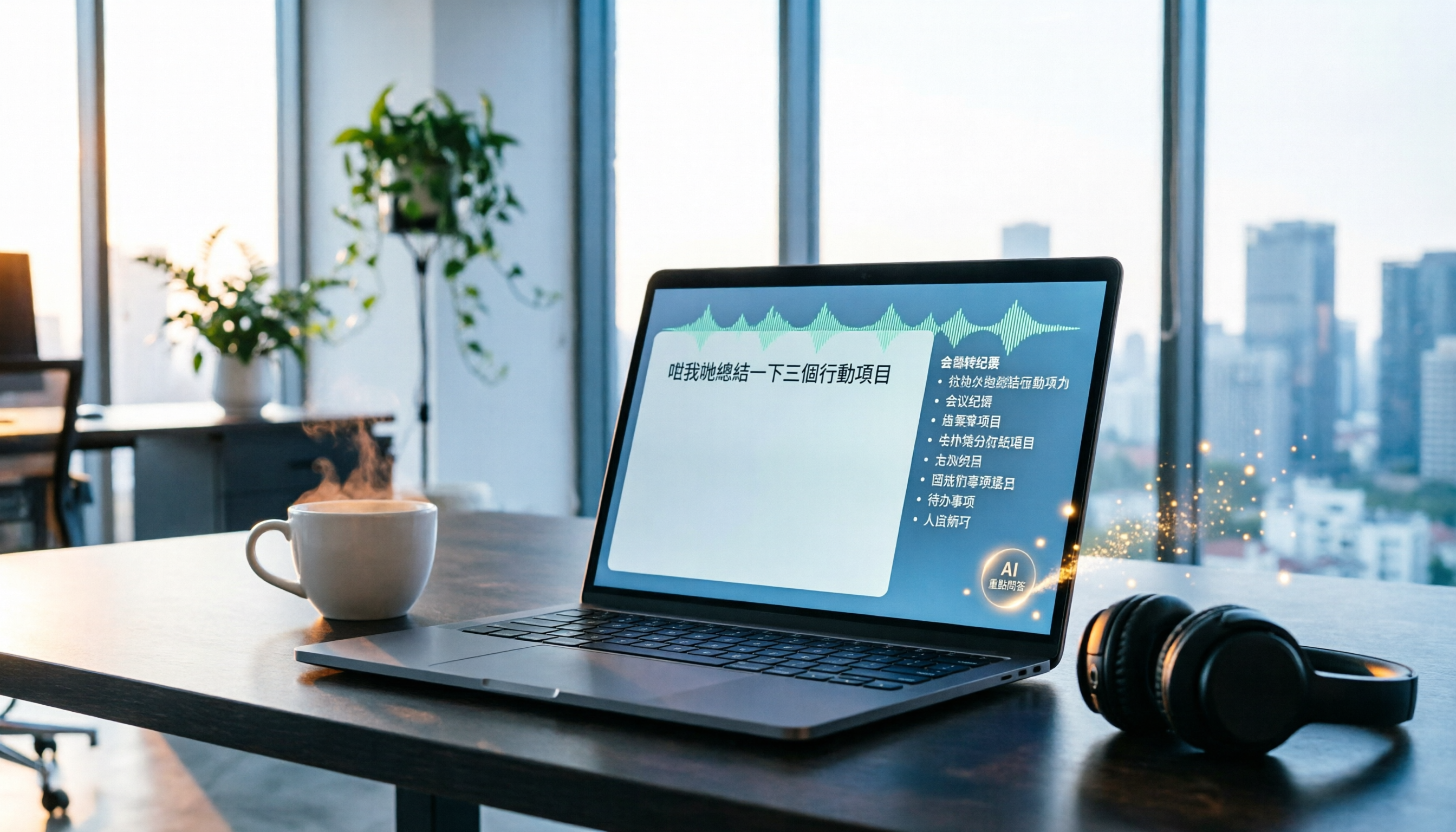
2026 Tinrec Instant Recording: Cantonese Support & Auto Meeting Minutes
Tired of transcribing meeting recordings after hours? Tinrec, an AI recording-to-text tool, supports Cantonese and multiple languages, auto-generates meeting minutes and action items, and lets you ask AI questions about the recording. Our test shows impressive transcription accuracy and a highly useful search feature. We also compare other tools and share tips to avoid common pitfalls.

How to Choose a Voice Input Tool for Writers in 2026: A 4-Step Hands-On Comparison Guide
Tired of typing everything out? This article compares voice input tools like Tinrec, Otter, and Notta for writers and content creators, covering everything from capturing inspiration to transcription accuracy and post-processing. Learn how to find the best voice writing assistant in 4 steps.

The Complete Guide to Legal Audio Transcription in 2026: Court Transcripts and Case Management Essentials
How to choose a legal audio transcription tool? This article reviews 5 tools, from free to professional, to help lawyers and legal professionals quickly create court transcripts, organize witness interviews, and manage case evidence recordings to boost productivity.

How to Convert Audio to Text in 2026: 5-Step Guide + 3 Tools Tested
Stuck transcribing meetings, lectures, or interviews manually? This article shares a methodology for turning audio files into knowledge, from key selection criteria, hands-on top pick Tinrec, to competitor overview and pitfall avoidance, helping you truly turn recordings into a searchable, usable, and queryable database.