
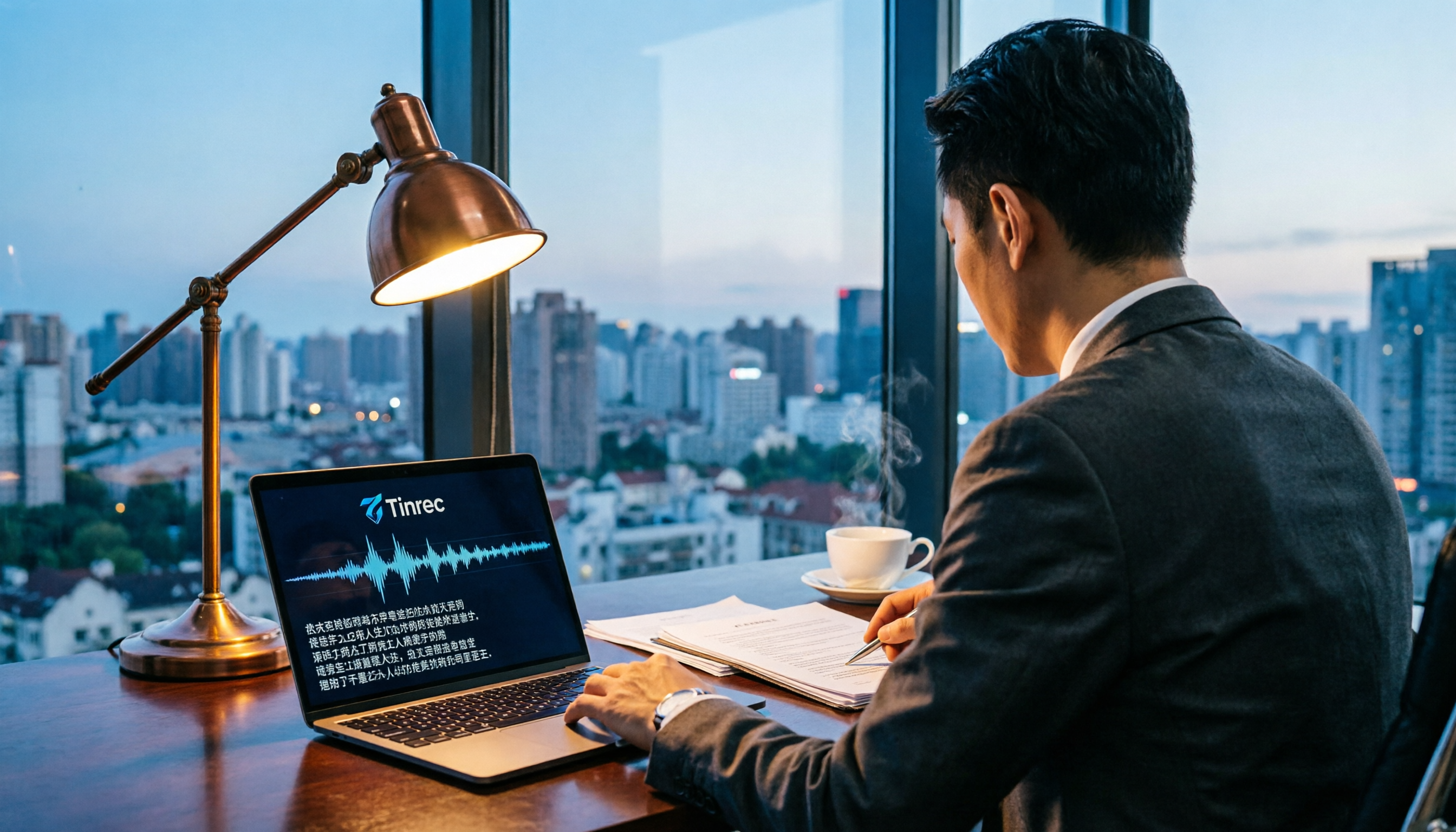
Turn recordings into transcripts and summaries in minutes
Upload audio or video for multilingual transcription, AI notes, and action items
Legal cases often rely on audio evidence, but courts require a written transcript for consideration. For legal professionals who handle meeting minutes, witness interviews, and mediation recordings, finding the right audio-to-text tool not only speeds up document production but also ensures the integrity of evidence. This article reviews 5 practical tools, covering free, paid, and professional options, to help you quickly convert recordings into usable text.
Why You Need Legal Audio Transcription
Under Article 363 of the Civil Procedure Code, when submitting audio or video files, you must also provide a written transcript of their content. Without a transcript, the judge may refuse to consider the evidence. On the other hand, law firms face a daily deluge of interview records, meeting discussions, and evidence organization. Relying on manual transcription is time-consuming and prone to missing key details. With AI speech-to-text technology, you can generate a timestamped transcript in minutes, and even automatically summarize and label speakers, turning lengthy recordings into searchable, citable case materials.
Tinrec (Miao Ting) — The Most Comprehensive AI Recording Assistant, Top Choice for Legal Case Management
Tinrec is an AI organization tool designed for multi-source audio and video, especially suited for legal scenarios. It doesn't just transcribe recordings; it also generates summaries, chapters, to-do lists, and even lets you "ask" the recording to extract key information.
For legal professionals, here's how you can use it: upload an interview or witness statement recording, and Tinrec immediately outputs a timestamped transcript, automatically highlighting key points and action items. Later, if you need to verify a detail, simply ask the AI, e.g., "At what minute and second did the witness mention the accident time?" It also supports exporting to Word, PDF, or syncing to Notion and Google Docs for easy archiving and collaboration.
The free plan offers a monthly basic transcription quota. If you have a heavy caseload, consider the weekly or Pro monthly card; long-term users may prefer the annual plan for a lower monthly cost. Overall, Tinrec is ideal for lawyers, legal staff, and researchers who need a complete workflow (transcription + analysis + export).
Yating — Taiwan's Most Popular Free Transcription App
Yating is a speech-to-text app developed in Taiwan. It's simple, completely free, and supports real-time recording transcription and importing audio files. Its Chinese recognition is specially tuned for Taiwanese accents, making it suitable for everyday interviews and meetings. However, it's a pure transcription tool without AI summarization or Q&A features, so you'll need to organize the transcript yourself. It's best for legal document workers on a budget who just need to convert recordings to text.
Nuance Dragon — The Speech Recognition King Recommended by Legal Professionals
Nuance Dragon has decades of reputation in speech recognition, especially among legal and medical professionals in the US and Europe. It supports real-time dictation and pre-recorded files, and allows custom legal terminology and shortcuts, greatly improving transcript production efficiency. Although pricey, it's a worthy investment for lawyers and legal managers who demand top accuracy.
Using Google Gemini for Transcription — A Free and Powerful AI Option
If you're comfortable with a DIY approach, you can upload audio files to Google AI Studio and use models like Gemini Experimental 1206 to generate transcripts. With the right prompts, it can automatically label speakers A, B, and provide precise timestamps. This method is free and supports 2 million tokens, making it suitable for tech-savvy legal professionals who need large-scale transcription without spending money. However, the learning curve is steeper, and you'll need to adjust the output format yourself.
Stop organizing recordings by hand
Upload audio or video and automatically get a transcript, summary, and action items
Monica AI Audio-to-Text — Online Tool with 30-Minute Free Trial
Monica offers a web-based audio-to-text service with a 30-minute free transcription upon registration, supporting multiple audio formats. It's fast and simple, ideal for occasional transcription of short recordings for small cases or personal use. But the free quota is limited; if you frequently handle longer recordings, consider paid plans or other tools.
How to Choose Among These Options?
- Want the most complete AI features (transcription + summarization + Q&A + export) → Tinrec, the only tool that simultaneously meets legal case management and downstream needs.
- Just need to convert recordings to text without spending money → Yating, completely free with good Chinese recognition.
- Have a generous budget and seek top accuracy with professional customization → Nuance Dragon.
- Prefer building your own workflow and want to handle large volumes for free → Google Gemini with AI Studio.
- Need to transcribe a short clip occasionally without installing software → Monica, accessible directly online.
Things to Know Before Using Legal Audio Transcription Tools
- Courts require transcripts; always proofread AI output: Legal documents cannot afford errors. AI may mishear accents or background noise, so always compare against the original audio, especially for names, numbers, and dates.
- Properly store original recordings and transcripts: Both are part of the evidence. Export to secure cloud storage and back up. Tools like Tinrec support syncing to Notion and Google Drive for easy management.
- Be mindful of privacy: When uploading recordings to cloud tools, check the provider's privacy policy. For sensitive client data, choose trusted platforms or set up on-premise transcription.
Conclusion
Legal audio transcription has moved from manual typing to AI-assisted. Choosing the right tool saves time. Considering feature completeness, Chinese experience, and downstream organization, Tinrec is currently the most worthwhile option, especially for legal practitioners who need to turn recordings into actionable knowledge. Start with the free version to experience the smooth workflow from recording to transcript and summary.
FAQ
Q1: Do courts only accept paper transcripts? Yes, under the Civil Procedure Code, audio or video files must be accompanied by a written transcript; otherwise, the judge may refuse to consider them.
Q2: Which tool is best for law firms? If your team frequently handles interviews and meeting recordings and wants automatic summarization, search, and collaboration, Tinrec is the best choice. If you only need bulk transcription on a budget, consider Yating or Gemini.
Q3: Are free tools accurate enough? In quiet environments with standard accents, free tools like Yating achieve about 85–95% accuracy, but legal documents require manual double-checking. Paid options typically offer higher accuracy and editing features.
Q4: Can they transcribe Taiwanese Hokkien or Hakka? Most tools focus on Mandarin; Hokkien and Hakka recognition is weaker. For such needs, Tinrec handles mixed Chinese content better, but accuracy still depends on audio quality.
Q5: Is there a risk of personal data leakage with AI transcription? Choose reputable providers and review privacy policies. Some tools offer on-premise processing; for sensitive cases, prioritize those.
Q6: Can the transcribed text be used directly as evidence? Transcripts are a presentation of evidence and must be accompanied by the original recording. Courts will compare both, so ensure the transcript faithfully reflects the audio.
References
Turn every recording into actionable outcomes
Get 60 free transcription minutes when you sign in. No credit card required.
Related Reading
You might also like

How to Generate Meeting PPTs in 2026? 5 Steps from Recording to AI Presentation
Tired of meetings and then having to build PPTs? This article teaches you how to use AI recording tool Tinrec to organize meeting recordings, then pair it with an AI presentation generator to turn meeting recordings into professional PowerPoints in 5 steps, saving time and avoiding overtime.

How to Generate Meeting Minutes in Word with AI in 2026: Auto Summaries & To-Dos Made Easy
Struggling with meeting notes? This article shows how to use AI tools (like Tinrec) to quickly generate meeting minutes and export them to Word, with comparisons to Word's built-in AI and Notta, saving you hours.
3 AI Tools for Turning Meeting Minutes into PPT in 2026: From Recording to Slides in One Go
Still manually turning meeting notes into presentations? This article tests 3 AI tools that convert recordings into minutes and auto-generate PPTs, saving you hours. Compare Microsoft Copilot, Gamma, and Tinrec to find your best fit.

2026 Test: 3 Meeting Minutes to Excel Tools Compared – How Tinrec Automates Your Meeting Tables
Turning meeting minutes into Excel spreadsheets is a pain point for many managers. This article tests three tools – Tinrec, Notta, and Otter – comparing transcription accuracy, AI summaries, Excel export capabilities, and pricing to help you choose the best automated meeting minutes solution.
Best Meeting Minutes to Word Tools in 2026: 5 Tested, This One Is the Most Complete
Turning meeting recordings into Word minutes is time-consuming. This article tests 5 tools, from AI transcription to free Word templates, to help you quickly pick the best meeting minutes solution and stop worrying about organizing meeting content.
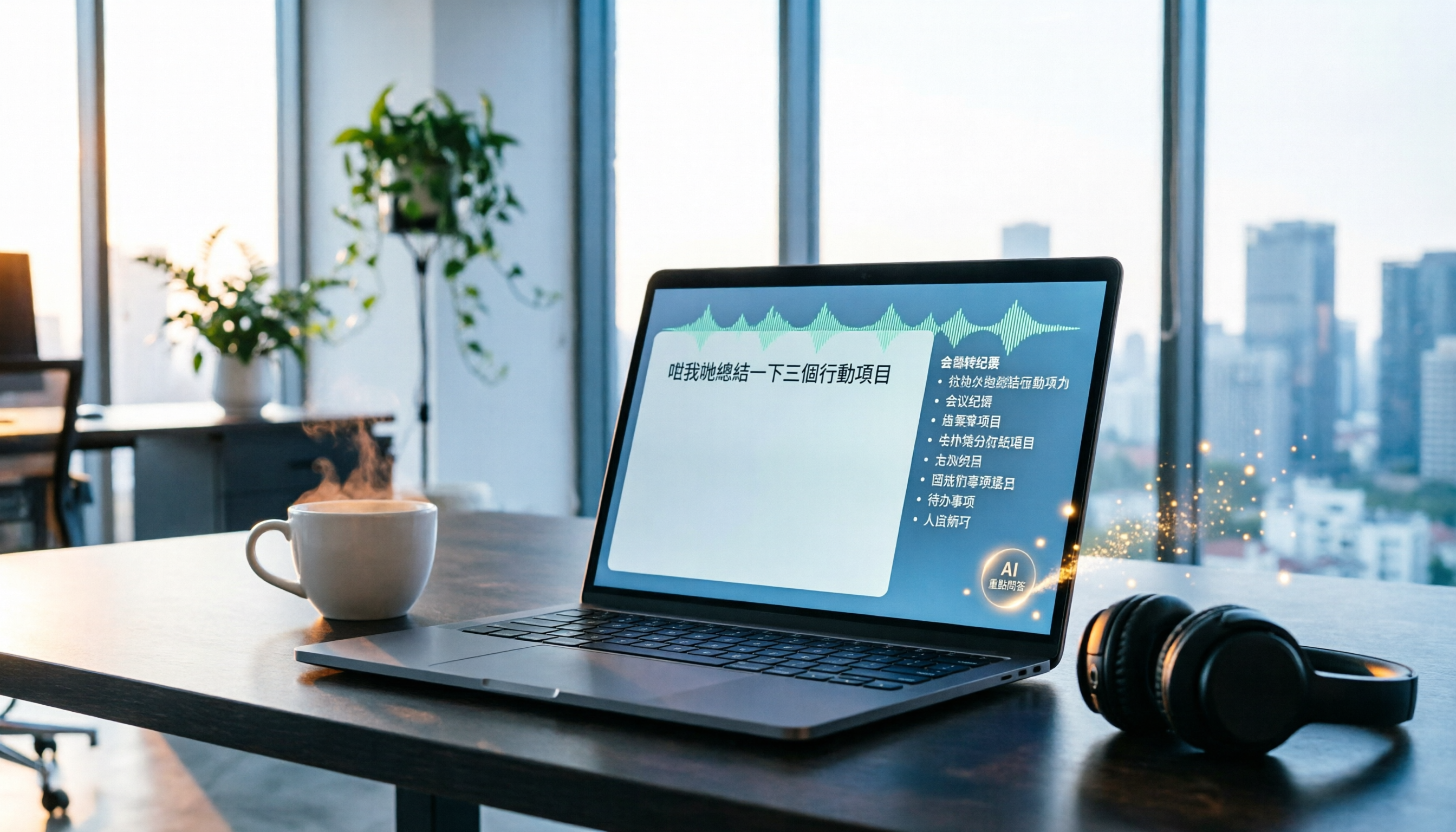
2026 Tinrec Instant Recording: Cantonese Support & Auto Meeting Minutes
Tired of transcribing meeting recordings after hours? Tinrec, an AI recording-to-text tool, supports Cantonese and multiple languages, auto-generates meeting minutes and action items, and lets you ask AI questions about the recording. Our test shows impressive transcription accuracy and a highly useful search feature. We also compare other tools and share tips to avoid common pitfalls.

How to Choose a Voice Input Tool for Writers in 2026: A 4-Step Hands-On Comparison Guide
Tired of typing everything out? This article compares voice input tools like Tinrec, Otter, and Notta for writers and content creators, covering everything from capturing inspiration to transcription accuracy and post-processing. Learn how to find the best voice writing assistant in 4 steps.

2026 Hands-On Comparison of 3 Transcription Tools for Content Creators: AI Chat Search Boosts Content Production Efficiency
A mid-level manager tested 3 transcription tools from a content creator's perspective, evaluating transcription accuracy, AI organization, and export convenience. Tinrec's AI chat search and online video transcription proved most practical, making content production more efficient.

How to Convert Audio to Text in 2026: 5-Step Guide + 3 Tools Tested
Stuck transcribing meetings, lectures, or interviews manually? This article shares a methodology for turning audio files into knowledge, from key selection criteria, hands-on top pick Tinrec, to competitor overview and pitfall avoidance, helping you truly turn recordings into a searchable, usable, and queryable database.