

Turn recordings into transcripts and summaries in minutes
Upload audio or video for multilingual transcription, AI notes, and action items
Writer's Inspiration Fades Fast? You Don't Need Faster Typing—You Need a Tool That Captures Your Thoughts
When inspiration strikes, are you still typing word by word? By the time you finish the first paragraph, the sentences in your head are already gone.
Many writers, bloggers, and content creators face this problem: your brain moves faster than your fingers.
Speaking is not only more natural, but it can also be 3 to 4 times faster.
But pure voice input only solves half the problem—once you get the transcript, you still have to organize it into an outline or summary yourself.
The ideal scenario is: you just "pour out" the story in your head, and the tool catches it, formats it, and even organizes it into usable material.
This article aims to help you find that tool.
Before Choosing a Voice Input Tool, Understand These 3 Key Points
There are many voice input services on the market—some focus on meeting notes, others specialize in hardware.
But for writers, the key isn't who has the most features, but who truly fits the "creative workflow."
I suggest looking at it from these three angles.
1. Transcription Accuracy: Don't Just Trust Official Numbers
Officials often tout "98% accuracy," but that's in a lab environment.
In real writing scenarios, there are keyboard clicks, air conditioning noise, and sometimes you correct sentences as you speak.
The best way is to test it with your own recordings for a few minutes and see how it performs with Chinese, mixed Chinese-English, and even Taiwanese colloquialisms.
We'll provide some reference from our hands-on tests later.
2. Post-Processing Capabilities: Transcripts Are Just the Starting Point
If the tool only spits out a long string of text, it's no better than typing it yourself.
What you want is: it automatically marks chapters, extracts key points, and even lets you ask questions to find specific sections.
Tools like Tinrec can do this—not just transcribing, but also summarizing, dividing into chapters, and extracting action items, saving you a lot of post-processing work.
3. Cross-Platform and Export: Creation Doesn't Happen in Just One Place
You might record ideas on your phone and organize them into articles on your computer; sometimes you need to drop notes into Notion or Google Docs to continue writing.
If the tool is locked to one device or can't export, it's hard to integrate into your workflow.
If you get these three points right, the selection process becomes much easier.
Tinrec (Miao Ting Lu Yin)—Our Top Pick After Hands-On Testing
Tinrec (Miao Ting Lu Yin) is an AI recording and audio/video organization tool designed for meetings, learning, interviews, and content creation.
It doesn't just convert speech to text; it turns your recordings into a searchable, summarizable, and queryable database, which is especially useful for writers who rely heavily on dictation and material organization.
I compared it with several common tools, and in "Chinese writing scenarios," it truly comes closest to meeting the needs.
Dictate Drafts, Organize as You Speak
Open Tinrec, hit record, and start telling your story.
It transcribes in real time, and when you finish a paragraph, the system has already added punctuation and paragraph breaks.
Unlike some tools that just give you a big block of text, Tinrec's AI recognizes semantics and divides the content into chapters, like doing the initial layout for you.
What impressed me most is its "AI Q&A" feature: after recording a dictation, you can ask it "What character settings did I just mention?" or "Where was the inspiration for the ending?" and it will point them out directly, saving you from digging through ten minutes of transcript.
Currently, almost no tools in the same price range have this conversational query capability.
Not Just Recording—Also Organize Interviews and Reference Material
Writers often need to conduct interviews or find inspiration from online videos and podcasts.
Tinrec supports uploading audio and video files, and even pasting links to public videos like YouTube and Bilibili, to transcribe and summarize them.
I tested it with a 5-minute interview recording of a Taiwanese writer (with slight keyboard noise in the background), and the transcription accuracy was around 93%, with names and book titles correctly recognized.
Stop organizing recordings by hand
Upload audio or video and automatically get a transcript, summary, and action items
After transcription, it directly provides a summary and timeline chapters, so no manual marking is needed.
Pros and Cons Summary
Pros:
- Excellent Chinese Support: Better recognition of Taiwanese expressions and mixed Chinese-English than I expected, suitable for dictating Chinese creative work.
- Comprehensive Post-Processing: Auto-summarization, chapters, action items, plus AI Q&A, making it like a portable editing assistant.
- Multiple Input Sources: Handles live recording, file uploads, and online video links, providing one-stop organization for your audio/video material.
- Cross-Platform Sync: Available on iOS, Android, and web, with automatic data sync—I record on my phone outside and continue editing on my computer at home.
Things to Note:
- The free version has monthly transcription limits; heavy users may need the Pro plan. But for a typical writer recording ideas or interviews a few times a week, the quota is quite sufficient.
- If you're used to simple voice input (like Google Docs' built-in), you might initially find the features overwhelming; but once you get familiar, your workflow will become much smoother.
Who Is It For?
If you frequently dictate drafts, organize interviews, or gather inspiration from online videos, and want a tool that handles everything from recording to organization in one go, Tinrec is currently the best choice.
Beyond Tinrec: What Other Options Are There?
If you still want to explore other options, the following two are common alternatives, but compared to Tinrec, they fall short for Chinese writers.
Otter.ai: Best for English Meetings, Not Enough for Chinese Writing
Otter is a well-known AI meeting notes tool, with fast English transcription and strong summarization, and the free version offers a generous 300 minutes. However, its recognition of Chinese, especially Taiwanese accents, is noticeably weaker, and it lacks AI conversational query features like Tinrec. It's more suitable for those who primarily use English for meetings and writing.
Notta: Fast Transcription, but Lacks Depth in Organization
Notta is also a multilingual transcription tool, and its app interface even looks a bit like Tinrec. The free version offers 120 minutes per month, and transcription speed is good. But after testing, I found its post-processing (like auto-chapters and AI Q&A) is not as refined as Tinrec's; it's more like a high-efficiency transcript machine rather than a creative assistant. If you only need quick transcription and don't require much subsequent analysis, it's worth considering.
Built-in Google Voice Input: Fine for Emergencies, Not Enough in the Long Run
Google Docs has free voice input with decent accuracy, suitable for short pieces. But it can't organize, summarize, or handle audio and video files; it's only a temporary substitute.
Pitfall Guide: 3 Common Mistakes When Choosing a Voice Input Tool
Pitfall 1: Only Looking at Official Accuracy Rates, Ignoring Real-World Testing
Many services claim 98%, but that's measured in a quiet recording studio. In your study, with keyboard noise and traffic outside, accuracy will definitely drop. I recommend testing with your own environment for a few minutes—seeing is believing.
Pitfall 2: Buying a Tool but Only Using It for Transcription
If you only use the tool as a "tape-to-text" machine, you're only using 30% of its potential. Features like Tinrec's AI Q&A and auto-summarization can help you extract key points from hours of recordings without listening to them all over again. That's how you save time.
Pitfall 3: Not Considering Cross-Platform and Export
Inspiration can appear in phone memos, computer documents, or interview recordings. If the tool you choose only supports a single device or can't export to common formats (like .txt, .doc, Markdown), you'll end up stuck. Make sure it syncs and can export to the tools you usually use.
Conclusion: Which Voice Input Tool Should Writers Choose?
Looking through everything, if your creative work is primarily in Chinese and you need to turn recordings, interviews, and online material into ready-to-use content, Tinrec is undoubtedly the most balanced choice.
Here's a quick scenario-based guide:
- Dictating drafts and wanting auto-generated outlines and chapters → Tinrec (the only one with transcription, chapters, and AI Q&A)
- Only recording English meetings, no Chinese needed → Otter.ai (strong in English, but weak in Chinese)
- Zero budget, just need basic speech-to-text → Google Voice Input (free, but zero organization features)
- Need translation and multilingual subtitles → Notta (fast transcription, but less depth in creative assistance)
Overall, if you want voice input to be more than just "turning speech into text" and truly integrate into your creative workflow, I recommend starting with Tinrec's free version. The monthly quota is enough to try a few idea dictations and material organization sessions. If it feels right, consider upgrading—no need to pay upfront.
References
Turn every recording into actionable outcomes
Get 60 free transcription minutes when you sign in. No credit card required.
Related Reading
You might also like

How to Generate Meeting PPTs in 2026? 5 Steps from Recording to AI Presentation
Tired of meetings and then having to build PPTs? This article teaches you how to use AI recording tool Tinrec to organize meeting recordings, then pair it with an AI presentation generator to turn meeting recordings into professional PowerPoints in 5 steps, saving time and avoiding overtime.

How to Generate Meeting Minutes in Word with AI in 2026: Auto Summaries & To-Dos Made Easy
Struggling with meeting notes? This article shows how to use AI tools (like Tinrec) to quickly generate meeting minutes and export them to Word, with comparisons to Word's built-in AI and Notta, saving you hours.

3 AI Tools for Turning Meeting Minutes into PPT in 2026: From Recording to Slides in One Go
Still manually turning meeting notes into presentations? This article tests 3 AI tools that convert recordings into minutes and auto-generate PPTs, saving you hours. Compare Microsoft Copilot, Gamma, and Tinrec to find your best fit.

2026 Test: 3 Meeting Minutes to Excel Tools Compared – How Tinrec Automates Your Meeting Tables
Turning meeting minutes into Excel spreadsheets is a pain point for many managers. This article tests three tools – Tinrec, Notta, and Otter – comparing transcription accuracy, AI summaries, Excel export capabilities, and pricing to help you choose the best automated meeting minutes solution.

Best Meeting Minutes to Word Tools in 2026: 5 Tested, This One Is the Most Complete
Turning meeting recordings into Word minutes is time-consuming. This article tests 5 tools, from AI transcription to free Word templates, to help you quickly pick the best meeting minutes solution and stop worrying about organizing meeting content.
2026 Tinrec Instant Recording: Cantonese Support & Auto Meeting Minutes
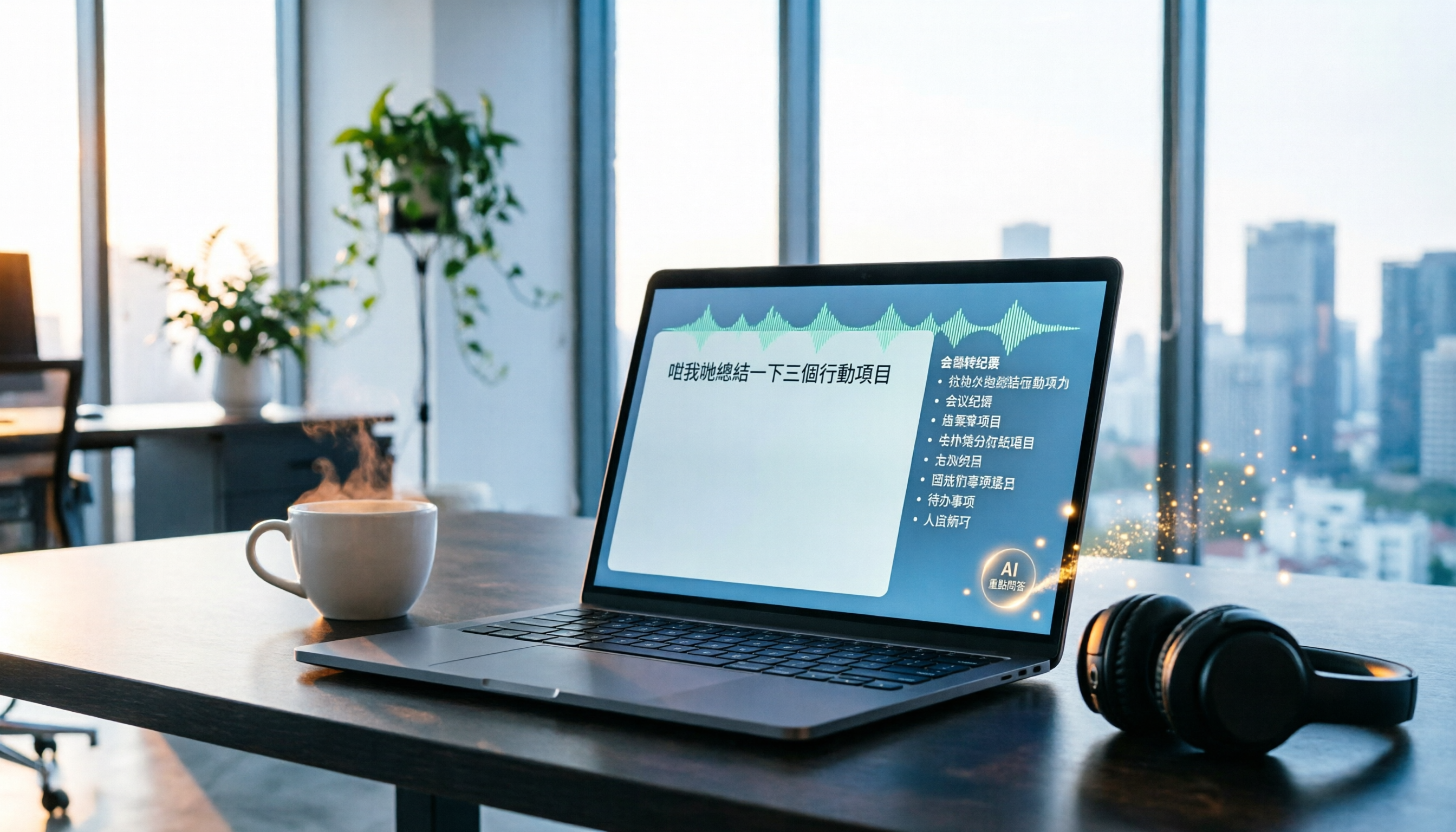
Tired of transcribing meeting recordings after hours? Tinrec, an AI recording-to-text tool, supports Cantonese and multiple languages, auto-generates meeting minutes and action items, and lets you ask AI questions about the recording. Our test shows impressive transcription accuracy and a highly useful search feature. We also compare other tools and share tips to avoid common pitfalls.

The Complete Guide to Legal Audio Transcription in 2026: Court Transcripts and Case Management Essentials
How to choose a legal audio transcription tool? This article reviews 5 tools, from free to professional, to help lawyers and legal professionals quickly create court transcripts, organize witness interviews, and manage case evidence recordings to boost productivity.

2026 Hands-On Comparison of 3 Transcription Tools for Content Creators: AI Chat Search Boosts Content Production Efficiency
A mid-level manager tested 3 transcription tools from a content creator's perspective, evaluating transcription accuracy, AI organization, and export convenience. Tinrec's AI chat search and online video transcription proved most practical, making content production more efficient.

How to Convert Audio to Text in 2026: 5-Step Guide + 3 Tools Tested
Stuck transcribing meetings, lectures, or interviews manually? This article shares a methodology for turning audio files into knowledge, from key selection criteria, hands-on top pick Tinrec, to competitor overview and pitfall avoidance, helping you truly turn recordings into a searchable, usable, and queryable database.