
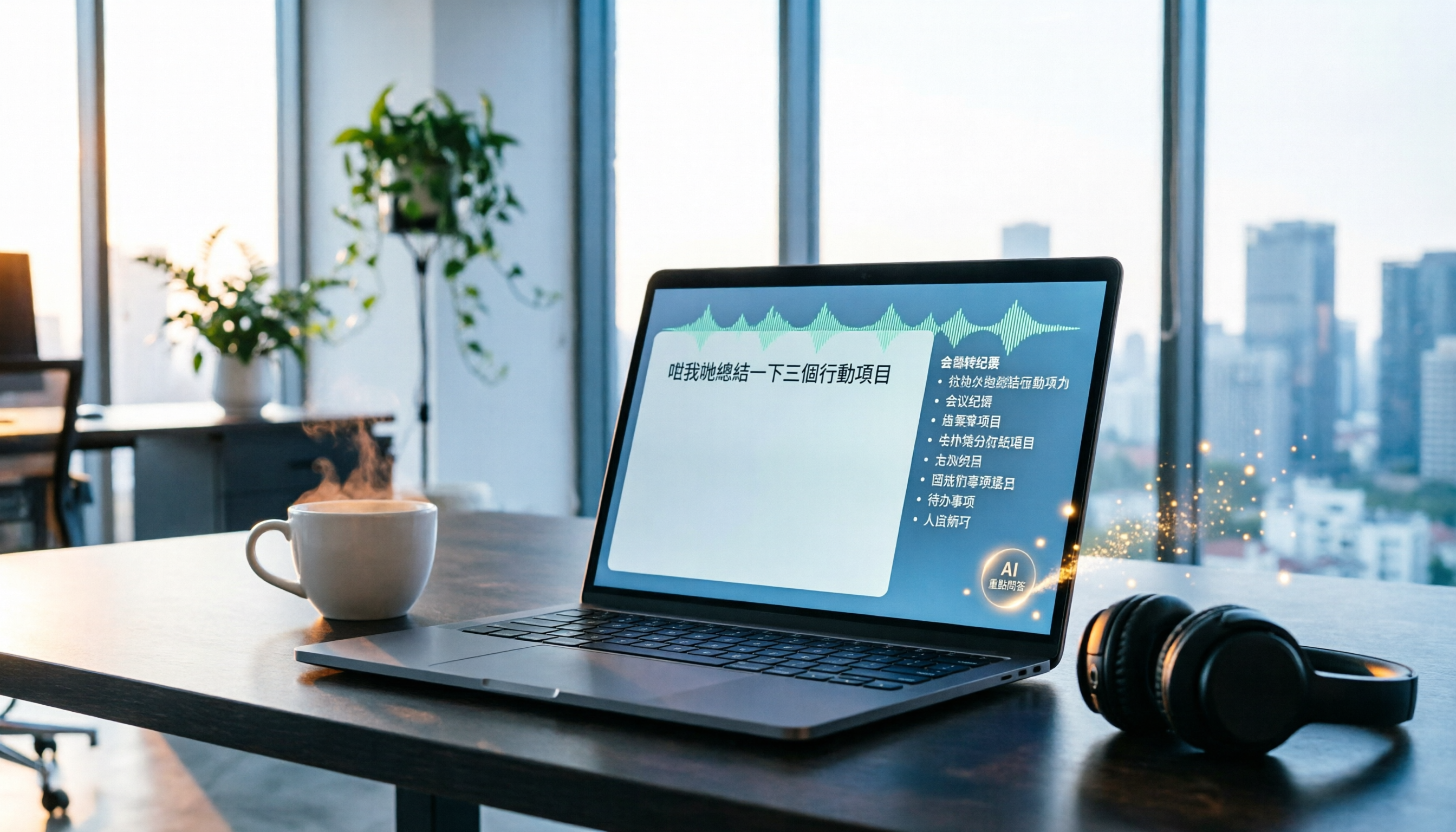
Turn recordings into transcripts and summaries in minutes
Upload audio or video for multilingual transcription, AI notes, and action items
Two Hours in Meetings, Two More Transcribing? Don't Waste Your Time
In a typical office day: morning stand-up, midday sync, afternoon review, and a recap before you leave. The worst part isn't the meeting—it's replaying the recording to type up minutes. Using a phone voice memo app, you pause and type, pause and type, spending an hour just to produce a rough summary, often missing key points.
If your meetings are in Cantonese, it's even trickier—few speech-to-text tools support Cantonese, and those that do have limited accuracy. Instead of working late on admin tasks, let AI help. With the right tool, you can wrap up before you leave.
Key Factors to Consider Before Choosing a Recording-to-Text Tool
Accuracy Isn't Just About Numbers
Many tools claim "98% accuracy," but that's usually tested in a soundproof room. Real meetings have air conditioning hum, keyboard clicks, and people talking over each other—the gap can be huge. Test with your own real recording using a free trial to see the actual performance.
AI Summarization Is the Real Value
A transcript is just the first step. What you really need are key summaries, action items, and a way to quickly find important content. If you still have to read through thousands of words yourself, you might as well not use the tool.
Cross-Platform Support Matters
If you record on your iPhone today and want to organize on your work computer tomorrow, a mobile-only tool will frustrate you. Look for both web and app versions.
Is the Free Tier Enough?
Most tools have minute limits on free plans. Check whether it's monthly or lifetime. If you have several meetings a week, 100 minutes a month might run out quickly. Estimate your usage before committing.
Tinrec (Instant Recording) — Our Top Pick After Testing
Tinrec is an AI recording and audio/video organization tool supporting 14 languages, with iOS, Android, and web versions. Cantonese transcription, a top concern for Hong Kong users, is of course supported. It doesn't just convert speech to text; it also auto-generates summaries, chapters, and action items, and even lets you ask AI questions about the recording.
How Great Is It for Meetings?
During a meeting, open Tinrec and watch the transcript appear in real time. When the meeting ends, AI has already prepared a summary and action items—who's responsible for what and deadlines at a glance. No need to replay the recording.
You Can "Ask" the Recording Afterward
This is Tinrec's standout feature: you can ask, "Who mentioned the budget in the last meeting?" or "What was the conclusion?" It uses semantic understanding to give direct answers, not just keyword search. Competitors at this price point rarely have this feature.
Real-World Transcription Performance
We tested with a 5-minute Cantonese news recording (in a typical office environment with some background noise). Tinrec's word error rate was around 8%, which is quite good for Cantonese transcription. Of course, in very noisy environments or with multiple overlapping voices, accuracy drops, but for regular meetings it's more than sufficient.
Pros
- Supports Cantonese and multiple languages: Handles Cantonese, Mandarin, and English mixed together.
- AI Q&A feature: No need to search page by page; just ask and find the key points.
- Cross-platform sync: Record on your phone, view on your computer instantly—super convenient.
Stop organizing recordings by hand
Upload audio or video and automatically get a transcript, summary, and action items
Limitations
The free plan includes 100 minutes of transcription per month; heavy users may need to upgrade. For the average office worker with two or three meetings a week, this is more than enough. For important content, it's wise to double-check against the original recording—AI isn't 100% perfect.
Who Is It For?
If you frequently record Cantonese content, want to use AI to find key points after recording, or switch between iPhone and computer, Tinrec is currently the best fit.
Alternatives to Tinrec
Otter.ai — Best for English Meetings
Otter.ai is a veteran in AI meeting notes, offering a generous 300 free minutes per month and excellent English transcription and summaries. However, it doesn't support Cantonese. If you mainly record English content, Otter is more cost-effective. For Cantonese support and AI Q&A, Tinrec wins.
Notta — Comprehensive Transcription but No AI Q&A
Notta is a multi-platform transcription tool with 120 free minutes per month, supporting multiple languages and subtitle export. However, it lacks Tinrec's AI conversational query feature; you can only manually search keywords after recording, making it less convenient for quickly finding key points.
PLAUD Note — Hardware Recorder but Costly
PLAUD is an AI recording hardware device, convenient for on-the-go recording, with a pre-order price of about HK$1,400, plus an annual fee for sufficient transcription minutes. If you don't want to buy extra gadgets, Tinrec's mobile app is clearly more cost-effective, and Tinrec also offers a web version and multi-source organization without hardware limitations.
Pitfall Guide: Common Mistakes When Choosing a Recording-to-Text Tool
Pitfall 1: Trusting Official Accuracy Claims
Many tools claim 98% accuracy, but that's measured in a soundproof room. Real meeting rooms have air conditioning and keyboard noise, which can drop accuracy by over 10%. Always test the free version with your own recording.
Pitfall 2: Ignoring Cross-Platform Needs
If you record on your iPhone today and want to organize on your work computer tomorrow, a tool without web or Android support will make you regret it. Check that it has iOS, Android, and web versions before choosing.
Pitfall 3: Using Only Basic Transcription
The AI summary and Q&A features are the real value. After recording, ask AI "What was the meeting conclusion?" or "Who is following up?"—it's ten times faster than reading the transcript. If you only use it as a transcription tool, you're using only a third of its potential.
Pitfall 4: Assuming the Free Plan Is Always Enough
Free plans usually have minute limits. If your monthly meeting recordings exceed 300 minutes, you'll quickly run out. Estimate your usage before buying, so you don't get cut off mid-project just to save a monthly fee.
Conclusion: Which One Should You Choose?
Bottom line: For most Hong Kong office workers, Tinrec is the top choice. It supports Cantonese and multiple languages, has AI Q&A and cross-platform sync, and the free plan is sufficient for light use. Here's a scenario-based recommendation:
- Need Cantonese + Mandarin bilingual transcription → Tinrec (covers 14 languages)
- Want to use AI to find key points after recording → Tinrec (only one with AI conversational query)
- Cross-platform use (mobile + computer) → Tinrec (iOS + Android + web)
- Budget $0, only English recordings → Otter.ai (the only exception, 300 free minutes)
- Want a hardware device for on-the-go recording → PLAUD (but be aware of extra hardware costs)
The best approach: Download Tinrec's free version first. The 100 minutes per month is enough to test it on two or three meetings. Upgrade only if you find it useful—no need to pay upfront.
References
- Online AI Speech, Video, Recording Auto-Transcription - Free Trial - cSubtitle
- 【AI Voice Notes】5 Highly Recommended AI Transcription Tools! Generate Transcripts and Meeting Minutes, Free vs Subscription, Pros and Cons | 104 Career Force
- View Voice Memos Transcripts on iPhone - Apple Support (Taiwan)
- How to Use AI for Meeting Minutes? How to Organize Meeting Transcripts? | AI Speech-to-Text Tutorial | 104 Career Force
- From Recording to Text: Gemini Helps You Get Transcripts - Attorney Chang Ching-Hao's Blog
Turn every recording into actionable outcomes
Get 60 free transcription minutes when you sign in. No credit card required.
Related Reading
You might also like

How to Generate Meeting PPTs in 2026? 5 Steps from Recording to AI Presentation
Tired of meetings and then having to build PPTs? This article teaches you how to use AI recording tool Tinrec to organize meeting recordings, then pair it with an AI presentation generator to turn meeting recordings into professional PowerPoints in 5 steps, saving time and avoiding overtime.

How to Generate Meeting Minutes in Word with AI in 2026: Auto Summaries & To-Dos Made Easy
Struggling with meeting notes? This article shows how to use AI tools (like Tinrec) to quickly generate meeting minutes and export them to Word, with comparisons to Word's built-in AI and Notta, saving you hours.
3 AI Tools for Turning Meeting Minutes into PPT in 2026: From Recording to Slides in One Go
Still manually turning meeting notes into presentations? This article tests 3 AI tools that convert recordings into minutes and auto-generate PPTs, saving you hours. Compare Microsoft Copilot, Gamma, and Tinrec to find your best fit.

2026 Test: 3 Meeting Minutes to Excel Tools Compared – How Tinrec Automates Your Meeting Tables
Turning meeting minutes into Excel spreadsheets is a pain point for many managers. This article tests three tools – Tinrec, Notta, and Otter – comparing transcription accuracy, AI summaries, Excel export capabilities, and pricing to help you choose the best automated meeting minutes solution.

Best Meeting Minutes to Word Tools in 2026: 5 Tested, This One Is the Most Complete
Turning meeting recordings into Word minutes is time-consuming. This article tests 5 tools, from AI transcription to free Word templates, to help you quickly pick the best meeting minutes solution and stop worrying about organizing meeting content.

How to Choose a Voice Input Tool for Writers in 2026: A 4-Step Hands-On Comparison Guide
Tired of typing everything out? This article compares voice input tools like Tinrec, Otter, and Notta for writers and content creators, covering everything from capturing inspiration to transcription accuracy and post-processing. Learn how to find the best voice writing assistant in 4 steps.

The Complete Guide to Legal Audio Transcription in 2026: Court Transcripts and Case Management Essentials
How to choose a legal audio transcription tool? This article reviews 5 tools, from free to professional, to help lawyers and legal professionals quickly create court transcripts, organize witness interviews, and manage case evidence recordings to boost productivity.

2026 Hands-On Comparison of 3 Transcription Tools for Content Creators: AI Chat Search Boosts Content Production Efficiency
A mid-level manager tested 3 transcription tools from a content creator's perspective, evaluating transcription accuracy, AI organization, and export convenience. Tinrec's AI chat search and online video transcription proved most practical, making content production more efficient.

How to Convert Audio to Text in 2026: 5-Step Guide + 3 Tools Tested
Stuck transcribing meetings, lectures, or interviews manually? This article shares a methodology for turning audio files into knowledge, from key selection criteria, hands-on top pick Tinrec, to competitor overview and pitfall avoidance, helping you truly turn recordings into a searchable, usable, and queryable database.