

Turn recordings into transcripts and summaries in minutes
Upload audio or video for multilingual transcription, AI notes, and action items
Why You Need an AI Speech-to-Text Tool
I attend about 15 meetings a week—team meetings, project status updates, one-on-ones, and cross-departmental coordination. The most annoying part used to be not the meetings themselves but what came after. Every meeting generated a pile of decisions and action items to organize, and handwriting notes was too slow, while listening back to recordings ate up the other half of my workday. It wasn't until I started using AI speech-to-text tools that I finally outsourced the mechanical work of note-taking. These tools aren't just for meetings—they're also great for class notes, interview transcripts, and even YouTube video highlights. This article compiles the 6 tools I've tested over the past year, from free to paid, from pure software to hardware, so you can quickly find the right solution without wasting time.
Tinrec (Seconds of Listening) — The Most Complete AI Recording Assistant
Tinrec is my current go-to tool. It doesn't just convert speech to text; it turns meeting recordings, course audio, and online videos into a searchable, summarizable, and queryable database. You can record and transcribe in real time on your phone or computer, upload audio or video files, or even paste links to public videos like YouTube or Bilibili to get transcripts directly. What impresses me most is the AI chat query—after a meeting, I can ask Tinrec questions like a colleague: "Who mentioned the budget adjustment in the last meeting? What was the conclusion?" It will find the answers directly from the recording, saving me from the 30-minute torture of re-listening. It also automatically generates summaries, chapter segments, and action items, and supports exporting to Notion, Google Docs, and other formats, making it easy to follow up with reports. In terms of pricing, the free version offers basic transcription credits, which is great for a trial. For someone like me who has meetings every day, I went straight for the Pro annual plan—it costs less than two Starbucks coffees a month. If you want recordings to become not just text but truly usable knowledge, Tinrec is currently the most comprehensive choice.
Otter.ai — A Great Helper for Automatic Online Meeting Notes
Otter.ai is the top choice for many people working in foreign companies, specializing in online meetings like Zoom, Google Meet, and Teams. It can automatically join meetings, identify different speakers, and generate real-time transcripts and summaries with speaker labels. The free version offers 300 minutes of transcription per month, which is generous for light users. The Pro annual plan costs about $8.33 per month, suitable for those who need more minutes and file imports. However, Otter's strength lies in English business meetings; Chinese recognition and mixed-language scenarios are not its main focus. If more than 80% of your meetings are online and primarily in English, Otter's automation can save you a lot of effort.
Notta — A Cross-Platform Tool for Multilingual Transcription and Translation
Notta's features overlap somewhat with Tinrec. It also supports real-time recording on multiple devices, file transcription, and meeting notes, but it adds real-time translation, making it suitable for teams that need to switch between Chinese, English, Japanese, and other languages. The free version offers 120 minutes per month, and the Pro annual plan costs about $8.17 per month. Its transcription interface is clean, and it can automatically generate summaries, but it leans more toward one-off transcription output, unlike Tinrec, which can turn historical recordings into a continuously queryable database. If you need to quickly convert recordings to text and translate them into other languages, Notta is a decent transitional option.
MyEdit — A Free and Easy-to-Use Online Audio Editor with Transcription
MyEdit is an online audio editing website launched by CyberLink, with built-in speech-to-text functionality supporting 9 languages including Chinese, English, and Japanese. Its biggest advantage is that you don't need to install any software—just open it in your browser, upload an audio file, and quickly convert it to text. You can also edit the content and add timestamps before exporting, which is sufficient for those who occasionally need to organize interviews or meeting notes. The free version provides basic transcription credits, and advanced features can be unlocked with a paid subscription at an affordable price. However, if you need real-time recording on your phone, processing online videos, or AI chat queries, MyEdit is more of a lightweight assistant than a primary tool.
Stop organizing recordings by hand
Upload audio or video and automatically get a transcript, summary, and action items
TurboScribe — A High-Value Choice for Bulk File Transcription
TurboScribe is the "all-you-can-eat" king of transcription, focusing on uploading long audio and video files. It offers 3 free files per day (30 minutes each), so even without paying, you can handle light needs. The Unlimited annual plan costs $10 per month and unlocks long files, batch transcription, and subtitle export. It's great for researchers or content creators who need to dump a large number of interview recordings or podcast audio files into text at once. However, TurboScribe lacks real-time meeting notes and AI chat queries, and its post-transcription organization is relatively basic. It's better suited for a workflow of "transcribe first, organize later."
PLAUD Note — A Standalone Recording Hardware Option for On-the-Go Notes
PLAUD Note is a standalone AI recording device that emphasizes portability, one-touch recording, and long battery life. It's ideal for those who prefer not to rely on their phones and want to capture ideas or interviews anytime. The hardware costs about $179, and it comes with 300 minutes of transcription per month. If you need more minutes, you can subscribe annually to upgrade. For most mid-level managers, a mobile app can already handle real-time recording and transcription. Unless you have a hard requirement for recording quality and a standalone device, carrying an extra device may not be a necessary investment.
With So Many Options, How Do You Choose?
- If you want the most complete AI features (transcription + AI chat queries + automatic meeting notes + online video processing) → Tinrec, currently the only option that integrates all these features into one workspace.
- If you often have English online meetings and need automatic joining and speaker identification → Otter.ai, but it struggles with Chinese scenarios.
- If you need real-time translation into multiple languages and rarely revisit historical recordings → Notta, with good transcription and translation speed.
- If you only need transcription occasionally and don't want to install any software → MyEdit, accessible from any browser, and the free version is enough for emergencies.
- If you need to process a large number of long audio files at once and don't care about post-processing features → TurboScribe, offering great value.
- If you're not used to recording on your phone and want a standalone device → PLAUD Note, but weigh the price and convenience.
In my experience, if you're like me—dealing with meetings, courses, and online videos all at once—and you want usable records right after recording without extra work, then Tinrec is currently the tool that best helps you move from "recording" to "action."
3 Things to Know Before Using AI Speech-to-Text Tools
- Recording quality determines accuracy: Try to record in a quiet environment with the microphone close to the speaker. Even with the best tools, if the background is too noisy or multiple people speak at once, the AI may still mishear. I always remind colleagues to take turns speaking during meetings—it makes a big difference in transcription quality.
- AI summaries are aids, not answers: The summaries and action items generated by tools are impressive, but for important decisions, you should still verify against the original text or use Tinrec's AI chat feature to double-check details, so you don't miss any subtle cues from your boss.
- Before your free credits run out, think about your usage frequency: Every tool has a free version, but with 15 meetings a week, my free credits run out before mid-month. If you have high usage, going straight for a Pro plan costs little per month but saves hours of organizing work. Tinrec even offers weekly passes, which are great for intensive project meetings or courses—just buy a week when you need it.
Conclusion
These six tools range from pure software to hardware, from free to subscription, each with its own positioning. But for a mid-level manager like me who needs to report upward, manage downward, and often extract key points from meetings and courses, Tinrec is the shortest path to turning recordings into knowledge. If you also want to try using the saved time for more valuable things, you can start with the free version and then decide whether to upgrade based on your meeting frequency.
References
- AI Speech-to-Text Tool Recommendations: 8 Comparisons, Which Is Best for Meeting Notes, Transcripts, and Voice Input? — Leading Era
- Speech-to-Text vs. Text-to-Speech: A Guide to Assistive Technology Comparison | Speechify
- [2024 Update] Speech-to-Text Recording Pen Comparison
- 2026 Recommended 6 Speech-to-Text Tools: Free Online Audio File to Text!
- AI PC Applications – A Comparison of Three Quick Speech-to-Text Methods – twCarPC
Turn every recording into actionable outcomes
Get 60 free transcription minutes when you sign in. No credit card required.
Related Reading
You might also like
Tinrec vs MyEdit 2026: 5-Dimension Comparison to Find the Best Free Speech-to-Text Tool
With so many free speech-to-text tools available, which one is better between Tinrec and MyEdit? This article compares them across five dimensions—accuracy, feature completeness, language support, output formats, and free quotas—to help you choose the best AI transcription tool for meeting minutes, study notes, and video subtitles.
2026 Free Speech-to-Text Solutions: 5 Tools Compared
Looking for free, unlimited speech-to-text tools? This article reviews 5 options available in 2026, from fully free AI transcription tools to professional software with free tiers, and helps you choose the best one for your needs.

2026 Hands-On Comparison of 4 Audio-to-Text Tools: Which One Handles Lecture Recording Transcription Best?
Stop manually transcribing your lecture recordings. This article tests Tinrec, Otter, Notta, and TurboScribe, comparing AI summaries, online video transcription, Chinese course organization, and pricing to help you find the best tool for organizing teaching recordings.
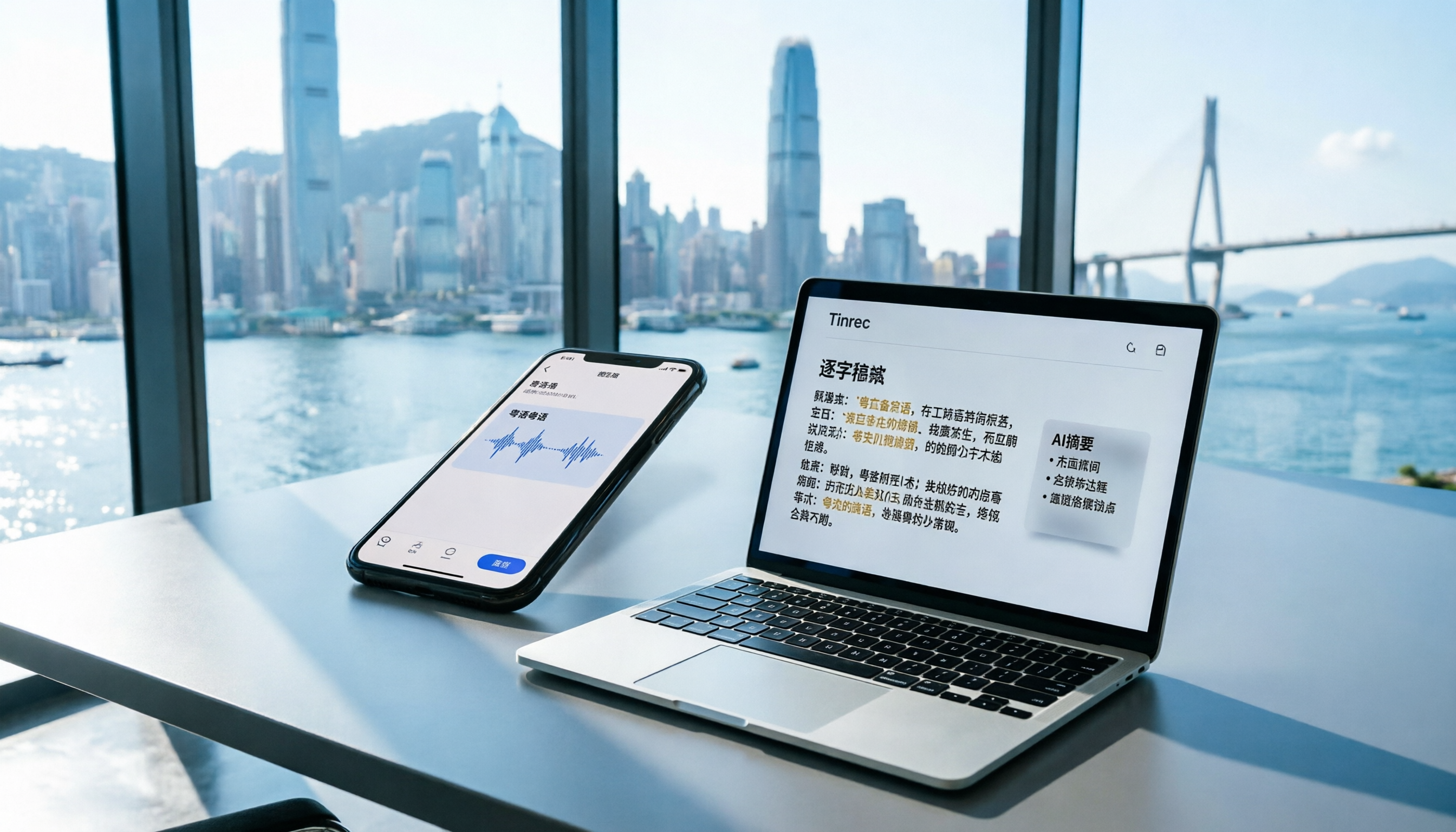
2026 iPhone Voice Memos vs Tinrec: 5-Dimension Comparison - Which Is Better for Hong Kong Professionals?
Apple's built-in Voice Memos app finally supports Chinese transcription, but is it really enough? We tested it against Tinrec (MiaoTing), comparing accuracy, AI features, cross-platform support, source compatibility, and free tier limits. Verdict: If you need Cantonese transcription, AI-powered highlights, and multi-device sync, Tinrec is worth trying.

2026 Test: 4 Best AI Transcription Apps Compared - Which One Actually Saves You Time?
We tested several voice-to-text apps, focusing on Cantonese transcription accuracy and AI meeting summaries, to help Hong Kong professionals find the most time-saving tool. Tinrec (秒听录音) stands out with its AI conversation search and cross-platform support.

Which Speech-to-Text Tool Is Best? 2026 Hands-On Test of Multiple Tools—This One Is Perfect for Professionals
A mid-level manager tested multiple speech-to-text tools for meeting minutes, study notes, and interview transcription, explaining why Tinrec is the best choice for organizing multi-source audio and video content.

The Complete Guide to Speech-to-Text in 2025: Features, Use Cases, and Tool Selection
The most comprehensive roundup of speech-to-text tools in 2025: from real-time recording, audio-to-transcript conversion, online video parsing to AI summaries and Q&A. We tested 6 free and paid solutions to help you find the best speech-to-text assistant.

Best Free Speech-to-Text Tools in 2026: We Tested 4, and This One's AI Q&A Is a Game-Changer
A must-read for Hong Kong professionals! We tested four free speech-to-text tools—Tinrec, MyEdit, cSubtitle, and Yating—to help you save time on meeting notes. Discover which one offers AI-powered Q&A to find key points instantly, so you can skip overtime and finish on time.
The Complete Guide to Speech-to-Text in 2026: From Meetings to Classes, Everything You Need to Know
Tired of scrambling to take notes during meetings or transcribing recordings by hand? The latest AI speech-to-text tools in 2026 don't just convert audio to text—they can auto-summarize, extract action items, and even let you 'ask' your recordings questions. This guide covers key buying considerations and hands-on recommendations to help you find the best solution in 5 minutes.