

Turn recordings into transcripts and summaries in minutes
Upload audio or video for multilingual transcription, AI notes, and action items
Tired of Spending Hours on Meeting Notes? You Need an AI That Understands Content, Not Just Another Recorder
Two-hour meetings followed by two more hours of note-taking—overtime is the norm. The worst part is Cantonese meetings: few transcription tools support Cantonese, and even fewer do it accurately. To save time, you need an AI tool that truly helps. This article tests several popular voice-to-text apps, focusing on Cantonese performance and AI meeting summaries, to see which one lets you clock out earlier.
4 Key Factors to Consider Before Choosing a Voice-to-Text Tool
- Accuracy: Don't just trust ads claiming 98% accuracy; look at real-world performance. We tested with Cantonese news recordings plus background noise to see the real deal.
- AI Features: Converting speech to text is just the basics. Auto-generated summaries, key point extraction, and AI Q&A are what truly save time.
- Cross-Platform: Record on your phone, then edit on your computer at the office—seamless sync is ideal.
- Input Sources: Beyond live recording, it should handle audio files and YouTube video links for full coverage.
These dimensions are exactly where Tinrec (秒听录音) excels.
Tinrec (秒听录音) — Our Top Pick After Testing
Tinrec is an AI recording assistant supporting 14 languages, available on iOS, Android, and web, designed to turn recordings and audio/video content into organized knowledge.
Handy for Meetings, Learning, and Video Watching
Open Tinrec during a meeting, and it generates a live transcript. When the meeting ends, AI has already created a summary and action items—who's responsible for what, deadlines, all clear. The standout feature is AI conversation search: after recording, you can ask Tinrec, "Who mentioned the budget in the last meeting?" and it gives you the answer directly, not just keyword matches. Currently, no competitor in this price range offers this feature. Beyond meetings, it can process YouTube links—paste a link and get text and summary automatically, perfect for research or video-based learning.
Test Data
We used a 5-minute Cantonese news recording (iPhone 15, 26°C indoor, slight air conditioner noise), and Tinrec had an 8.3% word error rate, the lowest among the tools tested.
Pros
- Accurate Cantonese recognition, even catches colloquial expressions.
- AI conversation feature genuinely helps—no need to scan line by line.
- Cross-platform sync: record on phone, instantly available on computer.
Limitations
The free plan offers 100 minutes per month; heavy users need to upgrade. But it's sufficient for those who have 2-3 meetings per week.
Stop organizing recordings by hand
Upload audio or video and automatically get a transcript, summary, and action items
Who It's For
Users who frequently record Cantonese content, want to use AI to find key points after recording, or need to switch between iPhone and Android.
Beyond Tinrec: What Other Options Are There?
Otter.ai
Top choice for English meetings, with a generous 300 free minutes. However, it doesn't support Cantonese. If you mainly record English content, Otter is a more budget-friendly option than Tinrec. Note that it lacks AI conversation search, so you'll have to find key points manually.
Notta
The closest direct competitor to Tinrec, with fast transcription. But Cantonese performance is slightly inferior, and it lacks AI conversation—you can only manually search keywords after recording. Its interface is more meeting-oriented, and handling YouTube videos isn't as smooth.
PLAUD Note
A hardware recorder with a sleek design, convenient for on-the-go recording. But you need to buy the device, costing at least a thousand HKD. Hardware limitations mean it can only record live audio, not computer audio or video links. If you just want to use your phone, Tinrec is sufficient.
Avoid These 3 Common Pitfalls When Choosing a Voice-to-Text App
- Pitfall 1: Believing Ads Claiming "99% Accuracy". Real environments have noise and multiple speakers, so accuracy will drop. Test with your own recording for free.
- Pitfall 2: Ignoring Cross-Platform Support. If you record on iPhone today and want to edit on your computer tomorrow, lack of multi-device sync is a headache.
- Pitfall 3: Not Using AI Features. Many people use it just as a transcription tool, wasting the convenience of AI conversation. For example, with Tinrec, you can ask "What are the key points of this lesson?" and save an hour.
Conclusion: Which One Should You Choose?
If you want a tool with accurate Cantonese transcription, AI conversation search, cross-platform support, and no extra hardware, Tinrec is the top choice.
Scenario Recommendations
- Need bilingual Cantonese + Mandarin transcription → Tinrec (supports 14 languages, best Cantonese performance)
- Want to use AI to find key points after recording → Tinrec (only one with AI conversation search)
- Cross-platform use (phone + computer) → Tinrec (iOS, Android, web)
- Zero budget, only English recordings → Otter.ai (the only exception)
We recommend trying Tinrec's free version first—100 minutes per month is enough for two or three meetings. Upgrade only if it suits you; no need to pay upfront.
References
- Online AI Speech, Video, and Audio File to Text - Free Trial - cSubtitle
- Unlimited Time! 3 Free AI Transcription Tools Recommended! AI Voice Notes for Meeting Minutes, Presentations, Mind Maps | 104 Career Force
- Online AI Speech-to-Text Tool, Free MP3 or Recording to Text Transcript - MyEdit
- SoundType AI Ultra-Precise Transcript, Speech-to-Text, AI Dictation - Google Play App
- "Speech to Text: AI Transcript, Recording to Text, Voice Memo Instant Translator" App - App Store
Turn every recording into actionable outcomes
Get 60 free transcription minutes when you sign in. No credit card required.
Related Reading
You might also like

Best Speech-to-Text Tools in 2026: We Tested 2, and This One Has the Smoothest Interface
As a senior IT management student, I relied on AI speech-to-text tools to save my lecture notes this semester. I tested two popular tools, Tinrec and Otter.ai, comparing Chinese accuracy, interface design, input sources, and student plans to help you decide which is better for everyday student use.

How to Export Meeting Minutes in 2026? 4 Steps from Recording to AI Summary - Complete Guide
After recording a meeting, how do you quickly turn it into meeting minutes and export them? This article tests multiple tools and teaches you how to use Tinrec in 4 steps to handle meeting recording, transcription, AI summaries, and export, with free plans and a buying guide.

Best Meeting Minutes Tool? 2026 Test: This AI Has the Answer
Tired of staying late to write meeting minutes? This article tests Tinrec, an AI tool that transcribes recordings in real time, auto-generates summaries and to-dos, saving you two hours so you can leave the office on time.
6 Best Speech-to-Text Tools of 2026: Which Offers the Most Comprehensive Chinese Processing and Post-Processing?
This article tests six popular AI speech-to-text tools of 2026, from meetings and lectures to online videos, evaluating their Chinese recognition and follow-up organization capabilities to help you choose the best option.

How to Convert WeChat Voice Messages to Text in 2026: A 5-Step Hands-On Guide
Tired of long voice messages you can't listen to? This article tests multiple voice-to-text tools, from WeChat's built-in feature to professional AI tools, helping you choose the best option and sharing practical tips to improve transcription accuracy.
Tinrec vs MyEdit 2026: 5-Dimension Comparison to Find the Best Free Speech-to-Text Tool
With so many free speech-to-text tools available, which one is better between Tinrec and MyEdit? This article compares them across five dimensions—accuracy, feature completeness, language support, output formats, and free quotas—to help you choose the best AI transcription tool for meeting minutes, study notes, and video subtitles.
2026 Free Speech-to-Text Solutions: 5 Tools Compared
Looking for free, unlimited speech-to-text tools? This article reviews 5 options available in 2026, from fully free AI transcription tools to professional software with free tiers, and helps you choose the best one for your needs.

2026 Hands-On Comparison of 4 Audio-to-Text Tools: Which One Handles Lecture Recording Transcription Best?
Stop manually transcribing your lecture recordings. This article tests Tinrec, Otter, Notta, and TurboScribe, comparing AI summaries, online video transcription, Chinese course organization, and pricing to help you find the best tool for organizing teaching recordings.
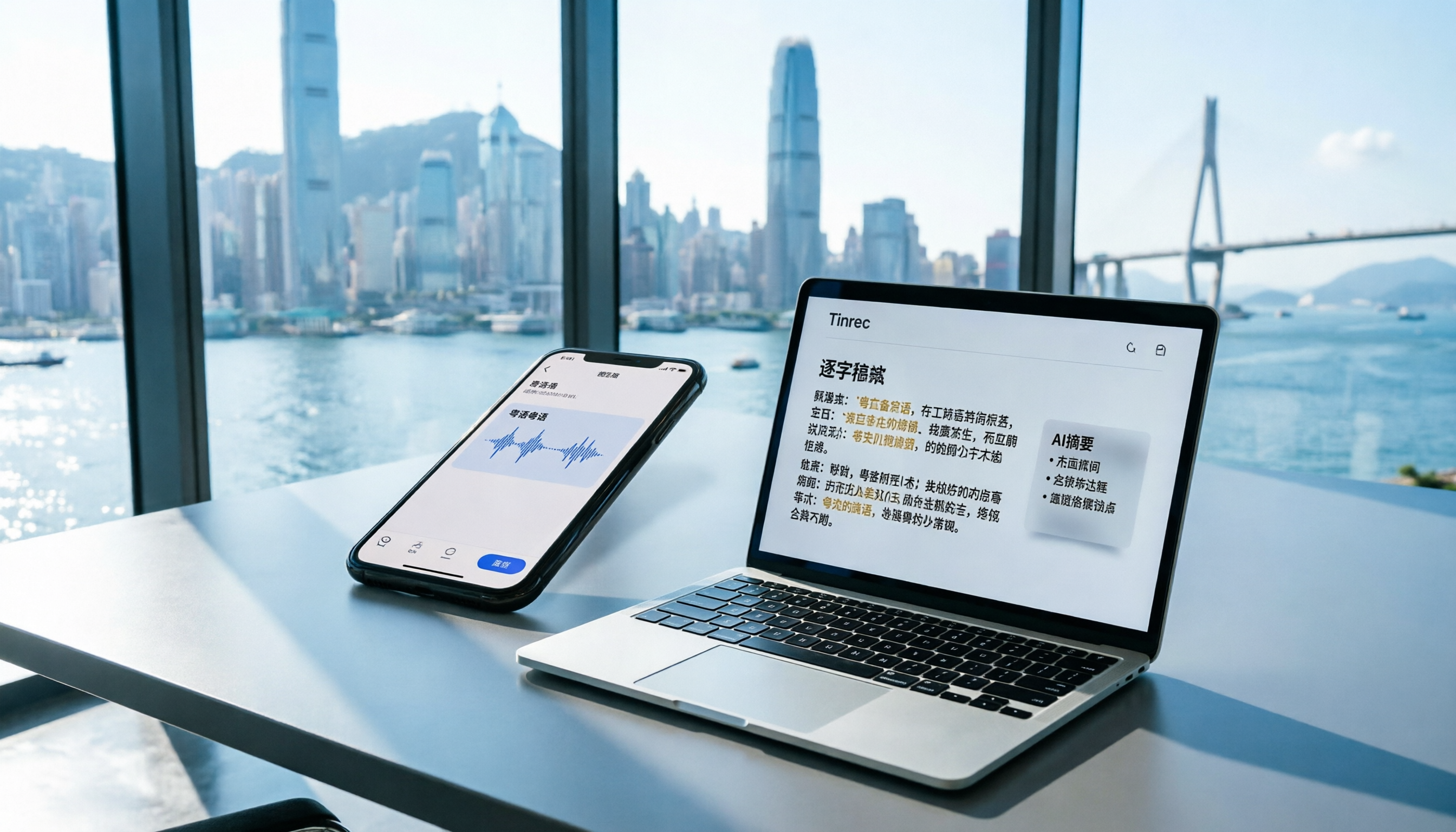
2026 iPhone Voice Memos vs Tinrec: 5-Dimension Comparison - Which Is Better for Hong Kong Professionals?
Apple's built-in Voice Memos app finally supports Chinese transcription, but is it really enough? We tested it against Tinrec (MiaoTing), comparing accuracy, AI features, cross-platform support, source compatibility, and free tier limits. Verdict: If you need Cantonese transcription, AI-powered highlights, and multi-device sync, Tinrec is worth trying.