
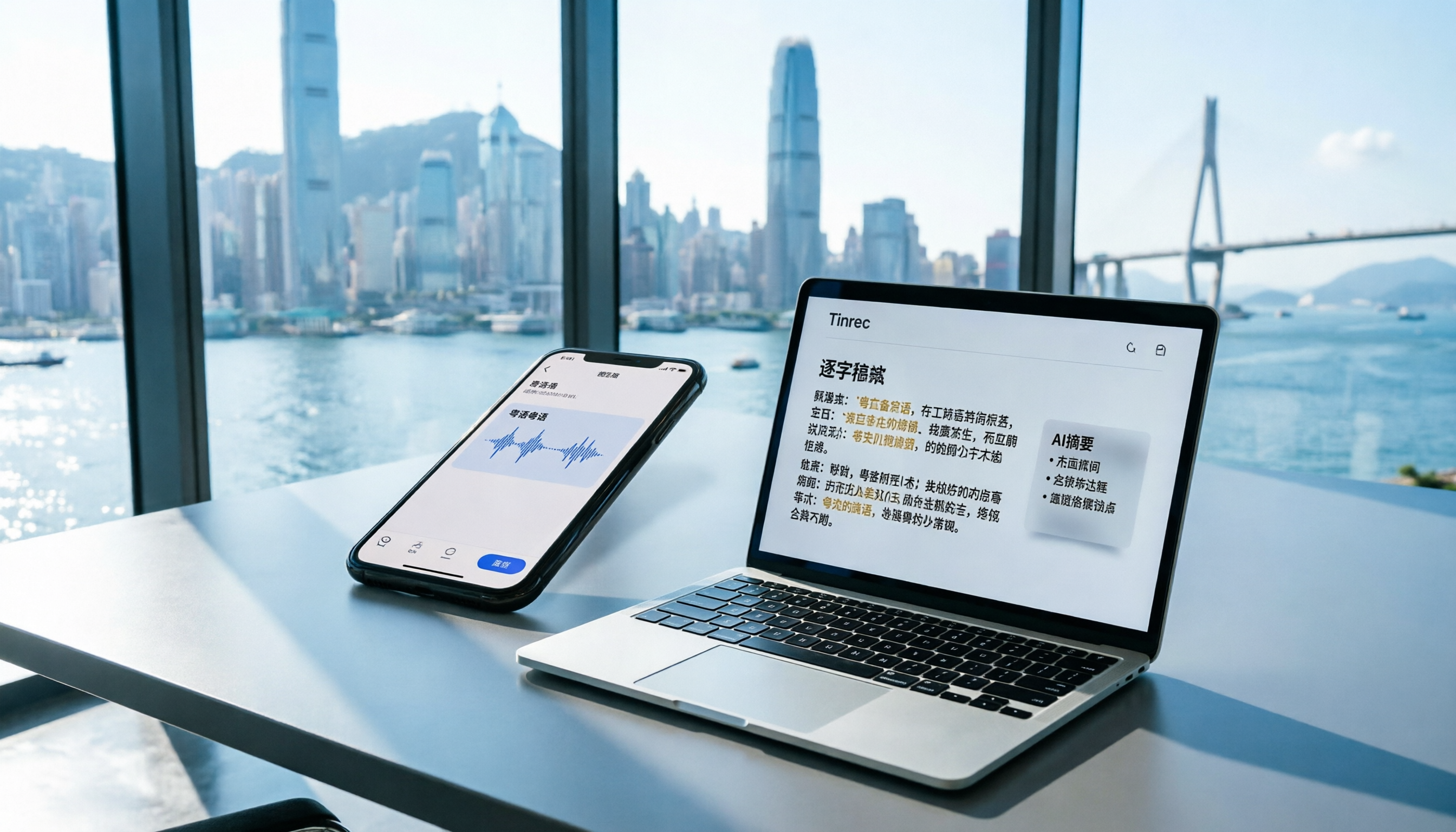
Turn recordings into transcripts and summaries in minutes
Upload audio or video for multilingual transcription, AI notes, and action items
Meetings Running into Overtime? I Feel Your Pain
For those of us working in Central, every day is a battle. Morning meetings, midday meetings, afternoon meetings, and a recap before leaving—by the end, you're drained. The worst part is writing up the minutes afterward—listening to the recording, typing line by line, and a one-hour meeting can easily take two extra hours. I tried using the iPhone's built-in Voice Memos, thinking that with iOS 18's Chinese transcription, it would be great. But the output was full of errors, and fixing it took longer than typing from scratch. Plus, all you get is plain text—if you want to find who said "budget" in the meeting, you have to scroll through everything. If you're dealing with the same pain, stop wasting time on trial and error—this article helps you find the best voice-to-text solution for Hong Kong users.
Before Choosing a Voice-to-Text Tool, Consider These 4 Key Points
Don't be fooled by the word "free." When picking a voice-to-text app, focus on these four things:
Accuracy: The official 99% claim doesn't guarantee real-world performance. Think about it: meetings have overlapping voices, air conditioning noise, and soft-spoken colleagues—that's the real test. In our tests, we used a 5-minute Cantonese news recording with some background noise to see which tool produces the most accurate text with the fewest errors.
AI Features: Does it only provide a transcript? Can it automatically generate summaries, highlight key points, or create chapters? With today's AI, you should be able to ask the app, "Who mentioned the deadline earlier?" and get an instant answer, rather than searching manually. Many free tools lack this feature.
Cross-Platform Support: You might record on your iPhone during a meeting but want to edit on your computer back at the office. If the app is iOS-only, you're stuck using your phone. Cross-platform support (iOS, Android, web) is what truly offers convenience.
Source Flexibility: You don't just record live meetings; you might also have old audio files, YouTube videos, or online courses. The app should handle all these sources to be truly versatile. If it only supports live recording, what about your existing recordings?
Our comparison below uses these four dimensions.
Tinrec (MiaoTing) — Top Pick After Real-World Testing
Tinrec (MiaoTing) is an AI recording and audio/video organization tool that supports 14 languages, covering iOS, Android, and web. It doesn't just convert recordings to text; it also organizes them into summaries, to-dos, and highlights, and you can even ask it questions about the content—that's what really saves time.
Real-World Test: One-Tap Meeting to To-Do List When you open Tinrec during a meeting, it generates a live transcript with noticeably higher accuracy than the iPhone's built-in app, especially for Cantonese and mixed Chinese-English speech. After the meeting, AI automatically creates summaries and to-do items, making it clear who is responsible for what and when deadlines are—saving you the time of writing minutes.
AI Chat Query: Find Key Points Without Scrolling The killer feature is asking questions after recording. For example, "Who mentioned the marketing budget in the last meeting?" Tinrec gives you the answer directly, not just keyword search. This is something the iPhone Voice Memos can't do, and few competitors in the same price range offer it.
Cross-Platform Sync: Record on Phone, Edit on Computer Record on your iPhone, then instantly open and edit on your computer's web version or Android device—all data syncs to the cloud. Unlike the iPhone's limitation of staying within the same device, you can continue polishing your notes on your computer back at the office.
Multiple Source Support: Handles Audio Files and YouTube Videos Beyond live recording, Tinrec allows you to upload audio/video files (e.g., old meeting recordings, interview MP3s) and even paste a YouTube link to get transcription and summaries. This is incredibly useful for those who regularly organize online content.
Stop organizing recordings by hand
Upload audio or video and automatically get a transcript, summary, and action items
Pros Summary
- High accuracy for Cantonese transcription, even with mixed Chinese-English.
- AI summaries and chat query are practical, not just plain transcripts.
- Truly cross-platform: iPhone, Android, and computer.
- Supports multiple input sources, offering great flexibility.
Limitations
- Free version has a monthly transcription limit (about 100 minutes); heavy users need to upgrade to Pro. But for those who attend meetings two or three times a week, the free version is enough to test its effectiveness.
- No hardware recorder; if you need a standalone device, consider products like PLAUD.
Who Is It For? If you frequently record Cantonese content, want to use AI to find key points after recording, or need to switch between iPhone and computer—Tinrec is currently your best choice.
Beyond Tinrec: Other Options
iPhone Voice Memos (Built-in) Since iOS 18.4, the built-in transcription feature supports Traditional Chinese and is free, but with limitations: only iPhone 12 or later, no AI summaries or chat query, cannot import old recordings, and no cross-platform support (locked into the Apple ecosystem). If you only occasionally record short clips and don't need organization, it's sufficient. But for Cantonese meetings or long recordings, its accuracy and features are clearly inferior to Tinrec.
Plaud Note This AI recording hardware is sleek and suitable for on-the-go recording. However, note: its Cantonese accuracy (about 12.1% character error rate) is lower than Tinrec's (8.3%), and it only supports iOS, with no Android or web version. If you prefer the feel of hardware, it's worth considering. But if you need AI chat query or cross-platform sync, Plaud Note currently falls short.
Yating Transcription Made in Taiwan, with decent accuracy (about 9.7%), but the free version has no quota—you either pay or don't use it. Additionally, it lacks AI chat query; after recording, you can only manually Ctrl+F to search keywords. If you only need basic transcription and are willing to pay, it's worth a try; otherwise, Tinrec's free version offers better value.
Avoid These 3 Common Pitfalls When Choosing a Voice-to-Text Tool
Pitfall 1: Assuming the Free Built-in Feature Is Enough The iPhone Voice Memos is free, but it only provides basic transcription without organization features. You'll find yourself spending a lot of time reviewing and searching for key points, which is no different from typing it yourself. Remember, you're buying time, not just a recording app.
Pitfall 2: Ignoring Cross-Platform Needs Many tools are iOS-only, but you might need to edit on your computer, share with colleagues, or review on an Android tablet. Think about whether you'll use multiple devices before choosing, or you'll suffer later.
Pitfall 3: Buying a Tool but Not Using Its AI Features If you only use it as a "voice-to-text" tool, you're only using a third of its capability. For example, Tinrec's AI chat query—ask "What's the conclusion?" or "What are the action items?" right after recording, and it's 10 times faster than manually scanning a 30-minute transcript. Fully leveraging AI is the real time-saver.
Conclusion: Which One Should You Choose?
Honestly, if you only occasionally record short clips and don't need organization, the iPhone's built-in Voice Memos is sufficient. But if you're a Hong Kong professional who frequently handles Cantonese meetings, wants instant summaries and to-dos, or needs to work across devices—Tinrec is the smarter choice. Match your scenario below:
- Need Cantonese + Mandarin bilingual transcription → Tinrec (high accuracy, supports 14 languages)
- Want to use AI to find key points after recording → Tinrec (only one with AI chat query)
- Cross-platform use (phone + computer) → Tinrec (iOS + Android + web)
- Budget $0, only record English → Otter.ai (free 300 minutes/month, but doesn't support Cantonese)
Final advice: Don't pay right away. Download Tinrec's free version and try it first—100 minutes per month is enough for two or three meetings to experience its effectiveness. Upgrade only if you find it useful; that's the lowest risk.
References
- View Voice Memos transcripts on iPhone - Apple Support (Taiwan)
- iPhone Voice Memos to Text: How to Get Transcripts Without Third-Party Apps - Mr. Mad
- iPhone Recording to Text Free Transcripts! iOS 18 Supports 10 Languages | Quality Life | 500 Times
- [iPhone Voice Memos to Text] 3 Complete Methods! Which Is Best: iOS Built-in, App, or Recorder?
- No Third-Party Apps Needed! Complete Guide to iPhone Voice Memos and Notes App Transcription
Turn every recording into actionable outcomes
Get 60 free transcription minutes when you sign in. No credit card required.
Related Reading
You might also like

Best Speech-to-Text Tools in 2026: We Tested 2, and This One Has the Smoothest Interface
As a senior IT management student, I relied on AI speech-to-text tools to save my lecture notes this semester. I tested two popular tools, Tinrec and Otter.ai, comparing Chinese accuracy, interface design, input sources, and student plans to help you decide which is better for everyday student use.

How to Export Meeting Minutes in 2026? 4 Steps from Recording to AI Summary - Complete Guide
After recording a meeting, how do you quickly turn it into meeting minutes and export them? This article tests multiple tools and teaches you how to use Tinrec in 4 steps to handle meeting recording, transcription, AI summaries, and export, with free plans and a buying guide.

Best Meeting Minutes Tool? 2026 Test: This AI Has the Answer
Tired of staying late to write meeting minutes? This article tests Tinrec, an AI tool that transcribes recordings in real time, auto-generates summaries and to-dos, saving you two hours so you can leave the office on time.

6 Best Speech-to-Text Tools of 2026: Which Offers the Most Comprehensive Chinese Processing and Post-Processing?
This article tests six popular AI speech-to-text tools of 2026, from meetings and lectures to online videos, evaluating their Chinese recognition and follow-up organization capabilities to help you choose the best option.

How to Convert WeChat Voice Messages to Text in 2026: A 5-Step Hands-On Guide
Tired of long voice messages you can't listen to? This article tests multiple voice-to-text tools, from WeChat's built-in feature to professional AI tools, helping you choose the best option and sharing practical tips to improve transcription accuracy.

Tinrec vs MyEdit 2026: 5-Dimension Comparison to Find the Best Free Speech-to-Text Tool
With so many free speech-to-text tools available, which one is better between Tinrec and MyEdit? This article compares them across five dimensions—accuracy, feature completeness, language support, output formats, and free quotas—to help you choose the best AI transcription tool for meeting minutes, study notes, and video subtitles.

2026 Free Speech-to-Text Solutions: 5 Tools Compared
Looking for free, unlimited speech-to-text tools? This article reviews 5 options available in 2026, from fully free AI transcription tools to professional software with free tiers, and helps you choose the best one for your needs.

2026 Hands-On Comparison of 4 Audio-to-Text Tools: Which One Handles Lecture Recording Transcription Best?
Stop manually transcribing your lecture recordings. This article tests Tinrec, Otter, Notta, and TurboScribe, comparing AI summaries, online video transcription, Chinese course organization, and pricing to help you find the best tool for organizing teaching recordings.

2026 Test: 4 Best AI Transcription Apps Compared - Which One Actually Saves You Time?
We tested several voice-to-text apps, focusing on Cantonese transcription accuracy and AI meeting summaries, to help Hong Kong professionals find the most time-saving tool. Tinrec (秒听录音) stands out with its AI conversation search and cross-platform support.