
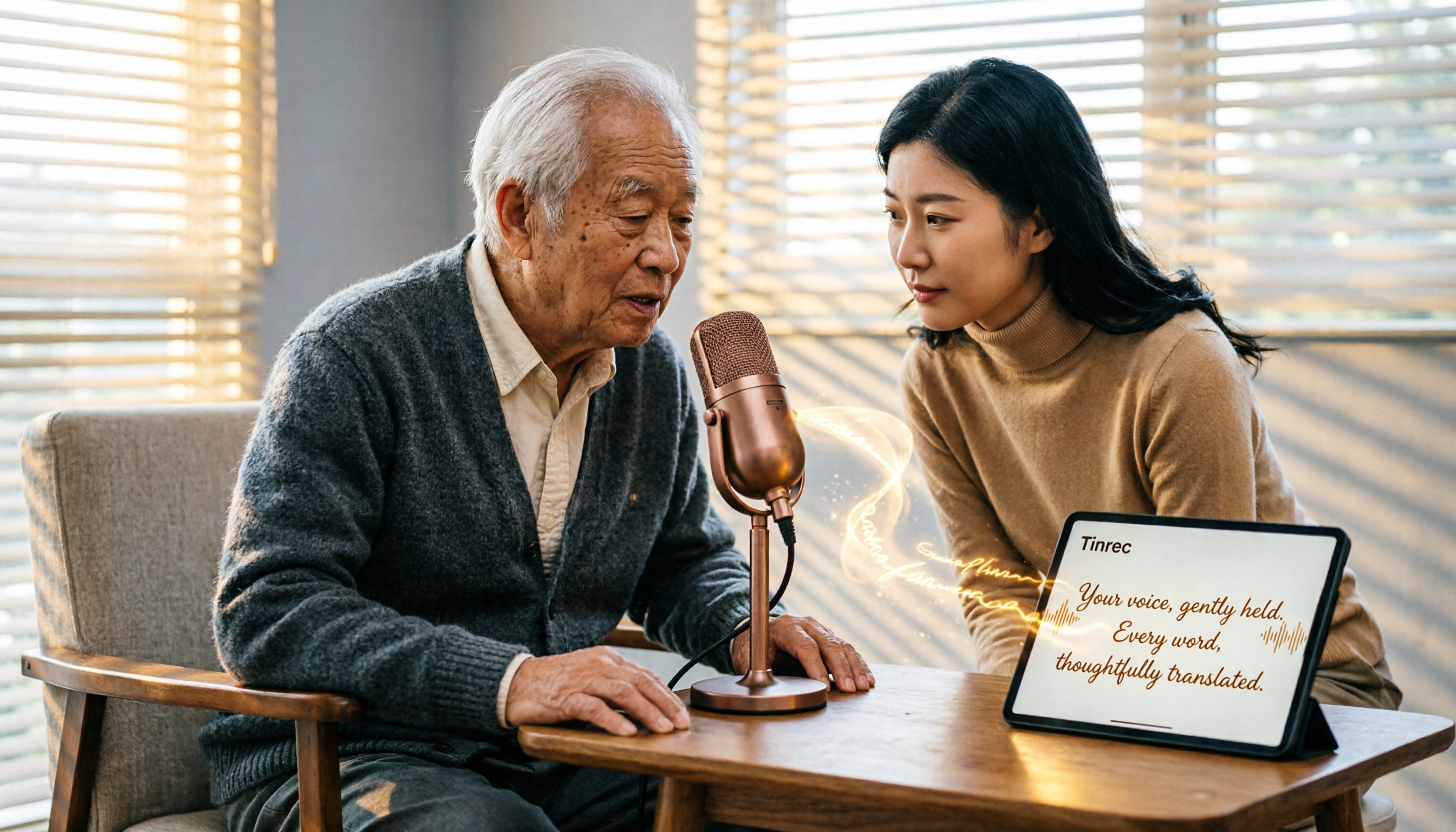
Turn recordings into transcripts and summaries in minutes
Upload audio or video for multilingual transcription, AI notes, and action items
Recently, I've been organizing interview recordings accumulated over the past year—dozens of hours of audio. Just the thought of listening and typing was overwhelming. In the past, this kind of work required constant pausing and replaying, which was extremely time-consuming. Later, I started trying various AI speech-to-text tools and discovered that you don't need to spend a lot of money; there are many free options that can turn voice into usable text. But are free plans really sufficient? Which ones are truly unlimited? Today, I want to share my hands-on experience and findings from the past few months to help you strike a balance between free and practical.
Why Do You Need Speech-to-Text?
In the past, converting recordings to text required manual transcription, but now AI technology has made this much easier. Whether you need to organize meeting minutes, class notes, interview transcripts, or extract content from online videos, you can significantly reduce manual work. This article covers 5 options I've tried that are either completely free or offer sufficient free allowances, ranging from fully free tools to professional software with free trials.
Option 1 | Tinrec (Miao Ting Lu Yin) – More Than Transcription: Turning Recordings into Usable Data
Tinrec is an AI recording and audio/video organization tool I've been using heavily this year. It's not just an app that converts voice to transcripts; it's a more comprehensive "audio/video knowledge workbench." You can use it to record and transcribe in real time during meetings, or upload audio/video files afterward, or even paste a link to an online video, and it will automatically generate text, summaries, chapters, and to-do items. What's most unique is that you can ask questions about the recording in a chat-like manner, such as "What did the client say about the budget in the last meeting?" and it will quickly find the answer.
The free version includes a monthly basic transcription allowance, which is sufficient for light users who occasionally attend meetings. If you frequently process large amounts of recordings, the Pro plan offers higher limits. I personally use it most for interviews and course organization because the summary and Q&A features after transcription allow me to quickly grasp key points without having to listen again from the start. (Screenshot here: Tinrec's online video transcription interface, showing chapters and summaries auto-generated from a YouTube link)
Option 2 | Easemate AI Meeting Recorder – Completely Free, Real-Time Transcription
Easemate AI's "AI Meeting Recorder" is a purely online free tool that requires no registration. It can transcribe speech to text in real time during meetings or classes, adding timestamps and speaker identification. It also has a feature that lets you chat with AI about the transcribed content, helping you organize it into summaries or meeting notes. Since it's a web-based tool, it works on any device, making it ideal for situations where you need quick transcription on the spot. However, it's primarily designed for real-time recording scenarios and does not support uploading audio files or processing video links.
Stop organizing recordings by hand
Upload audio or video and automatically get a transcript, summary, and action items
Option 3 | inFin – Free Transcripts with AI Summaries
inFin is a mobile app (available for iOS and Android) that focuses on free voice-to-text transcription. Its accuracy may not match paid tools, but the free version has no time limits. After recording, it generates a transcript with a timeline, and it includes an "inFin+" button that can turn the transcript into a summary, meeting minutes, or to-do list with one tap. For students or general professionals, it's already quite practical.
Option 4 | NotebookLM – A Different Approach to Organizing Audio with AI Notes
NotebookLM is a free AI notebook from Google. Unlike the previous tools, it's not a dedicated transcription tool; instead, you can import audio files and it generates audio summaries, mind maps, and even presentation videos. If you're not fixated on verbatim transcripts but want to quickly understand the key points of a recording, NotebookLM is a unique aid. It's suitable for reviewing after class or quickly grasping interview content.
Option 5 | Good Tape – Multilingual but Slow
Good Tape is a completely free online speech-to-text tool that supports many languages and automatically segments the text. However, its Chinese transcription lacks punctuation, and you can't edit online. More annoyingly, the free version's transcription speed is very slow—1 minute of audio might take up to 1 hour to process. If you have plenty of time and need a free option, it can serve as a backup, but for frequent users, the efficiency is a major drawback.
With So Many Options, How Do You Choose?
- For the most complete AI features (transcription + AI chat queries + automatic minutes) → Tinrec, which is currently the only tool that covers real-time recording, audio upload, online video transcription, and AI Q&A.
- For truly free, unlimited, on-the-spot use → Easemate AI or inFin. Both are free and offer real-time transcription; the difference is that Easemate is a web version, while inFin is a mobile app.
- If you just want to quickly understand the key points of a recording without relying on transcripts → NotebookLM, as its mind maps and presentations are distinctive.
- If you have zero budget but can tolerate slower speeds → Good Tape, suitable for occasional multilingual transcription needs.
4 Things to Know Before Using Speech-to-Text
- Accuracy is heavily affected by recording quality; multiple speakers and background noise can reduce recognition rates, so try to record close to the sound source and minimize noise.
- Free plans often have usage limits or slower speeds. If you transcribe frequently, try the free version first, then consider upgrading to a paid plan for professional tools like Tinrec.
- When transcribing online videos, be mindful of copyright and platform policies; only use for personal learning or authorized content.
- Don't expect AI to be perfect on the first try. For important content, check against the original, especially for technical terms and numbers.
Conclusion
Finding the right speech-to-text tool can truly make the time-consuming task of transcription much more efficient. If you're still looking for a free solution that can handle meetings, classes, interviews, and online videos, you can start with Tinrec's free allowance. Its comprehensive features and AI Q&A can turn your recordings into more valuable data. I hope this guide helps you save time and find the right method for you.
References
- Online AI Speech, Video, and Audio File Auto-Transcription - Free Trial - cSubtitle
- Audio to Text - Free Speech-to-Text Tool
- Unlimited Time! 3 Free AI Transcription Tools, Highly Recommended! AI Voice Notes Generate Meeting Minutes, Presentations, Mind Maps | 104 Career Center
- 2026 Recommended 6 Speech-to-Text Tools: Free Online Transcription of Audio Files!
- Online AI Speech-to-Text Tool, Free MP3 or Audio File Transcription - MyEdit
Turn every recording into actionable outcomes
Get 60 free transcription minutes when you sign in. No credit card required.
Related Reading
You might also like

Best Speech-to-Text Tools in 2026: We Tested 2, and This One Has the Smoothest Interface
As a senior IT management student, I relied on AI speech-to-text tools to save my lecture notes this semester. I tested two popular tools, Tinrec and Otter.ai, comparing Chinese accuracy, interface design, input sources, and student plans to help you decide which is better for everyday student use.

How to Export Meeting Minutes in 2026? 4 Steps from Recording to AI Summary - Complete Guide
After recording a meeting, how do you quickly turn it into meeting minutes and export them? This article tests multiple tools and teaches you how to use Tinrec in 4 steps to handle meeting recording, transcription, AI summaries, and export, with free plans and a buying guide.

Best Meeting Minutes Tool? 2026 Test: This AI Has the Answer
Tired of staying late to write meeting minutes? This article tests Tinrec, an AI tool that transcribes recordings in real time, auto-generates summaries and to-dos, saving you two hours so you can leave the office on time.

6 Best Speech-to-Text Tools of 2026: Which Offers the Most Comprehensive Chinese Processing and Post-Processing?
This article tests six popular AI speech-to-text tools of 2026, from meetings and lectures to online videos, evaluating their Chinese recognition and follow-up organization capabilities to help you choose the best option.

How to Convert WeChat Voice Messages to Text in 2026: A 5-Step Hands-On Guide
Tired of long voice messages you can't listen to? This article tests multiple voice-to-text tools, from WeChat's built-in feature to professional AI tools, helping you choose the best option and sharing practical tips to improve transcription accuracy.

Tinrec vs MyEdit 2026: 5-Dimension Comparison to Find the Best Free Speech-to-Text Tool
With so many free speech-to-text tools available, which one is better between Tinrec and MyEdit? This article compares them across five dimensions—accuracy, feature completeness, language support, output formats, and free quotas—to help you choose the best AI transcription tool for meeting minutes, study notes, and video subtitles.

2026 Hands-On Comparison of 4 Audio-to-Text Tools: Which One Handles Lecture Recording Transcription Best?
Stop manually transcribing your lecture recordings. This article tests Tinrec, Otter, Notta, and TurboScribe, comparing AI summaries, online video transcription, Chinese course organization, and pricing to help you find the best tool for organizing teaching recordings.
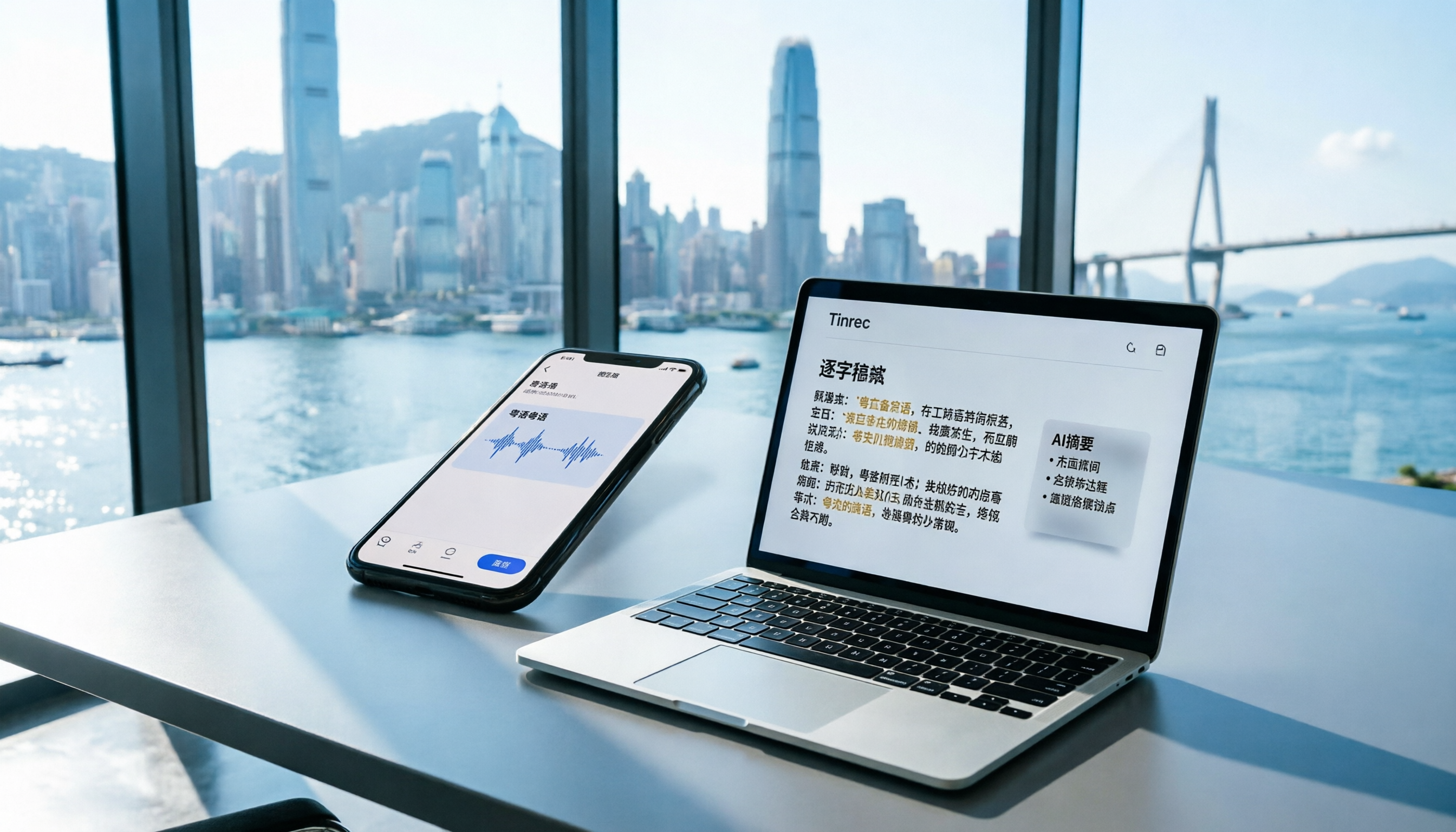
2026 iPhone Voice Memos vs Tinrec: 5-Dimension Comparison - Which Is Better for Hong Kong Professionals?
Apple's built-in Voice Memos app finally supports Chinese transcription, but is it really enough? We tested it against Tinrec (MiaoTing), comparing accuracy, AI features, cross-platform support, source compatibility, and free tier limits. Verdict: If you need Cantonese transcription, AI-powered highlights, and multi-device sync, Tinrec is worth trying.

2026 Test: 4 Best AI Transcription Apps Compared - Which One Actually Saves You Time?
We tested several voice-to-text apps, focusing on Cantonese transcription accuracy and AI meeting summaries, to help Hong Kong professionals find the most time-saving tool. Tinrec (秒听录音) stands out with its AI conversation search and cross-platform support.