

Turn recordings into transcripts and summaries in minutes
Upload audio or video for multilingual transcription, AI notes, and action items
Meetings, classes, interviews—you've recorded a ton of audio files but don't have time to transcribe them? Many people start with completely free online tools like MyEdit, which offers daily credits for voice transcription, convenient for occasional users. But if you're a heavy user with a pile of weekly meeting and class recordings, free quotas just aren't enough—let alone the follow-up features like summaries, Q&A, and export, which are the real time-savers.
This time, I picked two highly discussed free speech-to-text tools: MyEdit and Tinrec (Miaosing Recording), and compared them across five dimensions that actually affect user experience. MyEdit is an online speech-to-text website by CyberLink, featuring no installation and daily free credits. Tinrec is an AI recording and audio/video organization tool that not only transcribes but also summarizes, answers questions, and exports in multiple formats. Let's see which one fits your workflow better.
What Can Speech-to-Text Do for You?
Speech-to-text isn't just about converting sound to text; it saves you time on subsequent organization. With Tinrec, for example, you can:
- Meeting Minutes: After a two-hour meeting, Tinrec not only gives you a verbatim transcript but also automatically summarizes key points and lists action items, making it clear who does what.
- Class Notes: Upload your teacher's lecture recording to Tinrec, and AI will break it into chapters, highlight key points, and let you search keywords to find that specific part of the recording.
- Interview Organization: For user interviews or person profiles, you don't have to re-listen to hours of recordings. Tinrec creates mind maps and extracts key insights, ready for your report.
- Video Subtitles: Paste a video link into Tinrec, and it will generate text and timestamps. You can export SRT subtitles or have AI create a video summary.
In these scenarios, if you only have plain speech-to-text, you'd have to listen, highlight, and organize manually—that time cost isn't saved.
Core Capabilities of Free Speech-to-Text Tools
People often think speech-to-text is just "upload → get transcript," but truly useful tools should handle more. Tinrec's core capabilities are:
Real-time Transcription and File Upload: Not only can it transcribe in real-time, but it also supports uploading MP3, WAV, M4A, video files, and even pasting YouTube or Bilibili links for transcription, covering most audio/video sources. MyEdit also allows uploading audio files, but only audio formats, not video links.
AI Summaries and Structured Organization: Tinrec automatically organizes transcribed text into summaries, chapters, and to-do lists. You can even command it, "Write this meeting as a standard meeting minutes," and AI will generate a formatted document. MyEdit only allows manual editing of transcripts and adding timestamps, with no AI organization.
AI Chat Query: This is the most useful feature, in my opinion. After transcription, you can ask Tinrec, "Who mentioned the budget in the meeting?" or "What was the client's feedback on this proposal?" It will find answers based on semantics and provide the original text segments, so you don't have to search the transcript yourself. MyEdit and most other tools can't do this yet.
Multi-format Export: Tinrec can export transcripts, subtitle files, Markdown, and even sync directly to collaboration tools like Notion and Google Docs, integrating data into your workflow. MyEdit mainly allows downloading text or subtitle files, with fewer options.
Cross-platform Use: Tinrec has iOS and Android apps and a web version, allowing real-time recording and transcription on your phone. MyEdit is web-only, but the no-install aspect is convenient for occasional users.
Stop organizing recordings by hand
Upload audio or video and automatically get a transcript, summary, and action items
Practical Use Cases
Scenario 1: Task Assignment After Weekly Meetings After Monday morning stand-up meetings, record with Tinrec. By the end, it has already listed this week's key points, individual action items, and follow-ups from last time. You can screenshot the to-do list and share it in the group for quick confirmation.
Scenario 2: Online Course Notes For a two-hour online class, feed the screen recording to Tinrec. It will split it into chapters, each with titles and key summaries. To find a concept, search keywords, and even ask AI to explain that section.
Scenario 3: Podcast Interview Organization After a 90-minute guest interview, upload to Tinrec. First, check the AI summary to grasp the main points, then use AI chat to ask, "What was the most insightful point the guest made?" You'll immediately find quotable segments and timestamps, making show notes much faster.
Scenario 4: Collecting Video Material When you find a good YouTube interview, copy the link to Tinrec. It will generate a full transcript and key points. You can export as Markdown to your note app or have AI condense it into social media post drafts.
5 Things to Consider When Choosing a Free Speech-to-Text Tool
1. Transcription Accuracy: Chinese Performance is Key
Don't just look at the official 98% or 99% claims; test with your own recordings. Tinrec has low Chinese error rates for clear meeting and interview recordings, and it correctly recognizes mixed Chinese-English. MyEdit's recognition is decent but more affected by background noise and may miss sentences when multiple people speak simultaneously.
2. Feature Completeness: What You Can Do After Transcription Matters
Free tools usually only provide transcripts, but you need "organized information." Tinrec includes summaries, chapters, to-dos, and Q&A in the free version, so you can get straight to work after transcription. MyEdit mainly allows editing transcripts and adding timestamps; further organization requires manual effort.
3. Language Support: Not Just Chinese, Consider Multilingual Capabilities
Tinrec supports 14 languages, including Mandarin, Cantonese, English, and Japanese. MyEdit supports 9 languages, which is sufficient for daily use. If you have foreign language courses or cross-border meetings, more languages offer more flexibility.
4. Output Formats: Can It Integrate with Your Existing Tools?
Tinrec offers transcripts, subtitles, Markdown, and direct sync to Notion, Google Docs, and OneNote. MyEdit allows downloading plain text or subtitle files. If you manage data with note apps, Tinrec's auto-sync saves a lot of work.
5. Free Quotas and Pricing
MyEdit gives free daily credits for short recordings, but you have to wait until the next day or pay for continued use. Tinrec's free version includes a monthly base transcription quota, enough for a few meetings to try out. For more, you can choose weekly, monthly, or yearly plans, offering more flexibility. Heavy users eventually pay, so consider which pricing fits your usage frequency.
FAQ
Q1: Which is faster, Tinrec or MyEdit?
Both are fast; a 30-minute recording can be transcribed within minutes after upload. However, Tinrec offers real-time transcription, showing text as you record, while MyEdit requires upload before processing.
Q2: Is the free version sufficient?
If you occasionally transcribe a meeting or class, Tinrec's monthly free quota is enough to try. MyEdit's daily credits cover about 30-60 minutes, convenient for occasional use. But if you have multiple needs weekly, consider a paid plan.
Q3: Which tool is better for video subtitles?
Both can export SRT subtitle files. However, Tinrec can directly parse video links without downloading and converting, and its subtitle timestamps can be cross-referenced with AI summaries for faster subtitle creation.
Q4: Are there privacy concerns with recordings?
Both have privacy policies and encrypt uploaded files. Tinrec allows you to opt out of using recordings for model training, so sensitive meetings are safe.
Q5: Which one should I choose?
If you just need to transcribe a recording occasionally without installing anything, MyEdit is intuitive. But if you want to get key points, to-dos, and AI Q&A directly after transcription, and summarize data into reports or notes, Tinrec fits better.
Conclusion
Speech-to-text tools are mature, and there are many free options. MyEdit is friendly for one-off, simple transcription tasks. But if you want recordings to become actionable data—meeting minutes, class notes, interview summaries, video material—Tinrec's AI organization, Q&A, and export capabilities will save you more time. I recommend starting with Tinrec's free version to experience AI-assisted recording organization before deciding to upgrade.
References
- 2026 Recommended 6 Speech-to-Text Tools: Free Online Transcription!
- Unlimited Time! 3 Free AI Transcript Tools, Recommended! AI Voice Notes for Meeting Minutes, Presentations, Mind Maps | 104 Career Force
- Online AI Speech-to-Text Tool, Free MP3 or Recording to Text Transcript - MyEdit
- Audio to Text - Free Speech-to-Text Tool
- Online AI Voice, Video, Recording Auto-Transcription - Free Trial - cSubtitle
Turn every recording into actionable outcomes
Get 60 free transcription minutes when you sign in. No credit card required.
Related Reading
You might also like

Best Speech-to-Text Tools in 2026: We Tested 2, and This One Has the Smoothest Interface
As a senior IT management student, I relied on AI speech-to-text tools to save my lecture notes this semester. I tested two popular tools, Tinrec and Otter.ai, comparing Chinese accuracy, interface design, input sources, and student plans to help you decide which is better for everyday student use.

How to Export Meeting Minutes in 2026? 4 Steps from Recording to AI Summary - Complete Guide
After recording a meeting, how do you quickly turn it into meeting minutes and export them? This article tests multiple tools and teaches you how to use Tinrec in 4 steps to handle meeting recording, transcription, AI summaries, and export, with free plans and a buying guide.

Best Meeting Minutes Tool? 2026 Test: This AI Has the Answer
Tired of staying late to write meeting minutes? This article tests Tinrec, an AI tool that transcribes recordings in real time, auto-generates summaries and to-dos, saving you two hours so you can leave the office on time.

6 Best Speech-to-Text Tools of 2026: Which Offers the Most Comprehensive Chinese Processing and Post-Processing?
This article tests six popular AI speech-to-text tools of 2026, from meetings and lectures to online videos, evaluating their Chinese recognition and follow-up organization capabilities to help you choose the best option.

How to Convert WeChat Voice Messages to Text in 2026: A 5-Step Hands-On Guide
Tired of long voice messages you can't listen to? This article tests multiple voice-to-text tools, from WeChat's built-in feature to professional AI tools, helping you choose the best option and sharing practical tips to improve transcription accuracy.
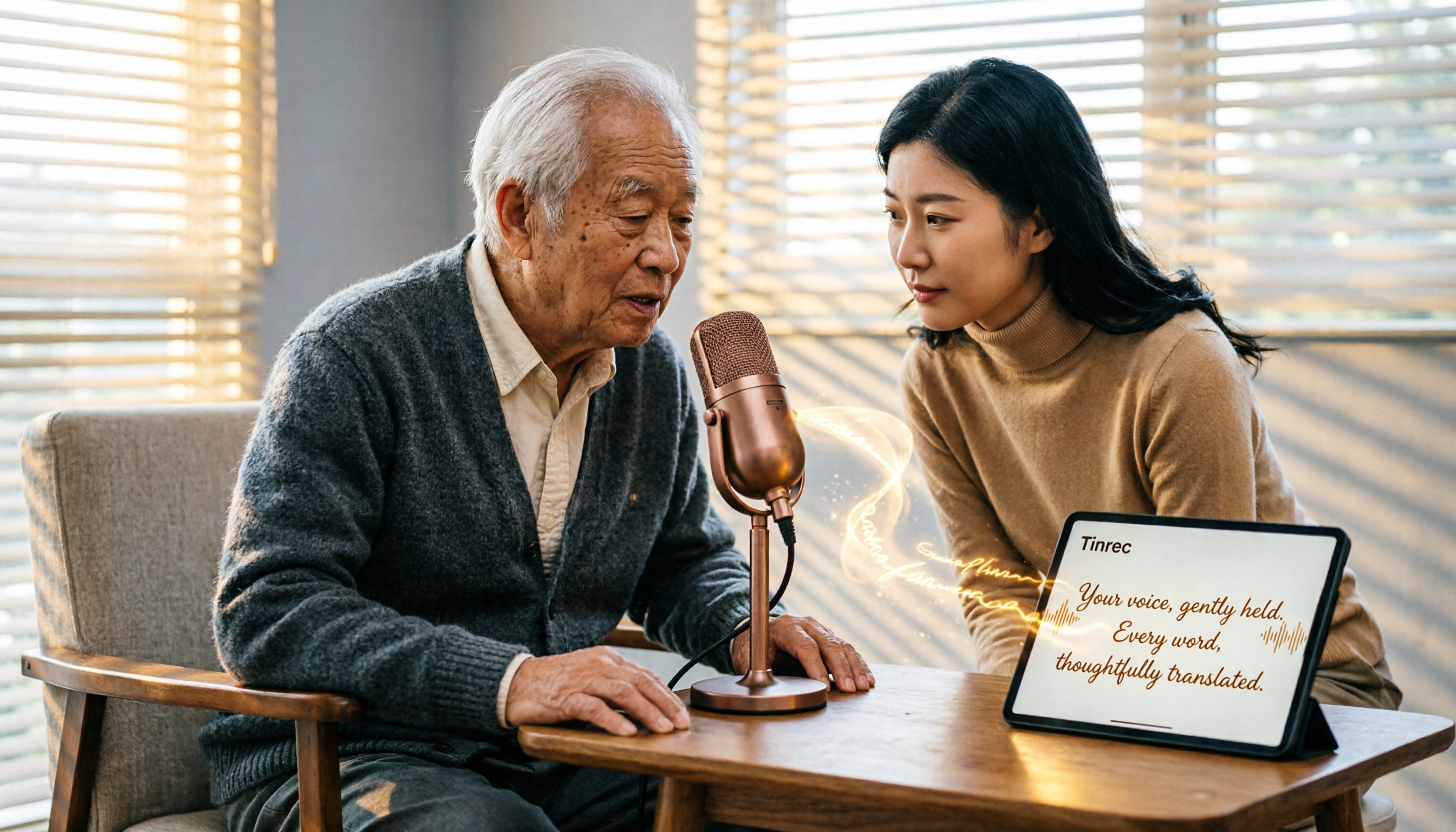
2026 Free Speech-to-Text Solutions: 5 Tools Compared
Looking for free, unlimited speech-to-text tools? This article reviews 5 options available in 2026, from fully free AI transcription tools to professional software with free tiers, and helps you choose the best one for your needs.

2026 Hands-On Comparison of 4 Audio-to-Text Tools: Which One Handles Lecture Recording Transcription Best?
Stop manually transcribing your lecture recordings. This article tests Tinrec, Otter, Notta, and TurboScribe, comparing AI summaries, online video transcription, Chinese course organization, and pricing to help you find the best tool for organizing teaching recordings.
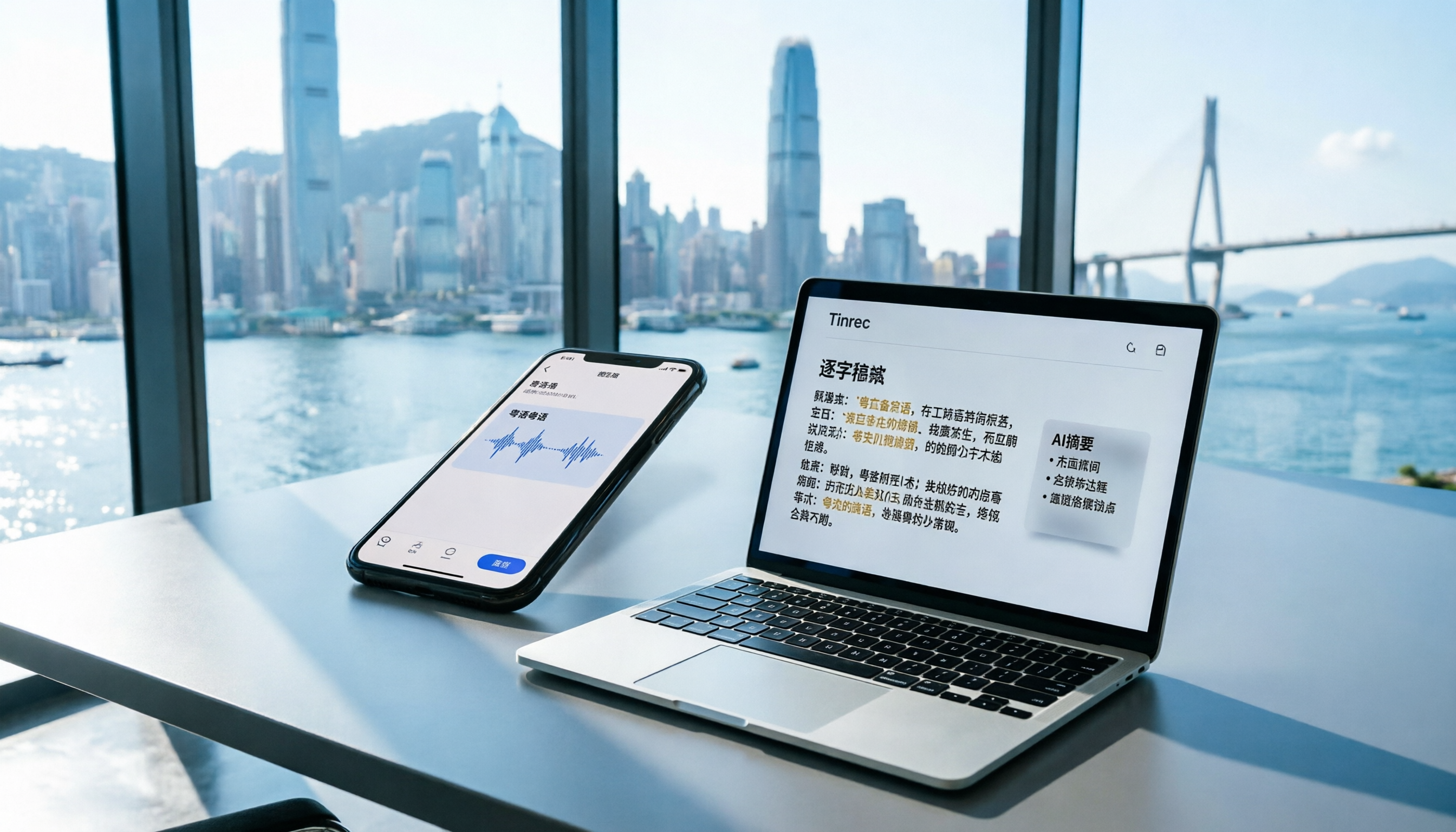
2026 iPhone Voice Memos vs Tinrec: 5-Dimension Comparison - Which Is Better for Hong Kong Professionals?
Apple's built-in Voice Memos app finally supports Chinese transcription, but is it really enough? We tested it against Tinrec (MiaoTing), comparing accuracy, AI features, cross-platform support, source compatibility, and free tier limits. Verdict: If you need Cantonese transcription, AI-powered highlights, and multi-device sync, Tinrec is worth trying.

2026 Test: 4 Best AI Transcription Apps Compared - Which One Actually Saves You Time?
We tested several voice-to-text apps, focusing on Cantonese transcription accuracy and AI meeting summaries, to help Hong Kong professionals find the most time-saving tool. Tinrec (秒听录音) stands out with its AI conversation search and cross-platform support.