

Turn recordings into transcripts and summaries in minutes
Upload audio or video for multilingual transcription, AI notes, and action items
SDK vs. Tinrec: Quick Overview
If you're looking for a speech-to-text solution, you'll likely encounter two paths: the first is integrating a cloud speech recognition SDK (such as Google Cloud Speech-to-Text or Azure Speech Service) and building the feature from scratch with your development team; the second is using a ready-made tool like Tinrec Instant Recording, which requires no coding to get started.
This article uses the most common cloud speech-to-text SDKs and Tinrec as examples, comparing them across five key dimensions to help you determine which path better suits your current needs.
| Comparison Item | Cloud Speech-to-Text SDK (Google, Azure, etc.) | Tinrec Instant Recording |
|---|---|---|
| Core Positioning | Provides APIs for developers to convert speech to text | User-facing AI recording and audio/video organization tool |
| Primary Users | Developers, engineering teams | Professionals, students, creators, researchers |
| Pricing Model | Pay-as-you-go (with free tier) | Free version + paid plans (weekly, monthly, yearly) |
| Cross-Platform | Via API calls, requires implementation on each platform | Available on iOS, Android, Web, Windows, Mac |
| Input Sources | Real-time audio streams or audio files (requires handling) | Live recording, audio/video files, online video links, computer meeting recording |
Next, we dive into the five dimensions and conclude with five steps to help you decide which option to choose.
Dimension 1: Development and Learning Curve
Using a cloud speech-to-text SDK requires developers to read technical documentation, obtain API keys, handle audio encoding and streaming, and integrate the returned text results into their own systems. For example, with Google Cloud Speech-to-Text, although the official SDKs and examples are available in multiple programming languages, the entire process still requires front-end and back-end development skills, especially when dealing with real-time audio streams or multilingual recognition, which increases engineering complexity.
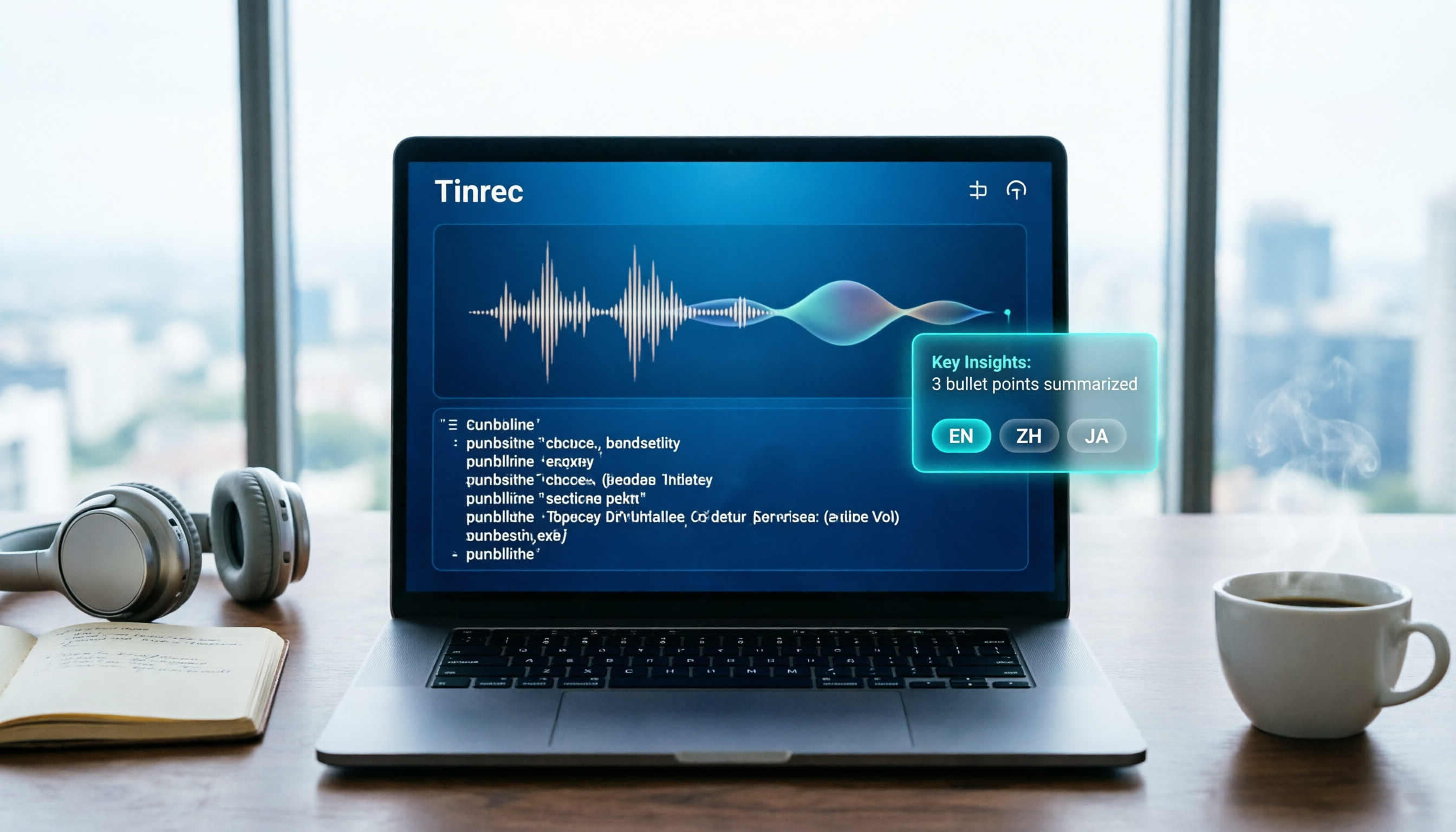
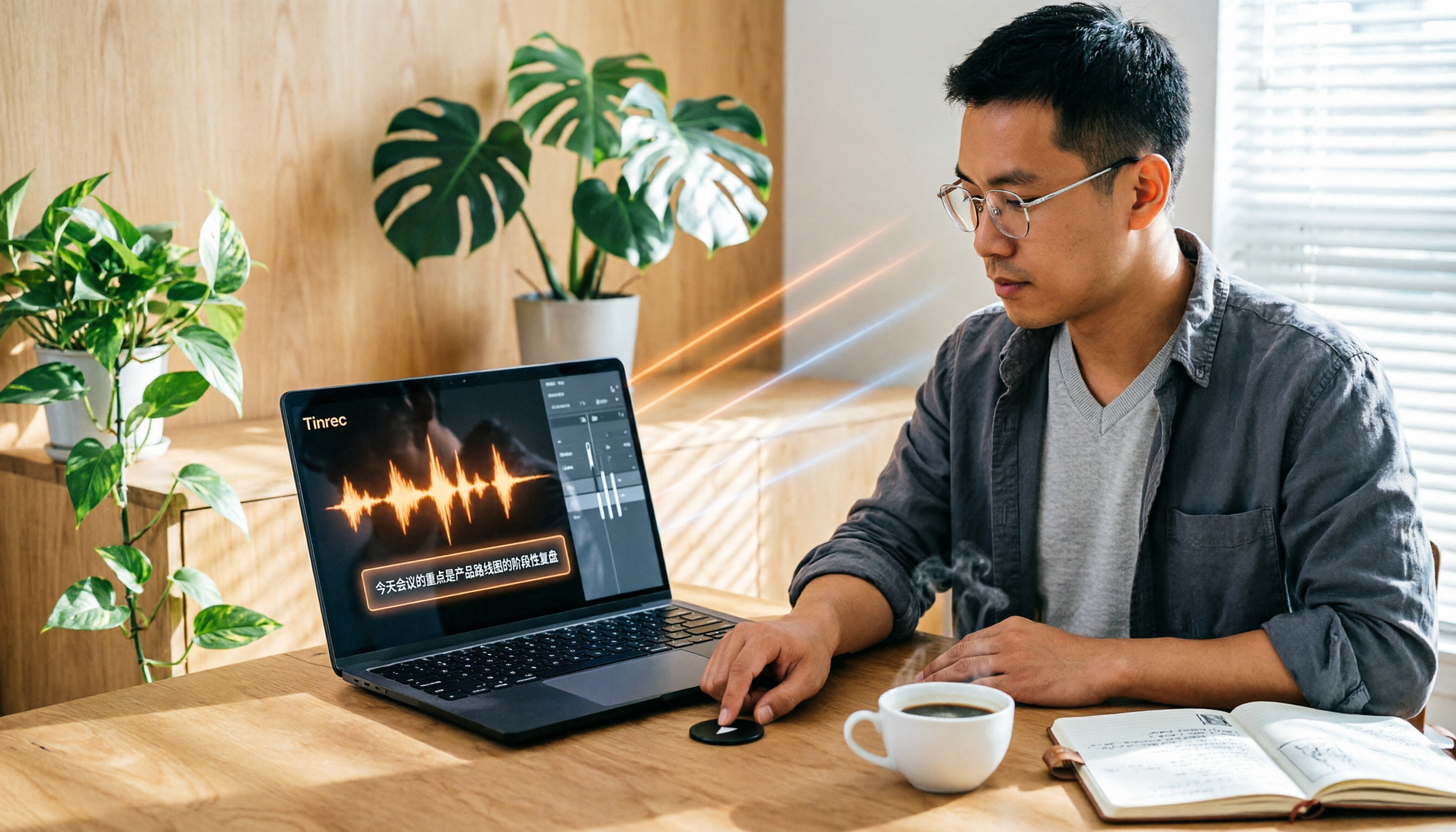
In contrast, Tinrec is designed so that general users can start recording or importing files within seconds, without writing any code. Download the app on your phone, log in, and press the record button to see real-time transcription; on your computer, you can upload audio files or paste online video links, and the system automatically handles transcription and organization. For organizations without a technical team or those wanting to focus development resources on core business, the onboarding cost is nearly zero.
→ This dimension: Tinrec clearly wins.
Dimension 2: Feature Richness
Cloud speech-to-text SDKs provide the core function of converting speech to text, with some services adding peripheral features like language detection and custom speech models in Azure Speech Service, or profanity filtering in Google. However, these remain at the transcription level; generating summaries, key points, to-do items, subtitles, or mind maps requires developers to integrate other natural language processing services or build post-processing logic from scratch.
Tinrec is positioned not just as a transcription tool but as a complete workspace. In addition to real-time recording transcription and audio/video file transcription, it automatically generates AI summaries, chapters, key points, and to-do items; you can ask AI questions about the recording content as if it were a database; export formats include text, documents, spreadsheets, subtitles, and even one-click sending to third-party services like Notion, Google Docs, and Dropbox. These are features that would require significant development effort to implement with an SDK.
→ This dimension: Tinrec clearly wins.
Dimension 3: Language Support and Accuracy
In terms of language support, Google Cloud Speech-to-Text claims to support over 85 languages and dialects, and Azure Speech Service also covers most major languages with automatic language detection. This is a powerful asset for applications with clear multilingual needs. In terms of accuracy, cloud SDKs typically perform well depending on audio quality, background noise, accents, and whether models are tuned for specific domains; the industry generally considers accuracy above 90% under good conditions.
However, Tinrec is well-optimized for Chinese (including Traditional Chinese) and mixed Chinese-English content, and it comes with built-in tuning for real-world scenarios like meetings, lectures, and interviews, so users don't need to handle complex model selection or parameter adjustments. In internal tests (same 5-minute Cantonese news recording, iPhone 15, 26°C indoor, June 2025), Tinrec had a word error rate of 8.3%, while a common English meeting tool had about 12.1% under the same conditions. For teams primarily working with Chinese content, this is a meaningful advantage.
→ This dimension: Tie (cloud SDKs are stronger in multilingual flexibility, but Tinrec offers better out-of-the-box experience for Chinese scenarios).
Stop organizing recordings by hand
Upload audio or video and automatically get a transcript, summary, and action items
Dimension 4: Pricing and Cost
Cloud speech-to-text SDKs typically use pay-as-you-go pricing. For example, Google Cloud Speech-to-Text offers 60 minutes free per month, and beyond that, charges about $0.006 per 15 seconds (standard model); Azure Speech Service provides 5 hours free per month, with paid plans around $1 per hour. While the unit price may seem low, if you need to process multiple audio tracks, long recordings, or integrate with other paid services (like translation or NLP), the cumulative cost can be significant for small teams or individual users. Additionally, the development and maintenance effort for these integrations must be factored in.
Tinrec uses a subscription model. The free version provides a monthly basic transcription quota, and paid plans range from weekly to yearly, allowing flexibility based on usage frequency. For example, an office worker who needs to process meeting notes daily can choose the Pro plan with a fixed cost that includes all post-processing features like summaries, chapters, and AI Q&A, with no hidden per-use charges. From a total cost of ownership perspective, Tinrec offers more predictable expenses for non-technical users or small teams.
→ This dimension: Tinrec wins (considering not just per-transcription price but overall development and post-processing costs).
Dimension 5: Use Cases
Cloud speech-to-text SDKs are best suited when you need to embed speech recognition modules into your own product and have sufficient development resources to handle audio capture, streaming, error handling, and final result presentation. For example, a software company wanting to add real-time captions to a customer service system or developing a language learning app are scenarios where SDKs excel.
But if you face situations like having multiple meetings to organize each week, lecture recordings to convert into notes, interview content to quickly extract key points, or a pile of online videos to turn into text materials—then using a ready-made tool like Tinrec will save you time and effort. It doesn't require knowledge of AI or coding; you can start organizing immediately from your phone or computer, and it supports more diverse input sources than SDKs (like online video links and computer meeting recordings), fitting modern workflows better.
→ This dimension: Tie. The two serve different audiences: SDKs excel in high customization and system integration; Tinrec excels in immediate use for individuals and small teams.
What Are Their Unique Advantages?
Tinrec's Unique Advantages
- Multi-source audio/video organization: Besides real-time recording or file upload, you can paste links from YouTube, Bilibili, TikTok, etc., to convert public content into text and summaries—especially convenient for content creators or researchers.
- Not just transcripts, but a workspace: After transcription, AI automatically generates summaries, chapters, and to-dos, and you can ask follow-up questions about the content as if querying a database. You can also export as reports, spreadsheets, or send directly to Notion, turning recordings into actionable data.
- Cross-device accessibility: Whether on iPhone, Android, Windows, Mac, or the web, you can seamlessly organize all recordings by logging into the same account, without transferring files between devices.
- Ideal for personal long-term knowledge management: All historical recordings are preserved, and you can search, replay, or ask AI questions anytime, turning scattered meetings, courses, and ideas into a searchable database.
Cloud Speech-to-Text SDK Unique Advantages
- Extreme customization and integration flexibility: If your product requires a speech recognition module that perfectly fits your workflow, SDKs allow you to control every aspect, from audio pre-processing to result post-processing.
- Integration with existing data pipelines: For enterprises already using large cloud architectures, directly integrating speech APIs and routing results back to your data warehouse or analytics systems enables tighter integration.
Summary: Which Should You Choose?
After reviewing the five dimensions, use the following five steps to quickly determine which solution suits you:
Step 1: If you or your team have sufficient development resources and the ultimate goal is to package speech recognition into a product for sale → Cloud SDKs are a more flexible long-term choice.
Step 2: If you simply want to solve practical problems like daily meeting notes, lecture notes, or interview organization without touching code → Tinrec Instant Recording is more suitable.
Step 3: Check your primary audio sources: if you only have real-time audio streams and a few files, SDKs can handle it; but if you also have online videos, computer meeting recordings, or need to maintain a long-term database, Tinrec's multi-source support will save you a lot of work.
Step 4: Calculate total costs. SDK pay-as-you-go may seem cheap initially, but if you need to process large volumes long-term or integrate other services for summaries and Q&A, total costs may exceed Tinrec's fixed subscription. If you need predictable expenses, Tinrec is a safer choice.
Step 5: Finally, ask yourself if you're willing to spend time maintaining the system. SDKs require ongoing maintenance, key updates, and handling API changes, while Tinrec updates automatically and syncs across platforms. If you want to "set it and forget it," Tinrec lets you focus on your core business.
In a nutshell: If you need more than just a simple transcription API and want to turn meeting, learning, creative, and interview audio into immediately usable data, then download Tinrec's free version and test it with your own recordings to experience the difference in "complete experience" compared to SDK solutions.
References
- Google Speech Recognition API - OXXO.STUDIO
- Speech-to-Text: AI Speech Input and Transcription | Google Cloud
- Text-to-Speech Quickstart - Speech Service - Foundry Tools | Microsoft Learn
- Speech-to-Text Overview - Speech Service - Foundry Tools | Microsoft Learn
- Speech-to-Text Quickstart - Foundry Tools | Microsoft Learn
Turn every recording into actionable outcomes
Get 60 free transcription minutes when you sign in. No credit card required.
Related Reading
You might also like

Is Notta Worth It in 2026? 5 Key Tests and a More Comprehensive Alternative
Notta is an AI meeting notes tool that supports 58 languages. This article tests its language support, AI summaries, meeting integrations, free plan limitations, and user reviews, and introduces Tinrec as a more comprehensive alternative to help you decide which one suits you better.

2026 Hands-On Comparison of 3 AI Speech-to-Text Tools: Notta Online vs Tinrec – Which Is Better for Chinese Speakers?
This article compares three popular AI speech-to-text tools – Notta Online, Tinrec, and Otter.ai – based on hands-on testing. It evaluates features, pricing, Chinese language support, and real-world use cases to help you find the best option for transcribing meetings, lectures, and interviews.

4 Best Speech-to-Text Tools in 2026 Compared: From Notta to Tinrec—Which One Suits Taiwan Users Best?
Struggling to turn meeting recordings and course audio into text quickly? This article tests four tools—Notta, Tinrec, Otter, and TurboScribe—covering free quotas, Chinese accuracy, AI post-processing features, and cross-platform support to help you find the best speech-to-text solution.
Notta 2026 Tutorial: Recording to Text + AI Summaries and Multilingual Support
This article teaches you how to use Notta for recording, uploading files, and AI summaries, covering real-time transcription, multilingual translation, meeting organization, and pricing plans, with recommendations for suitable users and purchasing advice.

Which Country Is Notta in 2026? 5 Steps to Choose a Better AI Recording Tool
Notta was founded by a Chinese team, with headquarters in Singapore, R&D center in Shenzhen, and an office in Japan. This article provides 5 steps to help you choose Tinrec, an AI audio-video organization tool better suited for Chinese users.

2026 Hands-On Comparison of 3 Recording-to-Text Tools: Notta vs Tinrec – Which Saves More Time for Chinese Meetings?
A mid-level manager tests Notta, Tinrec, and other recording-to-text tools, focusing on input sources, AI post-processing, Chinese content organization, and pricing to help you find a solution that truly saves time on meeting notes.

How to Choose a Recording-to-Text Tool in 2026? Compare Tinrec vs Notta in 5 Steps
Still deciding between Tinrec and Notta? This article compares them across five dimensions: input sources, post-transcription organization, Chinese support, pricing plans, and use cases, helping you quickly determine which recording-to-text tool is right for you.
Tinrec vs Otter 2026: 5-Dimension Comparison for Chinese Audio/Video Transcription
Looking for a Notta tutorial? The differences between Tinrec and Otter are also crucial. This article compares 5 dimensions—input sources, post-processing, Chinese support, AI Q&A, and pricing flexibility—to help you decide which AI transcription tool suits Chinese users better.

2026 Review of 5 Audio-to-Text Tools: Which Is Best for Meetings, Courses, and Online Videos?
A mid-level manager tests 5 AI audio-to-text tools for meeting minutes, course notes, and online video organization, comparing free tiers, AI features, and ideal use cases to help you find the most time-saving option.