

Turn recordings into transcripts and summaries in minutes
Upload audio or video for multilingual transcription, AI notes, and action items
Still Adding Subtitles Manually? You Could Be Saving That Time
After editing your video, spending an entire afternoon adding subtitles is the bane of every content creator's existence. To make matters worse, some tools claim to "auto-generate" subtitles but end up riddled with errors, making proofreading take longer than typing them yourself.
If you've dealt with these frustrations, this article is for you. We tested 5 online and app-based subtitle generator tools, evaluating accuracy, extra features, and free plans to help you find a truly time-saving option.
Before Choosing a Subtitle Generator, Understand These 4 Key Points
Many people jump at "free" or "99% accuracy" without looking deeper, only to find the tool lacks essential features. Checking these points upfront can save you a lot of trial and error.
1. Source Support: Can You Only Upload Videos, or Can You Paste a YouTube Link Directly?
Traditional subtitle tools mostly require local files, forcing you to download videos first. But if you often source material from YouTube, Bilibili, or Xiaohongshu, a tool that lets you paste a URL and get subtitles directly is far more convenient.
2. Editing Flexibility After Transcription: Can You Quickly Fix Typos?
Generated subtitles are never 100% perfect, so the editor's usability is crucial. Some tools let you edit text and adjust timestamps directly on the timeline, while others force you to export an SRT file and edit it in a text editor—a huge difference in efficiency.
3. What the Free Plan Offers: Just SRT Export, or Can It Help You Summarize Key Points?
Most free tools only give you a subtitle file and call it a day. But if you want more than just subtitles—like automatic summaries, key point extraction, or even AI-powered search within your video—you'll need a more comprehensive option.
4. Cross-Platform and Mobile Support: Is It Desktop-Only?
Many online tools work only in a browser with no app version. If you're a heavy mobile user or need to handle subtitles on the go, having a mobile version is essential.
Tinrec (秒听录音)—More Than Subtitles, Your AI-Powered Video Content Organizer
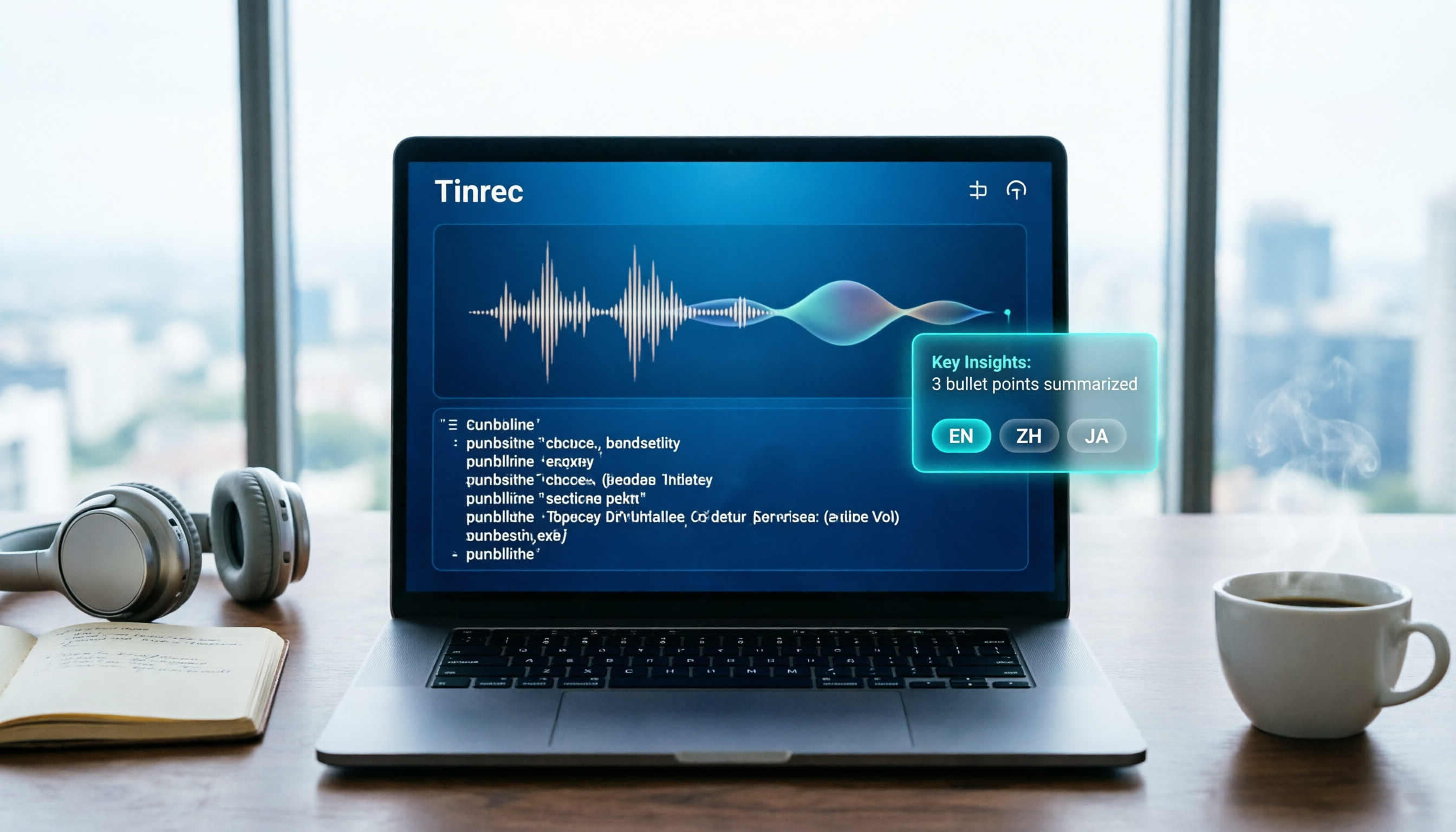
If you think Tinrec is just a voice-to-text tool, you're underestimating it. Its auto-subtitle feature turns a video or recording into a "living document" you can query, search, and further process.
In a nutshell: Tinrec is an AI audio/video organization tool that supports live recording, file uploads, and web video links. It's available on iOS, Android, and web, and the free plan includes subtitle generation.
More Than Subtitles: One-Stop Content Organization
Typical subtitle tools stop after generating captions, but Tinrec goes further: it generates a transcript while automatically dividing it into chapters, summarizing key points, and even extracting action items or to-dos from the discussion. After processing an interview video, you don't need to manually compile a transcript; just browse the chapters to jump to the part you want.
Even better, subtitles are just the beginning. If you need to verify a detail, you don't have to re-listen from the start—just ask the AI: "What was the guest's core opinion on the budget proposal in this interview?" Tinrec acts like an assistant who understands the content, giving you a direct answer rather than just keyword search results. Currently, few subtitle tools in this price range offer this kind of AI conversational query capability.
Hands-On Test: Editing Subtitles Is Easier Than Expected
We tested with a 5-minute Chinese interview video (with background noise and two speakers). Tinrec's subtitle accuracy was satisfactory, with only a few proper nouns needing tweaks. Its online editor allows intuitive text and timeline adjustments, and after editing, you can export SRT, VTT, or burn subtitles directly into the video with one click.
Pros:
- Widest input sources: Supports live recording, local video/audio files, and public video links from YouTube/Bilibili, covering most creative scenarios.
- Post-generation utility: Besides subtitles, it auto-generates summaries, chapters, and to-dos, making subtitles more than just captions.
- AI Q&A is a true differentiator: You can query video content conversationally to find specific information—unmatched by competitors.
Stop organizing recordings by hand
Upload audio or video and automatically get a transcript, summary, and action items
Honest Limitations
The free plan has a monthly transcription quota (currently 100 minutes), which may require payment for heavy users. However, for most people who just need to process a few short videos or meeting recordings weekly, this quota is sufficient. Additionally, AI Q&A requires an internet connection, and accuracy is directly tied to audio quality.
Who Is It For?
If you're a content creator, student, journalist, or anyone who needs to quickly extract key points from videos, Tinrec's value goes far beyond simple transcription—it turns your material into a searchable, reusable database.
Beyond Tinrec: Other Subtitle Generator Options
If you just want to auto-caption a video without any post-processing, the following tools might be more straightforward. But note that they fall short of Tinrec in terms of post-subtitle applications.
VEED.io: An Online Editor for Quick Subtitle Embedding
VEED is a well-known online video editing platform. Its auto-subtitle feature is simple and intuitive, with good accuracy, and you can adjust font, color, and position directly in the browser—ideal for quick social media clips. However, it lacks Tinrec's AI Q&A and content summarization, and the free plan includes a watermark, with paid plans being pricey. If you need to "add subtitles while doing video post-production," VEED is solid; but if you want to dive deeper into content after getting subtitles, Tinrec is more comprehensive.
Clipchamp: Microsoft's Free Option, Ideal for Windows Users
Clipchamp's auto-subtitle feature is completely free, with real-time preview and SRT export. It's generous for light users. However, its speech recognition handles only one language at a time, and there's no mobile app. More importantly, it lacks content summarization or Q&A, so the generated subtitle files have limited post-use. If you occasionally add subtitles to home videos, Clipchamp is sufficient; but if you need to process large volumes of video content, Tinrec can do much more.
Clideo: A Lightweight Online Tool Supporting Nearly All Languages
Clideo's selling points are simplicity, security, and no installation, plus it can burn subtitles into videos and convert formats. But that's where it stops: it won't summarize key points or let you search content. If you need a one-off subtitle file, it's worth considering; but if you want subtitles to help you manage and review content, Tinrec is a more long-term helper.
Pitfall Guide: 3 Common Mistakes When Choosing a Subtitle Tool
Pitfall 1: Falling for "99% Accuracy" Marketing Claims
Many tools claim accuracy rates measured in quiet recording studios, which drop when applied to videos with background noise, multiple speakers, or dialects. The best approach is to test the free version with your own videos to experience real accuracy and editing smoothness.
Pitfall 2: Ignoring "What You Need After Subtitles"
Many people buy a subtitle generator only to find they still need to manually summarize key points in a note-taking app, adding extra work. Instead, choose a tool that can auto-generate summaries and chapters from the start to save significant time downstream.
Pitfall 3: Considering Only Desktop, Forgetting Mobile Needs
Sometimes inspiration strikes or an interview ends, and you need to process video subtitles immediately on your phone. If the tool lacks an app, you'll have to wait until you're back at your desk, causing unnecessary delays. Choosing a cross-platform tool better fits real workflows.
Summary: Which One Should You Choose?
After hands-on testing, if you want more than just "turning speech into text"—if you want subtitles to help you understand, organize, and review content faster—Tinrec is currently the top choice. It handles recordings, video files, and public video links, and the generated subtitles can be embedded or exported. Best of all, its AI summarization, chapters, and Q&A features turn a simple subtitle into structured data.
Quick Scenario Guide:
- Need subtitles + content summary + AI Q&A → Tinrec (most feature-rich, free plan includes 100 minutes/month)
- Simple social videos with subtitle styling → VEED (strong online editor, but free plan has watermark)
- Occasional subtitles with zero cost → Clipchamp (free, but basic features, no mobile app)
- One-off multi-language subtitle export → Clideo (simple and fast, but no post-processing features)
We recommend starting with Tinrec's free plan—the 100-minute monthly quota is enough to get a feel for it, and you can upgrade if you like it. Don't rush into an annual subscription; try it first to see if it fits your workflow.
References
Turn every recording into actionable outcomes
Get 60 free transcription minutes when you sign in. No credit card required.
Related Reading
You might also like

Is Notta Worth It in 2026? 5 Key Tests and a More Comprehensive Alternative
Notta is an AI meeting notes tool that supports 58 languages. This article tests its language support, AI summaries, meeting integrations, free plan limitations, and user reviews, and introduces Tinrec as a more comprehensive alternative to help you decide which one suits you better.

2026 Hands-On Comparison of 3 AI Speech-to-Text Tools: Notta Online vs Tinrec – Which Is Better for Chinese Speakers?
This article compares three popular AI speech-to-text tools – Notta Online, Tinrec, and Otter.ai – based on hands-on testing. It evaluates features, pricing, Chinese language support, and real-world use cases to help you find the best option for transcribing meetings, lectures, and interviews.

4 Best Speech-to-Text Tools in 2026 Compared: From Notta to Tinrec—Which One Suits Taiwan Users Best?
Struggling to turn meeting recordings and course audio into text quickly? This article tests four tools—Notta, Tinrec, Otter, and TurboScribe—covering free quotas, Chinese accuracy, AI post-processing features, and cross-platform support to help you find the best speech-to-text solution.
Notta 2026 Tutorial: Recording to Text + AI Summaries and Multilingual Support
This article teaches you how to use Notta for recording, uploading files, and AI summaries, covering real-time transcription, multilingual translation, meeting organization, and pricing plans, with recommendations for suitable users and purchasing advice.

Which Country Is Notta in 2026? 5 Steps to Choose a Better AI Recording Tool
Notta was founded by a Chinese team, with headquarters in Singapore, R&D center in Shenzhen, and an office in Japan. This article provides 5 steps to help you choose Tinrec, an AI audio-video organization tool better suited for Chinese users.

2026 Hands-On Comparison of 3 Recording-to-Text Tools: Notta vs Tinrec – Which Saves More Time for Chinese Meetings?
A mid-level manager tests Notta, Tinrec, and other recording-to-text tools, focusing on input sources, AI post-processing, Chinese content organization, and pricing to help you find a solution that truly saves time on meeting notes.

How to Choose a Recording-to-Text Tool in 2026? Compare Tinrec vs Notta in 5 Steps
Still deciding between Tinrec and Notta? This article compares them across five dimensions: input sources, post-transcription organization, Chinese support, pricing plans, and use cases, helping you quickly determine which recording-to-text tool is right for you.

Tinrec vs Otter 2026: 5-Dimension Comparison for Chinese Audio/Video Transcription
Looking for a Notta tutorial? The differences between Tinrec and Otter are also crucial. This article compares 5 dimensions—input sources, post-processing, Chinese support, AI Q&A, and pricing flexibility—to help you decide which AI transcription tool suits Chinese users better.

2026 Review of 5 Audio-to-Text Tools: Which Is Best for Meetings, Courses, and Online Videos?
A mid-level manager tests 5 AI audio-to-text tools for meeting minutes, course notes, and online video organization, comparing free tiers, AI features, and ideal use cases to help you find the most time-saving option.