
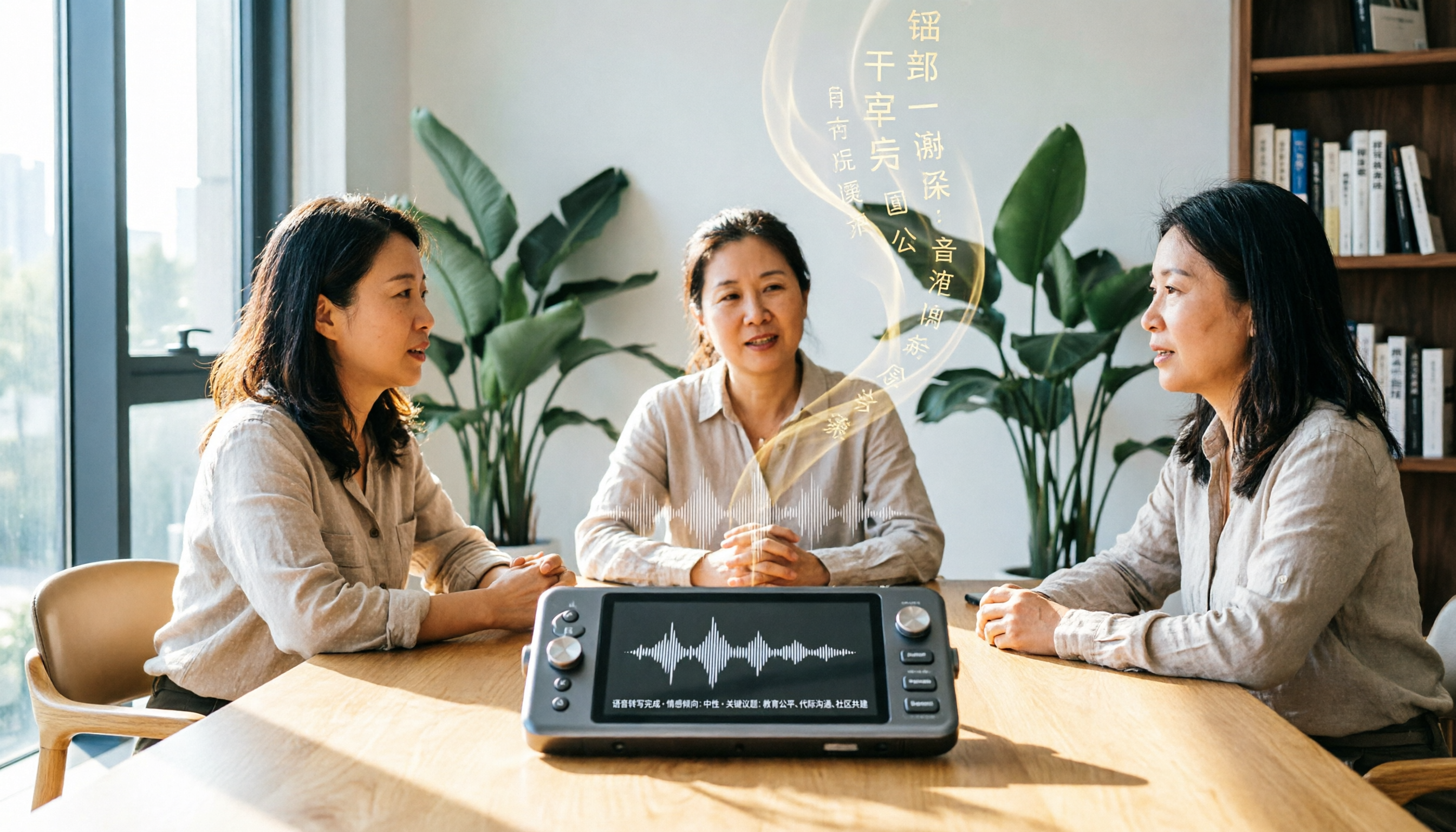
Turn recordings into transcripts and summaries in minutes
Upload audio or video for multilingual transcription, AI notes, and action items
Tinrec vs Otter.ai 2026: 5-Dimension Comparison for Chinese Scenarios
Two Hours in Meetings, Two More for Notes—You Don't Need Just a Tool, You Need a Solution
I attend about 15 meetings a week, and the biggest headache isn't the meetings themselves—it's the follow-up. Meeting minutes, action items, and to-dos often eat up half my workday. Chinese meetings are even trickier: accents, jargon, overlapping speech—manual note-taking is error-prone, and re-listening to recordings is time-consuming. If you're also drowning in meetings, this article is for you.
Before Choosing an AI Transcription Tool, Understand These 5 Key Points
- Accuracy: Don't just look at the official claims. Check real-world performance—background noise, multiple speakers, occasional code-switching between Chinese and English. Tools I've used show a big gap between a quiet studio and a real meeting room.
- Input Sources: Do you only record meetings, or also lectures, interviews, or online videos? Some tools only handle online meetings and fail with local audio files or YouTube links. Choose one that covers multiple sources to avoid switching later.
- AI Summarization: Transcription is just the first step. Can it auto-generate summaries, action items, and chapters? Can you ask questions about the content? This determines how much manual work you'll have later.
- Cross-Platform and Export: Will you record on your phone and edit on your computer? Do you need to export to Notion or Google Docs? These details affect daily usability.
- Free Tier and Pricing: Is the free plan enough? If you meet less than three times a week, the free tier might suffice; if you're like me and meet daily, you'll need a paid plan.
Tinrec (秒听录音)—Our Top Pick After Testing
Tinrec is an AI recording and audio/video organization tool for meetings, learning, interviews, and content creation. Unlike other transcription tools I've used, it doesn't just give you a transcript—it turns recordings into truly usable data.
My favorite feature is real-time transcription. During a meeting, I open Tinrec, and it transcribes as it records, so the transcript is ready when the meeting ends. But what's even more impressive is its auto-generated summaries and action items—what used to take me half an hour to compile is now listed by AI, showing who's responsible for what and deadlines at a glance. This has been a huge help for reporting to my boss and tracking team progress.
Additionally, Tinrec supports transcription from online videos. Our team often references YouTube tutorials or competitor analyses. Previously, we'd manually watch and take notes; now we just paste the link, and Tinrec generates a text summary and key points, saving us a lot of time.
Another feature I rely on is AI Q&A. After recording, I can ask, "Who mentioned the budget in the last meeting?" It doesn't just search keywords—it understands semantics and gives me the answer. This feature is rare among tools in the same price range.
In our tests, Tinrec's transcription quality was stable in normal office environments for Chinese meetings, and it correctly distinguished mixed Chinese-English content. However, to be honest, if the recording quality is poor (like in a noisy café), accuracy drops, so it's wise to double-check important content against the original.
Stop organizing recordings by hand
Upload audio or video and automatically get a transcript, summary, and action items
Tinrec's limitations: The free plan has a monthly base quota, and heavy users need to pay. But for most people meeting 2-3 times a week, the free quota should be enough to try it out. It doesn't auto-join online meetings; you need to start recording manually. But I actually prefer this—I don't want a bot suddenly appearing in my meetings.
Who is it for? If you frequently need to organize Chinese meetings, lectures, or interviews, extract key points from online videos, or need a cross-platform tool (iOS, Android, web), Tinrec is a great choice.
Beyond Tinrec: What Other Options Are There?
Otter.ai: A star for English meetings, with a generous free tier of 300 minutes per month. Its strength is its meeting bot that auto-joins Zoom and Meet. For Chinese, Otter's transcription and summarization aren't as tailored to Chinese usage as Tinrec's. It also doesn't support transcription from online video links. If you mainly have English meetings and need auto-join, Otter is worth considering; but for Chinese content or online videos, Tinrec is better. Additionally, Otter lacks Tinrec's online video transcription feature.
Notta: Another multilingual transcription tool with solid transcription and subtitle capabilities at a competitive price. However, its strength is batch file transcription, and its AI Q&A and organization aren't as deep as Tinrec's. Notta doesn't have Tinrec's AI conversational querying or report generation. If you just need quick transcription, Notta works; but if you want a workspace that turns recordings into actionable data, Tinrec is more comprehensive.
Pitfall Guide: 4 Common Mistakes When Choosing an AI Recording Tool
Pitfall 1: Only looking at official accuracy claims. Many tools claim 98% accuracy, but that's measured in a quiet studio. Real meetings have keyboard clicks, air conditioning, and overlapping speech, so accuracy will be lower. Try a free trial with your own recordings instead of relying on ads.
Pitfall 2: Ignoring input source diversity. Today you only record meetings, but tomorrow you might need to organize lectures or online videos. If a tool only supports online meetings, you'll be stuck later. Prioritize tools that cover real-time recording, files, and online links.
Pitfall 3: Treating transcription as the end goal. Actually, post-transcription organization is where the time savings happen. Features like Tinrec's AI summaries, action item extraction, and Q&A can save you even more manual work. If you only use a third of its capabilities, you're missing out.
Pitfall 4: Overlooking cross-platform needs. You might record on your phone but edit and export on your computer. If the tool lacks a web version or cross-device sync, it's inconvenient. Tinrec supports iOS, Android, and web, which is important to me.
Conclusion: Which One Should You Choose?
If you're like me and often need to organize Chinese meetings, lectures, or interviews, or want to quickly extract key points from online videos, Tinrec is the top choice. Its AI organization and Q&A features truly turn recordings into usable data, not just a transcript.
Scenario-based recommendations:
- Chinese meetings, lectures, interviews → Tinrec (AI summaries and action items are most useful, supports multiple sources)
- Need to organize online videos (YouTube, Bilibili) → Tinrec (unique online video transcription)
- Need AI Q&A to query past recordings → Tinrec (rare among competitors)
- Pure English online meetings with auto-join → Otter.ai (the only exception)
- Large-scale batch transcription and subtitles → Consider Notta
I recommend downloading Tinrec's free version to try it out. The monthly quota is enough for two or three meetings to experience its value. If you like it, consider upgrading; there's no need to pay upfront.
References
Turn every recording into actionable outcomes
Get 60 free transcription minutes when you sign in. No credit card required.
Related Reading
You might also like

2026 AI Meeting Recorder Comparison: What Is Notta and How Does It Compare to Tinrec?
Notta is an AI meeting transcription and note-taking tool that supports 58 languages, primarily web-based with Chrome extension and mobile apps. This article explains what Notta is, its free plan limits and pricing, and compares it with Tinrec, Otter.ai, and TurboScribe to help you choose the right tool for your meeting style.

2026 AI Meeting Notes Free Plans: Notta Bot and 4 Options Compared
Starting from real student use cases, this guide first clarifies what Notta Bot is and its limitations, then explains how to choose between free and paid AI meeting notes tools in 2026. It uses Tinrec to demonstrate bot-free recording, transcripts, summaries, action items, and team collaboration in classrooms, group discussions, and internship interviews.

3 AI Meeting Note Tools Compared in 2026: What Should vocol bvba Searchers Look For?
Searching for vocol bvba but can't find a meeting tool? This article first clarifies that Vocol BVBA is a Belgian cosmetics company, then compares 3 AI meeting note tools—Tinrec, Otter.ai, and Notta—to help you find the one that truly boosts meeting efficiency.

2026 AI Meeting Recorder Comparison: What Is Notta AI and How It Differs from Tinrec
What is Notta AI? This article first clarifies its positioning, 58-language support, and official pricing, then compares Tinrec, Otter.ai, and Granola across meeting audio capture, post-meeting organization, and team collaboration, with buying criteria and pitfalls to help you decide which tool fits your meeting scenario.

2026 AI Meeting Notes Tools Compared: Why Searching 'vocol gmbh' Misses the Mark
'vocol gmbh' is actually a German manufacturer of tank trailers and tank containers, unrelated to recording, voice, or meeting notes. This article first clarifies VOCOL GmbH's background, then addresses what you're likely really looking for: a hands-on comparison of 4 AI meeting notes tools in 2026, covering capture methods, post-meeting organization, Chinese-language experience, and team data ownership, to help you decide which one truly fits your needs.

What is VOCOL GmbH Kevelaer? 5-Step Verification and Meeting Intelligence Guide
Searching for VOCOL GmbH Kevelaer usually means you're verifying a German tank manufacturer or preparing for a meeting with a European supplier. This article first uses public sources to quickly answer VOCOL GmbH's address, products, and contact details, then uses Tinrec as an example to explain how cross-language meetings can be turned from recordings and transcripts into summaries and action items—organized into trackable team data.
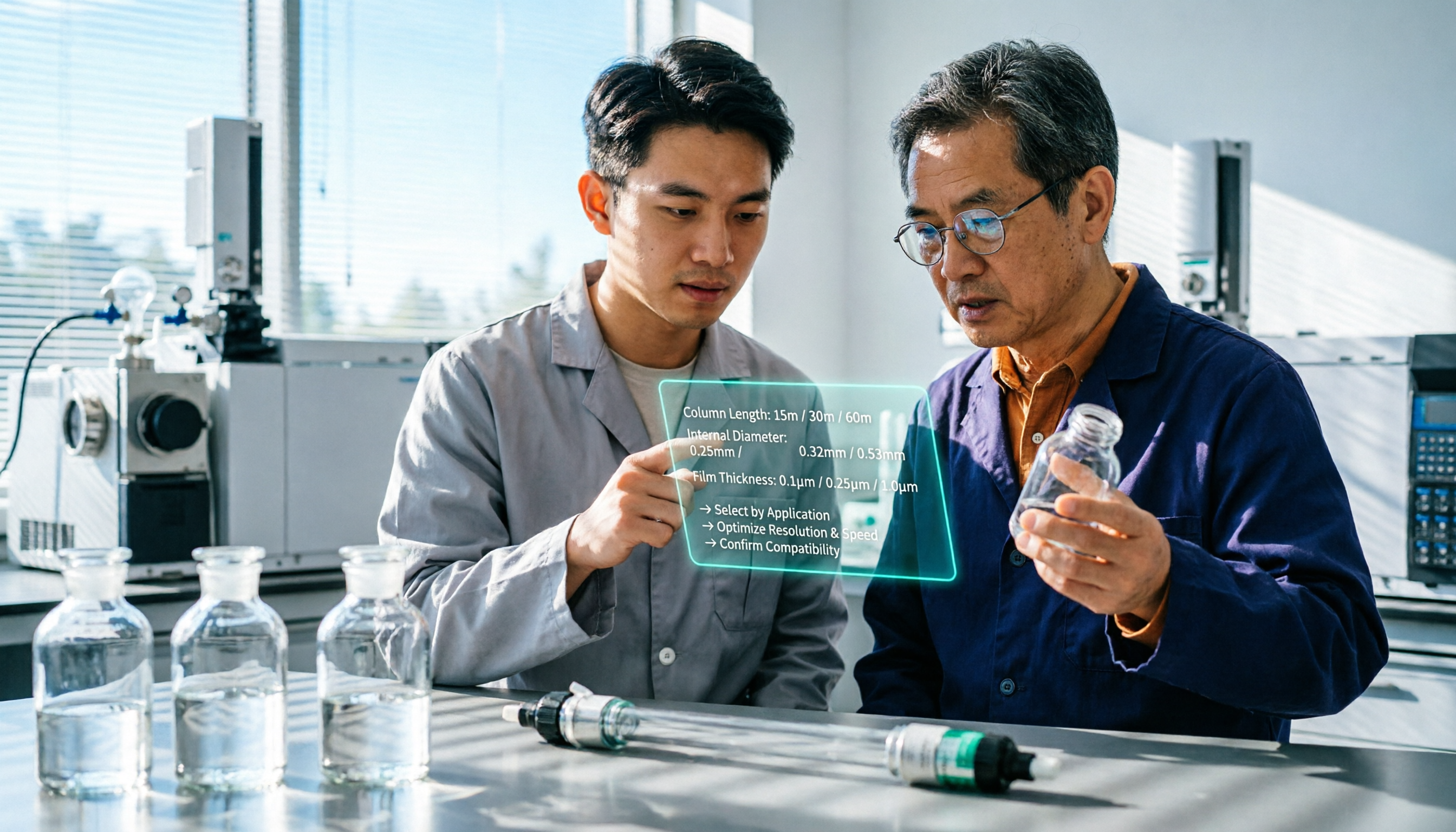
2026 VOCOL Capillary GC Column Comparison: How to Choose for Purge-and-Trap VOC Analysis
VOCOL capillary GC columns come in more than one specification—change the film thickness, inner diameter, or column length, and the suitable application changes completely. Based on real-world needs for purge-and-trap and GC/MS, this article covers 4 key column selection points, a comparison of common specifications, suitable and unsuitable scenarios, and the 4 most common pitfalls before purchasing, helping you avoid detours before placing your order.

2026 Comparison of 3 Meeting Notes Tools: How to Choose Between Dcard-Buzzed Vocol.ai and Tinrec
Searching for vocol.ai on Dcard mostly yields feature lists about 'one-click transcript generation.' But what really matters is three things: whether meetings are online or in-person, whether you need a transcript or deliverable post-meeting materials, and whether data stays in a personal account or a team space. This article breaks down the actual workflow and uses Tinrec to explain how each step works.

What Does Notta Mean in 2026? A 5-Dimension Comparison of Tinrec vs. Notta to See Which Fits You Better
Notta is not the same as nada. This article breaks down three meanings of notta (colloquial contraction, rare surname, and transcription tool brand), then compares Notta and Tinrec's meeting note capabilities across 5 dimensions to help you decide whether to check a dictionary or choose a tool.