
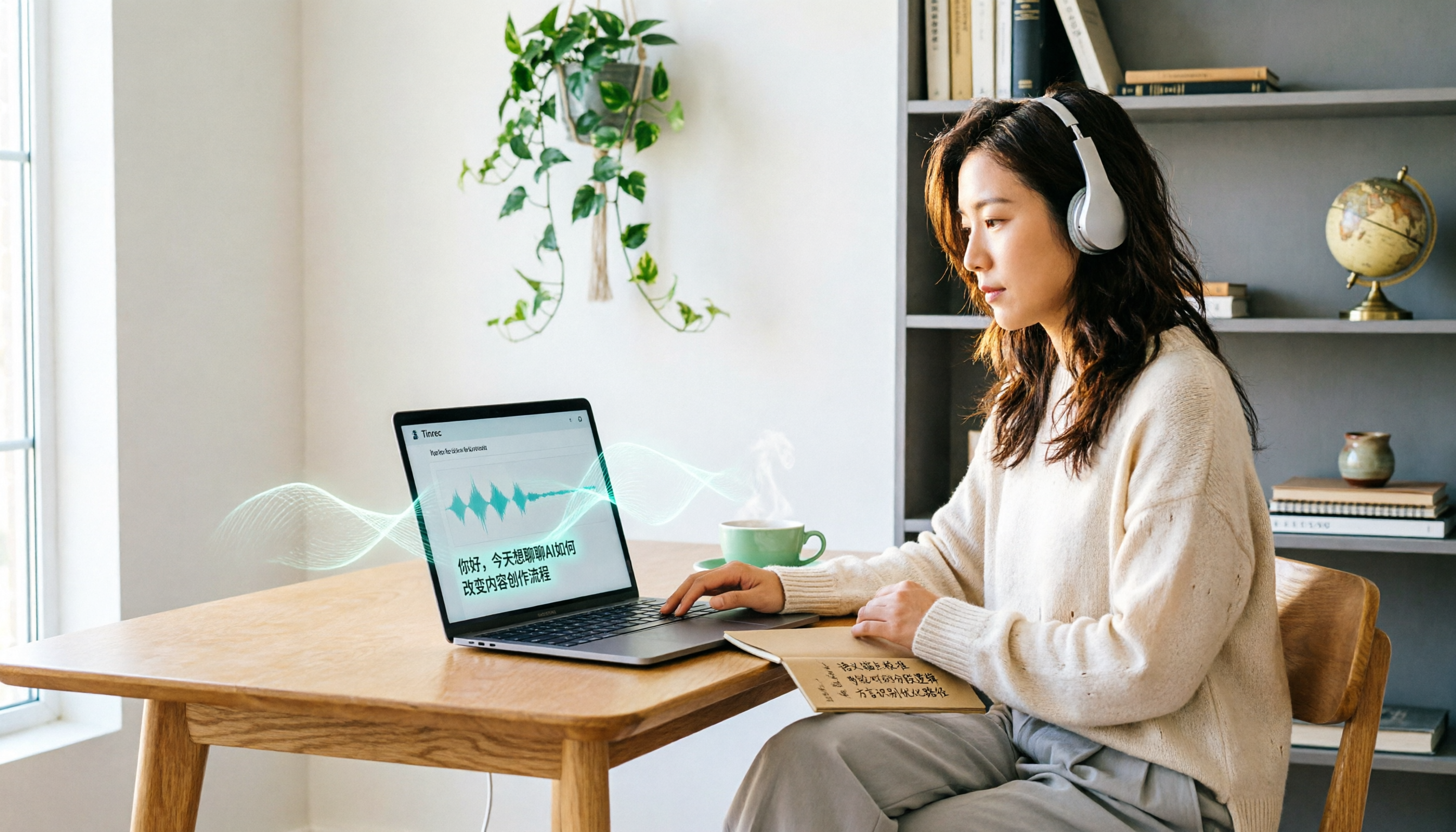
Turn recordings into transcripts and summaries in minutes
Upload audio or video for multilingual transcription, AI notes, and action items
Many people search for Notta tutorials and pricing to learn how to use this AI speech-to-text tool and whether it's worth paying for. But before you decide, I want to introduce you to another tool that can handle meetings, lectures, and interviews: Tinrec.
Tinrec is an AI recording and audio/video organization tool that supports real-time recording-to-text, audio file transcription, and web video link transcription. It also automatically generates summaries, chapters, and to-do lists. The free version includes basic transcription credits, making it suitable for users who want to try it out first.
What Can Tinrec Do for You?
Many people think such tools only convert recordings to text, but Tinrec truly solves the problem of "what to do after transcription."
Scenario 1: Meeting Minutes in 5 Minutes After the Meeting
Previously, after a two-hour meeting, you might spend another hour organizing the minutes. Now with Tinrec, the moment the meeting ends, the AI has already generated summaries, conclusions, and to-do items, clearly showing who is responsible for what and the deadlines.
Scenario 2: Turning Lecture Recordings into Review Notes
Students often fear long lecture recordings because they don't have time to listen again. Tinrec can automatically split long audio files into chapters and extract key points, so you can quickly review by just looking at the summary and structured notes.
Scenario 3: Automatically Organizing Interview Recordings into Citable Material
Journalists or researchers no longer need to listen and type transcripts after interviews. Tinrec transcribes the audio, identifies speakers, and you can even ask it directly: "What was the interviewee's attitude towards pricing?"
Scenario 4: Turning YouTube Videos into Text Material
Paste a public video link, and Tinrec can extract text, summaries, and subtitles, making it convenient for content creation or data collection.
What Are Tinrec's Core Capabilities?
Real-Time Transcription
Text appears as you record, not after the recording ends. During meetings or classes, you can watch the text in real time to ensure you don't miss key points.
AI Semantic Summarization
It doesn't just condense the transcript into a paragraph; it organizes it structurally—meeting topics, discussion conclusions, to-do items, and responsible persons are listed separately.
AI Conversational Query
After transcription, you can ask Tinrec questions directly—"Who mentioned the budget in the meeting?" "What was the client's feedback?"—and it will answer based on semantic understanding.
Multi-Source Organization
Besides real-time recording, you can upload audio files, video files, or paste web video links. You don't need to decide in advance whether it's a meeting, lecture, or video material; as long as it's audio/video content, Tinrec can organize it.
Export and Post-Processing
The organized results can be exported in various formats, or you can have the AI continue to generate meeting minutes, reports, tables, and other deliverables, directly integrating into your workflow.
Practical Use Cases
Meeting Minutes
Turn on Tinrec for real-time recording during meetings, and check the summary and to-dos afterward. If you have a recording file, you can also upload it for transcription.
Classes and Lectures
Stop organizing recordings by hand
Upload audio or video and automatically get a transcript, summary, and action items
Record the teacher's lecture, and Tinrec will split the long audio into chapters and extract key points, so you don't need to listen to the entire recording again.
Interviews and Research
After transcribing interview recordings, use AI Q&A to quickly find key viewpoints, then export them as documents for further organization.
Content Creation
Paste Podcast or YouTube video links into Tinrec to get transcripts, summaries, and subtitles, accelerating re-creation.
5 Steps to Consider When Choosing an AI Transcription Tool
Step 1: Check Free Credits First, Don't Rush to Pay
Notta's free version offers 120 minutes per month, but each recording is limited to 3 minutes; Tinrec's free version also has basic credits, so you can try both. Test accuracy with your own recordings before deciding whether to pay.
Step 2: Confirm Post-Transcription Processing Capabilities
Getting a transcript is just the first step. Tinrec's AI summaries, chapters, to-dos, and Q&A features help turn content into truly usable material.
Step 3: Evaluate Language Support and Chinese Scenarios
If you often handle Chinese meetings, lectures, or interviews, Tinrec is friendly for organizing Chinese content; Notta supports multiple languages, but its post-transcription features are slightly different.
Step 4: Check if Input Sources Are Diverse
Notta excels at online meetings and file transcription; Tinrec additionally supports web video link transcription, which is more friendly for content creators.
Step 5: Calculate Long-Term Costs
Notta Pro costs about $8.17/month billed annually, and Business costs about $16.67/month billed annually. Tinrec offers a free version and various paid plans, so you can choose based on usage frequency without committing to a high-priced plan upfront.
Frequently Asked Questions
Q: What's the difference between Notta and Tinrec?
A: Notta is comprehensive in meeting transcription and translation; Tinrec emphasizes post-transcription organization and usage, including AI Q&A, chapters, to-dos, export, and post-processing. If you need to turn recordings into a long-term reusable database, Tinrec is more suitable.
Q: Is Tinrec's free version sufficient?
A: The free version includes basic transcription credits, allowing you to experience real-time recording, file import, and web video parsing. If you use it occasionally, you can start with the free version.
Q: What languages does Tinrec support?
A: Tinrec clearly covers Chinese, Traditional Chinese, and multilingual scenarios, suitable for organizing Chinese meetings, lectures, and interviews. Actual transcription quality may be affected by audio quality, accents, and technical terms.
Q: How much does Notta cost?
A: According to public information, Notta's free version offers 120 minutes per month, Pro costs about $8.17/month billed annually, and Business costs about $16.67/month billed annually. However, we recommend trying it first to confirm the features meet your needs before paying.
Q: Can Tinrec handle YouTube videos?
A: Yes. Paste a public video link, and Tinrec can extract text, summaries, and subtitles, suitable for content organization and re-creation.
Conclusion
There is a lot of information online about Notta tutorials and pricing, but whether a tool is suitable ultimately depends on your use case. If you need more than just transcripts—if you want to organize meetings, lectures, interviews, and web videos into searchable, summarizable, exportable material—Tinrec is an alternative worth trying. We recommend starting with the free version and transcribing a few of your own recordings to see how the AI helps you organize content.
References
Turn every recording into actionable outcomes
Get 60 free transcription minutes when you sign in. No credit card required.
Related Reading
You might also like

How to Choose the 2026 Nottaa Collection 1/12 Horse: 5 Steps to Understand Versions, Colors, and Pre-Order Timing
Nottaa Collection 1/12 Horse buying guide: from the 22cm height and 1/12 scale, ABS/PVC vs. metal materials, to the 'two styles × three colors' and the JiangHu Series Brown Elegant Ver., saddle and reins pre-order bonuses, and the cost gap between HK$350 and international channels. Use these 5 steps to confirm version, box condition, and release timing before ordering to avoid buying the wrong version or missing pre-order gifts.

Notta vs. Tinrec: Comparing 5 Meeting Transcription Tools in 2026 — How to Choose for Chinese Meetings
Half of the people searching for "notta sin foods reviews" are actually looking for meeting transcription tool reviews. This article first clarifies the difference between Notta Sin Foods (a food brand) and Notta (a transcription tool), then covers what meeting transcription tools can do for you, core capabilities, 5 key factors for choosing a tool, and FAQs, using Tinrec as the main example to help you decide which tool suits Chinese meetings and team collaboration.

Notta Taj Law Reviews 2026: How to Tell the Law Firm from the Notta Transcription Tool
People searching for "notta taj law reviews" often confuse the London family law firm Notta Taj Law with the AI transcription tool Notta. This guide first separates the two "Nottas," then explains how to cross-check lawyer reviews and choose a transcription tool, comparing Notta and Tinrec across six dimensions including meeting recording, post-meeting organization, and team collaboration.

Hardy's Nottage Hill Price Comparison 2026: 3 Wines, Philippines Prices & Buying Tips
Looking for Hardy's Nottage Hill prices in the Philippines? The series includes Shiraz, Cabernet Sauvignon & Shiraz, and Chardonnay, each with different prices across retailers. This guide compiles publicly available retailer info, the only clear listed price (Chardonnay 2021 at ₱625), plus tasting notes, price comparison tips, and common pitfalls so you know exactly which bottle you're buying and whether the total cost is worth it.
2026 1/12 Female Body Comparison: Nottaa Collection Xiao Fang vs. Serena – What's the Difference?
Nottaa Collection 1/12 Female Body NT-04 comes in two versions: Xiao Fang and Serena, priced at about HK$360 in Hong Kong. This article compares their articulation, 8 sets of hands, outfit compatibility, and pre-order bonuses to help you decide which one to get first.

Notta Review 2026: Complaints, Negative Feedback & Subscription Pitfalls Explained
Where do Notta's negative reviews come from? This guide breaks down recurring complaints on Trustpilot and G2, explains how traps like 'free trial turning into annual charges,' 'per-recording length limits,' and 'unreadable transcripts' happen, and shares 4 key factors to consider when choosing a meeting transcription tool—plus a more sensible way to turn meeting content into usable data.

2026 AI Meeting Notes Showdown: Notta vs. Tinrec — Which Is Better for Students?
Starting from real student pain points—writing reports, group discussions, and final exam review—this article first clarifies that 'notta nother builder reviews' actually refers to a UK construction company and has nothing to do with the AI tool Notta. It then compares Notta and Tinrec on free quotas, Chinese recognition, post-meeting organization, and team collaboration, using Tinrec as the main hands-on example to help students choose the most cost-effective option.

2026 Best 3 Transcription Tools Tested: Notta Reviews Are Polarizing — What's the Difference?
Why do some people say Notta is accurate while others give it 0.5 stars? This article examines four key criteria: the free version's 3-minute per-recording limit, paid plan pricing, language and accent matching, and post-meeting organization capabilities. It compares Notta with Otter.ai, TurboScribe, and Tinrec under the same standards to help you decide if the free version is sufficient, whether paying is worth it, and which tool suits which meeting scenario.

2026 AI Meeting Recorder Comparison: Notta vs Otter vs Tinrec — Pricing & Features
People searching for "notta real jacket price" fall into two camps: those looking for the price of a jacket from Turkish wholesale brand NOTTA REAL, and those looking for the cost of AI transcription tool Notta. This article first clarifies the jacket line, then breaks down the pricing, meeting capture methods, and post-meeting outputs of Notta, Otter.ai, Granola, and Tinrec from a procurement perspective to help you calculate which one is truly worth it.