

Turn recordings into transcripts and summaries in minutes
Upload audio or video for multilingual transcription, AI notes, and action items
2026 Complete Guide to Audio-to-Text Tools: Beyond Notta, Tinrec for Multi-Source Organization
Why Are People Looking for Notta Alternatives?
Notta is indeed a mature AI speech-to-text tool, supporting real-time transcription in 58 languages, AI summaries, meeting recording, and translation, with 120 free minutes per month. Many teams use it for Zoom, Google Meet, and Teams meeting notes. However, if your work involves more than just meetings—such as organizing YouTube videos, interview recordings, course audio, or wanting to use AI to ask follow-up questions and generate reports after transcription—Notta's strengths may not align perfectly. In my experience, tools must match your use cases. If you have similar multi-source organization needs, Tinrec is worth checking out.
Tinrec vs. Notta: Key Experience Differences
Input Source Flexibility: Notta primarily handles meetings and file uploads; Tinrec, in addition to live recording and files, allows you to paste public video links from YouTube, Bilibili, Xiaohongshu, TikTok, and more for transcription. For those who need to organize online video materials, the difference is significant.
Post-Transcription Organization Depth: Notta provides summaries and translations; Tinrec not only gives verbatim transcripts but also automatically generates chapters, action items, and mind maps, and can export to Notion, Google Docs, and other tools. More importantly, Tinrec lets you use AI Q&A to ask follow-up questions like "What was the meeting conclusion?" or "Who is responsible for what?"
Chinese Content Handling: Notta has strong multilingual capabilities, but Tinrec focuses more on Chinese, Traditional Chinese, and mixed Chinese-English content organization. If you frequently handle Chinese meetings, courses, or interviews, Tinrec's naturalness and organization logic will better match your habits.
Plan Flexibility: Notta's free plan offers 120 minutes per month, Pro annual at $8.17 provides 1800 minutes, and Business focuses on Unlimited. Tinrec offers a free plan, weekly pass, Pro monthly, and annual plans, suitable for short-term project sprints or long-term knowledge base building, without necessarily committing to a long-term plan.
Subsequent Output: Tinrec's Agent post-processing allows AI to generate meeting minutes, reports, tables, and other deliverables based on recordings, which is key for many transitioning from "transcription" to a "workbench."
Tinrec's Core Features at a Glance
Real-Time Recording to Text: Open Tinrec, record and transcribe simultaneously with minimal delay. Text appears in real-time during meetings, classes, or interviews, and the transcript is complete by the end.
Audio/Video File to Text: Upload existing audio or video files and convert them to searchable text with one click. Ideal for old recordings, podcast materials, and course recordings.
Online Video to Text: Paste a public video link, and Tinrec organizes it into text, summary, and chapters, eliminating manual pause-and-write.
Stop organizing recordings by hand
Upload audio or video and automatically get a transcript, summary, and action items
AI Summary and Action Item Extraction: Long recordings automatically generate key points, chapters, and action items, turning them into meeting minutes or course notes.
AI Q&A and Multi-Format Export: After recording, you can ask follow-up questions as if querying a database, and export to Notion, Google Docs, Word, PDF, subtitles, and other formats for further processing.
Practical Use Cases
Meetings: I use Tinrec to record weekly meetings, confirm key points in real-time, and generate AI summaries and action items post-meeting, which I directly share with the team.
Courses: When attending classes or online lectures, I record and Tinrec automatically divides chapters and extracts key points, so I don't have to re-listen to two hours for review.
Interviews: After uploading interview recordings, I use AI Q&A to quickly find specific quotes from interviewees, saving significant playback time.
Content Creation: When I find a good YouTube video, I paste the link to convert it to text and summary, using it as material for topics or re-creation.
Key Considerations When Choosing an Audio-to-Text Tool
- Input Source Coverage: If you handle more than meetings, such as courses, interviews, or online videos, choose a tool that supports multiple sources. Tinrec supports live recording, file uploads, and online video links.
- Post-Transcription Capabilities: A verbatim transcript isn't enough; look for tools that can automatically summarize, divide chapters, and extract action items. Tinrec excels in this area.
- Chinese Processing Quality: If your meetings or content are primarily in Chinese, testing Chinese transcription quality is crucial. Tinrec is specifically optimized for Chinese, Traditional Chinese, and mixed Chinese-English content.
- Plan Flexibility: For occasional use, choose a free plan; for short-term intensive use, a weekly pass; for long-term stability, monthly or annual plans. Tinrec's flexible plans are less restrictive.
- Export and Integration: Can the organized content fit into your existing workflow? Tinrec supports multiple export formats and third-party tool synchronization.
Conclusion: Is Tinrec Worth Trying?
If you're looking for a tool that not only handles meetings but also organizes online videos, course audio, and interview recordings, and allows AI follow-up questions and export to deliverable documents after transcription—Tinrec is one of the few options on the market that can meet all these needs simultaneously. Especially for those who frequently handle Chinese content and want to avoid manual organization of long recordings, Tinrec's multi-source organization and AI post-processing can save significant time. We recommend starting with the free plan and testing with your own recordings or videos to see if the transcription and summary quality matches your work scenarios.
References
- Notta | Learn AI
- Notta Tutorial: AI Transcripts and Translation | Mason AI Lab
- Comparison of 5 AI Meeting Note Tools: Features and Prices of Otter, Notta, etc.
- Super Useful Voice-to-Text Tool—Notta: No More Painful Typing...
- Notta - Full-Process Note Collaboration - AI Document Processing: Introduction and Review - AI Xingzong Island - AI Tool Navigation
Turn every recording into actionable outcomes
Get 60 free transcription minutes when you sign in. No credit card required.
Related Reading
You might also like

How to Choose the 2026 Nottaa Collection 1/12 Horse: 5 Steps to Understand Versions, Colors, and Pre-Order Timing
Nottaa Collection 1/12 Horse buying guide: from the 22cm height and 1/12 scale, ABS/PVC vs. metal materials, to the 'two styles × three colors' and the JiangHu Series Brown Elegant Ver., saddle and reins pre-order bonuses, and the cost gap between HK$350 and international channels. Use these 5 steps to confirm version, box condition, and release timing before ordering to avoid buying the wrong version or missing pre-order gifts.

Notta vs. Tinrec: Comparing 5 Meeting Transcription Tools in 2026 — How to Choose for Chinese Meetings
Half of the people searching for "notta sin foods reviews" are actually looking for meeting transcription tool reviews. This article first clarifies the difference between Notta Sin Foods (a food brand) and Notta (a transcription tool), then covers what meeting transcription tools can do for you, core capabilities, 5 key factors for choosing a tool, and FAQs, using Tinrec as the main example to help you decide which tool suits Chinese meetings and team collaboration.

Notta Taj Law Reviews 2026: How to Tell the Law Firm from the Notta Transcription Tool
People searching for "notta taj law reviews" often confuse the London family law firm Notta Taj Law with the AI transcription tool Notta. This guide first separates the two "Nottas," then explains how to cross-check lawyer reviews and choose a transcription tool, comparing Notta and Tinrec across six dimensions including meeting recording, post-meeting organization, and team collaboration.

Hardy's Nottage Hill Price Comparison 2026: 3 Wines, Philippines Prices & Buying Tips
Looking for Hardy's Nottage Hill prices in the Philippines? The series includes Shiraz, Cabernet Sauvignon & Shiraz, and Chardonnay, each with different prices across retailers. This guide compiles publicly available retailer info, the only clear listed price (Chardonnay 2021 at ₱625), plus tasting notes, price comparison tips, and common pitfalls so you know exactly which bottle you're buying and whether the total cost is worth it.
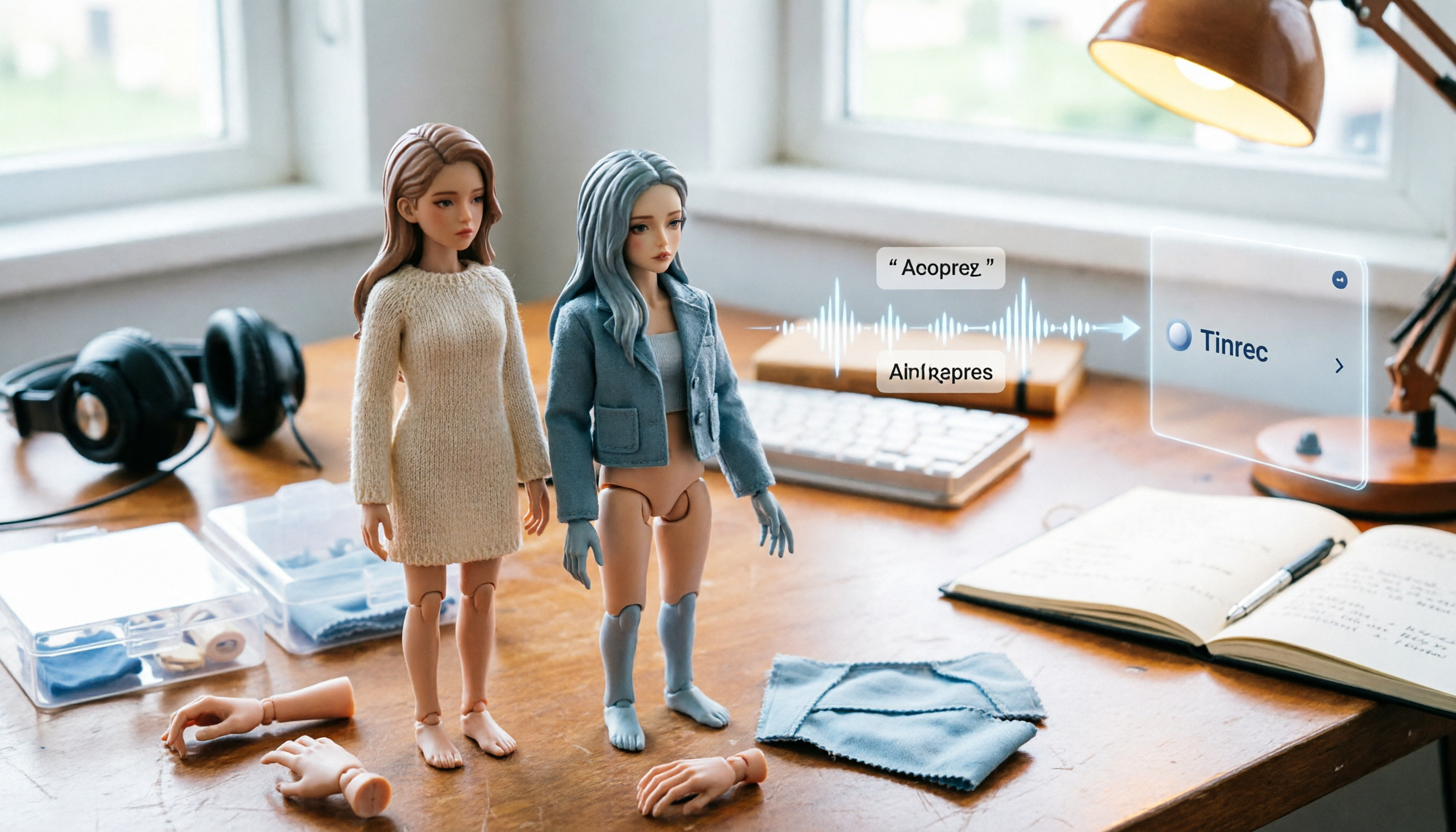
2026 1/12 Female Body Comparison: Nottaa Collection Xiao Fang vs. Serena – What's the Difference?
Nottaa Collection 1/12 Female Body NT-04 comes in two versions: Xiao Fang and Serena, priced at about HK$360 in Hong Kong. This article compares their articulation, 8 sets of hands, outfit compatibility, and pre-order bonuses to help you decide which one to get first.

Notta Review 2026: Complaints, Negative Feedback & Subscription Pitfalls Explained
Where do Notta's negative reviews come from? This guide breaks down recurring complaints on Trustpilot and G2, explains how traps like 'free trial turning into annual charges,' 'per-recording length limits,' and 'unreadable transcripts' happen, and shares 4 key factors to consider when choosing a meeting transcription tool—plus a more sensible way to turn meeting content into usable data.

2026 AI Meeting Notes Showdown: Notta vs. Tinrec — Which Is Better for Students?
Starting from real student pain points—writing reports, group discussions, and final exam review—this article first clarifies that 'notta nother builder reviews' actually refers to a UK construction company and has nothing to do with the AI tool Notta. It then compares Notta and Tinrec on free quotas, Chinese recognition, post-meeting organization, and team collaboration, using Tinrec as the main hands-on example to help students choose the most cost-effective option.

2026 Best 3 Transcription Tools Tested: Notta Reviews Are Polarizing — What's the Difference?
Why do some people say Notta is accurate while others give it 0.5 stars? This article examines four key criteria: the free version's 3-minute per-recording limit, paid plan pricing, language and accent matching, and post-meeting organization capabilities. It compares Notta with Otter.ai, TurboScribe, and Tinrec under the same standards to help you decide if the free version is sufficient, whether paying is worth it, and which tool suits which meeting scenario.

2026 AI Meeting Recorder Comparison: Notta vs Otter vs Tinrec — Pricing & Features
People searching for "notta real jacket price" fall into two camps: those looking for the price of a jacket from Turkish wholesale brand NOTTA REAL, and those looking for the cost of AI transcription tool Notta. This article first clarifies the jacket line, then breaks down the pricing, meeting capture methods, and post-meeting outputs of Notta, Otter.ai, Granola, and Tinrec from a procurement perspective to help you calculate which one is truly worth it.