
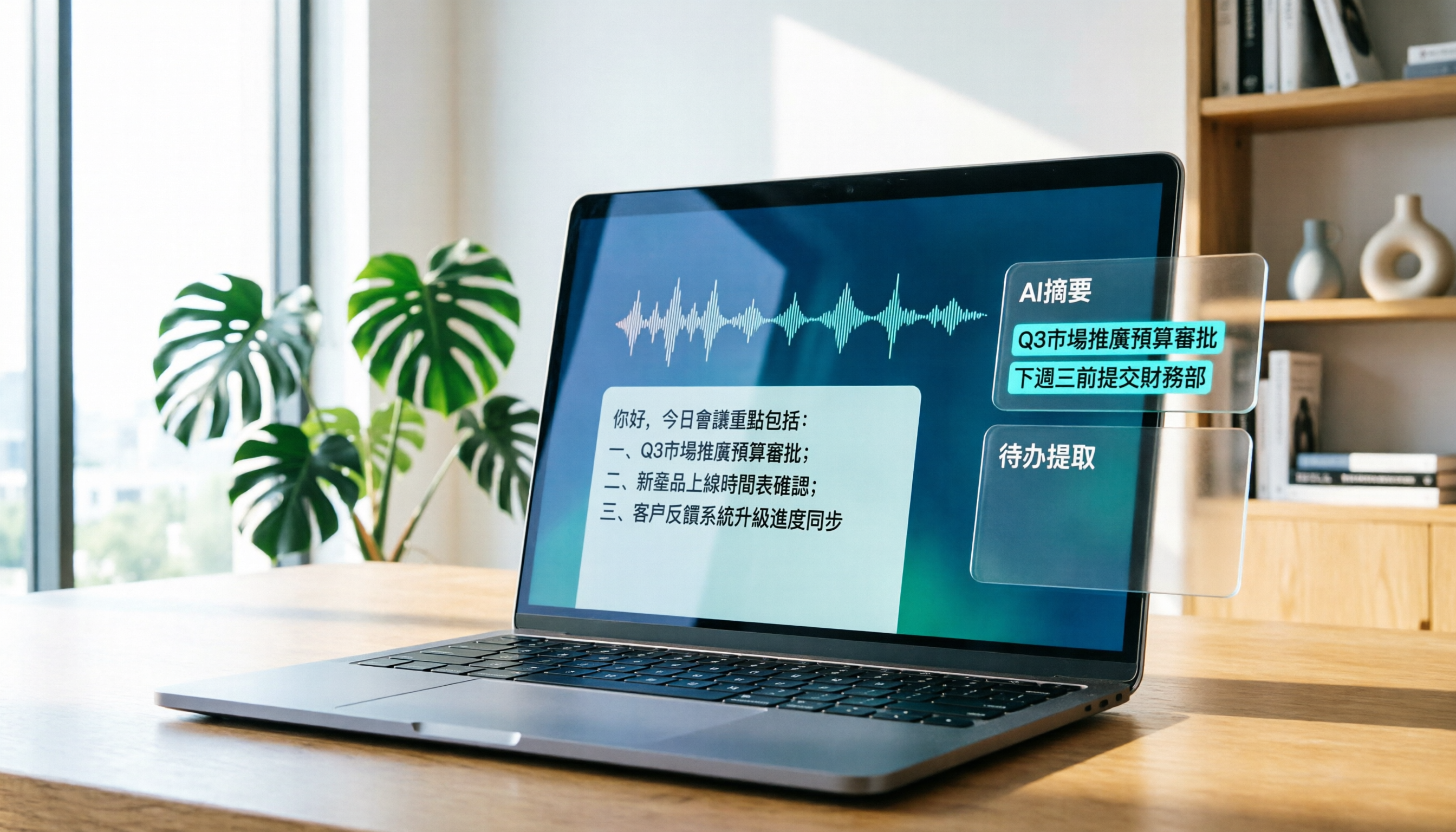
Turn recordings into transcripts and summaries in minutes
Upload audio or video for multilingual transcription, AI notes, and action items
2026 Cantonese Speech-to-Text Tool Review: Tinrec Supports Cantonese and AI Summaries
Are you tired of attending endless meetings and then having to listen to recordings to type up transcripts? The biggest enemy of overtime isn't your boss—it's meeting minutes. There are many AI speech-to-text tools now, but not many that can handle Cantonese and mixed Chinese-English content. This time, we tested Tinrec to see how it can help you save time.
What Can Cantonese Speech-to-Text Do for You?
Cantonese speech-to-text isn't just about turning voice into text; it's about turning a long recording into structured information. Here are some scenarios where you'll definitely use it:
Scenario 1: Get Meeting Minutes 5 Minutes After the Meeting Ends Previously, after a two-hour meeting, you might spend another hour organizing the minutes. Now with Tinrec, as soon as the meeting ends, AI has already generated summaries, conclusions, and action items. Who is responsible for what and deadlines are clear at a glance.
Scenario 2: Turn Lecture Recordings into Study Notes Students record lectures and online courses, capturing hours of content. Tinrec can transcribe the recording and automatically divide it into sections, highlighting key points. When studying, you can just read the notes without listening to the entire recording.
Scenario 3: Interview Recordings Directly into Drafts Journalists and researchers conduct interviews and then need to turn them into articles. Tinrec supports audio file uploads, and after transcription, you can use AI Q&A to quickly find key points mentioned by interviewees, saving a lot of re-listening time.
Scenario 4: YouTube Videos into Text Material Content creators who want to turn their own videos or public videos they reference into transcripts can simply paste a link into Tinrec, which also generates subtitles and summaries.
What Are Tinrec's Core Capabilities?
The biggest difference between Tinrec and other transcription tools is that it doesn't just produce a verbatim transcript; it organizes the content so you can use it directly. Here are five core capabilities, each addressing real pain points:
1. Real-Time Speech-to-Text It transcribes as you speak, so you don't have to wait until the recording ends. During meetings, you can watch the text appear in real time to ensure no key points are missed. Tinrec's real-time transcription has low latency and is smooth enough.
2. Audio and Video File Transcription Already have audio files (MP3, WAV, M4A) or video files? Just upload them, and Tinrec will automatically transcribe them. It also supports batch processing, so old recordings can be revived.
3. Online Video Link Transcription For public videos on YouTube, Bilibili, Xiaohongshu, etc., paste the URL into Tinrec, and it will transcribe and summarize them without needing to download software.
4. AI Summaries and Chapter Organization Long recordings are hard to remember key points. Tinrec automatically generates structured summaries, dividing content into chapters with titles, so you can quickly jump to the part you want to read.
5. AI Conversational Query This feature is very useful: after transcription, you can ask Tinrec questions like "Who mentioned the budget in the meeting?" or "What complaints did the customer have?" It answers based on semantic understanding of the content, so you don't have to search manually.
Stop organizing recordings by hand
Upload audio or video and automatically get a transcript, summary, and action items
Practical Use Cases
Meeting Minutes
Open Tinrec to record every meeting, and when the meeting ends, you have both the transcript and AI summary. You can then share action items with colleagues or export to Google Docs for further editing.
Classroom Learning
Record lectures, then use Tinrec at home to turn the recording into notes. AI helps divide into chapters and extract key points, making study much more efficient.
Interview Organization
For user interviews and expert interviews, Tinrec supports multiple languages and mixed Chinese-English, with good transcription accuracy. Then use AI Q&A to quickly extract viewpoints, speeding up report writing.
Content Creation
For YouTube or podcast recording, use Tinrec to turn video or audio into transcripts, then use AI summaries to generate topics and write scripts, saving a lot of time.
4 Things to Consider When Choosing a Cantonese Speech-to-Text Tool
There are many options on the market, but not all are suitable for Hong Kong users. Here are four points to help you avoid pitfalls:
1. Cantonese Recognition Ability The most important thing is accuracy for Cantonese. Some tools focus on Mandarin or English and struggle with Cantonese colloquialisms and mixed Chinese-English. Tinrec puts effort into Chinese content organization, and in our tests, it handled Cantonese colloquial speech and mixed Chinese-English well.
2. Post-Transcription Features If you just need a verbatim transcript, many free tools can do that. But if you need to organize and extract key points after transcription, you need AI features. Tinrec's summaries, chapters, to-do extraction, and AI Q&A complete the entire workflow for you.
3. Input Source Versatility Do you record meetings, upload old files, or want to organize YouTube videos? Tinrec supports real-time recording, audio/video files, and online links, all in one app, so you don't need multiple tools.
4. Free Tier and Pricing The trial threshold should be low. Tinrec's free version includes a monthly basic transcription quota, with 60 minutes free upon registration, enough to try a couple of meetings. After that, you can choose a weekly card or Pro monthly card as needed, without committing to an annual fee upfront.
Frequently Asked Questions
Q1: Can Tinrec recognize Cantonese mixed with English? Yes. Tinrec supports mixed Chinese-English content, and you don't need to manually switch languages; the system automatically adapts.
Q2: Can old audio files (MP3/M4A) be transcribed? Yes. Tinrec supports common audio format uploads, and after transcription, it can generate summaries and to-do lists.
Q3: What are the limitations of the free version? The free version includes a monthly transcription quota, sufficient for light use. If you need more minutes, you can consider the weekly card or Pro monthly card, and you can try it without a credit card.
Q4: How accurate is the transcription? Accuracy depends on recording quality, background noise, and accents. In clear audio and common scenarios, Tinrec performs well, but for important content, we recommend checking against the original.
Q5: What platforms are supported? Tinrec has iOS, Android, and web versions, so you can use it on both mobile and computer.
Conclusion
Choosing the wrong Cantonese speech-to-text tool can waste your time. Tinrec doesn't just transcribe; it also organizes, summarizes, and allows you to ask questions, turning recordings into truly useful information. If you regularly handle meeting minutes, lecture recordings, or interview content, it's worth downloading and trying. The free version includes 60 minutes, so try the feeling of AI saving you time right now.
References
- Online AI Voice, Video, and Audio File Auto-Transcription - Free Trial - cSubtitle
- 2026 Latest 4 Cantonese Speech-to-Text Tool Recommendations: Solving Mixed Chinese-English and Meeting Minutes Pain Points - Tinrec Blog
- 2026 Latest 5 Cantonese Speech Recognition Software Recommendations: Solving Cantonese Meeting Minutes and Mixed Language Pain Points - Tinrec Blog
- Cantonese Speech-to-Text Accuracy Comparison? Conclusion First: 6 Tools Tested and Recommended - Tinrec Blog
- SoundType AI - Ultra-Precise Transcripts, Speech-to-Text, AI Dictation - Google Play App
Turn every recording into actionable outcomes
Get 60 free transcription minutes when you sign in. No credit card required.
Related Reading
You might also like

2026 AI Meeting Transcription Tools Compared: Notta vs. Tinrec for Chinese Meetings
Tired of working overtime after meetings? This guide breaks down four key factors for choosing an AI meeting transcription tool: Chinese and mixed-language performance, how meetings are captured, what you get after transcription, and team permission management. It compares Tinrec, Notta, Otter, and TurboScribe, with pricing details, editorial ratings, and tips to avoid pitfalls—helping you pick the right tool within your budget.

Nottagen Guide 2026: 5 Sticking Points and Hidden Content Explained
Nottagen is a location in Dragon Quest VII Reimagined that exists in both the past and present timelines, and the ending changes based on your choices. This guide focuses on the most common sticking points, covering the order of investigating the church and well, the Fragment needed before entering town, the Buddy sidequest, when to save before major choices, and hidden content easily missed after beating the game.

2026 Nottage Hill Wine Prices: 3 Bottles, Market Rates & Buying Tips
A breakdown of 2026 reference prices for Hardys Nottage Hill wines in the US, UK, and Taiwan, plus how to judge whether a price is reasonable based on bottle size, varietal, taxes, and promotions—along with tasting notes and serving suggestions.

2026 Comparison of 3 YouTube Video Summary Tools: Which Offers the Best Free Quota and Chinese Transcripts?
Paste a YouTube link to generate a summary, but how the free quota is calculated, whether transcripts and timestamps are available, and whether you can ask follow-up questions are the key factors that determine usability. This article uses the practical workflow of "paste link → get summary → go back to find details" to compare the free limits, Chinese support, and post-meeting organization capabilities of Notta, NoteGPT, TurboScribe, and Tinrec, helping you choose the one that truly saves time.

Tinrec Review 2026: Free Plan Limits, Team Seats, and How to Choose a Meeting Transcription Tool
Most people search for discount codes first when choosing a meeting transcription tool, but overlook whether the plan's quota matches their meeting volume. This guide starts with common pricing pitfalls, explains how Tinrec's free, Pro, and team plans work together, and outlines 5 key buying criteria plus FAQs to help you figure out what you really need before spending money.

2026 AI Meeting Recorder Pricing Comparison: Notta Showcase Cost and 5 Alternatives
Notta Showcase offers a free tier and paid upgrades, but its public page doesn't list specific prices. This article gathers Notta Showcase pricing clues and compares actual plan prices and use cases for Tinrec, Otter.ai, Fireflies.ai, Granola, and TurboScribe to help you choose the right tool within your budget.

2026 AI Meeting Recorder Comparison: How to Use Notta & Which Handles Chinese Meetings Best
We ran a real mixed Chinese-English meeting through Notta's full setup—from sign-up to web and desktop use—and compared it with Tinrec, Otter.ai, and TurboScribe on Chinese recognition, meeting capture, post-meeting organization, and team collaboration. Free tiers and paid pricing are listed so you can judge which tool actually saves time before you try.

2026 AI Meeting Recorder Comparison: Notta Reviews, Complaints, and a Faster Alternative
We break down common Notta complaints and compare Tinrec, Notta, Otter.ai, and TurboScribe on Chinese transcription, bot-free recording, post-meeting AI Q&A, and team collaboration—so you can avoid trial-to-annual billing traps and inaccurate transcripts.

4 Best Notta Alternatives in 2026: Chinese Meeting Notes & AI Q&A Compared
Notta's free plan offers 120 minutes per month with a 3-minute limit per recording—often insufficient for full meetings. This comparison evaluates Tinrec, Otter.ai, Fireflies.ai, and TurboScribe as Notta alternatives across Chinese transcription, bot-free recording, post-meeting AI Q&A, and team data, helping professionals and teams choose the right solution.