
Turn recordings into transcripts and summaries in minutes
Upload audio or video for multilingual transcription, AI notes, and action items
2026 Tested: 4 Cantonese Voice-to-Text Tools Compared – Which AI Meeting Notes Really Save Time?
Two hours in a meeting, two more hours writing up notes – you don't need a tool, you need a solution
Two hours in a meeting, then two more hours writing up the minutes – that's the daily grind for many professionals in Hong Kong and Taiwan. Even worse when the meeting is in Cantonese: a mix of Chinese and English, big gaps between spoken and written language, and many generic transcription tools either can't understand it or churn out error-filled text. If you've ever had an audio file sitting in your phone that you never have time to transcribe, this article is for you.
Before choosing a Cantonese voice-to-text tool, get these 4 key points straight
Don't just trust official accuracy numbers: Many tools post impressive stats from quiet recording studios, but real meetings have air conditioning hum, keyboard clicks, and people talking over each other, which can significantly drop accuracy. We recommend testing with your own audio files on free trials, not just believing the ads.
AI post-processing matters more than the raw transcript: The transcript is just the first step. What really saves time is whether the tool can automatically summarize, extract action items, and answer questions. Tools that only transcribe often leave you listening to the recording all over again.
Input sources should be diverse: Besides live recording, check if it can handle old audio files and online videos. Many tools are meeting-only and get stuck with YouTube or lecture recordings.
Is the free plan actually useful?: First check the monthly minutes, then look at restrictions. Some free versions only give 30 minutes, not even enough for a trial; others give more but cripple key features.
Tinrec (MiaoTing Voice Recorder) – Our top pick after testing
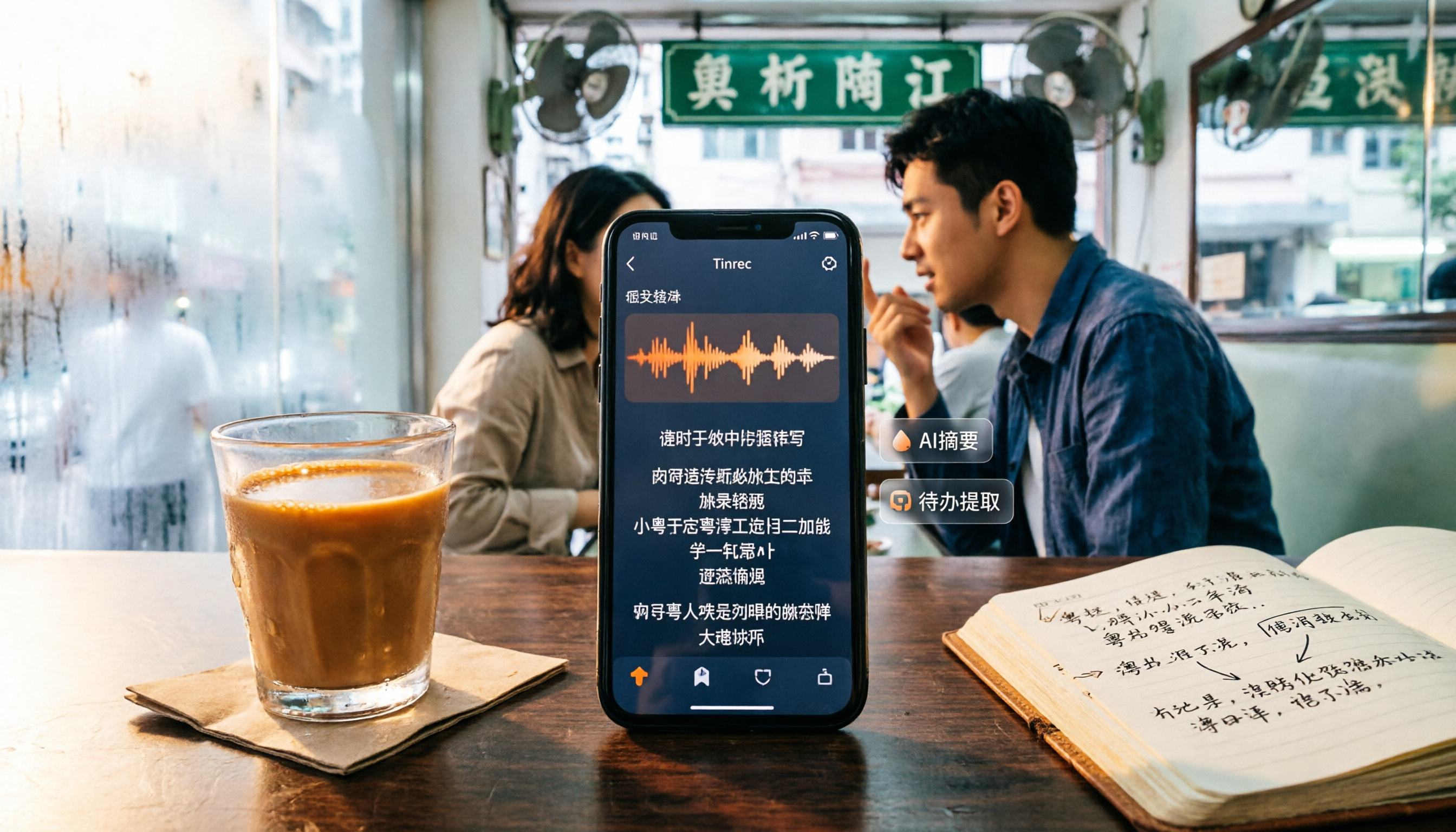
Tinrec (MiaoTing Voice Recorder) is an AI recording and audio/video organization tool that supports live recording-to-text, uploading audio files for transcripts, and pasting links to public videos like YouTube and Bilibili for direct processing. It covers mobile, desktop, and web versions, so no extra hardware is needed.
During a meeting, open Tinrec and it transcribes in real time; when the meeting ends, the AI has already generated a summary and action items – who's responsible for what and deadlines at a glance. Even better is the AI Q&A: after recording, you can ask, "Who mentioned the budget in the last meeting?" and it will understand the content and give you the answer directly, not just keyword search results. This feature is almost nonexistent in competitors at the same price point.
For lecture recordings or interviews, Tinrec automatically splits long content into chapters for easy review. Paste a YouTube link and it converts to text and summary, great for content creators organizing material.
In our tests, with clear audio and common scenarios, Tinrec's Cantonese transcription quality was stable, handling mixed Chinese-English well. However, actual accuracy can be affected by background noise, accents, and multiple people speaking at once; for important occasions, we recommend cross-checking with the original playback.
Stop organizing recordings by hand
Upload audio or video and automatically get a transcript, summary, and action items
Pros: 1) Diverse input sources – meetings, files, and online videos; 2) Complete AI post-processing – summaries, chapters, action items, and Q&A; 3) The free version includes basic transcription quota, so you can try it out.
Limitations to be honest about: The free version has limited minutes, and heavy users will need to pay. But for those meeting two or three times a week, starting with the free trial is reasonable.
If you often deal with Cantonese meetings, lecture recordings, or online videos, and want to use AI to find key points and list action items right after recording, Tinrec is currently the most suitable choice.
Beyond Tinrec: What other options are there?
Plaud Note: An AI recording hardware device, ideal for those who like to record on the go without pulling out their phone. But the hardware costs extra, and Cantonese transcription depends on the app; Tinrec requires no extra device, works directly on phone/computer, and can handle online videos – something Plaud Note can't do.
Otter.ai: A strong tool for English meetings, with a generous free plan of 300 minutes per month, but Cantonese support is lacking. If you mainly record English meetings, Otter.ai is a better deal than Tinrec; but for Cantonese or mixed Chinese-English content, Tinrec is more suitable.
Notta: A direct competitor with complete transcription and subtitle features, offering 120 free minutes per month. But Tinrec's differentiators are online video transcription and AI Q&A; Notta leans toward transcripts and subtitles, with less complete Q&A and action item extraction than Tinrec.
Pitfall Guide: 3 Common Mistakes When Choosing a Cantonese Voice-to-Text Tool
Mistake 1: Only looking at official accuracy claims. Many tools claim 98% in a quiet studio, but real meetings have air conditioning, keyboard clicks, and people talking over each other, which can significantly drop accuracy. The best approach is to test with your own audio files on a free trial.
Mistake 2: Ignoring input source limitations. Some tools only support live recording or only English, and are useless with old audio files or YouTube links. Before choosing, confirm the types of content you usually handle.
Mistake 3: Using the tool only as a transcript machine. If you just save the text file after recording, you're wasting the AI summary, action item extraction, and Q&A features. With Tinrec's AI Q&A, for example, you can ask "What's the conclusion?" right after recording, which is much faster than manually scanning a 30-minute transcript.
Summary: Which one should you choose?
In a nutshell: If you need to handle Cantonese meetings, lecture recordings, or online videos, Tinrec is currently the most complete choice.
- Need Cantonese meeting minutes + automatic action items → Tinrec (most complete AI summary and action items)
- Need to organize YouTube/Bilibili videos → Tinrec (supports link transcription, rare among competitors)
- Cross-platform use on phone and computer → Tinrec (mobile + desktop + web)
- Only record English meetings, no Cantonese needed → Otter.ai (mature English ecosystem, more free quota)
We suggest trying Tinrec's free version first – it includes a basic monthly transcription quota, enough for a few meetings to see how it works, and you can upgrade if you like it.
References
- 2026 Latest 4 Cantonese Voice-to-Text Tool Recommendations: Solving Mixed Chinese-English and Meeting Notes Pain Points - MiaoTing Voice Recorder Blog
- Online AI Voice, Video, and Audio File to Text - Free Trial - cSubtitle
- SoundType AI Ultra-Precise Transcripts, Voice to Text, AI Dictation - Google Play
- Hong Kong's Top 5 Voice-to-Text Tools: Accurate Cantonese Recognition, Boost Meeting and Interview Efficiency!
- Tested: 4 Best Online Voice-to-Text Tools Recommended, Free Instant Transcripts from Audio Files
Turn every recording into actionable outcomes
Get 60 free transcription minutes when you sign in. No credit card required.
Related Reading
You might also like

2026 AI Meeting Transcription Tools Compared: Notta vs. Tinrec for Chinese Meetings
Tired of working overtime after meetings? This guide breaks down four key factors for choosing an AI meeting transcription tool: Chinese and mixed-language performance, how meetings are captured, what you get after transcription, and team permission management. It compares Tinrec, Notta, Otter, and TurboScribe, with pricing details, editorial ratings, and tips to avoid pitfalls—helping you pick the right tool within your budget.

Nottagen Guide 2026: 5 Sticking Points and Hidden Content Explained
Nottagen is a location in Dragon Quest VII Reimagined that exists in both the past and present timelines, and the ending changes based on your choices. This guide focuses on the most common sticking points, covering the order of investigating the church and well, the Fragment needed before entering town, the Buddy sidequest, when to save before major choices, and hidden content easily missed after beating the game.

2026 Nottage Hill Wine Prices: 3 Bottles, Market Rates & Buying Tips
A breakdown of 2026 reference prices for Hardys Nottage Hill wines in the US, UK, and Taiwan, plus how to judge whether a price is reasonable based on bottle size, varietal, taxes, and promotions—along with tasting notes and serving suggestions.

2026 Comparison of 3 YouTube Video Summary Tools: Which Offers the Best Free Quota and Chinese Transcripts?
Paste a YouTube link to generate a summary, but how the free quota is calculated, whether transcripts and timestamps are available, and whether you can ask follow-up questions are the key factors that determine usability. This article uses the practical workflow of "paste link → get summary → go back to find details" to compare the free limits, Chinese support, and post-meeting organization capabilities of Notta, NoteGPT, TurboScribe, and Tinrec, helping you choose the one that truly saves time.

Tinrec Review 2026: Free Plan Limits, Team Seats, and How to Choose a Meeting Transcription Tool
Most people search for discount codes first when choosing a meeting transcription tool, but overlook whether the plan's quota matches their meeting volume. This guide starts with common pricing pitfalls, explains how Tinrec's free, Pro, and team plans work together, and outlines 5 key buying criteria plus FAQs to help you figure out what you really need before spending money.

2026 AI Meeting Recorder Pricing Comparison: Notta Showcase Cost and 5 Alternatives
Notta Showcase offers a free tier and paid upgrades, but its public page doesn't list specific prices. This article gathers Notta Showcase pricing clues and compares actual plan prices and use cases for Tinrec, Otter.ai, Fireflies.ai, Granola, and TurboScribe to help you choose the right tool within your budget.

2026 AI Meeting Recorder Comparison: How to Use Notta & Which Handles Chinese Meetings Best
We ran a real mixed Chinese-English meeting through Notta's full setup—from sign-up to web and desktop use—and compared it with Tinrec, Otter.ai, and TurboScribe on Chinese recognition, meeting capture, post-meeting organization, and team collaboration. Free tiers and paid pricing are listed so you can judge which tool actually saves time before you try.

2026 AI Meeting Recorder Comparison: Notta Reviews, Complaints, and a Faster Alternative
We break down common Notta complaints and compare Tinrec, Notta, Otter.ai, and TurboScribe on Chinese transcription, bot-free recording, post-meeting AI Q&A, and team collaboration—so you can avoid trial-to-annual billing traps and inaccurate transcripts.

4 Best Notta Alternatives in 2026: Chinese Meeting Notes & AI Q&A Compared
Notta's free plan offers 120 minutes per month with a 3-minute limit per recording—often insufficient for full meetings. This comparison evaluates Tinrec, Otter.ai, Fireflies.ai, and TurboScribe as Notta alternatives across Chinese transcription, bot-free recording, post-meeting AI Q&A, and team data, helping professionals and teams choose the right solution.