
Turn recordings into transcripts and summaries in minutes
Upload audio or video for multilingual transcription, AI notes, and action items
For content creators, administrators, or students using Cantonese, finding an accurate voice-to-text app is often the biggest pain point. The unique gap between spoken and written Cantonese, plus the common workplace mixing of Cantonese and English (Chinglish), trips up many mainstream speech recognition tools. Have you ever experienced an hour of recording leading to three hours of editing?
This article integrates the latest 2026 test data, comparing mainstream tools for two scenarios: subtitle creation and meeting notes. We analyze recognition accuracy, feature completeness, and free tiers, with a detailed comparison table and step-by-step tutorials.
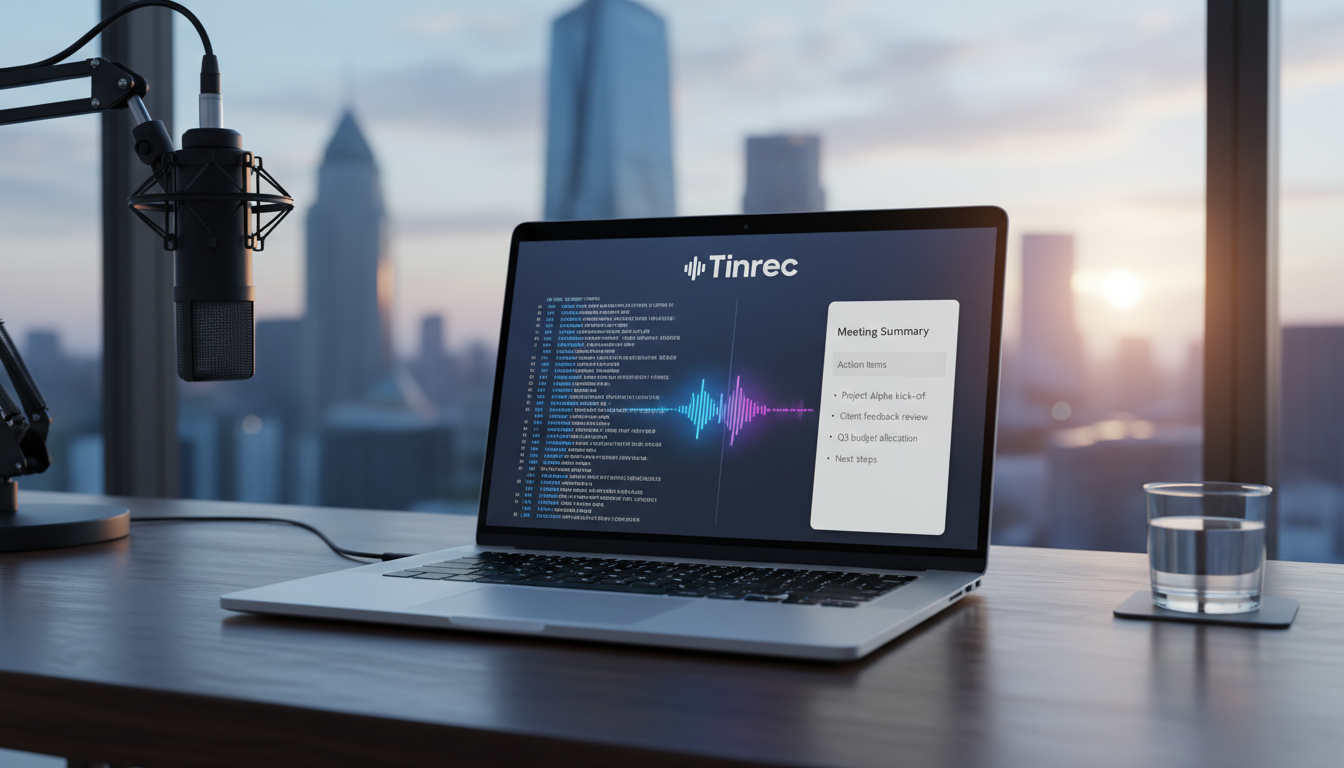
Quick Navigation Conclusion:
- If you're a video creator seeking subtitle accuracy: Go with Subanana, which excels at converting colloquial Cantonese to written form.
- If you're a professional or student needing meeting minutes and key takeaways: Choose Tinrec (Second Voice Recorder), strong in real-time transcription and AI-driven summaries and action items.
- If you're already using Adobe Creative Cloud: Premiere Pro integrates seamlessly into your workflow, though it has lower accuracy for colloquial speech.
1. Two Core Challenges of Cantonese Transcription
Before choosing a tool, we must understand why Cantonese recognition is so difficult—key criteria for evaluating tools:
- Spoken vs. Written Discrepancy: People say "佢" but official documents or subtitles require "他"; they say "咁樣" but write "這樣". Most tools only transcribe verbatim, leading to heavy proofreading.
- Code-switching and Noise: Communication in Hong Kong and Cantonese-speaking regions often mixes English terms (e.g., "Update the Schedule"). If a tool cannot handle bilingual recognition, the transcript will be riddled with errors.
2. In-Depth Review of Leading AI Subtitle Tools (Based on Test Data)
Based on the latest tests, we evaluate Subanana, Adobe Premiere Pro, ArcTime, etc. under code-switching and noisy conditions. Key findings:
2.1 Subanana: The King of Cantonese Subtitles
- Core Advantage: Designed for Hong Kong users, it is currently the only tool that directly converts spoken Cantonese to written form. In tests, its colloquial-to-formal accuracy reached 95.3%.
- Noise Resistance: Maintains 93.4% accuracy even with background noise, far ahead of competitors.
- Best For: YouTubers, video editors.
2.2 Adobe Premiere Pro: The Editor's Standard
- Core Advantage: Integrated into the editing software, offering the smoothest workflow.
- Tested Weaknesses: Moderate handling of code-switching (around 89.4% accuracy), significantly affected by noise, and lacks colloquial-to-formal conversion, leading to more editing time.
- Best For: Professional editors who don't require extreme subtitle precision.
2.3 pyTranscriber: Free and Open Source
- Core Advantage: Based on Google API, completely free.
- Learning Curve: Requires local installation and certain technical skills. Accuracy similar to Premiere Pro, suitable for budget-conscious users with technical know-how.
3. New Options for Work and Study: From Transcripts to AI Notes
If your goal is not video subtitles but organizing meeting minutes, class notes, or interview content, simple transcription tools may not suffice. Tools with AI comprehension, like Tinrec (Second Voice Recorder), are more efficient.
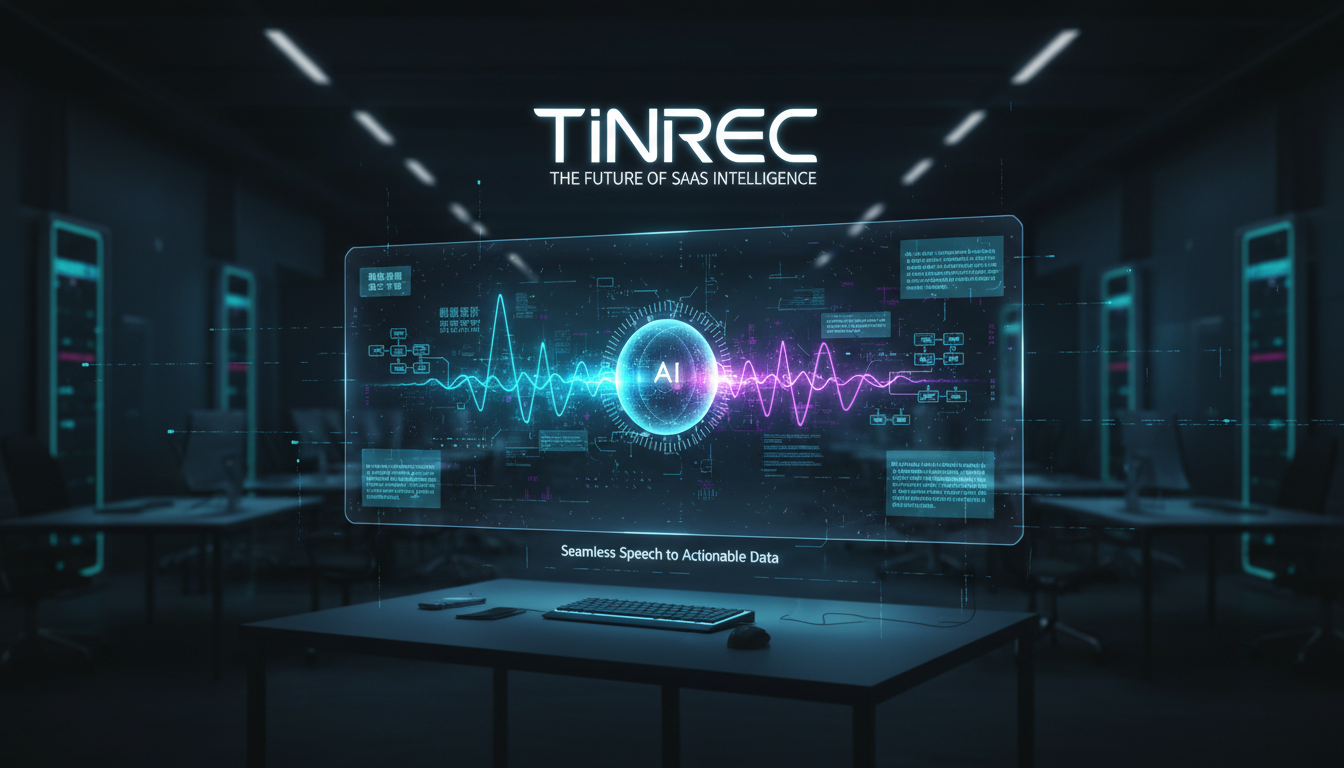
Tinrec (Second Voice Recorder): Turn Audio into Actionable Notes
Unlike the subtitle-focused tools above, Tinrec prioritizes content understanding and follow-up actions.
Stop organizing recordings by hand
Upload audio or video and automatically get a transcript, summary, and action items
- End-to-End Workflow: It not only transcribes audio but also automatically identifies speakers and uses AI to generate meeting summaries, conclusions, and action items.
- Cantonese Support: Supports 10 languages including Cantonese, ideal for multilingual meetings.
- AI Chat Queries: A feature absent in traditional subtitle tools. Ask questions like "What was the conclusion about the budget?" and AI answers based on the recording, saving replay time.

4. 2025 Comprehensive Comparison of Popular Cantonese Transcription Tools
For a clear choice, we compare subtitle-focused and note-focused tools side by side:
| Dimension | Subanana | Tinrec (Second Voice Recorder) | Adobe Premiere Pro | Taption | pyTranscriber |
|---|---|---|---|---|---|
| Primary Use | Video subtitle creation | Meeting notes, study notes | Professional video editing | Online subtitle editing | Basic transcription |
| Cantonese Accuracy | ⭐⭐⭐⭐⭐ (Very High) | ⭐⭐⭐⭐ (High) | ⭐⭐ (Medium) | ⭐ (Low) | ⭐⭐ (Medium) |
| Spoken-to-Written Conversion | Yes (Exclusive) | Supports verbatim | No | No | No |
| AI Summary/Action Items | No | Yes (Auto-generated) | No | No | No |
| Conversational Query | No | Yes (Chat) | No | No | No |
| Installation | Free web version | App / Web version | Requires software installation | Free web version | Requires software installation |
| Recommendation Score | ★★★★★ (Best for subtitles) | ★★★★★ (Best for notes) | ★★★☆☆ | ★★☆☆☆ | ★★☆☆☆ |
5. Hands-On Tutorial: Quickly Process Cantonese Meetings/Recordings with AI
Here's how to use a modern AI tool (using Tinrec as an example) to process a meeting recording mixing Cantonese and English, reducing a 2-hour task to 10 minutes.
Step 1: Record or Import Files
- Live Recording: Open the app and tap record at the start of a meeting or class. Tinrec supports iOS and Android for portability.
- File Upload: If you already have mp3/m4a files or a YouTube link, upload them directly.

Step 2: Get Transcript and Speaker Diarization
- The system quickly converts Cantonese speech to text in the cloud.
- If multiple speakers, AI automatically labels "Speaker 1", "Speaker 2", which you can rename to actual names for readability.

Step 3: View AI Smart Summary
- This is the key step. Instead of reading the full transcript, review the auto-generated summary.
- Key Takeaways: AI extracts core discussion topics.
- Action Items: Automatically extracts tasks like "Peter to submit report by next Friday".

Step 4: Use AI Chat for Details
- If the summary misses a detail (e.g., specific budget amount), no need to replay the audio.
- Click "AI Chat" and ask: "What were the opinions on the Q2 budget?" AI searches the recording and answers precisely.

6. Frequently Asked Questions (FAQ)
Q1: Why do some apps output gibberish or homophones for Cantonese?
Mainly because the tool lacks a dedicated Cantonese model and forces a Mandarin model. Choose tools explicitly supporting "Cantonese", like Subanana or Tinrec.
Q2: Can the iPhone's built-in Voice Memos transcribe?
The built-in feature has limited support and cannot separate speakers or generate summaries. For long meetings or study purposes, dedicated third-party apps are much more efficient.
Q3: I want to turn Cantonese recordings directly into formal written reports. Which tool is best?
For video subtitles, Subanana has the best colloquial-to-formal conversion. For meeting minutes, Tinrec's AI summary directly produces written summaries, skipping manual editing.
Q4: Do these tools offer free trials?
Most do. Subanana and Taption offer basic free tiers; pyTranscriber is fully free (open source); Tinrec offers 100 minutes free transcription monthly, suitable for light users.
Q5: Will very long recordings (over 1 hour) fail?
Cloud tools often have file size or duration limits. Consider paid/pro versions for long recordings. Tinrec supports long recordings with resume function, ideal for lengthy meetings or interviews.
Q6: Can I paste a YouTube link for transcription?
Yes. Subanana, Taption, and Tinrec support URL parsing—paste the link to generate a transcript, great for analyzing Cantonese tutorials or podcasts online.
Turn every recording into actionable outcomes
Get 60 free transcription minutes when you sign in. No credit card required.
Related Reading
You might also like

Best AI Meeting Notes App? 2026 Test: Tinrec vs Otter for Chinese Meetings
Choosing between Tinrec and Otter.ai for online meeting notes? This comparison covers 5 areas: Chinese transcription, online meeting recording, post-meeting output, team governance, and pricing. We list free tiers and paid prices to help you decide which fits your meeting style.

2024 Comparison of 3 Smart Meeting Notes Apps: Which One Turns a One-Hour Meeting into a Five-Minute Read?
Most people only look at free minutes when choosing smart meeting notes software, and meetings still go unrecorded. This article addresses three common misconceptions and walks through Tinrec's complete five-step workflow—recording, transcription, proofreading, generating meeting notes, and exporting/sharing—then compares it with Notta and Granola's use cases to help you decide which workflow truly saves that hour after the meeting.

Tinrec vs Notta 2026: 5-Dimension Comparison of AI Meeting Notes Apps for Chinese-Language Scenarios
There are countless meeting notes apps, but the first thing to determine is whether you need a verbatim transcript or data you can directly use after the meeting. This article focuses on Tinrec and Notta, breaks down 5 purchasing dimensions, and also covers the positioning and pricing of Otter.ai, Granola, and PLAUD to help you choose the AI meeting notes app that fits your meeting style.

2026 Comparison of 5 Online AI Meeting Notes Tools: No Meeting Bots—Which One Actually Gets the Post-Meeting Work Done?
Moving meeting notes online isn't about which tool has the most features—it's about how meetings get captured. From the perspective of a mid-level manager with 15 meetings a week, I tested 5 online AI meeting notes approaches, comparing capture methods, summary and action item quality, Chinese recognition, team governance, and quota structures. I also explain why I ultimately kept Tinrec and where its limitations lie.

2026 Smart Meeting Notes Software Comparison: Chinese Recognition, Post-Meeting Organization, and Free Tiers Tested
We tested four smart meeting notes apps, comparing Chinese recognition, post-meeting summaries and action items, free tiers, and team knowledge retention. Tinrec (Miao Ting Lu Yin) stands out with desktop bot-free recording, AI Q&A, and team spaces. The article includes pricing and use cases for each app.

2026 Smart Meeting Notes Software Comparison: Which One's Output Is Ready to Use?
Meeting notes aren't just about typing—they're about post-meeting organization and follow-up. This article compares Tinrec, Otter.ai, Granola, and PLAUD Note across four dimensions: output format, audio capture method, post-meeting processing, and team knowledge retention. It also includes a ready-to-use meeting notes template and a guide to avoiding common pitfalls.

4 Free AI Meeting Notes Apps Tested: Is the Free Tier Enough?
There are plenty of free AI meeting notes apps, but few can actually deliver a finished record right after a meeting. This article tests Tinrec, Otter.ai, Notta, Granola, and TurboScribe across four dimensions—free tier limits, online meeting audio capture, post-meeting organization, and AI Q&A—to help you decide which free version is truly sufficient.

2026 AI Meeting Notes Apps Free Plans Compared: 5 Options Reviewed
There are many free AI meeting notes apps, but they differ greatly in recording time limits, whether they can record online meetings, and what you get beyond transcription. This article uses the criterion of 'can the free plan handle a complete meeting?' to review five common options and explains Tinrec's actual performance in Chinese meetings, bot-free recording, and team knowledge retention.

2026 Smart Meeting Notes Apps Compared: How Tinrec Turns Meetings into Queryable Team Data
Starting from common misconceptions, this article explains why getting only a transcript doesn't solve the meeting notes problem. It focuses on Tinrec and compares Notta, PLAUD, and Granola in terms of meeting capture methods, post-meeting outputs, Chinese language experience, and team data retention. It concludes with purchasing considerations and FAQs.