

Turn recordings into transcripts and summaries in minutes
Upload audio or video for multilingual transcription, AI notes, and action items
Recently, a reader asked me about buying Google Meet links or upgrading their plan, unsure whether it's worth the money. Honestly, if you just need to host online meetings, the free version of Google Meet is more than enough. But if you want meeting content automatically turned into key points, action items, and searchable data, instead of upgrading Google Meet, try Tinrec—an AI recording and audio/video organization tool that supports real-time voice-to-text, uploading audio files for transcripts, and pasting YouTube or Bilibili video links for direct organization. The free version includes basic transcription credits, making it suitable for office workers, students, and content creators.
What Can AI Recording and Organization Do for You?
Many people think Google Meet's paid features are just recording and longer meeting times. But after the meeting ends, you still have to organize the notes yourself. Tinrec can automate these tasks for you.
Scenario 1: After a Google Meet meeting, get meeting minutes within 5 minutes. With Tinrec, for example, it can transcribe text in real-time during the meeting and automatically generate summaries, chapters, and action items, making it clear who is responsible for what.
Scenario 2: Turn online course or lecture recordings into review notes. You can upload audio files, and Tinrec will convert them into transcripts and organize key points by chapter.
Scenario 3: Organize public videos on YouTube and Bilibili. Paste the link, and Tinrec can extract text and summaries, ideal for content research.
What Are Tinrec's Core Capabilities?
Real-time voice-to-text: It generates text as you record, not after. During meetings, you can watch the text to confirm key points in real time.
Multiple input sources: Besides real-time recording, it supports uploading audio and video files, and even pasting online video links for transcription.
AI summaries and chapters: After transcription, it automatically organizes meeting topics, conclusions, and action items, breaking long content into easy-to-browse sections.
AI Q&A: You can directly ask Tinrec, "Who mentioned the budget in the meeting?" and it will answer based on the content.
Multi-format export: You can export the organized results to tools like Notion and Google Docs for further work.
Practical Use Cases
Meeting notes: After a Google Meet, drop the recording into Tinrec and quickly get summaries and action items. No need to replay a two-hour meeting.
Course learning: Record your teacher's online course and use Tinrec to turn it into key notes for more efficient review.
Interview research: Upload interview recordings and use AI Q&A to quickly find key viewpoints from interviewees.
Content creation: Convert YouTube videos into text transcripts to use as material for articles or scripts.
Stop organizing recordings by hand
Upload audio or video and automatically get a transcript, summary, and action items
5 Things to Consider When Choosing an AI Recording Tool
- Input sources: Make sure the tool can handle your data. Tinrec supports real-time recording, file uploads, and online video links, so you don't need extra hardware.
- Post-transcription organization: Getting just a transcript isn't enough. Tinrec's automatic summaries, action items, and AI Q&A are what truly save you time.
- Chinese support: If your meetings and courses are primarily in Chinese, choose a tool with a good Chinese experience. Tinrec's interface and transcription are both Chinese-friendly.
- Pricing and credits: The free version lets you try it, but if you have meetings every week, the Pro plan is more cost-effective. Tinrec offers a free version, weekly pass, monthly pass, and annual pass—choose based on your usage frequency.
- Export and integration: You should be able to take your organized data with you. Tinrec supports exporting to Notion, Google Docs, and more for further organization.
Frequently Asked Questions
Q: What's the difference between Google Meet's built-in transcription and Tinrec? A: Google Meet's transcription feature requires a paid Workspace plan and is more basic transcript-oriented. Tinrec, in addition to transcription, automatically summarizes, extracts action items, supports Q&A, and exports, offering more complete organization capabilities.
Q: Can Tinrec record Google Meet meetings? A: Yes. You can record the meeting on your computer and upload it to Tinrec for transcription. You can also use Tinrec's real-time recording feature to record from your phone or computer's microphone pointed at the meeting speakers.
Q: How much credit does Tinrec's free version include? A: The free version provides monthly basic transcription credits, allowing you to try real-time recording, file, and online video transcription. If you have a sudden large number of meetings or courses, you can buy a weekly pass; for long-term use, the Pro monthly or annual pass is recommended.
Q: How accurate is Tinrec for Chinese? A: With clear audio, minimal noise, and single-speaker situations, Chinese transcription quality is very high. However, multiple people speaking at once, heavy accents, or background noise can affect results; for important content, cross-check with the original.
Q: Can I use Tinrec if I'm not a Google Workspace user? A: Absolutely. Tinrec is an independent tool—you just need a Google account or email to sign up, with no need to purchase Google Workspace.
Summary
If you're considering spending money on Google Meet links or upgrading your plan, think about whether you really need "meetings" or "organizing meeting content." The free version of Google Meet meets basic online meeting needs, but for post-meeting organization, Tinrec is more efficient. We recommend downloading Tinrec's free version to try transcribing a meeting or video and see what it feels like to have AI organize your data.
References
Turn every recording into actionable outcomes
Get 60 free transcription minutes when you sign in. No credit card required.
Related Reading
You might also like

Best iPhone Audio Transcription Tools in 2026: 4 Tested, This Free One Is Enough
Is iPhone audio transcription really free? This article tackles the common 'fake free' trap by comparing 4 options: iPhone's built-in Voice Memos transcript, Aiko, Notta, and Tinrec. It also outlines 4 key buying criteria and 4 pitfalls to help you choose the one that's truly sufficient without wasting money.

Best iPhone Two-Way Call Recording Methods in 2026: 5 Tested Options, This Free Method Wins
The days of iPhone lacking built-in call recording are over—but can 'free, two-way, and good quality' really coexist? We tested 5 methods: iOS 18.1 built-in call recording, screen recording, merged call services, hardware recorders, and jailbreak tweaks. We compare free limits, audio quality, file formats, and post-processing costs, plus a hands-on test of Tinrec turning call audio into transcripts, summaries, and action items—so you can pick the best combo for your needs.

3 iPhone Recording Transcription Tools Tested: Where Are Voice Memos & How to Get Transcripts (2026)
iPhone voice memos are saved only in the Voice Memos app by default—they don't appear in Files or Photos unless you manually export them. This guide first explains where recordings actually live and how to export them, then hands-on compares three recording organization methods: Tinrec, Granola, and TurboScribe, plus common pitfalls and selection advice.

5 iPhone Recording Apps Tested for 2026: Is the Built-in Free App Enough, or Does AI Transcription Save Time?
How to choose an iPhone recording app? This article starts with the most common misjudgments when selecting one, then tests and compares Voice Memos, Tinrec, Otter.ai, Notta, and other tools. It covers the differences between free and paid plans, how to record online meetings, and what to watch out for when sharing with a team—helping you find the one that truly saves time.
Where Is the iPhone Recording Button in 2026? 5 Quick Recording Methods Tested and Compared
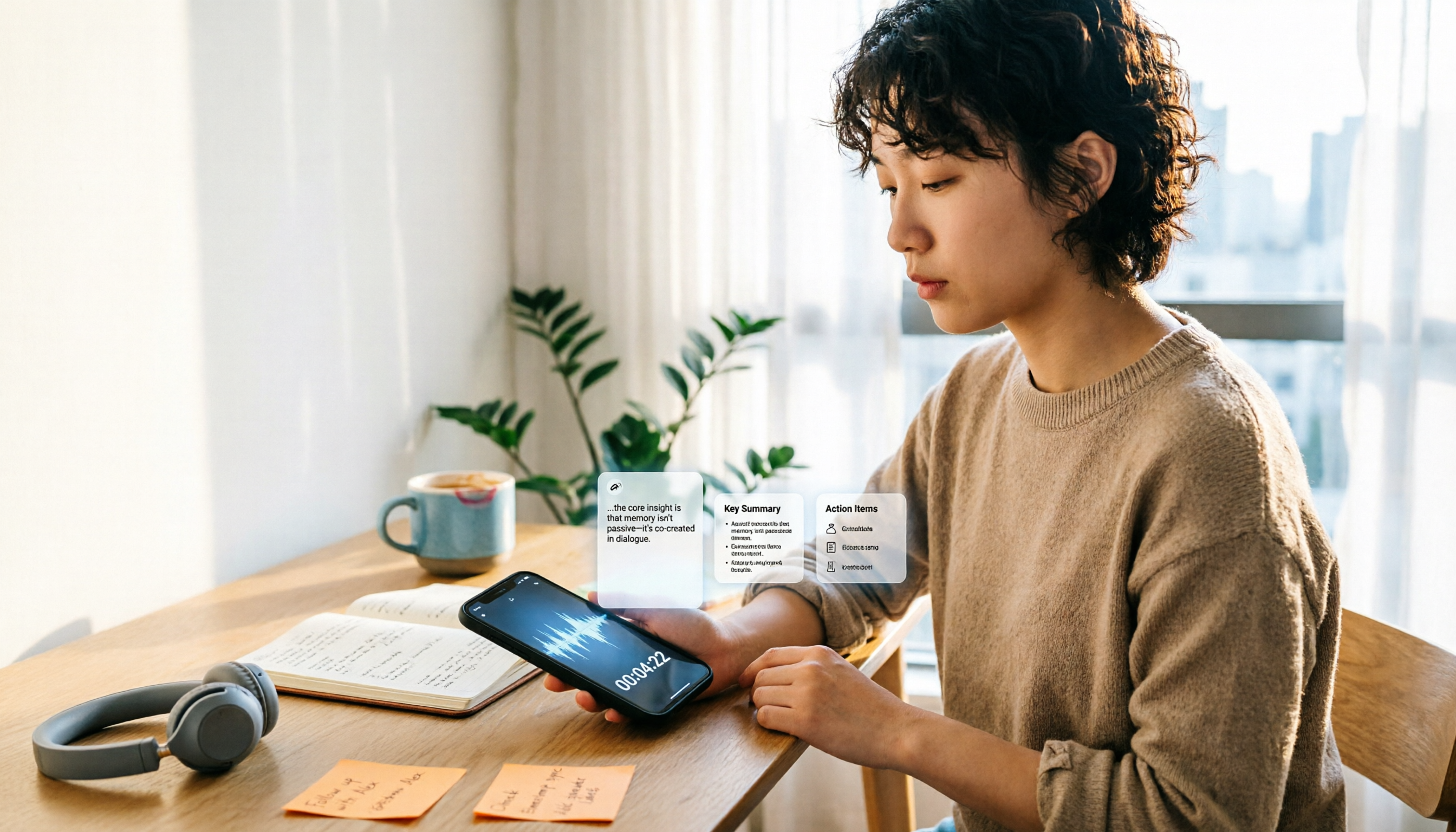
iPhones don't have a dedicated physical recording button—recording entry points are scattered across the Voice Memos app, Lock Screen shortcut, Action button, and Back Tap. This guide breaks down the paths, supported models, and limitations of 5 ways to start recording, then explains how to use Tinrec to turn recordings into transcripts, summaries, and to-dos, so you can go from finding the button to getting usable data.

iPhone Voice Memos vs Tinrec in 2026: 5-Dimension Comparison — Which Saves More Time After Recording?
Recording on iPhone isn't hard — the challenge is what to do after. This guide starts with how to record on iPhone, covering Voice Memos basics and 4 one-tap recording setups, then compares built-in Voice Memos with Tinrec across 5 dimensions to help you decide when built-in is enough and when you need a tool that automatically transcribes and organizes meetings.

3 Free iPhone Recording Solutions Tested and Compared in 2026: Recording, Transcription, and Organization at a Glance
Recording on iPhone isn't hard—it's what comes after. Starting from 'free,' this article breaks down three common iPhone recording approaches and tests whether Tinrec's free version can turn a 40-minute recording into a searchable, organized transcript and to-do list. It also lists key buying considerations for free quotas, transcription, export, and team collaboration.

3 iPhone 13 Recording and Transcription Methods Compared: Is the Built-in Voice Memos App Enough?
The iPhone 13's recording feature is built right into the system—most people just can't find it, and after recording, they don't have the energy to organize. This guide first shows you where to find Voice Memos and how to set up one-tap recording, then compares the built-in feature, Tinrec, Notta, TurboScribe, and PLAUD from five angles: accessibility, transcription, Chinese recognition, online meetings, and data retention—so you can see which one fits your needs.
How to Record iPhone Screen with Audio in 2026: When to Turn On Mic + 3 Key Tips for Capturing System Sound
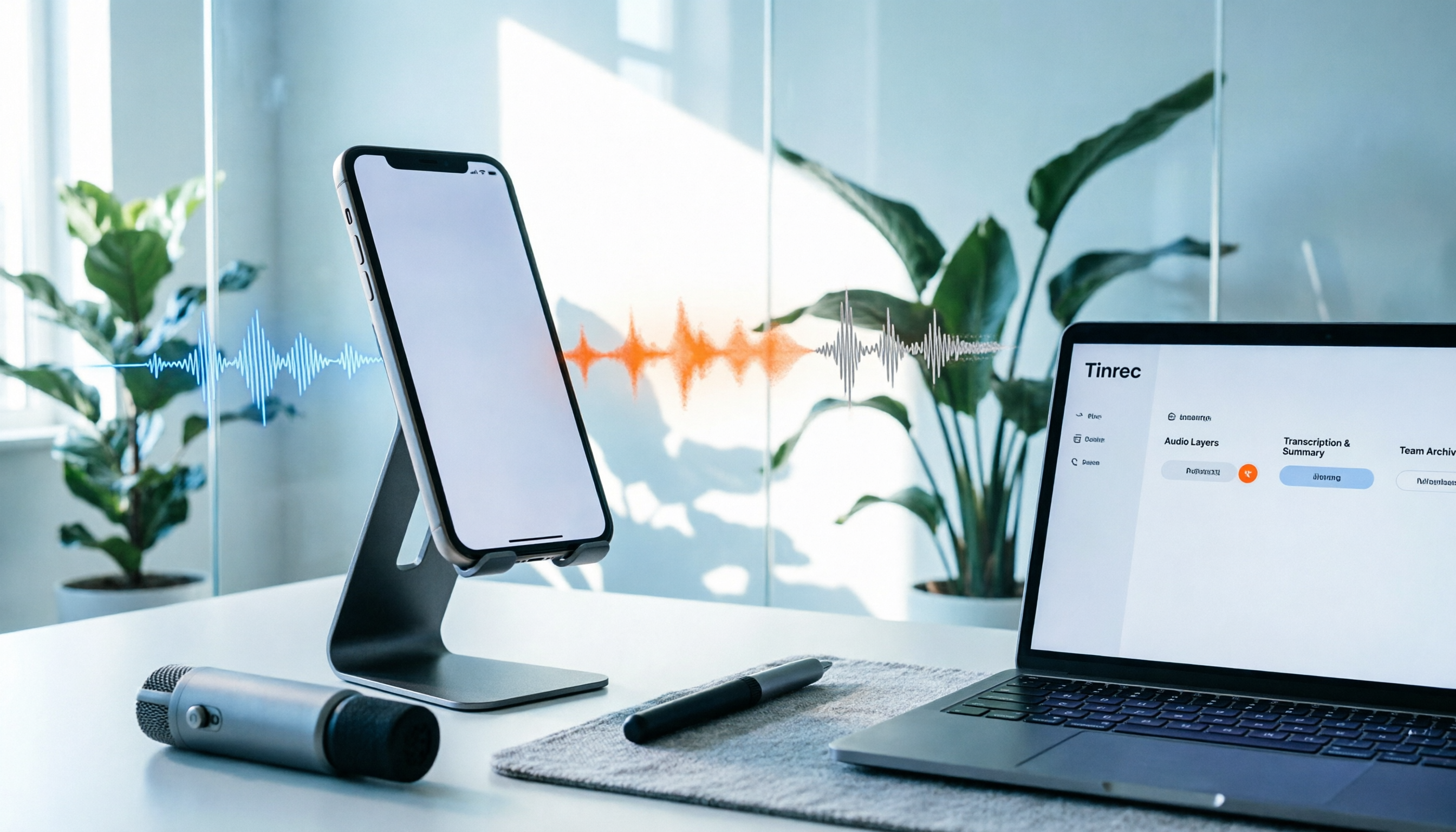
Can iPhone screen recording capture audio? Yes, but there are three audio sources, and most people only get one. This guide breaks down the differences between system sound, microphone ambient sound, and call audio, compares built-in screen recording with Tinrec for post-recording organization and team collaboration, and includes a 6-step quick start checklist.