
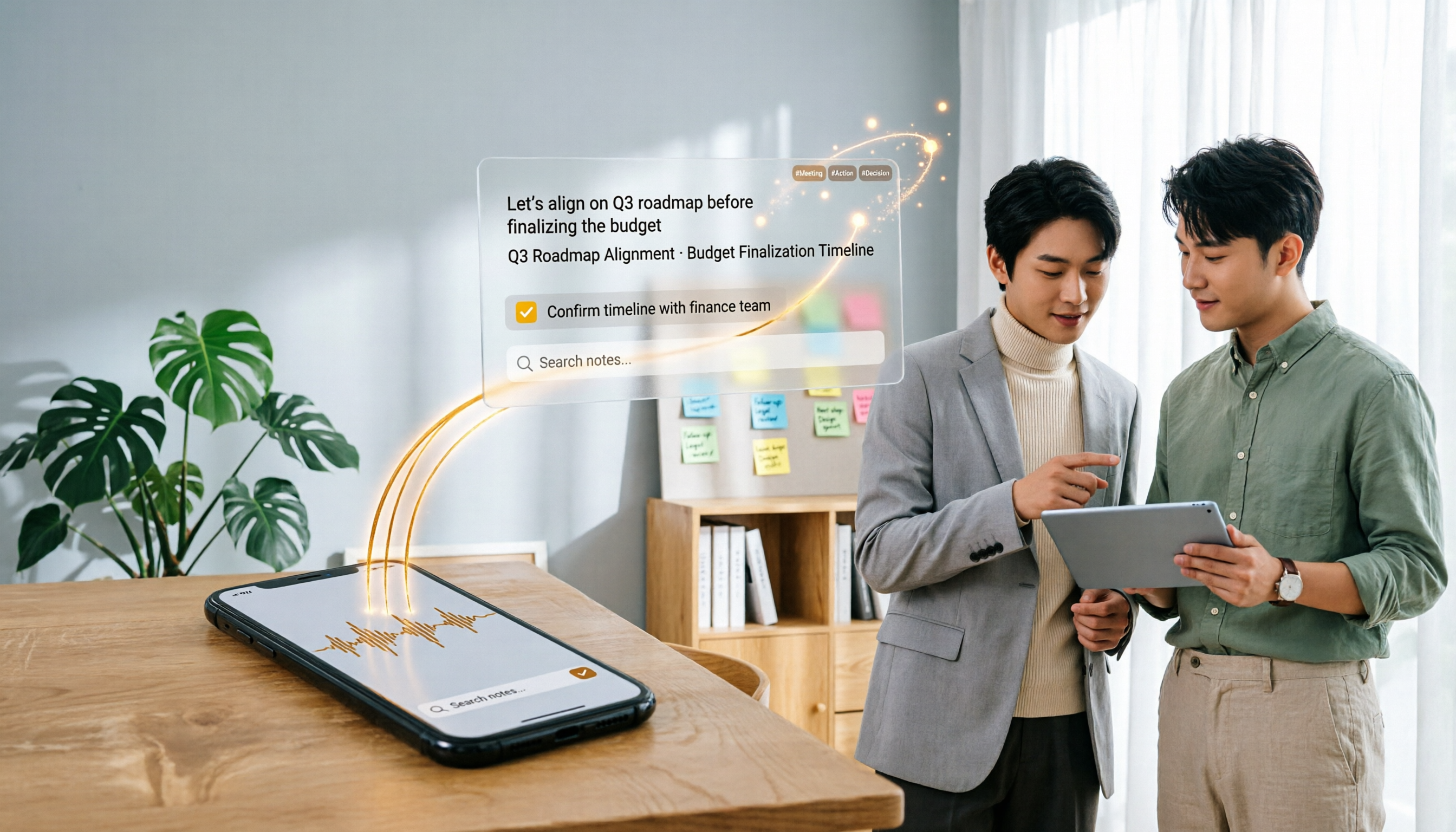
Turn recordings into transcripts and summaries in minutes
Upload audio or video for multilingual transcription, AI notes, and action items
What to Do After Downloading LINE Voice Messages in 2026: Turn Audio Files into Searchable Meeting Notes with Tinrec
You've downloaded LINE voice messages—now what? Many people save the files to their phone or computer and then forget about them. When they need to find key points later, they realize they have to listen to the entire recording again. Honestly, that's no different from not saving them at all.
What you really need isn't just the "download" action, but the ability to turn the content into searchable, organizable, and trackable data after downloading. This article will show you how to use Tinrec to process LINE voice recordings, making every piece of audio truly valuable.
What Can You Do with Tinrec After Downloading LINE Voice Messages?
Tinrec is an AI meeting notes and collaboration tool, but it's not just for online meetings. You can upload LINE voice recordings downloaded to your phone to Tinrec, and it can help you with the following:
Scenario 1: Transcribe LINE voice messages into text
LINE voice recordings are usually in m4a format. They play fine, but quoting, searching, or copying content is cumbersome. After uploading to Tinrec, it automatically converts them into text transcripts with timestamps, allowing you to jump to key sections quickly.
Scenario 2: Automatically generate summaries and to-dos
A 5-minute LINE voice message might cover 3 topics and 2 action items. Tinrec automatically organizes meeting summaries, chapters, and to-do items, so you don't have to take notes while listening.
Scenario 3: Use AI Q&A to find key points
After transcription, you can ask Tinrec directly: "Who mentioned the budget in this recording?" "What was the customer's complaint?" It answers based on semantic understanding, so you don't have to search manually.
What Are Tinrec's Core Capabilities for Processing LINE Voice Messages?
Audio transcription: More than just converting to text
Tinrec supports uploading audio files for transcription. You can drag and drop your downloaded LINE voice recordings, and it generates a transcript with a timeline. After transcription, you can edit, search, and copy the content.
AI summaries and chapters: Quickly grasp the content structure
For a long recording, Tinrec automatically splits it into chapters and provides key points for each. You don't have to listen from start to finish; check the summary first to see if the recording is worth listening to in detail.
To-do extraction: Turn discussions into actions
If the LINE voice message includes agreements, deadlines, or responsible persons, Tinrec attempts to organize them into a to-do list. This is especially useful for work-related voice communication.
Multi-format export: Bring it back to your workflow
After transcription, summaries, and to-dos are ready, you can export them as Word, PDF, TXT, or send them directly to tools like Notion, Google Docs, and OneNote for further work.
Practical Use Cases
Office workers: Voice instructions from clients or colleagues
A colleague leaves a voice message with work details. You download the recording, upload it to Tinrec, and immediately get a transcript and to-do items. Copy them directly to your task management tool without replaying the audio.
Students or researchers: Organizing interview recordings
Stop organizing recordings by hand
Upload audio or video and automatically get a transcript, summary, and action items
You record an interview on your phone, or a friend sends you an interview recording via LINE. After downloading, use Tinrec to transcribe it, then use AI Q&A to quickly find the interviewee's key points, saving a lot of time.
Team collaboration: Turn personal recordings into team assets
If you're a team manager, team members can consolidate their downloaded LINE voice messages into Tinrec's team space. Everyone shares transcripts, summaries, and to-dos, and historical data won't disappear when someone changes phones or deletes chats.
5 Things to Consider When Choosing an Audio-to-Text Tool
1. Does it support uploading audio files for transcription?
Some tools only support live recording, not files you've already downloaded. Tinrec supports both live recording and audio file upload, so you can process downloaded LINE voice messages directly.
2. Can you continue organizing after transcription?
If it just converts audio to text, you still have to read the entire transcript yourself. Tinrec's AI summaries, to-do extraction, and Q&A features are what really save you time.
3. Chinese transcription quality
If you mainly handle Chinese or mixed Chinese-English recordings, pay special attention to the tool's language support. Tinrec has good support for Chinese content and also offers real-time translation and bilingual viewing, suitable for users in Taiwan.
4. Team collaboration capabilities
Individual use and team use have different requirements. Tinrec's team version provides dedicated spaces, member management, seat allocation, usage analytics, and audit logs, suitable for departments or project teams that want to centralize recording data.
5. Data retention and search
Downloading voice messages is just the first step. In the long run, you need a database that can be searched, reviewed, and tracked. Tinrec stores every recording, transcript, summary, and to-do in one place, so you can retrieve them anytime using keywords or AI Q&A.
Frequently Asked Questions
Q: Can I upload LINE voice messages directly to Tinrec after downloading?
Yes. You can upload the voice files (usually in m4a format) downloaded from LINE directly to Tinrec for transcription and organization.
Q: How many minutes of recording can the free version of Tinrec handle?
The free version of Tinrec provides basic trial credits, which you can use to test transcribing a LINE voice message. The specific minutes may vary; please refer to the official page, but it's definitely enough for testing features.
Q: How accurate is LINE voice-to-text conversion?
Actual accuracy depends on recording quality, background noise, accents, and overlapping speech. Generally, clear Chinese recordings transcribe well, but for important content, we recommend cross-checking the transcript with the original audio.
Q: Can team members view uploaded LINE voice messages together?
Yes. Tinrec's team version provides a team space where all active members can view recordings, transcripts, and summaries. Administrators can allocate seats; only members with seats can upload and edit.
Q: Will uploaded recordings be retained permanently?
As long as your account or team space is active, data will be retained. The team version also includes an audio recycle bin, allowing you to recover accidentally deleted recordings within 30 days.
Conclusion
Downloading LINE voice messages isn't the end goal; turning the content into usable data is. Instead of leaving a bunch of m4a files on your phone, upload them to Tinrec and let it transcribe, highlight key points, list to-dos, and even share them with your team.
If you have some important LINE voice messages on hand, we recommend trying Tinrec's free version to experience the complete "upload → transcribe → organize" process. It won't take much time, and you'll see the difference compared to just downloading files.
References
- LINE Voice Message Download Tutorial: Save Voice Messages to Your Phone with One Click - Tech Girlz
- LINE Voice Download, LINE Voice to Text [Ultimate Guide]
- Complete Guide to Downloading LINE Voice Messages: 2025 Tips and Tools
- How to Download LINE Voice Messages? These 4 Steps Teach You to Save Voice Messages to Your Phone - Applealmond
- LINE Recording Download Tutorial: Quickly Save LINE Voice Messages to Phone or Computer - Tech Girlz
Turn every recording into actionable outcomes
Get 60 free transcription minutes when you sign in. No credit card required.
Related Reading
You might also like

2026 AI Meeting Assistant Comparison: 4 Tools Tested — What It Is and How to Choose
An AI meeting assistant is more than just recording and transcription. This article explains in one sentence what an AI meeting assistant is and which post-meeting pain points it solves, then compares Tinrec, Otter.ai, Granola, and Notta across four key dimensions: meeting capture method, Chinese-language experience, post-meeting output, and team data ownership. It also covers four common purchasing mistakes to help you pick the right tool.

2026 Speech-to-Text Tools Compared: Which Free Version Is Actually Good Enough?
A hands-on comparison of the latest free speech-to-text tools in 2026, focusing on four key aspects: free quota calculations, post-meeting organization capabilities, online meeting recording methods, and Chinese language performance. We compare the free plans and limitations of Tinrec, Otter.ai, Notta, and TurboScribe, and highlight four common purchasing mistakes to help you decide which free version is truly sufficient.

6 AI Meeting Assistants Tested for 2026: How to Actually Save Time After Meetings
Many people dump meeting recordings into AI and expect miracles, only to get a transcript nobody wants to read. Based on a mid-level manager's real usage across 15 meetings a week, this article compares the positioning, pricing, and ideal use cases of 6 AI meeting assistants, and explains how to use them to truly save time.

2026 AI Meeting Assistant Comparison: Tinrec vs Otter.ai — How to Use and Which Saves More Time
Starting from the workplace pain point of 'no one remembers what was assigned after the meeting,' this hands-on test compares Tinrec and Otter.ai AI meeting assistants. It breaks down five dimensions: recording methods, Chinese meeting organization, post-meeting follow-up questions, export workflows, and team knowledge retention, with practical steps and selection advice.

Best AI Meeting Assistants in 2026: 5-Step Hands-On Selection Guide
There are countless AI meeting assistants, but which one is actually useful? This guide walks you through 5 hands-on steps to filter them: how they capture meetings, post-meeting outputs, Chinese transcription performance, AI Q&A capability, and team data ownership. We also hands-on test and compare Tinrec, Otter.ai, Notta, and Granola to help you find the tool that fits your meeting habits.

4 AI Meeting Assistants Tested for 2026: Which Free Version Is Actually Enough?
The meeting ends, but the real work begins. This hands-on comparison of Tinrec, Otter.ai, Notta, and Granola looks at how meetings are captured, what happens after transcription, whether audio is retained, and how team licensing works. We break down each tool's free tier, limits, and best-fit scenarios so you can decide which one truly saves you post-meeting cleanup time.

2026 AI Meeting Assistant Comparison: Which Type Actually Saves Post-Meeting Time?
AI meeting assistants aren't just about turning speech into text. This article starts from real mid-level manager meeting scenarios, breaks down the differences between meeting bots, built-in platform transcription, and bot-free desktop recording, and uses Tinrec to demonstrate the complete workflow from transcripts and summaries to action items, AI Q&A, and team knowledge retention. It also includes 5 key buying criteria and FAQs.

2026 AI Meeting Assistant Comparison: 4 Tools Tested from Recording to Minutes—Which Saves the Most Time?
How can you use an AI meeting assistant without wasting time? Starting from real meeting scenarios, this article breaks down how AI meeting assistants capture audio, what they produce after the meeting, their Chinese-language performance, and differences in quotas. It also walks through the complete Tinrec workflow—from recording, transcription, and summary action items to AI Q&A and team sharing—while briefly reviewing when Otter.ai, Notta, and Granola are suitable.

2026 AI Meeting Assistant Free Plans Compared: 5 Options at a Glance
Which AI meeting assistant is best? Instead of comparing feature tables, first determine what level you actually need. This article uses Tinrec's five plans—Free, Weekly Pass, Pro Monthly, Pro Annual, and Team—to break down the capabilities to look for, real-world use cases, and purchasing considerations, helping you decide if the free version is enough and when to upgrade.