
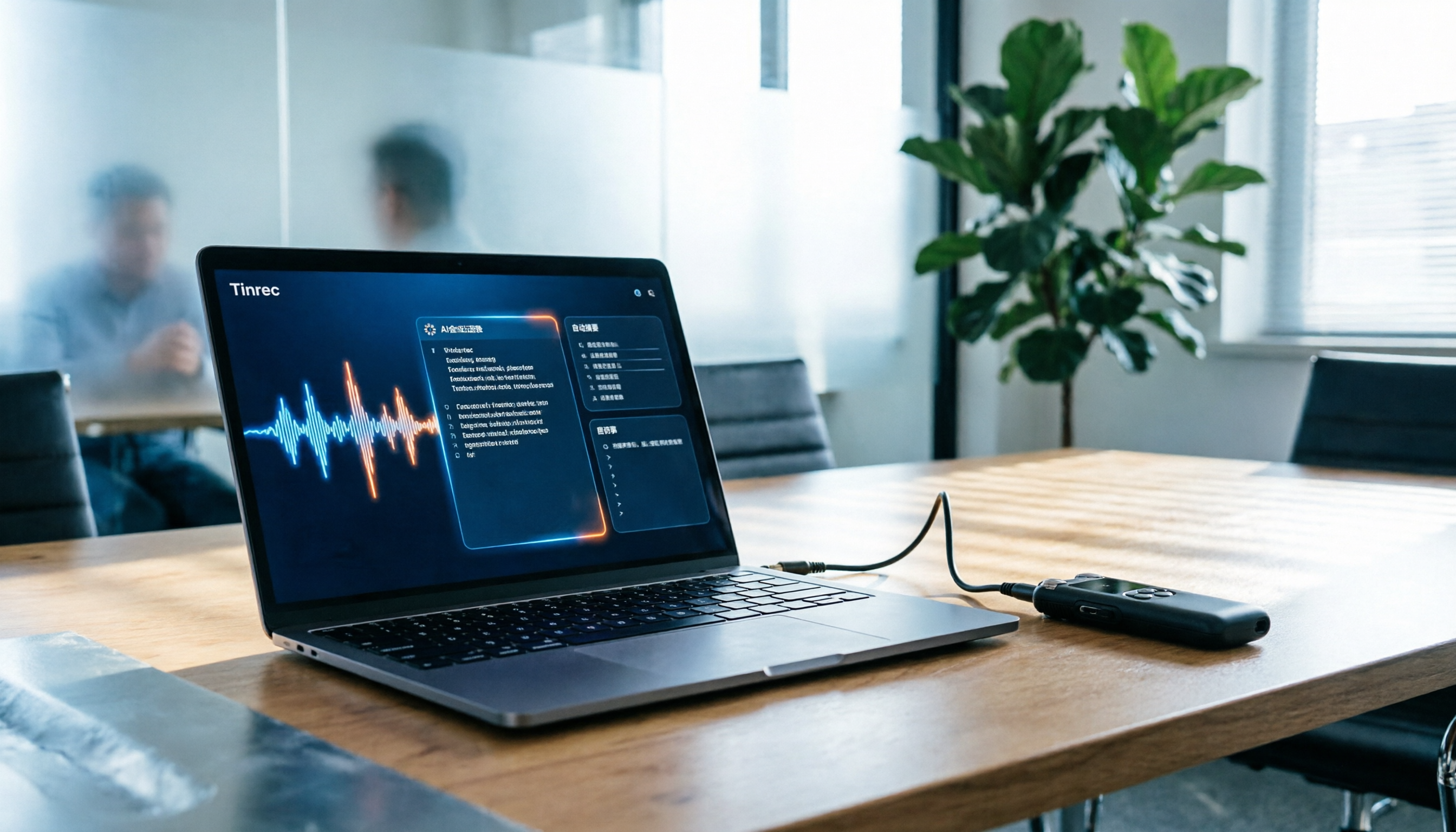
Turn recordings into transcripts and summaries in minutes
Upload audio or video for multilingual transcription, AI notes, and action items
Best Line-in Voice Recorders? 2026 Hands-on Test of 2 Options: Tinrec Wins for Meeting Notes
I attend 15 meetings a week, and I used to consider buying a line-in voice recorder—to capture phone calls and external audio sources directly. But after using several recorders, I realized the real pain point in the workplace isn't "not recording," but the transcription, action items, follow-ups, and team sharing after recording. Based on my team's hands-on testing, this article compares Tinrec and PLAUD Note to see which one better fits your work scenario.
Tinrec vs PLAUD Note: Quick Overview
Tinrec is AI meeting notes and team collaboration software; PLAUD Note is an AI recording hardware device. Both can convert speech to text and generate summaries, but their core positioning differs. Tinrec requires no extra hardware—just install and use; PLAUD Note requires purchasing a device upfront. This article compares them across four dimensions: meeting capture, AI post-processing, team collaboration, and cost.
Dimension 1: Meeting Capture Method
PLAUD Note relies on its built-in microphone for recording, which is suitable for face-to-face interviews or on-the-go notes, but for online meetings on Zoom, Meet, or Teams, it can only record from the computer speakers, reducing quality. Tinrec's desktop app captures system audio directly, no meeting bot needed—just open the software to record online meetings and get real-time transcription.
→ This dimension: Tinrec clearly wins.
Dimension 2: AI Post-Processing Capabilities
PLAUD Note's app offers summaries, templates, and Q&A, but the features lean toward personal organization. Tinrec not only provides transcripts but also auto-generates chapters, highlights, action items, and mind maps, supports AI Q&A and multiple export formats, and can even generate reports and tables.
→ This dimension: Tinrec clearly wins.
Dimension 3: Team Collaboration and Management
PLAUD Note offers team membership and device management, but it mainly allows multiple people to share the same hardware. Tinrec provides team spaces, role and seat management, usage analytics, audit logs, and an audio recycle bin, turning meeting data into a team asset that isn't lost when members leave.
→ This dimension: Tinrec clearly wins.
Stop organizing recordings by hand
Upload audio or video and automatically get a transcript, summary, and action items
Dimension 4: Price and Total Cost of Ownership
PLAUD NotePin costs USD 159, but AI features require a separate subscription (Unlimited annual fee USD 239.99), and the hardware has a lifespan. Tinrec's personal plan has a free tier, Pro monthly or annual plans, and team plans at USD 29.80 per seat per month (monthly) or USD 199 per seat per year (annual). For professionals focused on meetings, Tinrec's total cost is lower.
→ This dimension: Tinrec wins, but PLAUD's hardware still holds value for long-duration on-the-go recording.
What Unique Advantages Does Each Offer?
Tinrec:
- No extra hardware needed; works on phone, computer, and tablet.
- Records Zoom, Meet, and Teams without bots, so participants aren't alerted.
- Excellent Chinese and multilingual support, with real-time translation and bilingual transcripts.
- Team spaces centralize all meeting data with role and seat governance.
PLAUD Note:
- Standalone hardware for on-the-go recording without draining your phone battery.
- Long battery life, ideal for all-day fieldwork or extended recording sessions.
- Stable microphone quality, suitable for specific recording environments.
Conclusion: Which Should You Choose?
- If most of your meetings are online and you need post-meeting summaries, action items, and team sharing → choose Tinrec.
- If you're often on the road and need a standalone recorder, and you can accept the hardware cost → consider PLAUD Note.
- If you originally wanted a line-in recorder to capture external audio but your goal is to organize meeting content → try Tinrec's free version first and save the hardware cost.
In a nutshell: Most professionals should choose Tinrec because it turns meetings into searchable, collaborative, and actionable data, not just a pile of audio files.
References
- line-in voice recorder - FindPrice Price Network, April 2026 curated shopping recommendations
- line-in recording - PChome 24h Shopping
- 【INJA】 IJ2159 Noise-Canceling Voice Recorder - Lossless Recording with AGC Adjustment, LINE-IN Recording, Made in Taiwan [Comes with 64G Card and Antenna]
- Voice Recorder Line-in Price Recommendations - January 2026 | BigGo Price Comparison
- English Study Tool with Line-in: Listen and Record Simultaneously, Touch-Screen Noise Reduction, Long-Distance Professional Recorder, Dual Mic, High Fidelity, BSMI R45757
Turn every recording into actionable outcomes
Get 60 free transcription minutes when you sign in. No credit card required.
Related Reading
You might also like

2026 AI Meeting Assistant Comparison: Tinrec vs Notta — Which Is Better for Chinese-Speaking Teams?
This comparison evaluates Tinrec and Notta across five dimensions—meeting capture, Chinese/mixed-language transcription, post-meeting workflow, team governance, and pricing—to help you decide which AI meeting assistant fits your team's meeting style, based on how meetings are recorded, how transcripts are used, and who owns the data when team members leave.

Best Free AI Meeting Assistants in 2026: 5 Options Compared
Before asking 'which AI meeting assistant is best,' most people compare the wrong things. This article starts with free plans and compares Tinrec, Otter.ai, Granola, Notta, and Fireflies.ai across five dimensions, explaining why 'how meetings are recorded' and 'what you get after the meeting' matter more than free minutes. It also includes a ready-to-copy testing checklist and post-meeting question templates.

2026 AI Meeting Assistant Comparison: Which Handles Chinese Meetings and Post-Meeting Follow-ups Best?
AI meeting assistants need more than just transcripts. This article addresses four common misconceptions and breaks down four key purchasing factors: capture method, post-meeting output, Chinese language performance, and data ownership. It compares Tinrec, Otter.ai, Granola, and Notta in real-world tests on Chinese meetings, bot-free recording, post-meeting follow-ups, and team governance, and provides four procurement pitfalls to avoid plus scenario-based selection advice.

2026 Complete Guide to AI Meeting Assistants: Hands-On Testing of 4 Tools and Key Buying Factors for Auto-Generated To-Dos
Starting from the campus pain point of group reports where 'no one remembers the conclusions,' this guide outlines the 4 key factors students should consider when choosing an AI meeting assistant. It shares real-world differences among Tinrec, Otter.ai, Notta, and Granola, including Chinese recognition, online meeting recording methods, post-meeting summaries and to-dos, free quotas, and pricing structures, helping you choose the right tool before the semester starts.

Tinrec vs Otter.ai in 2026: A 5-Dimension Comparison — Don't Choose an AI Meeting Assistant Based Only on Country
Many people search for 'AI meeting assistant which country,' but the real decision is whether you can trust it with your company's meeting recordings. This article compares Tinrec and Otter.ai across five practical dimensions and covers use cases for Notta and Granola, helping mid-level managers and team leads choose the tool that truly saves time and keeps data where it belongs.

2026 AI Meeting Assistant Comparison: 4 Tools Tested — What It Is and How to Choose
An AI meeting assistant is more than just recording and transcription. This article explains in one sentence what an AI meeting assistant is and which post-meeting pain points it solves, then compares Tinrec, Otter.ai, Granola, and Notta across four key dimensions: meeting capture method, Chinese-language experience, post-meeting output, and team data ownership. It also covers four common purchasing mistakes to help you pick the right tool.

2026 Speech-to-Text Tools Compared: Which Free Version Is Actually Good Enough?
A hands-on comparison of the latest free speech-to-text tools in 2026, focusing on four key aspects: free quota calculations, post-meeting organization capabilities, online meeting recording methods, and Chinese language performance. We compare the free plans and limitations of Tinrec, Otter.ai, Notta, and TurboScribe, and highlight four common purchasing mistakes to help you decide which free version is truly sufficient.

6 AI Meeting Assistants Tested for 2026: How to Actually Save Time After Meetings
Many people dump meeting recordings into AI and expect miracles, only to get a transcript nobody wants to read. Based on a mid-level manager's real usage across 15 meetings a week, this article compares the positioning, pricing, and ideal use cases of 6 AI meeting assistants, and explains how to use them to truly save time.

2026 AI Meeting Assistant Comparison: Tinrec vs Otter.ai — How to Use and Which Saves More Time
Starting from the workplace pain point of 'no one remembers what was assigned after the meeting,' this hands-on test compares Tinrec and Otter.ai AI meeting assistants. It breaks down five dimensions: recording methods, Chinese meeting organization, post-meeting follow-up questions, export workflows, and team knowledge retention, with practical steps and selection advice.