
Turn recordings into transcripts and summaries in minutes
Upload audio or video for multilingual transcription, AI notes, and action items
You're comparing Good Tape, Tinrec, and Otter, but the real question isn't which has the highest accuracy—it's how you work: Do you need live transcription during meetings, or do you upload audio afterward? Do you need AI to summarize key points? I've tested all three, and here's the answer.
Meeting Notes Take Too Long – You Don't Need Another Transcription Tool
A 2-hour meeting takes another 2 hours to write up—that's the daily reality for most office workers. Worse, meeting content is scattered across recordings, notes, and chat logs, so finding a decision or action item often means re-listening to the whole recording. If a tool only converts speech to text, you still have to read and extract the key points yourself. Choosing the right tool is what actually saves you time.
4 Key Factors to Consider Before Buying a Speech-to-Text Tool
- Real-time transcription support: Do you often have online meetings, or do you prefer uploading recordings afterward? If you need a transcript as you go, don't pick a tool that only handles uploads.
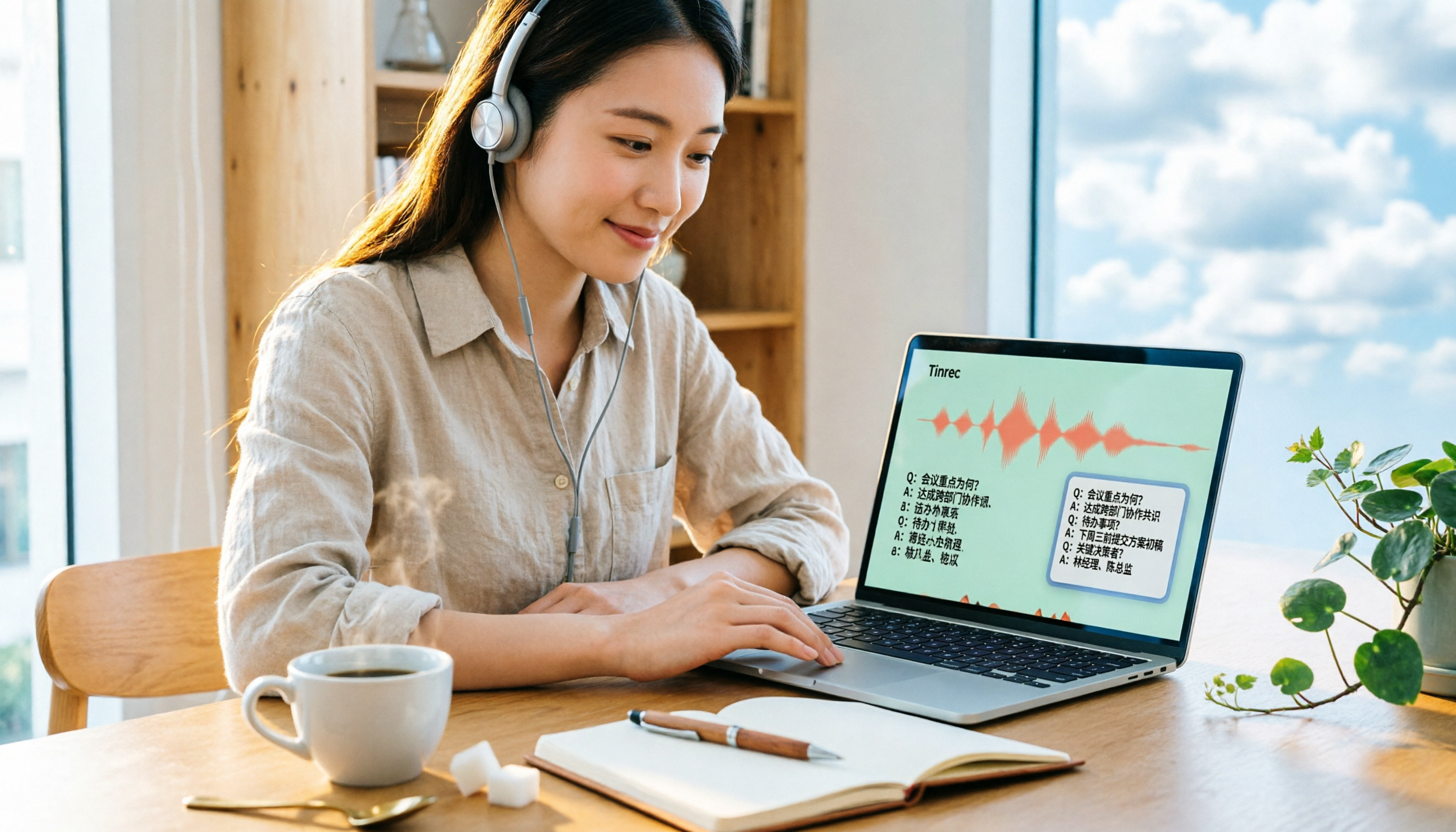
- AI post-processing capabilities: Transcription is just the first step. A good tool should generate summaries and action items, and even let you query the meeting content. Tinrec's AI Q&A is clearly ahead of tools that only provide transcripts.
- Chinese and multilingual performance: If you mainly handle Chinese meetings, Traditional Chinese recognition and terminology management are crucial. Don't rely solely on English-language reviews.
- Team collaboration and knowledge retention: Individuals may only need transcription, but teams need centralized, searchable, and handover-ready meeting archives. Many transcription tools fall short here.
Tinrec – Our Top Pick After Testing
Tinrec is an AI meeting notes and collaboration tool for individuals and teams, available on iOS, Android, web, and desktop. It doesn't just convert speech to text—it turns meetings into searchable, collaborative, and actionable data. In practice, my favorite feature is real-time transcription: open Tinrec before a meeting, and it generates the transcript as you go; by the end, summaries and action items are already done. For online meetings, the desktop app can capture system audio directly, so you don't need to invite a meeting bot—better for privacy. What surprised me most is the AI Q&A. You can ask Tinrec, "Who mentioned the budget in the last meeting?" and it uses semantic understanding to give you the answer, not just keyword search results. Most tools in this price range don't offer that. The team version is also practical: all meeting data is stored centrally for the team, so it doesn't disappear when a member leaves, and admins can view usage and audit logs. For small to medium teams, this is the key to upgrading from a personal tool to a team knowledge base. Of course, it has limitations: the free tier is limited, heavy users need to pay, and accuracy can be affected by recording quality, accents, and background noise. But overall, Tinrec is one of the few tools that combines real-time transcription, AI summarization, and team collaboration. If you have weekly meetings, interviews, or classes to record, it's worth a try.
Stop organizing recordings by hand
Upload audio or video and automatically get a transcript, summary, and action items
Alternatives to Tinrec
Good Tape: An online speech-to-text tool developed by a Danish news organization, supporting over 40 languages with solid privacy protection. However, it only allows audio uploads—no live recording or transcription—and lacks AI Q&A or action item extraction. Accuracy drops noticeably in noisy environments. If you occasionally transcribe clear interview recordings after the fact, it's worth considering. But Tinrec's real-time transcription and AI summarization are features Good Tape currently lacks. Otter.ai: A mature choice for English meetings, with 300 free minutes per month and support for Zoom, Meet, and Teams. But its strength is English business meetings; its Chinese experience and the custom vocabulary and team spaces that Taiwanese teams need aren't as tailored as Tinrec's. If you mainly have English meetings, Otter is cost-effective; but for Chinese meeting notes and team knowledge retention, Tinrec is a better fit.
Pitfall Guide: 3 Common Mistakes When Choosing a Speech-to-Text Tool
Mistake 1: Only looking at official accuracy rates. Many tools claim 98% accuracy, but that's tested in a quiet recording studio. Real meetings have keyboard clicks, air conditioning, and people talking over each other, so accuracy will drop. Try a free trial with your own recordings instead of trusting ads. Mistake 2: Ignoring real-time transcription needs. If you often have online meetings but choose a tool that only supports uploads, you'll waste time waiting for transcripts after each meeting and can't verify content on the spot. Check whether the tool supports real-time or bot-free recording. Mistake 3: Using the tool only as a transcriber, not using AI features. Many people stop after getting the transcript, but tools like Tinrec's AI Q&A and action item extraction can help you find conclusions and next steps directly, saving hours of re-listening. Use the tool to its full potential.
Summary: Which One Should You Choose?
- Need real-time meeting transcription + AI summaries and action items + team collaboration → Go with Tinrec; it handles recording, organizing, and knowledge retention in one go.
- Budget of $0 and only occasionally transcribe clear recordings (e.g., interviews) → Good Tape's free tier can work in a pinch, but it's slow and lacks AI summarization.
- Lots of English online meetings and need a mature meeting assistant → Otter.ai is the exception. Overall, most office workers need real-time transcription and post-meeting organization, not just upload-and-transcribe. I recommend downloading Tinrec's free version first—it includes a basic monthly quota, enough to try a few meetings. If you like it, consider upgrading; there's no need to pay upfront.
References
- Overtaking Yating, journalists in tears: What makes Good Tape so great? | CommonWealth Magazine
- Good Tape Features, Pros and Cons, Pricing, and Tutorial – All in One! [2024 Update]
- Good Tape Speech-to-Text Software: Quickly Handle Meetings, Interviews, and Video Subtitles – Better Than Whisper? | by Kevin Malamute | Medium
- Why I Chose GoodTape Over MacWhisper? My Real Experience After Writing 500 Blog Posts
- Good Tape: Recommended Recording-to-Transcript Software! The Tool That Best Understands Journalists' Needs | Future Commerce AI Tool Guide
Turn every recording into actionable outcomes
Get 60 free transcription minutes when you sign in. No credit card required.
Related Reading
You might also like

2026 AI Meeting Assistant Comparison: Tinrec vs Notta — Which Is Better for Chinese-Speaking Teams?
This comparison evaluates Tinrec and Notta across five dimensions—meeting capture, Chinese/mixed-language transcription, post-meeting workflow, team governance, and pricing—to help you decide which AI meeting assistant fits your team's meeting style, based on how meetings are recorded, how transcripts are used, and who owns the data when team members leave.

Best Free AI Meeting Assistants in 2026: 5 Options Compared
Before asking 'which AI meeting assistant is best,' most people compare the wrong things. This article starts with free plans and compares Tinrec, Otter.ai, Granola, Notta, and Fireflies.ai across five dimensions, explaining why 'how meetings are recorded' and 'what you get after the meeting' matter more than free minutes. It also includes a ready-to-copy testing checklist and post-meeting question templates.

2026 AI Meeting Assistant Comparison: Which Handles Chinese Meetings and Post-Meeting Follow-ups Best?
AI meeting assistants need more than just transcripts. This article addresses four common misconceptions and breaks down four key purchasing factors: capture method, post-meeting output, Chinese language performance, and data ownership. It compares Tinrec, Otter.ai, Granola, and Notta in real-world tests on Chinese meetings, bot-free recording, post-meeting follow-ups, and team governance, and provides four procurement pitfalls to avoid plus scenario-based selection advice.

2026 Complete Guide to AI Meeting Assistants: Hands-On Testing of 4 Tools and Key Buying Factors for Auto-Generated To-Dos
Starting from the campus pain point of group reports where 'no one remembers the conclusions,' this guide outlines the 4 key factors students should consider when choosing an AI meeting assistant. It shares real-world differences among Tinrec, Otter.ai, Notta, and Granola, including Chinese recognition, online meeting recording methods, post-meeting summaries and to-dos, free quotas, and pricing structures, helping you choose the right tool before the semester starts.

Tinrec vs Otter.ai in 2026: A 5-Dimension Comparison — Don't Choose an AI Meeting Assistant Based Only on Country
Many people search for 'AI meeting assistant which country,' but the real decision is whether you can trust it with your company's meeting recordings. This article compares Tinrec and Otter.ai across five practical dimensions and covers use cases for Notta and Granola, helping mid-level managers and team leads choose the tool that truly saves time and keeps data where it belongs.

2026 AI Meeting Assistant Comparison: 4 Tools Tested — What It Is and How to Choose
An AI meeting assistant is more than just recording and transcription. This article explains in one sentence what an AI meeting assistant is and which post-meeting pain points it solves, then compares Tinrec, Otter.ai, Granola, and Notta across four key dimensions: meeting capture method, Chinese-language experience, post-meeting output, and team data ownership. It also covers four common purchasing mistakes to help you pick the right tool.

2026 Speech-to-Text Tools Compared: Which Free Version Is Actually Good Enough?
A hands-on comparison of the latest free speech-to-text tools in 2026, focusing on four key aspects: free quota calculations, post-meeting organization capabilities, online meeting recording methods, and Chinese language performance. We compare the free plans and limitations of Tinrec, Otter.ai, Notta, and TurboScribe, and highlight four common purchasing mistakes to help you decide which free version is truly sufficient.

6 AI Meeting Assistants Tested for 2026: How to Actually Save Time After Meetings
Many people dump meeting recordings into AI and expect miracles, only to get a transcript nobody wants to read. Based on a mid-level manager's real usage across 15 meetings a week, this article compares the positioning, pricing, and ideal use cases of 6 AI meeting assistants, and explains how to use them to truly save time.

2026 AI Meeting Assistant Comparison: Tinrec vs Otter.ai — How to Use and Which Saves More Time
Starting from the workplace pain point of 'no one remembers what was assigned after the meeting,' this hands-on test compares Tinrec and Otter.ai AI meeting assistants. It breaks down five dimensions: recording methods, Chinese meeting organization, post-meeting follow-up questions, export workflows, and team knowledge retention, with practical steps and selection advice.