
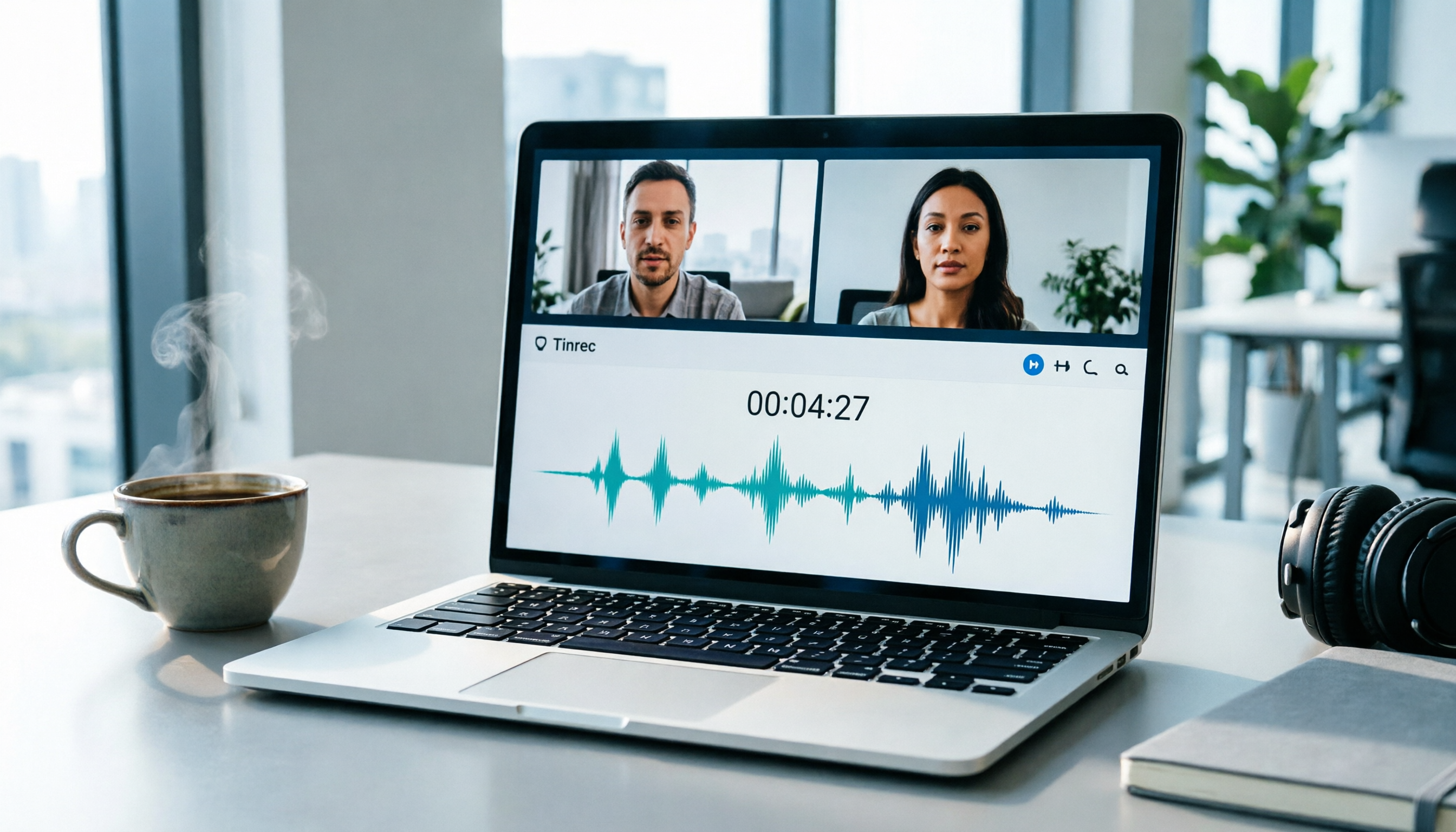
Turn recordings into transcripts and summaries in minutes
Upload audio or video for multilingual transcription, AI notes, and action items
Last week, I had a LINE video call with a client to discuss a project. When I tried to compile the meeting notes afterward, I realized LINE doesn't have built-in call recording. I had to rely on memory and notes, and ended up missing two important action items. If you've been in a similar situation, this article is for you.
Why People Are Looking for Alternatives to Record LINE Video Calls
LINE is one of the most popular messaging apps globally, and many people use it for video calls, client meetings, or remote classes. However, due to privacy concerns, LINE has never offered a built-in call recording feature. To save important conversations, business discussions, or moments with friends and family, you have to rely on third-party tools. A common approach is using screen recording on your phone or computer, but that only captures the video, and you still have to replay and manually take notes, which is inefficient for busy professionals. If you have this need, Tinrec is worth checking out.
Tinrec vs. Screen Recording: What's the Core Difference?
Recording Method
Screen recording only captures the entire screen's visuals and audio, and the quality can be affected by device performance. Plus, you end up with just a video file. Tinrec Desktop, on the other hand, directly captures your computer's system audio without needing to add a meeting bot. Just open Tinrec to record LINE video calls, and it generates a transcript in real time. This saves a lot of time for those who need to quickly review content.
Speech-to-Text Capability
Screen recording produces no text output, so you have to listen and type or replay later. Tinrec converts speech to text in real time with less than a second of delay. During the meeting, you can follow along with the text to confirm key points, and by the time the call ends, the transcript is already done.
Post-Meeting Organization
Screen recordings can only be replayed in full, and finding a specific keyword means manually scrubbing the timeline. Tinrec automatically generates summaries, chapters, and highlights after recording, and you can even use AI Q&A to ask, "What was the conclusion of this meeting?" or "Who is responsible for what?" The system answers based on the content, so you don't have to sift through 30 pages of transcript.
Search and Collaboration
Screen recording files are hard to share, search, or organize. Tinrec lets you save meeting data in personal or team spaces, making historical content searchable, queryable, and reusable—even turning it into a team knowledge base.
From these perspectives, if you just need a quick recording without any intention to organize, screen recording might suffice. But if you want to turn LINE video calls into searchable, actionable data, Tinrec's advantages are clear.
Tinrec's Key Features at a Glance
Bot-Free Online Meeting Recording
Tinrec Desktop doesn't require inviting a meeting bot; it directly captures your computer's system audio, so it can record meetings on LINE, Zoom, Google Meet, Microsoft Teams, and any other app that plays audio on your computer. Just open Tinrec and hit record before the call, and no extra participants will appear on screen.
Real-Time Speech-to-Text
Stop organizing recordings by hand
Upload audio or video and automatically get a transcript, summary, and action items
The text appears as you record. During the meeting, you can check for missed points in real time, and the transcript is ready the moment the call ends—no need to transcribe later.
AI Summaries and Action Item Extraction
After recording, Tinrec automatically generates summaries, chapters, and highlights, and extracts action items from the discussion. For example, action items like "Please have Wang Xiaoming submit the budget by Friday" are listed directly, so you don't have to search line by line.
File Import and Multi-Format Export
If you already have audio or video files, you can upload them to Tinrec to convert to text. The organized content can be exported as Word, PDF, TXT, or synced to tools like Notion and Google Docs for further work.
Real-World Use Cases
Client Meetings
Use Tinrec to record a LINE video call with a client to discuss requirements. After the call, the transcript and action items are ready, so you don't have to spend half an hour recalling what was said, and you won't miss any critical client requests.
Internal Project Discussions
When your team uses a LINE group video call to quickly align, Tinrec records the session and generates a summary. Even if someone can't attend, you can share the transcript and highlights with them to quickly sync progress.
Remote Classes or Lectures
For LINE video classes or lectures, Tinrec records the content and converts it to text, making it easy to review and search for key points after class—much more efficient than replaying a video.
Personal Notes and Inspiration
Record spontaneous ideas or deep conversations with friends using Tinrec, and later use AI Q&A to find what was said, without relying on memory.
What to Look for When Choosing a Recording-to-Text Tool
Cross-Platform Support
Do you use both mobile and desktop? Tinrec offers iOS, Android, and web versions, and the desktop version supports bot-free recording for different scenarios.
Language and Chinese Experience
If you often deal with Chinese or mixed Chinese-English content, choosing a tool optimized for Chinese is important. Tinrec performs well in Chinese and English transcription and also supports real-time translation and bilingual viewing.
AI Post-Processing Capabilities
Transcripts alone aren't enough; tools that can auto-summarize, extract action items, and answer questions truly save time. Tinrec extends "recording" to "usage," turning meeting content into actionable data.
Team Collaboration and Data Ownership
If you're a team leader, can meeting data be stored centrally and shared among members? Tinrec's team plan offers dedicated spaces, roles, and seat management, ensuring meeting assets don't leave when individuals do.
Privacy and Compliance
Before recording any call, make sure to check local regulations and obtain consent if necessary. Tinrec adheres to data security principles, but users are responsible for compliance.
Conclusion: Is Tinrec Worth Trying?
If you're looking for a tool to record LINE video calls that also automatically transcribes and organizes key points, Tinrec is one of the few options on the market that combines bot-free recording, AI summaries, and team collaboration. Especially for professionals who have multiple meetings a week and hate spending time on meeting notes, Tinrec can save you a lot of mechanical work. I recommend downloading the free version and testing it with your own LINE video calls to see if the transcript and summaries meet your needs before deciding to upgrade.
References
- LINE Video Recording Tutorial: Easy LINE Recording on iPhone/Android/Computer
- How to Record LINE Video Calls? Works on Computer, Android, and iPhone!
- How to Record LINE Video Calls | Bandicam Guide - Bandicam Blog
- LINE Call Recording Guide: Best Recording Apps for iPhone and Android - Lanhai AI
- LINE Call Recording Made Simple: A Complete Guide to Recording LINE Calls
Turn every recording into actionable outcomes
Get 60 free transcription minutes when you sign in. No credit card required.
Related Reading
You might also like

2026 AI Meeting Assistant Comparison: Tinrec vs. Notta — Which Is Better for Chinese-Speaking Teams?
There are countless meeting tools, but only three key criteria really matter: how meeting audio gets in, whether the transcribed text is directly usable, and who ultimately holds the data. This article focuses on Tinrec, comparing it with Notta across key dimensions—meeting capture methods, Traditional Chinese experience, post-meeting organization workflow, quota pricing, and team governance—and includes practical use cases and purchasing considerations.

2026 AI Meeting Assistant Review: Bot-Free Recording + Post-Meeting AI Q&A
How to choose an AI meeting assistant in 2026? This review examines five key decision points: meeting bots, transcript quality, post-meeting AI Q&A, team data ownership, and quota calculation. We tested Tinrec, Otter.ai, Notta, and Granola, and compiled four common pitfalls to help you choose the right tool within your budget.

2026 AI Meeting Assistant Comparison: 4 Tools Tested to See Which Really Saves You Time
Online meetings never stop, and post-meeting cleanup is the real nightmare. This article focuses on how meetings are recorded and whether the output can be used directly, testing and comparing four AI meeting assistants: Tinrec, Otter.ai, Notta, and Granola. It outlines 5 key buying criteria and 4 common pitfalls to help you choose the one that truly saves time.

2026 AI Meeting Assistant Comparison: Tinrec vs Granola – Which Is Better for Chinese Meetings?
Most people looking for an AI meeting assistant first check how many free minutes they get, but that's actually the easiest way to make a mistake. This article compares two bot-free AI meeting assistants, Tinrec and Granola, across dimensions including meeting capture, audio retention, post-meeting outputs, Chinese language support, team governance, and pricing, to help you decide which one better fits your meeting scenarios.

2026 AI Meeting Assistant Free Plan Comparison: Tinrec vs Otter.ai – 5 Key Dimensions, Which Is Better for Chinese-Speaking Teams?
The most common pitfalls of free AI meeting assistants are insufficient quotas and getting only transcripts without summaries. This article compares Tinrec and Otter.ai across five dimensions: free quota, meeting recording method, Chinese language experience, post-meeting outputs, and team governance, to help you decide which one better fits your meeting scenarios.

Is There a Free AI Meeting Assistant in 2026? Tinrec Features and Free Tier Explained
AI meeting assistants do have free versions, but how the free quota is calculated and whether it's enough often matters more than whether it's free. Starting from real meeting scenarios, this article breaks down the criteria for choosing a free tier, Tinrec's features and team plan benefits, and compares the free limitations of Notta, Otter.ai, and Granola, ending with recommendations based on usage scenarios.

Best AI Meeting Assistants in 2026: 5 Top Picks Reviewed — This One Excels at Chinese Meetings
AI meeting assistants don't automatically produce perfect meeting notes. This article starts with common pitfalls and reviews 6 different AI meeting assistants and transcription tools, covering bot-free recording, Chinese and mixed Chinese-English transcription, summary and action item extraction, and team knowledge retention. It also includes actual pricing and usage limits for each option, and concludes with scenario-based recommendations to help you choose the right one.

2026 AI Meeting Assistant Comparison: 4 Online Tools Tested — Can You Keep Records Without a Meeting Bot?
An hour-long online meeting followed by another hour of organizing notes is a daily reality for most office workers. This article compares four online AI meeting assistants — Tinrec, Otter.ai, Notta, and Granola — covering how meeting audio is captured, post-meeting outputs, team authorization, and free tiers. It also highlights four common pitfalls when choosing a tool, helping you decide which one fits your meeting style.
![[Guide] Tinrec vs Otter.ai in 2026: Bot-Free Recording + Chinese Meeting Minutes in One Go](https://record-img.tos-accelerate.volces.com/images/2026/10/27/1793108620614256740.png)
[Guide] Tinrec vs Otter.ai in 2026: Bot-Free Recording + Chinese Meeting Minutes in One Go
An AI meeting assistant doesn't automatically improve your meetings just because you install it. This article compares Tinrec and Otter.ai across 5 dimensions—meeting capture method, Chinese and mixed Chinese-English transcription, post-meeting outputs, team data governance, and pricing/quotas—explaining the differences one by one to help you decide which one fits your meeting scenarios.