
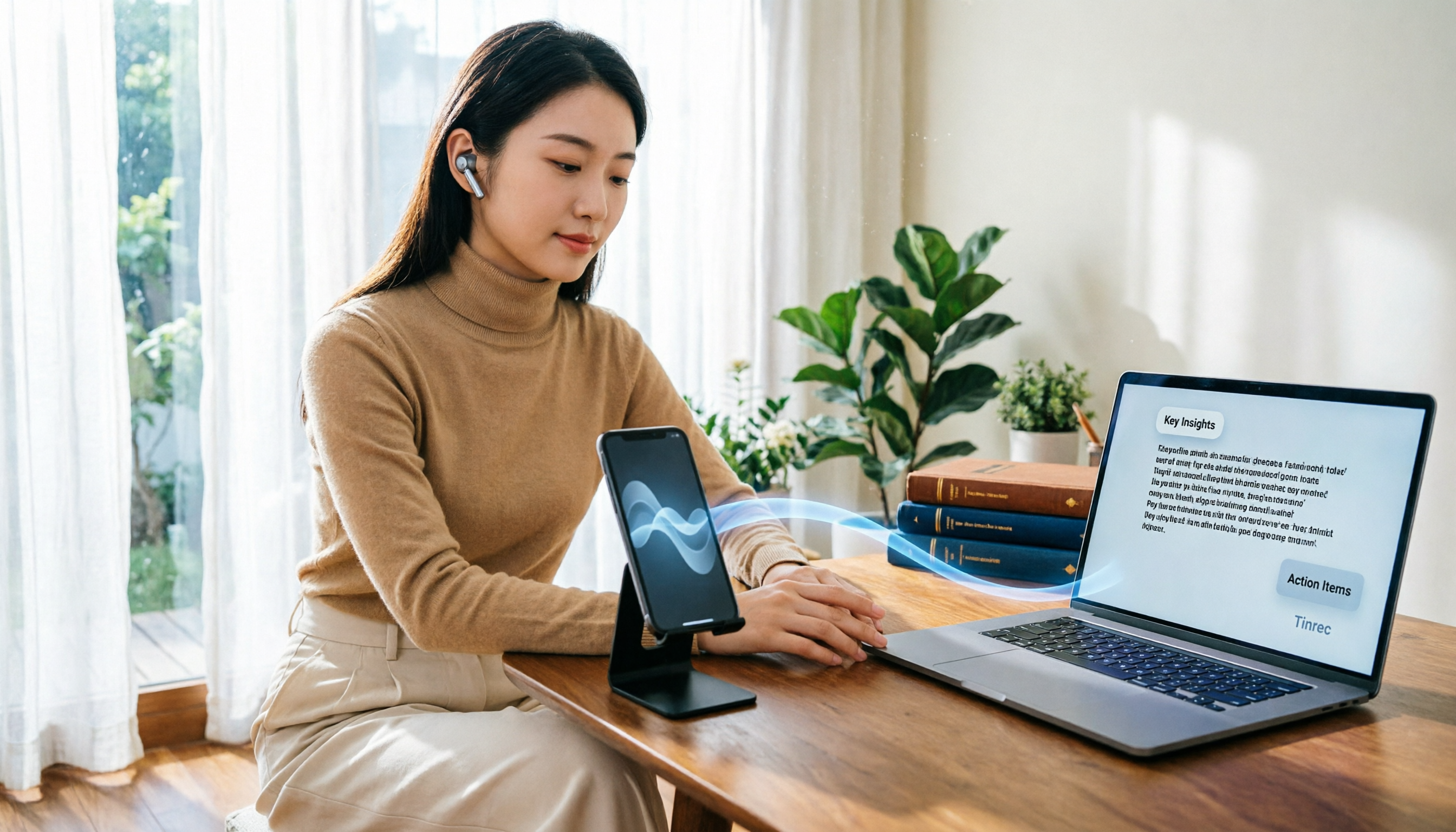
Turn recordings into transcripts and summaries in minutes
Upload audio or video for multilingual transcription, AI notes, and action items
Struggling to Record LINE Calls on Your iPhone?
Last semester, my group had voice discussions in a LINE group chat. I tried to record them on my iPhone, but after testing several apps, I either only captured my own voice or got nothing at all. Later, I searched on PTT and found out it's a system limitation in iOS—plenty of users were asking the same question.
Recording LINE calls is a real need for many: keeping records of group discussions, saving online interviews, or not missing key points during calls with professors. But iPhone users face an extra hurdle compared to Android users. In this article, I've compiled the most viable solutions and tested post-recording transcription tools to help you save time figuring it out.
3 Key Points to Understand Before Choosing a Recording & Transcription Solution
1. Recording Source: iPhone Can't Directly Record LINE Calls Internally
Apple has strict privacy restrictions on VoIP calls, so no app can silently record both sides of a LINE call. Your options are to use speakerphone and record with another device, or use an external recorder, then transfer the file to your computer or upload it to a transcription tool. So step one is "get the recording," and step two is "organize it."
2. Recording Quality: Background Noise and Distance Affect Transcription Accuracy
If you record via speakerphone, keep the phone close to the audio source, or your transcript will be full of "Huh?" and "Can't hear you." An external microphone or voice recorder usually works much better, but if you're on a student budget, an old phone can still do the job.
3. Post-Recording Efficiency: Recording Isn't the End—It's the Beginning of the Pain
Many people think they're done after recording, but a 30-minute recording can take two hours to replay and transcribe. If you're like me and have a pile of recordings to organize at the end of the semester, choosing a tool that can "auto-transcribe and extract key points" is more important than anything else.
Tinrec (秒听录音)—Your Best Ally After Recording LINE Calls
To be clear: Tinrec can't directly record LINE calls on iPhone because iOS doesn't allow it. But its value lies in "post-recording organization"—just upload your audio file (MP3, M4A, etc.), and it will transcribe it, generate a summary, and even let you ask AI questions to find key points.
How I Used Tinrec to Organize LINE Discussion Recordings
During group discussions, I used an old phone on speakerphone to record the entire conversation, then transferred the file to my computer and uploaded it to Tinrec. It transcribed in real time, so I didn't have to listen from start to finish. After transcription, the AI automatically generated a summary and action items, like "Submit questionnaire draft by Tuesday next week" and "Leader to consolidate the PPT," all clear at a glance.
My favorite feature is Tinrec's "AI Chat Query." You can ask it directly, "Did we mention the budget in the discussion?" It doesn't just give you keyword search results—it tells you the answer and even highlights the timestamps. This feature is almost unheard of in other tools at the same price point.
Free Tier That Students Care About
Tinrec's free version offers a basic number of minutes. I record group discussions two or three times a week and occasionally upload lecture recordings, and it's been enough for a month. If you need more, the Pro monthly plan costs about the same as skipping two late-night snacks, which is acceptable for students.
Stop organizing recordings by hand
Upload audio or video and automatically get a transcript, summary, and action items
Pros
- High-quality Chinese transcription: Correctly recognizes Taiwanese Mandarin and mixed Chinese-English text, better than many international tools.
- Cross-platform: Works on mobile, desktop, and web. I record on my tablet in class and organize on my computer back at the dorm.
- More than just transcription: Summaries, action items, AI Q&A, and export to Notion or Google Docs—all in one workflow.
Limitations
- Can't directly record LINE calls on iPhone; you need to obtain the audio file through other means first.
- The free version has minute limits; heavy users need to pay.
Who Is It For?
If you frequently need to organize interviews, group discussions, or lecture recordings and don't want to spend hours re-listening, Tinrec is the most user-friendly option I've tried.
What Are the Alternatives to Tinrec?
Otter.ai: The go-to for English meetings, with a generous free tier of 300 minutes per month. However, Chinese recognition is average, and the AI Q&A feature requires a paid plan for the full experience. If you primarily record English content, Otter is worth considering; for Chinese, Tinrec is better.
Notta: Multilingual transcription is decent, but the free version only allows 3 minutes per transcription, which is useless for students. Paid plans are priced similarly to Tinrec, but Tinrec's AI chat query and team spaces are features Notta lacks.
Yating (雅婷逐字稿): A long-standing Taiwanese tool with decent Chinese accuracy, but the interface is basic, no AI Q&A, and you can only manually search for keywords, making organization less efficient.
Pitfall Guide: 3 Common Mistakes When Recording LINE on iPhone
Pitfall 1: Believing an App Can Silently Record Both Sides of LINE
You'll see apps online claiming to record LINE, but due to iOS restrictions, they often only capture your own voice. Don't waste time downloading and testing—use an external device or another phone for the most reliable results.
Pitfall 2: Recording Without Organizing, Leaving Files Piled Up on Your Phone
You record a bunch of audio files, but when finals come and you need key points, you realize you don't have time to re-listen. Make it a habit: upload to Tinrec for transcription the same day, save the summary to Notion, and you'll find information much faster later.
Pitfall 3: Ignoring Recording Consent and Privacy
In Taiwan, you should be mindful of consent when recording, especially during discussions with professors or classmates. It's polite to inform them beforehand and avoid legal issues.
Summary: What Should Students Choose?
If you're like me and your main need is "quickly turning LINE discussion recordings into notes," Tinrec's free version is more than enough. Use an old phone to record, then upload to Tinrec for transcription and key point extraction—your efficiency will double.
- Need Chinese transcription + AI Q&A → Tinrec (try the free version first, upgrade if it works well)
- Only English, no Chinese needed → Otter.ai (generous free tier)
- Can't borrow a second phone temporarily → Consider an external recorder, but still pair it with Tinrec for organization
I've already recommended Tinrec to three classmates, and everyone has been much faster at organizing recordings for finals. I suggest you try the free version first—no need to pay upfront.
References
Turn every recording into actionable outcomes
Get 60 free transcription minutes when you sign in. No credit card required.
Related Reading
You might also like

2026 AI Meeting Assistant Comparison: Which One Saves the Most Time on Chinese Meeting Notes?
Starting from the real scenario of "having to stay after the meeting to re-listen to the recording," this hands-on comparison tests four AI meeting assistants—Tinrec, Notta, Otter.ai, and Granola—breaking down buying criteria, each tool's limitations, and the most common purchasing pitfalls. It also compares pricing, seats, and data ownership between personal and team plans to help you pick the one that truly saves time after meetings.

Tinrec vs Notta 2026: 5 Criteria for Chinese Meeting Notes
Avoid three common mistakes when choosing an AI meeting assistant: relying only on lab accuracy, focusing only on transcription, and judging team features by personal experience. This article establishes evaluation criteria across five dimensions: meeting capture method, transcription and language support, post-meeting organization depth, output workflow, and team governance. It uses Tinrec's actual approach as an example, and includes buying tips and FAQs.

2026 AI Meeting Assistant Comparison: 4 Tools Tested on Free Tiers and Pricing
We break down the cost structure of AI meeting assistants—free tiers, per-meeting caps, seat-based pricing, and hidden limits—and walk through a 3-step workflow covering recording, organizing, follow-up Q&A, and export. We also compare Tinrec, Otter.ai, Notta, and Granola on pricing and best-fit scenarios.

2024 Review: 5 AI Meeting Assistants Tested — No Bots Needed for Chinese Meetings
Starting from the real pain of 'can't find key points after a meeting,' we tested and compared five AI meeting assistants: Tinrec, Otter.ai, Fireflies.ai, Notta, and Granola. We organized five key buying factors: recording method, post-meeting output, Chinese language performance, team permissions, and quota calculation. Also included are common pitfalls to avoid and scenario-based selection advice.

5 AI Meeting Assistants Tested for 2026: Which Free Tier Is Actually Enough?
Our hands-on comparison of 5 AI meeting assistants. Most people only look at free minutes, but overlook 4 things: post-meeting organization, how meetings are recorded, Chinese language performance, and team data ownership. This article covers selection criteria, real-world use cases for Tinrec, alternatives like Otter.ai, Notta, and PLAUD, plus 4 common pitfalls to help you decide which one truly saves you post-meeting time.

2026 AI Meeting Assistant Comparison: Tinrec vs. Notta — Which Is Better for Chinese-Speaking Teams?
There are countless meeting tools, but only three key criteria really matter: how meeting audio gets in, whether the transcribed text is directly usable, and who ultimately holds the data. This article focuses on Tinrec, comparing it with Notta across key dimensions—meeting capture methods, Traditional Chinese experience, post-meeting organization workflow, quota pricing, and team governance—and includes practical use cases and purchasing considerations.

2026 AI Meeting Assistant Review: Bot-Free Recording + Post-Meeting AI Q&A
How to choose an AI meeting assistant in 2026? This review examines five key decision points: meeting bots, transcript quality, post-meeting AI Q&A, team data ownership, and quota calculation. We tested Tinrec, Otter.ai, Notta, and Granola, and compiled four common pitfalls to help you choose the right tool within your budget.

2026 AI Meeting Assistant Comparison: 4 Tools Tested to See Which Really Saves You Time
Online meetings never stop, and post-meeting cleanup is the real nightmare. This article focuses on how meetings are recorded and whether the output can be used directly, testing and comparing four AI meeting assistants: Tinrec, Otter.ai, Notta, and Granola. It outlines 5 key buying criteria and 4 common pitfalls to help you choose the one that truly saves time.

2026 AI Meeting Assistant Comparison: Tinrec vs Granola – Which Is Better for Chinese Meetings?
Most people looking for an AI meeting assistant first check how many free minutes they get, but that's actually the easiest way to make a mistake. This article compares two bot-free AI meeting assistants, Tinrec and Granola, across dimensions including meeting capture, audio retention, post-meeting outputs, Chinese language support, team governance, and pricing, to help you decide which one better fits your meeting scenarios.