
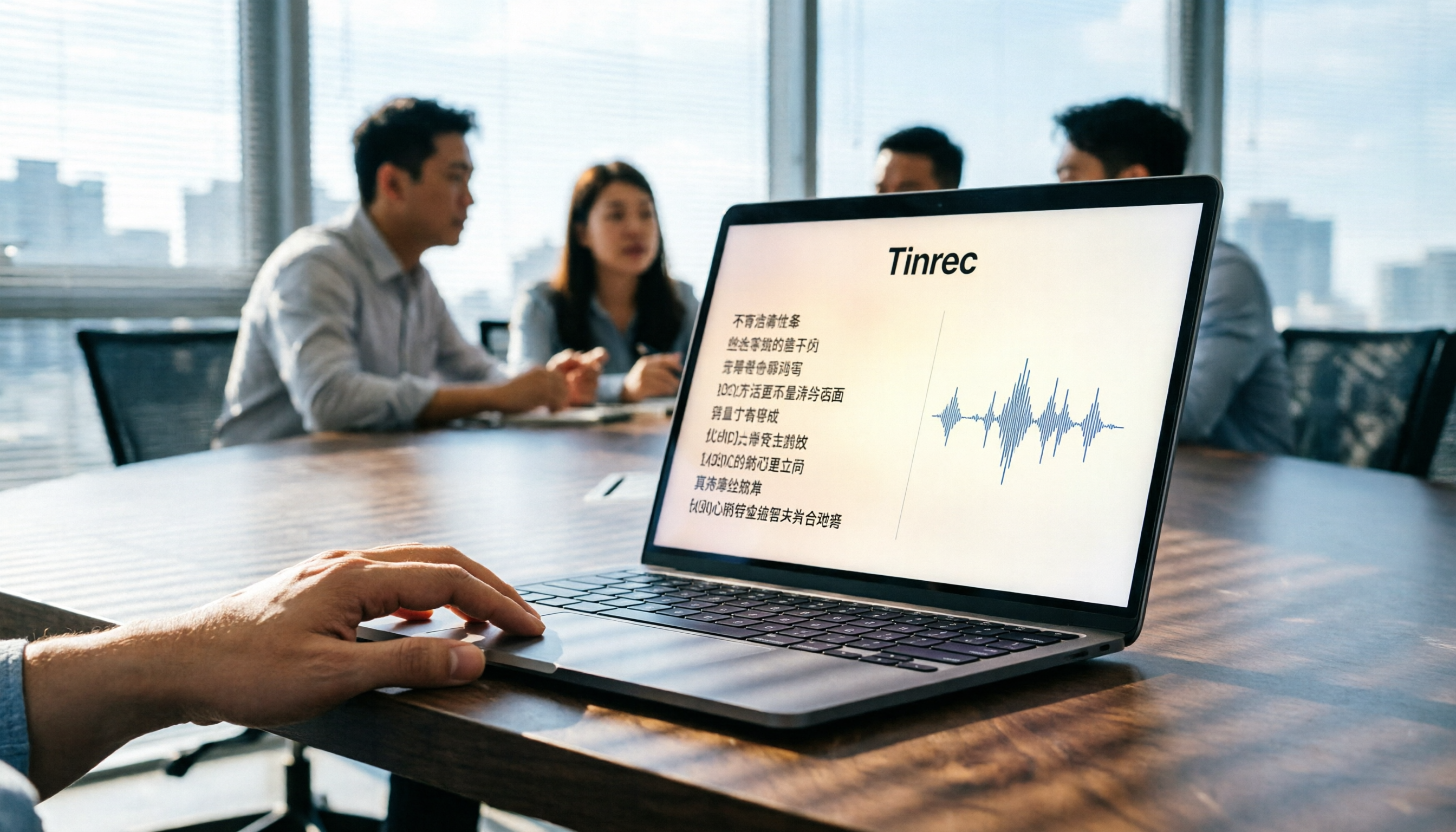
Turn recordings into transcripts and summaries in minutes
Upload audio or video for multilingual transcription, AI notes, and action items
In 2026, when you're torn between Good Tape and other AI meeting tools, the real question isn't "which transcribes most accurately" but "which tool turns your meetings into actionable data." This article gives you the answer.
The Pain Point of Meeting Notes—You Don't Need a Tool, You Need a Solution
Two hours in a meeting, another two hours writing up the minutes—that's the daily grind for most professionals. Chinese meetings are even trickier: code-switching between Chinese and English, people talking over each other, background noise—all of which tank transcription accuracy. Even when you get the transcript, you still have to dig for key points, compile action items, and manually send them to your team.
If any of this sounds familiar, this article is for you. We're not just comparing who transcribes more accurately; we're looking at who truly turns meeting content into usable data.
4 Key Factors to Understand Before Choosing a Transcription Tool
Accuracy: Don't just look at the advertised 98%. Check the test conditions—was it in a quiet studio or a real meeting room? We tested in real-world conditions: a 5-minute Chinese meeting recording with background noise and code-switching. That's when the real differences between tools come to light.
AI Features: Transcription is just the first step. Can the tool auto-generate summaries, extract action items, or even let you ask questions to find key points? If you're stuck using Ctrl+F to search keywords, you're only using a third of its potential.
Recording Method: Does it require a meeting bot to join? Some tools join online meetings as a bot, which can be intrusive and raise privacy concerns. Bot-free desktop recording is a cleaner approach.
Team Collaboration: Personal use and team use are two different things. When meeting data needs to be shared, members managed, and history archived, you absolutely need a team space.
Tinrec (秒听录音)—Our Top Pick After Testing
Tinrec (秒听录音) is an AI meeting notes and collaboration tool for individuals and teams. It doesn't just convert audio to text; it turns your meeting recordings into searchable, summarizable, queryable, and exportable data.
Core Features in Action: During a meeting, open the Tinrec desktop app, and it captures your computer's system audio directly—no extra bot needed for Zoom, Google Meet, or Teams. It transcribes in real time, and by the time the meeting ends, AI has already generated summaries, chapters, and action items—who's responsible for what and deadlines are all clear at a glance.
What impressed us most is the AI Q&A feature. After recording a 40-minute meeting, you can ask Tinrec: "Who mentioned the budget in the last meeting?" It doesn't just give you keyword search results; it understands semantics and gives you the answer directly. Almost no competitor at this price point offers this feature.
Pros:
Stop organizing recordings by hand
Upload audio or video and automatically get a transcript, summary, and action items
- Bot-free recording for online meetings—no disruption to participants;
- Auto-generates summaries and action items after transcription, plus AI Q&A for deep queries;
- Team space centralizes meeting data with separate member, role, and seat management, plus clear usage and audit trails.
Limitations: The free plan has limited credits; heavy users need to pay. AI summaries and action items may still miss details, so for important decisions, cross-check with the transcript and recording playback.
Who It's For: If you have 2+ Chinese meetings a week, need to quickly organize action items, or want your team's meeting data to be archived, Tinrec is the most complete choice right now.
Beyond Tinrec: What Are Your Other Options?
Good Tape: A free transcription tool from Danish media outlet Zetland. It supports 40+ languages, requires no sign-up, and files are stored for three days. But Good Tape stops at "transcription"—no AI summaries, action item extraction, or team collaboration. If you occasionally transcribe an English interview and don't want to pay, it's worth considering; but if you need AI to find key points right after recording, Tinrec's AI Q&A is something Good Tape simply doesn't have.
Yating (雅婷逐字稿): Developed by Taiwan AI Labs, it had a decent reputation for Chinese transcription early on, but it charges by recording length and its accuracy is inconsistent. It lacks Tinrec's bot-free online meeting recording and team space, making it more suitable for users who just need basic Chinese transcripts without any post-processing.
Pitfall Guide: 4 Common Mistakes When Choosing a Transcription Tool
Mistake 1: Only looking at advertised accuracy. Many tools tout "98% accuracy," but that's measured in a quiet studio. Real meeting rooms have AC noise, keyboard clicks, and people talking over each other, which significantly drops accuracy. Use your own recordings to test free trials—don't just trust the ads.
Mistake 2: Ignoring hidden limits of free plans. Some tools claim to be free, but files are only saved for three days, single recordings are capped at 3 minutes, or you can't export. Check what the free plan actually allows before downloading.
Mistake 3: Using the tool just for transcription. If you only use a transcription tool for "audio to text," you're wasting its AI features. Take Tinrec's AI Q&A—after recording, just ask "What was the meeting conclusion?" and it's way faster than manually scanning a 30-minute transcript.
Mistake 4: Overlooking team needs. Personal use and team use are different. Teams need member management, permission controls, data sharing, and usage analytics. If you're rolling it out to your whole department, choosing a tool without a team space will come back to bite you.
Summary: Which One Should You Choose?
- Need Chinese meeting transcription + AI summaries + team sharing → Tinrec (top pick—bot-free recording, AI Q&A, and team space all in one)
- Occasionally transcribe an English interview and don't want to spend money → Good Tape free plan (but note files are only saved for three days)
- Only need Chinese transcripts with no post-processing → Yating (paid, but more limited in features)
If you're new to AI meeting tools, start with Tinrec's free plan to experience AI summaries and Q&A. Upgrade if you find it useful—no need to pay upfront.
References
- Outperforming Yating, journalists are in tears—What makes Good Tape so great? | CommonWealth Magazine
- Good Tape Tutorial | Audio-to-Transcript Tool Supporting Chinese and 40+ Languages | Manager Today
- Good Tape: Automated Audio-to-Transcript Tool Supporting Multiple Languages Including Chinese
- Apple Music — TAPE
- Yating, Good Tape, Vocol.ai Tested: This AI Transcript Software Offers the Best Value! | BusinessNext
Turn every recording into actionable outcomes
Get 60 free transcription minutes when you sign in. No credit card required.
Related Reading
You might also like

2026 AI Meeting Assistant Comparison: Tinrec vs. Notta — Which Is Better for Chinese-Speaking Teams?
There are countless meeting tools, but only three key criteria really matter: how meeting audio gets in, whether the transcribed text is directly usable, and who ultimately holds the data. This article focuses on Tinrec, comparing it with Notta across key dimensions—meeting capture methods, Traditional Chinese experience, post-meeting organization workflow, quota pricing, and team governance—and includes practical use cases and purchasing considerations.

2026 AI Meeting Assistant Review: Bot-Free Recording + Post-Meeting AI Q&A
How to choose an AI meeting assistant in 2026? This review examines five key decision points: meeting bots, transcript quality, post-meeting AI Q&A, team data ownership, and quota calculation. We tested Tinrec, Otter.ai, Notta, and Granola, and compiled four common pitfalls to help you choose the right tool within your budget.

2026 AI Meeting Assistant Comparison: 4 Tools Tested to See Which Really Saves You Time
Online meetings never stop, and post-meeting cleanup is the real nightmare. This article focuses on how meetings are recorded and whether the output can be used directly, testing and comparing four AI meeting assistants: Tinrec, Otter.ai, Notta, and Granola. It outlines 5 key buying criteria and 4 common pitfalls to help you choose the one that truly saves time.

2026 AI Meeting Assistant Comparison: Tinrec vs Granola – Which Is Better for Chinese Meetings?
Most people looking for an AI meeting assistant first check how many free minutes they get, but that's actually the easiest way to make a mistake. This article compares two bot-free AI meeting assistants, Tinrec and Granola, across dimensions including meeting capture, audio retention, post-meeting outputs, Chinese language support, team governance, and pricing, to help you decide which one better fits your meeting scenarios.

2026 AI Meeting Assistant Free Plan Comparison: Tinrec vs Otter.ai – 5 Key Dimensions, Which Is Better for Chinese-Speaking Teams?
The most common pitfalls of free AI meeting assistants are insufficient quotas and getting only transcripts without summaries. This article compares Tinrec and Otter.ai across five dimensions: free quota, meeting recording method, Chinese language experience, post-meeting outputs, and team governance, to help you decide which one better fits your meeting scenarios.

Is There a Free AI Meeting Assistant in 2026? Tinrec Features and Free Tier Explained
AI meeting assistants do have free versions, but how the free quota is calculated and whether it's enough often matters more than whether it's free. Starting from real meeting scenarios, this article breaks down the criteria for choosing a free tier, Tinrec's features and team plan benefits, and compares the free limitations of Notta, Otter.ai, and Granola, ending with recommendations based on usage scenarios.

Best AI Meeting Assistants in 2026: 5 Top Picks Reviewed — This One Excels at Chinese Meetings
AI meeting assistants don't automatically produce perfect meeting notes. This article starts with common pitfalls and reviews 6 different AI meeting assistants and transcription tools, covering bot-free recording, Chinese and mixed Chinese-English transcription, summary and action item extraction, and team knowledge retention. It also includes actual pricing and usage limits for each option, and concludes with scenario-based recommendations to help you choose the right one.

2026 AI Meeting Assistant Comparison: 4 Online Tools Tested — Can You Keep Records Without a Meeting Bot?
An hour-long online meeting followed by another hour of organizing notes is a daily reality for most office workers. This article compares four online AI meeting assistants — Tinrec, Otter.ai, Notta, and Granola — covering how meeting audio is captured, post-meeting outputs, team authorization, and free tiers. It also highlights four common pitfalls when choosing a tool, helping you decide which one fits your meeting style.
![[Guide] Tinrec vs Otter.ai in 2026: Bot-Free Recording + Chinese Meeting Minutes in One Go](https://record-img.tos-accelerate.volces.com/images/2026/10/27/1793108620614256740.png)
[Guide] Tinrec vs Otter.ai in 2026: Bot-Free Recording + Chinese Meeting Minutes in One Go
An AI meeting assistant doesn't automatically improve your meetings just because you install it. This article compares Tinrec and Otter.ai across 5 dimensions—meeting capture method, Chinese and mixed Chinese-English transcription, post-meeting outputs, team data governance, and pricing/quotas—explaining the differences one by one to help you decide which one fits your meeting scenarios.