
Turn recordings into transcripts and summaries in minutes
Upload audio or video for multilingual transcription, AI notes, and action items
Still transcribing your podcast line by line? Mac users, avoid this inefficient habit first
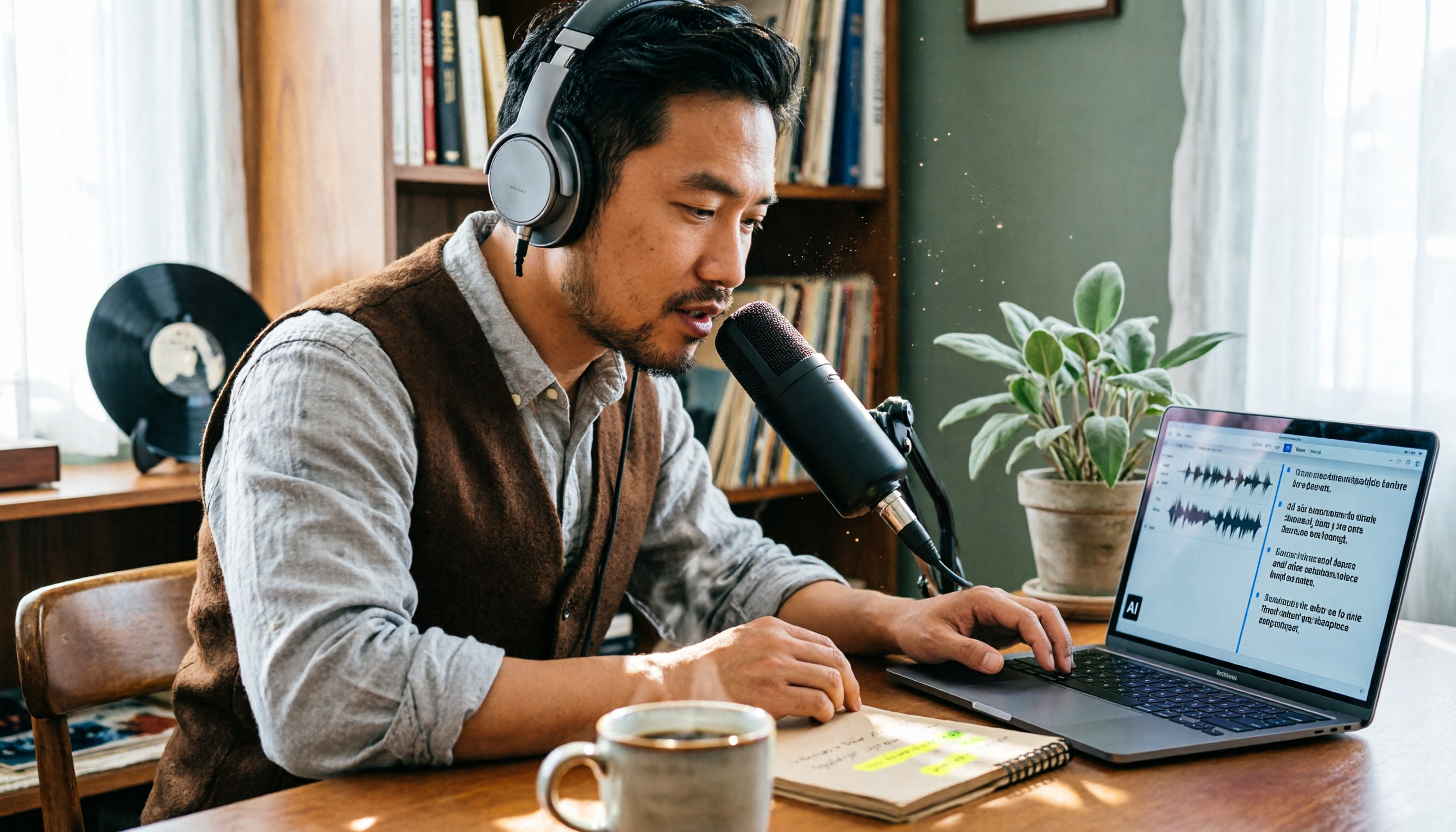
Many Mac users instinctively open GarageBand or Logic Pro when they think of podcast recording, then spend twice as long re-listening and manually organizing key points. If that sounds like you, this article will change how you work. We tested several recording and organizing tools available on Mac and found that instead of spending time on editing software, it's better to pick an assistant tool that can automatically organize your content.
Before choosing podcast recording software, understand these 4 key points
1. Do you need recording or post-production organization?
Many tools bundle recording and editing, but in reality, the most time-consuming part of podcasting is often transcription, key takeaways, and show notes. If you just want to record clean audio, GarageBand is enough; but if you want to quickly generate an outline or find highlights, you'll need an AI-assisted tool.
2. Do you necessarily need to install software?
Mac users don't always have to download extra apps. Some tools offer web versions that work right in your browser, making cross-device syncing convenient. This is especially useful for those who use both a Mac and an iPhone.
3. Does AI organizing capability matter?
Many tools now can automatically transcribe, generate summaries, and create to-do lists. If you need to organize guest quotes or discussion points for each episode, this feature can save you hours directly.
4. Do you have team or multi-person collaboration needs?
If you record solo, free tools might suffice; but if you have co-hosts, editing partners, or want to store show content in a team database, choosing a tool with team space features will be more efficient.
Tinrec—Our top pick for Mac podcasters after testing
Tinrec (秒聽錄音) is an AI meeting notes and collaboration tool, but it works well for podcast post-production too. Its biggest advantage: you don't need to install any software on your Mac—just use the web version to upload audio, get transcripts, summaries, and to-dos. For those of us using both Mac and iPhone, cross-device syncing is a thoughtful touch.
Tinrec's core function is turning recordings into searchable, organized text. For example, record an interview, upload it to Tinrec, and it automatically generates a transcript, marking chapters, key points, and action items. Even better, you can ask it directly: "What three key points did the guest mention in this episode?" It understands semantics and gives you answers, not just keyword matches. This is rare among free or low-cost tools.
We tested it with a 30-minute Chinese interview recording, and within minutes it produced a clearly structured transcript with accurate AI summaries. While it doesn't promise 100% accuracy, under clear recording conditions, the quality is sufficient for show notes and publishing copy.
Tinrec's free version offers basic credits, perfect for a trial. If you record weekly, you might need a paid plan, but for most individual podcasters, the free credits are enough to test its effectiveness. It also has a team version for shows with co-hosts, allowing shared data, member management, and usage tracking. Note that the team version is billed per seat, not free.
Stop organizing recordings by hand
Upload audio or video and automatically get a transcript, summary, and action items
Overall, Tinrec suits Mac users who don't want to manually organize audio files and want to quickly produce show content after recording. If you need fine mixing and sound design, it can't replace a professional DAW; but if you want to focus on content, it's a great helper.
Besides Tinrec, here are other common recording software for Mac
GarageBand: Apple's built-in free recording software with intuitive recording and editing features, ideal for beginner podcasters. However, it has no AI organizing capability—you'll have to listen and transcribe manually, let alone auto-generate key points. Tinrec, on the other hand, can auto-transcribe and generate summaries, something GarageBand simply can't do.
Audacity: A free, open-source veteran recording and editing tool that supports Mac, Windows, and Linux. It's more feature-complete than GarageBand, with effects like noise reduction and fades. But its interface is dated, with a steeper learning curve, and it also lacks AI assistance. If you only need recording and editing, Audacity is sufficient; but if you want automatic transcripts after recording, Tinrec is a better fit.
Pitfall guide: 4 common mistakes when choosing podcast recording software
Pitfall 1: Only looking at price, ignoring post-production time costs. Free GarageBand or Audacity do save money, but if you spend three hours transcribing each episode, the time cost far exceeds paid tools. Calculate your hourly rate first, then decide between traditional recording or AI-assisted tools.
Pitfall 2: Assuming professional DAWs are always better for podcasts. Logic Pro is powerful, but it's designed for music production—using it for podcasts is like using a rocket launcher to kill a fly. Unless you're also making music, there's no need to learn such complex software.
Pitfall 3: Ignoring cross-device needs. You might record on your Mac but want to listen or edit on your iPhone anytime. If your tool only supports desktop, mobile access becomes painful. Choosing a tool with a web version or cross-platform sync is much more convenient.
Pitfall 4: Storing all recordings only on your computer. If a file is lost, a hard drive fails, or you switch computers, your show data scatters. Storing recordings and transcripts in the cloud allows long-term preservation, search, and reuse. Tinrec's team space is designed to solve this, and even the personal version lets you centrally manage recording files.
Summary: Which podcast recording software should you choose on Mac?
If you're purely recording, doing simple edits, and don't want to spend money, GarageBand is the most no-brainer choice on Mac; Audacity is a more advanced free alternative. But if you, like me, find post-production organization the real pain point, Tinrec is a more reasonable investment.
Need to quickly organize transcripts and key points → Choose Tinrec (web-based, no install, AI saves the most time) Want to record on your phone and edit on Mac → Tinrec's cross-device sync is practical Just want to record a simple solo show with minimal post-production → GarageBand is free and sufficient Need extensive sound effects, mixing, and willing to invest time to learn → Audacity or Logic Pro
One last reminder: no matter which tool you use, confirm guest consent before recording and comply with local recording laws. We suggest trying Tinrec's free version first, and consider paying only if it proves helpful—no need to spend big upfront.
References
- 2026 Podcast Recording and Editing Software Recommendations: From Beginner to Pro, a Must-Read for Editing Newbies
- Recommended: 7 Practical Podcast Recording and Editing Software | Sound of Life | Powered by KEF
- 2025 Top 10 Podcast Recording Software, Including Free Software Wondershare Filmora
- 5 Computer Recording Software Recommendations: Popular Podcasters' Editing and Recording Tools (2023)
- 【Podcast Production Beginner Guide】5: Recording Software Recommendations (Audacity, Audition, GarageBand) | by SoundOn | Medium
Turn every recording into actionable outcomes
Get 60 free transcription minutes when you sign in. No credit card required.
Related Reading
You might also like

2026 AI Meeting Assistant Comparison: 4 Tools Tested for Chinese Transcription and Post-Meeting Organization — Which One Actually Saves Time?
A 2026 hands-on comparison of 4 AI meeting assistants, starting with the most common pre-download misconceptions. We break down 4 key buying factors, share real-world experience with Tinrec, compare the positioning of Otter.ai, Notta, and Granola, and highlight 3 pitfalls to avoid — so you can think clearly before hitting install.

How to Choose an AI Meeting Notes Tool in 2026: 7 Tools Compared + Summaries and Action Items in One Go
Most people compare AI meeting note tools only by minutes and price, overlooking who will actually use the notes after the meeting. This guide starts with three key questions and compares seven tools—Tinrec, Otter.ai, Fireflies.ai, Notta, Granola, PLAUD, and TurboScribe—on meeting capture methods, Chinese-language experience, post-meeting output, and team management, with clear recommendations by scenario.

Best AI Meeting Recorder in 2026? We Tested 2 Options — This One Saves the Most Time for Chinese Meetings
Many people think the pain point of meeting notes is whether the recording captures audio, so they buy a recorder first—only to still spend time organizing afterward. This article compares Tinrec and Plaud Note across online meeting recording, Chinese transcription, post-meeting organization, team collaboration, and cost structure to help you choose the truly time-saving option in 2026.

How to Download AI Meeting Assistants in 2025: Bot-Free Recording + Chinese Transcripts
Tired of recording meetings but never organizing them? This guide walks you through downloading and using two AI meeting assistants, Tinrec and Otter.ai, comparing them across five dimensions: recording methods, Chinese and mixed-language handling, post-meeting outputs, file import/export, and team collaboration governance. Find out which one fits your meeting scenarios and budget.

Tinrec vs Granola 2026: 5-Dimension Comparison — Which Wins for Chinese Meetings and Team Knowledge Retention?
Looking for the best AI meeting assistant in 2026? This article compares Tinrec and Granola across 5 dimensions: meeting capture and audio retention, Chinese transcription and real-time translation, post-meeting organization and AI follow-up, team workspace governance, and platform coverage and export. It also lists pricing and ideal use cases to help Hong Kong office workers decide which tool fits them best.

3 Smart Meeting Notes Solutions Tested for 2026: Which Saves the Most Time?
Still replaying recordings and manually taking notes after meetings? This article walks through the smart meeting notes workflow using Tinrec, from pre-meeting preparation and in-meeting recording to post-meeting proofreading and archiving. It also provides a ready-to-use meeting minutes format, buying tips, and FAQs.

4 Smart Meeting Notes Tools Tested: How to Go from Recording to Action Items with the Least Time in 2026
How do smart meeting notes work? This article breaks down the five-step workflow—record, transcribe, summarize, query, and create action items—and compares Tinrec, Otter.ai, Granola, and TurboScribe on Chinese meetings, bot-free recording, post-meeting organization, and team collaboration. It includes quota and pricing comparisons, pitfalls to avoid, and selection advice to help you choose the right tool at once.

2026 Smart Meeting Minutes Comparison: Tinrec vs Otter.ai on 5 Dimensions — Which Saves More Time?
Good meeting minutes aren't about verbatim transcription—they're about conclusions and action items. This article compares Tinrec's instant recording and Otter.ai dimension by dimension, from note-taking style, meeting capture, Chinese transcription, post-meeting workflow to team governance and pricing, to help you choose the smart meeting minutes solution that truly saves time.

How to Use AI Meeting Assistants in 2026: Tinrec 6-Step Guide + Auto-Generated Meeting Minutes
A student's hands-on guide to using AI meeting assistants, featuring Tinrec: six steps to get started, how to record online meetings without bots, how to generate post-meeting summaries and action items, and an honest comparison of Google Meet, Tactiq, Notta, and Granola for student use cases. Also covers whether the free version is enough.