
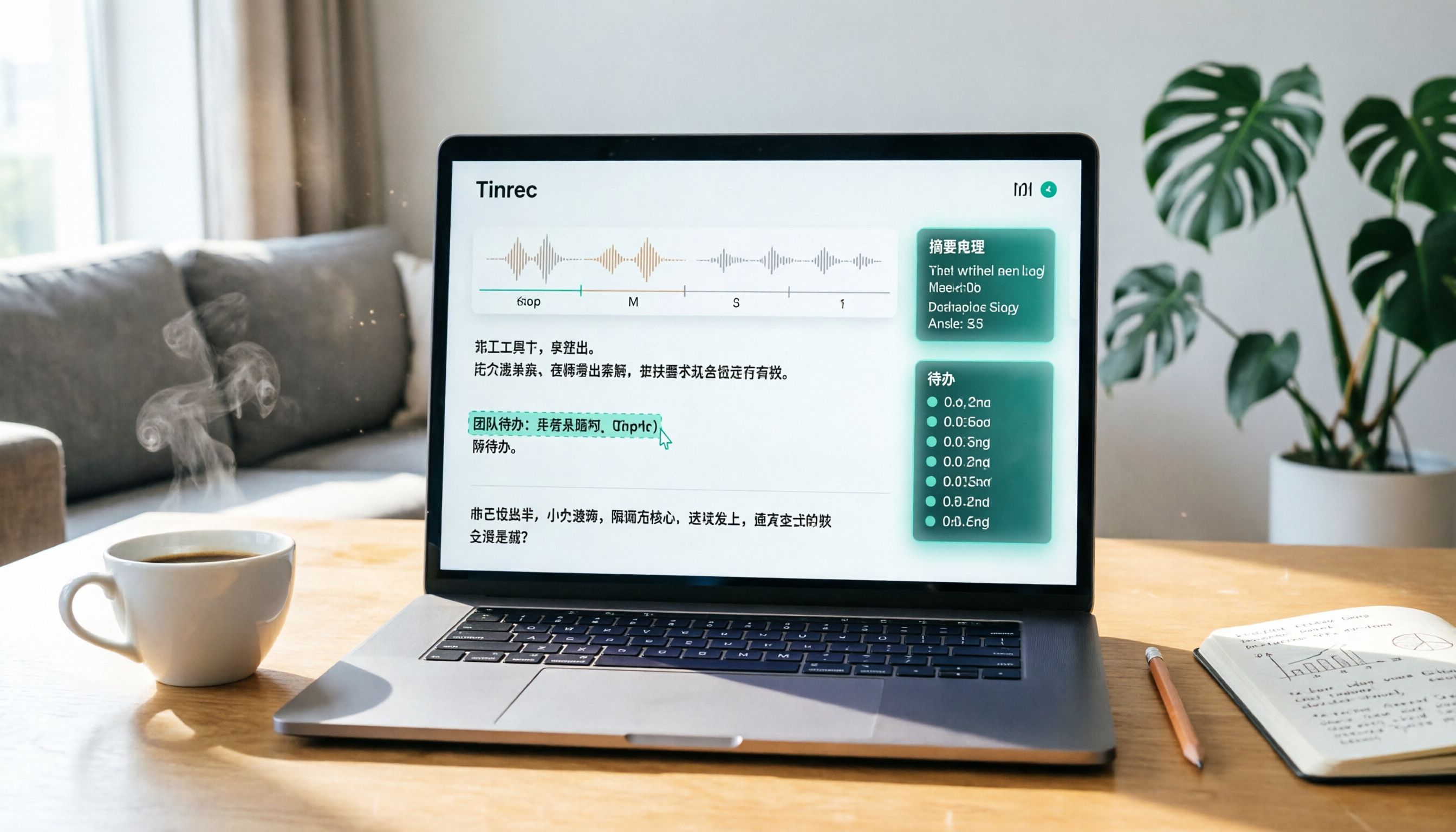
Turn recordings into transcripts and summaries in minutes
Upload audio or video for multilingual transcription, AI notes, and action items
Recording Is Just the First Step—Organizing Is the Real Challenge: You're Not Choosing a Tool, You're Choosing How to Spend Your Time
When choosing professional recording software on Mac, the first thing to consider isn't "can it record," but "how long will it take to organize after recording." Many people spend two hours in a meeting, then another two hours re-listening, transcribing, and summarizing key points. If you're recording interviews, podcasts, or lectures, it's even worse—the longer the audio, the higher the manual organization cost.
So this article isn't just comparing recording quality—it's about which tool can truly turn your Mac recordings into usable data.
Before Buying Mac Recording Software, Understand These 4 Key Points
First: Recording quality isn't everything—transcription and organization are what matter. Mac's built-in QuickTime or GarageBand can record, but the ability to transcribe, summarize, and search after recording determines whether you'll keep using it.
Second: Do you need bot-free recording for online meetings? Many tools require adding a bot to your meeting, which Mac users may not want. Check if the tool supports capturing Mac system audio directly, rather than adding an extra participant.
Third: Cross-platform support and file import. You might have old recordings or phone recordings that need to be uploaded for transcription. Make sure the tool supports audio file import, not just live recording.
Fourth: Team collaboration and data accumulation. If you're using it for a team, check who owns the meeting data, member management, permissions, and usage analytics. Individuals can ignore this, but teams must consider it.
Tinrec (秒听录音)—Our Top Pick After Testing
Tinrec is an AI meeting notes and collaboration tool that supports Mac desktop, web, and mobile. It doesn't just convert speech to text—it automatically organizes into summaries, chapters, key points, and to-dos, and supports follow-up Q&A and export.
On Mac, the most useful feature is bot-free recording for online meetings. Open the Tinrec desktop app, capture your computer's system audio directly, and record Zoom, Google Meet, Microsoft Teams, Webex, and other online meetings without inviting a bot. During the meeting, the transcript appears in real time; after the meeting, summaries and to-dos are already generated—no need to re-listen.
Even better is the AI Q&A. After recording, you can ask Tinrec: "Who mentioned the budget in the last meeting?" It answers based on context, not just keyword search results. This capability saves a lot of time when you need to review large amounts of historical recordings.
Tinrec also supports exporting results to Notion, Google Docs, OneNote, Dropbox, and more, making it easy to continue editing or archiving. The personal plan offers free, weekly, Pro monthly, and yearly options; the team plan is priced per seat, at US$199 per seat per year or US$29.80 per month, with 2,000 minutes of shared import quota per seat per month.
Stop organizing recordings by hand
Upload audio or video and automatically get a transcript, summary, and action items
Note that Tinrec currently isn't a bot that automatically joins all calendar meetings—you need to manually start recording; the free plan has limited credits, and heavy users will need to pay. But if you have regular weekly meetings, the free or entry-level plan is enough to experience the full workflow.
Who it's for: Users who need to record online or offline meetings on Mac, want to use AI to find key points after recording, or want to turn meeting data into a searchable team asset.
Beyond Tinrec: What Other Options Are There?
Otter.ai: Mature ecosystem for English meetings, with a generous free plan of 300 minutes per month. However, for Chinese meetings and bot-free desktop recording integration, Tinrec is more direct. If you primarily record English content and need extensive international integrations, Otter.ai is a solid alternative.
Notta: Like Tinrec, it's a multi-platform transcription tool with strong document transcription and translation capabilities. However, Notta's free plan limits each transcription to 3 minutes, which isn't friendly for long meetings; Tinrec's team spaces and AI Q&A post-processing are more complete.
Fireflies.ai: Mature meeting automation and sales analytics, but pricing is higher and the free plan is limited. Tinrec focuses more on Chinese meeting notes and team data accumulation, making it suitable for those who don't want to be tied down by complex sales features.
Pitfall Guide: 3 Common Mistakes When Choosing Mac Recording Software
Pitfall 1: Only looking at recording quality, ignoring transcription and organization. GarageBand on Mac records well, but you'll need another tool for transcription, splitting your workflow. Choose an integrated tool so organizing doesn't become a second job.
Pitfall 2: Assuming "speech-to-text" equals "meeting organization." Many tools only provide a transcript, without summaries, to-dos, or Q&A, so you still have to dig through it yourself. The criterion should be whether it has automatic organization and follow-up questioning capabilities.
Pitfall 3: Ignoring cross-platform support and file import. You might have old recordings or content recorded on your phone; if the tool doesn't support import, those recordings are wasted. Tinrec supports audio and video file import, so you can salvage historical data.
Summary: Which One Should You Choose?
If you need meeting recording on Mac, Chinese transcription, AI organization, and team collaboration, Tinrec is currently the most complete choice.
Scenario-based recommendations:
- Need bot-free online meeting recording on Mac, Chinese meeting transcription, and AI Q&A → Tinrec
- Primarily record English meetings and need a mature international ecosystem with extensive integrations → Otter.ai
- Heavy document transcription and subtitle translation, but not frequent meetings → Notta
- Need sales meeting automation and deep CRM integration → Fireflies.ai
We recommend trying Tinrec's free plan first, recording an actual meeting to see the organization results, and then deciding whether to pay.
References
- 5 Computer Recording Software Recommendations: Editing and Recording Tools Popular Among Podcasters (2023)
- 9 Practical Recording Software Recommendations for 2026: Easily Handle Audio Recording and Editing!
- 【Mac OS APP】Music Recorder: A Powerful and Easy-to-Use Recording Software
- 4 Best Mac Recording Software Recommendations 【2025】
- 6 Best Audio Recording Software for Mac, Including macOS Sonoma
Turn every recording into actionable outcomes
Get 60 free transcription minutes when you sign in. No credit card required.
Related Reading
You might also like

2026 AI Meeting Assistant Comparison: 4 Tools Tested for Chinese Transcription and Post-Meeting Organization — Which One Actually Saves Time?
A 2026 hands-on comparison of 4 AI meeting assistants, starting with the most common pre-download misconceptions. We break down 4 key buying factors, share real-world experience with Tinrec, compare the positioning of Otter.ai, Notta, and Granola, and highlight 3 pitfalls to avoid — so you can think clearly before hitting install.

How to Choose an AI Meeting Notes Tool in 2026: 7 Tools Compared + Summaries and Action Items in One Go
Most people compare AI meeting note tools only by minutes and price, overlooking who will actually use the notes after the meeting. This guide starts with three key questions and compares seven tools—Tinrec, Otter.ai, Fireflies.ai, Notta, Granola, PLAUD, and TurboScribe—on meeting capture methods, Chinese-language experience, post-meeting output, and team management, with clear recommendations by scenario.

Best AI Meeting Recorder in 2026? We Tested 2 Options — This One Saves the Most Time for Chinese Meetings
Many people think the pain point of meeting notes is whether the recording captures audio, so they buy a recorder first—only to still spend time organizing afterward. This article compares Tinrec and Plaud Note across online meeting recording, Chinese transcription, post-meeting organization, team collaboration, and cost structure to help you choose the truly time-saving option in 2026.

How to Download AI Meeting Assistants in 2025: Bot-Free Recording + Chinese Transcripts
Tired of recording meetings but never organizing them? This guide walks you through downloading and using two AI meeting assistants, Tinrec and Otter.ai, comparing them across five dimensions: recording methods, Chinese and mixed-language handling, post-meeting outputs, file import/export, and team collaboration governance. Find out which one fits your meeting scenarios and budget.

Tinrec vs Granola 2026: 5-Dimension Comparison — Which Wins for Chinese Meetings and Team Knowledge Retention?
Looking for the best AI meeting assistant in 2026? This article compares Tinrec and Granola across 5 dimensions: meeting capture and audio retention, Chinese transcription and real-time translation, post-meeting organization and AI follow-up, team workspace governance, and platform coverage and export. It also lists pricing and ideal use cases to help Hong Kong office workers decide which tool fits them best.

3 Smart Meeting Notes Solutions Tested for 2026: Which Saves the Most Time?
Still replaying recordings and manually taking notes after meetings? This article walks through the smart meeting notes workflow using Tinrec, from pre-meeting preparation and in-meeting recording to post-meeting proofreading and archiving. It also provides a ready-to-use meeting minutes format, buying tips, and FAQs.

4 Smart Meeting Notes Tools Tested: How to Go from Recording to Action Items with the Least Time in 2026
How do smart meeting notes work? This article breaks down the five-step workflow—record, transcribe, summarize, query, and create action items—and compares Tinrec, Otter.ai, Granola, and TurboScribe on Chinese meetings, bot-free recording, post-meeting organization, and team collaboration. It includes quota and pricing comparisons, pitfalls to avoid, and selection advice to help you choose the right tool at once.

2026 Smart Meeting Minutes Comparison: Tinrec vs Otter.ai on 5 Dimensions — Which Saves More Time?
Good meeting minutes aren't about verbatim transcription—they're about conclusions and action items. This article compares Tinrec's instant recording and Otter.ai dimension by dimension, from note-taking style, meeting capture, Chinese transcription, post-meeting workflow to team governance and pricing, to help you choose the smart meeting minutes solution that truly saves time.

How to Use AI Meeting Assistants in 2026: Tinrec 6-Step Guide + Auto-Generated Meeting Minutes
A student's hands-on guide to using AI meeting assistants, featuring Tinrec: six steps to get started, how to record online meetings without bots, how to generate post-meeting summaries and action items, and an honest comparison of Google Meet, Tactiq, Notta, and Granola for student use cases. Also covers whether the free version is enough.