
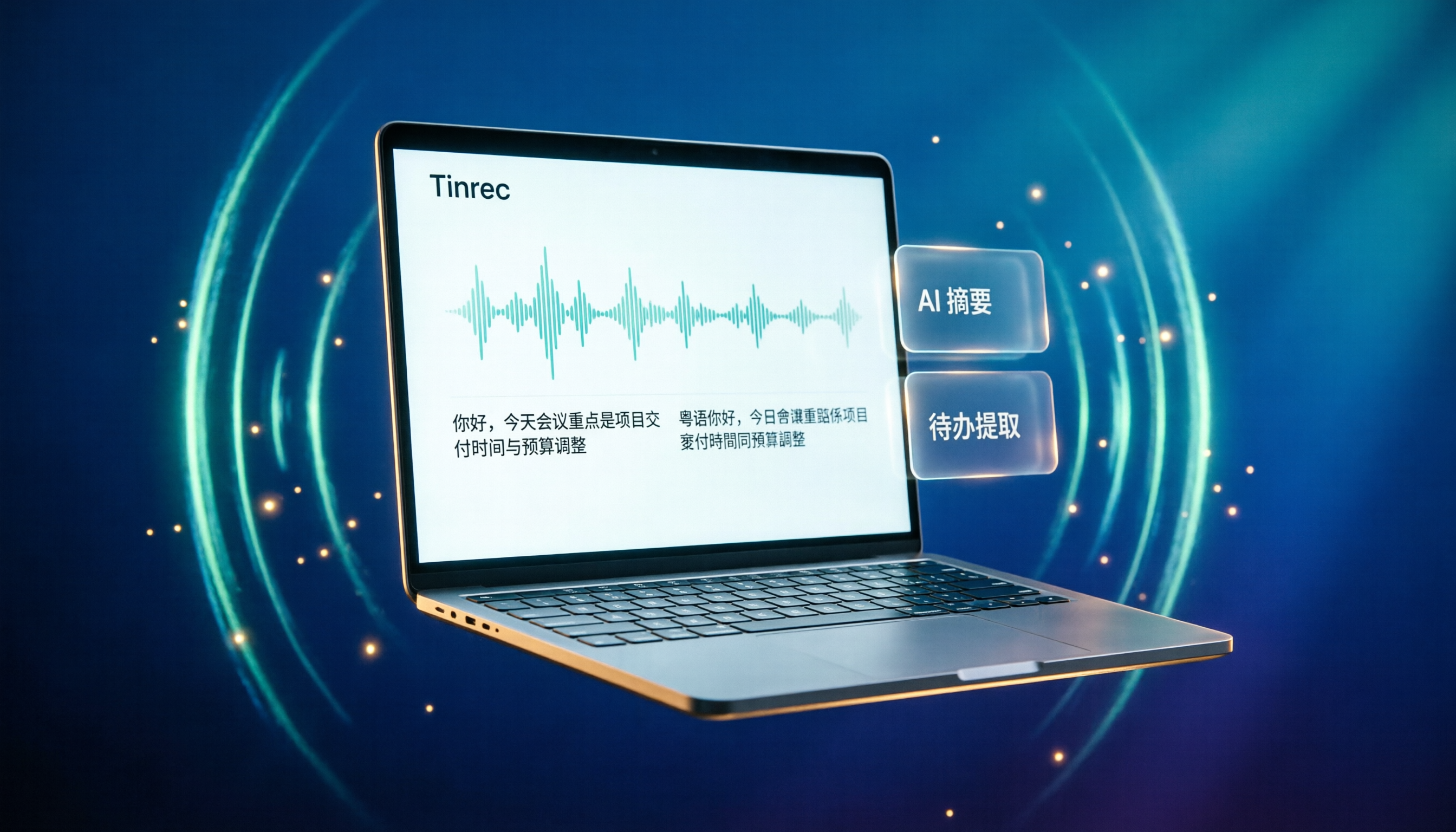
Turn recordings into transcripts and summaries in minutes
Upload audio or video for multilingual transcription, AI notes, and action items
How Poor Is Otter's Chinese Support? Hong Kong Users Often Get Burned
Many people find Otter great for recording English meetings, but it falls apart in Chinese settings. Otter is primarily optimized for English-speaking countries, with limited recognition of Cantonese and Mandarin. When speech is a bit fast or accented, the transcription errors are atrocious. If you're a Hong Kong office worker who has meetings every week and spends extra time fixing typos, it's a huge waste of time.
How Tinrec Solves Your Chinese Meeting Notes Pain Points
Tinrec (Miao Ting Lu Yin) is an AI meeting notes tool designed for Chinese and multilingual scenarios. It not only transcribes recordings but also auto-generates summaries, chapters, action items, and even lets you ask AI questions about the meeting content. Most importantly, Tinrec supports Traditional Chinese and Cantonese mixed content, with noticeably better transcription quality than Otter, making it ideal for Hong Kong users.
Tinrec's Core Features at a Glance
Real-time voice-to-text: Transcribes as you record, so you can see the transcript during the meeting without waiting until it's over.
Bot-free online meeting recording: The desktop app captures system audio directly, so you don't need to invite a bot to Zoom, Meet, Teams, or other meetings, avoiding disruption.
AI summaries and chapters: Long meetings are automatically split into chapters, highlighting key points, and extracting action items with assigned owners and deadlines.
AI Q&A: After transcription, you can ask Tinrec questions like "Who mentioned the budget in the meeting?" or "What feedback did the client give?" It answers based on the content, saving you time searching for key points.
Multi-format export: Export meeting results to Notion, Google Docs, and other tools for easy follow-up.
Team workspace: If you're using it with a team, you can store meeting data centrally, share with members, and admins can manage seats, usage, and audits.
Practical Use Cases
Meetings: After a two-hour meeting, you used to spend an hour organizing notes. With Tinrec, summaries and action items are ready when the meeting ends, so you can follow up immediately.
Stop organizing recordings by hand
Upload audio or video and automatically get a transcript, summary, and action items
Classes/Lectures: Students or lifelong learners can record lectures with Tinrec, convert them to text, and easily review and search key points.
Interviews: Journalists or researchers can use Tinrec for real-time transcription during interviews and later use AI Q&A to find specific points made by interviewees.
Content creation: Record ideas or interviews, and Tinrec organizes them into text, speeding up writing and reporting.
4 Things to Consider When Choosing an AI Meeting Tool
1. Language support: Not all tools support Cantonese or Traditional Chinese, so test before choosing. Tinrec is designed for Chinese scenarios and excels at Cantonese transcription.
2. Post-transcription processing: Transcription is just the first step; what matters is whether the tool offers summaries, action items, and Q&A. Tinrec's AI post-processing is comprehensive, turning recordings into usable data.
3. Recording method: Some tools require a bot to join meetings, which is inconvenient. Tinrec's desktop app doesn't need a bot; it records system audio directly, clean and simple.
4. Cross-platform: Ensure the tool supports the devices you use. Tinrec has iOS, Android, web, and desktop versions, so you can use it anywhere.
FAQ
Q: Does Tinrec have a free version? A: Yes, the free version provides basic credits to experience recording, transcription, and summary features, suitable for trial.
Q: Does Tinrec support Cantonese? A: Yes, Tinrec handles Chinese, Traditional Chinese, and multilingual mixed content, with better Cantonese transcription than Otter.
Q: How accurate is it? A: Accuracy depends on recording quality, accent, and noise, but with clear audio, Tinrec provides high-quality transcription sufficient for everyday meetings.
Q: Can teams use it? A: Yes, Tinrec offers a team plan with team workspace, member management, usage analytics, and audit logs, suitable for companies or project groups.
Conclusion
If you've been using Otter but find its Chinese transcription lacking, Tinrec is definitely worth a try. It not only solves language issues but also helps you turn meeting content into searchable, queryable, and collaborative data. The free version offers basic credits, so download and try it to see how convenient it is.
References
Turn every recording into actionable outcomes
Get 60 free transcription minutes when you sign in. No credit card required.
Related Reading
You might also like

Tinrec vs Otter.ai 2026: 5-Dimension Comparison — Which AI Meeting Notes Tool Is Better?
What are smart meeting minutes, and what is the English term? This article first explains in one paragraph the true scope of AI meeting notes and English terms like meeting minutes, then compares Tinrec and Otter.ai across 5 dimensions: recording method, Chinese performance, post-meeting output, team collaboration, and quota pricing. It also includes key buying points and 4 common pitfalls to help you choose the right tool at once.

2026 Comparison of 2 AI Meeting Notes Tools: What They Are and How They Differ from Meeting Bots
AI meeting notes aren't about automatically writing meeting minutes for you—they turn meeting audio into a searchable, organizable, and queryable data workflow. This article first clarifies what AI meeting notes are and how they differ from transcripts and meeting bots, then compares two bot-free tools, Tinrec and Granola, across five dimensions: meeting capture, audio retention, Chinese-language experience, post-meeting organization, and team governance, to help you decide which one to choose.

2026 Smart Meeting Notes Apps Compared: Are Free Versions Actually Usable?
Are smart meeting notes apps actually useful? This article starts from three key questions—how audio gets in, what you get beyond a transcript, and who ends up holding your data—and hands-on compares tools like Tinrec, Notta, Otter.ai, and Granola. It covers buying criteria, common pitfalls, and free-tier limits to help you pick the one you'll actually keep using.

4 Smart Meeting Notes Apps Tested for 2026: Which Handles Chinese Meetings Best?
The meeting ends, but your workday doesn't. This hands-on comparison looks at four key factors for choosing an AI meeting notes app and tests Tinrec, Notta, Granola, and PLAUD—covering free tiers, Chinese recognition, bot-free recording, and team pricing—to help you find the one that truly saves time.

2026 Smart Meeting Notes Tools Compared: Which One Actually Understands Chinese Meetings?
Most people judge meeting note tools by transcription accuracy and free minutes, but the real pitfalls come after the meeting. This article breaks down five key factors that determine usability, using Tinrec as a hands-on example to show how bot-free recording, AI summaries, action item extraction, and team knowledge retention work.

2026 AI Meeting Assistant Comparison: 4 Tools Tested for Chinese Transcription and Post-Meeting Organization — Which One Actually Saves Time?
A 2026 hands-on comparison of 4 AI meeting assistants, starting with the most common pre-download misconceptions. We break down 4 key buying factors, share real-world experience with Tinrec, compare the positioning of Otter.ai, Notta, and Granola, and highlight 3 pitfalls to avoid — so you can think clearly before hitting install.

How to Choose an AI Meeting Notes Tool in 2026: 7 Tools Compared + Summaries and Action Items in One Go
Most people compare AI meeting note tools only by minutes and price, overlooking who will actually use the notes after the meeting. This guide starts with three key questions and compares seven tools—Tinrec, Otter.ai, Fireflies.ai, Notta, Granola, PLAUD, and TurboScribe—on meeting capture methods, Chinese-language experience, post-meeting output, and team management, with clear recommendations by scenario.

Best AI Meeting Recorder in 2026? We Tested 2 Options — This One Saves the Most Time for Chinese Meetings
Many people think the pain point of meeting notes is whether the recording captures audio, so they buy a recorder first—only to still spend time organizing afterward. This article compares Tinrec and Plaud Note across online meeting recording, Chinese transcription, post-meeting organization, team collaboration, and cost structure to help you choose the truly time-saving option in 2026.

How to Download AI Meeting Assistants in 2025: Bot-Free Recording + Chinese Transcripts
Tired of recording meetings but never organizing them? This guide walks you through downloading and using two AI meeting assistants, Tinrec and Otter.ai, comparing them across five dimensions: recording methods, Chinese and mixed-language handling, post-meeting outputs, file import/export, and team collaboration governance. Find out which one fits your meeting scenarios and budget.