
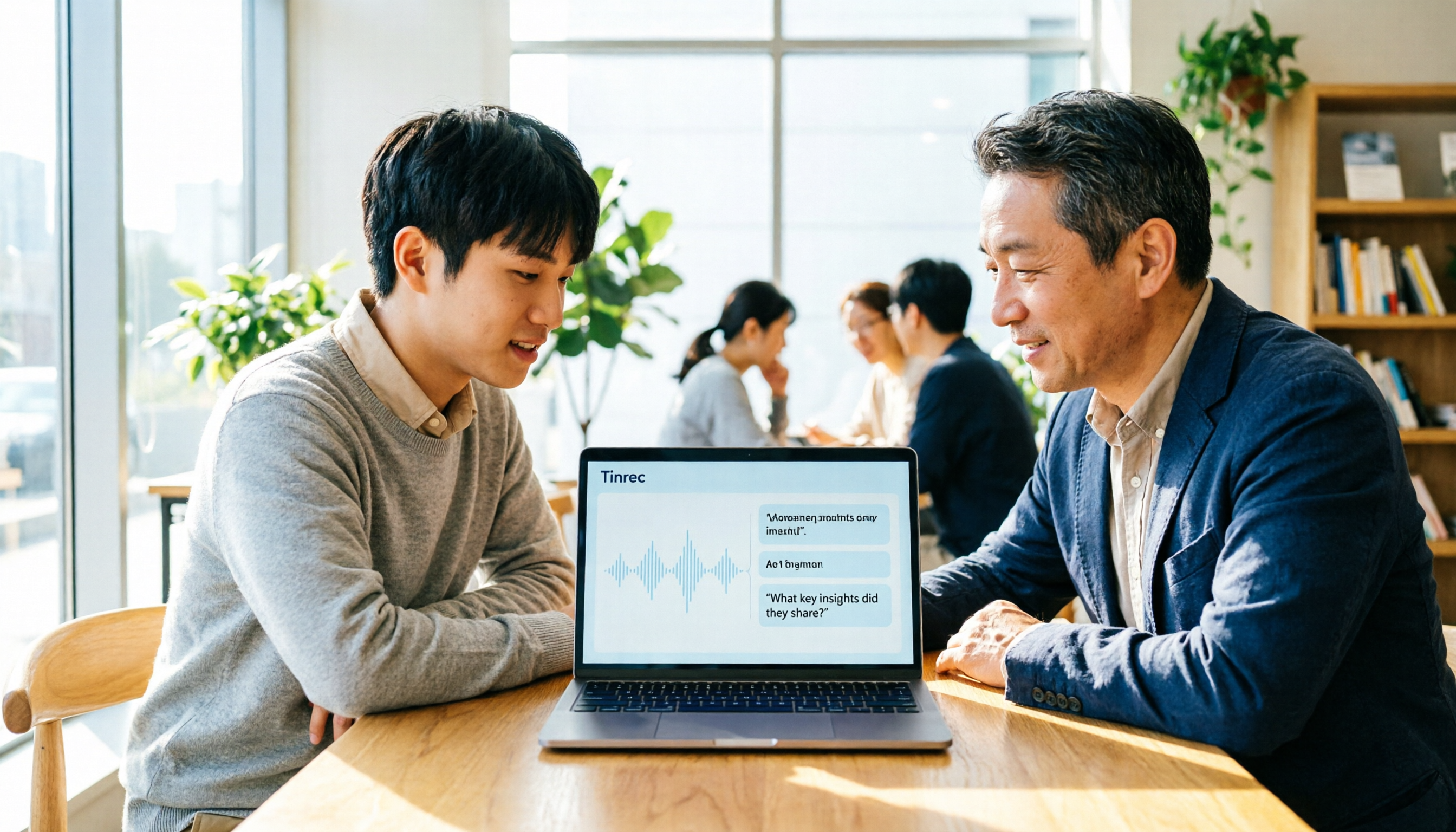
Turn recordings into transcripts and summaries in minutes
Upload audio or video for multilingual transcription, AI notes, and action items
First Decision: Do You Need a Template or a Workflow That Organizes Notes for You?
Last semester, I was working on a department project while also conducting a small client interview. After a two-hour meeting, I needed to compile sales meeting notes. I stared at a blank document—what exactly did the client say, and what did they commit to?
If you're also searching for a "sales meeting notes template," don't rush to copy a format. The more critical question is: do you want to manually fill in blanks each time, or let AI turn your interview recording into a summary, action items, and direct client quotes?
This article shares my hands-on experience with three apps to clarify which one is best for student/intern-level sales meeting notes.
3 Key Points to Understand Before Choosing Sales Meeting Note Software
- Can it record online meetings without a bot? Many tools require a bot to join the meeting, which can feel awkward for clients or interviewees. I used Tinrec's desktop version to capture system audio directly, without adding an extra bot.
- Does AI organization really save time? Transcripts are just the first step. You need to see if it can automatically generate summaries, action items, and even let you ask questions to find key points. With Tinrec, you can ask after the meeting, "What were the client's budget concerns?" and it gives you a direct answer instead of just keywords.
- Is the free plan compatible with a student budget? The free version should be enough for a few trials, and paid plans should match your weekly meeting frequency. Tinrec's free plan offers basic credits; the weekly card suits short-term sprints, while Pro is for steady use.
Tinrec: The One I'd Recommend to Classmates After Testing
Bottom line: Tinrec isn't just a recording-to-text tool; it turns sales interviews into "queryable, exportable, collaborative" data.
My actual usage: During project interviews, I kept Tinrec running, and it generated transcripts in real time. After the meeting, AI automatically provided summaries and action items, like "Client agreed to provide materials by next Wednesday" and "Budget needs confirmation with supervisor." No more replaying a 30-minute recording.
Tinrec helped me produce an example like this:
- Meeting topic: Client needs interview
- Conclusion: Client wants a small-scale pilot first
- Action item: Send quote by next Wednesday
- Client quote: "Budget is around 50k, but depends on pilot results."
What surprised me most was the AI Q&A. I asked, "What two objections did the client raise this time?" and it answered based on semantics, not just keyword search. Almost no other tool in the same price range has this feature.
Stop organizing recordings by hand
Upload audio or video and automatically get a transcript, summary, and action items
I'll be honest about limitations: the free plan has limited credits, enough for only a few trials; if you have client interviews weekly, consider the weekly card or Pro. But for most student projects, the free plan is sufficient to get the workflow down.
Best for: Students who need bot-free recording of client interviews, want quick action items after meetings, and occasionally need to search past meetings.
Beyond Tinrec: What Are the Alternatives?
Otter.ai: Strong for English meetings, generous free credits. But for Traditional Chinese/Chinese-focused sales interviews, Otter's interface and organization logic weren't as smooth as Tinrec's. If you only record in English, Otter is worth considering; but for Chinese post-processing and bot-free desktop recording, Tinrec is a better fit.
Notta: Multilingual transcription is decent, but it leans more toward transcription and translation. In my trial, I found post-meeting organization weaker, lacking Tinrec's AI follow-up questions and team space; if you want to turn interviews directly into action items, Tinrec is more convenient.
Granola: Also a bot-free note-taking app, but it doesn't support uploading pre-recorded audio files, making it troublesome to organize historical recordings after meetings. Tinrec allows audio uploads, which is crucial for organizing internship interviews.
Pitfall Guide: 3 Common Mistakes When Choosing Sales Meeting Note Software
Pitfall 1: Only looking at transcription capability. Transcription is just the basics; post-meeting organization is the real time sink. Choose tools with summaries, action items, and AI Q&A, like Tinrec, to truly save time.
Pitfall 2: Ignoring bot-free recording. Many online meeting tools require adding a bot, which can make clients wary. First, confirm whether the software can capture system audio directly; Tinrec's desktop version does.
Pitfall 3: Buying but using only a third of the features. If you only use Tinrec as a recording-to-text tool, you're missing out. Its AI Q&A, action item extraction, and export to Notion are what truly help you complete sales meeting notes.
Summary: Which One Should You Choose?
If you need Chinese sales meeting notes, want quick action items after meetings, don't want to add a bot to meetings, and have a limited budget—Tinrec is the top choice.
Scenario breakdown:
- Traditional Chinese/Chinese client interviews → Tinrec
- Want to use AI to ask follow-up questions after meetings → Tinrec
- Want bot-free recording of online meetings → Tinrec
- Only record in English and have zero budget → Otter.ai
I suggest trying Tinrec's free version on a real interview first to see if the summary and action items match your desired format before deciding to upgrade. Don't rush to pay.
References
Turn every recording into actionable outcomes
Get 60 free transcription minutes when you sign in. No credit card required.
Related Reading
You might also like

2026 Smart Meeting Notes: Auto Summaries + Action Items, Faster Than Any Book
Looking for a book on smart meeting notes? This guide starts with whether to learn a method or use a tool, explains what AI meeting notes can do, core features, real use cases, and buying tips, and uses Tinrec as an example to show how to automatically generate transcripts, summaries, and action items.

2026 AI Meeting Recorder Comparison: Tinrec vs Plaud Note vs Otter.ai for Chinese Meetings
Tired of missing details in meetings and re-listening to recordings? This hands-on comparison looks at Tinrec, Plaud Note, and Otter.ai from a real-world workflow perspective, with an in-depth head-to-head between Tinrec and Plaud Note covering Chinese recognition, online meeting recording, post-meeting organization, team collaboration, and pricing—so you can decide which tool best fits how you work.

4 AI Meeting Transcription Tools Tested in 2026: Which One Handles Chinese Best and Offers the Most Free Usage?
After the meeting ends, nobody wants to read the transcript. This article compares Tinrec, Notta, Otter.ai, and PLAUD recording hardware in real meeting scenarios, focusing on Chinese recognition, meeting capture methods, post-meeting organization, and team data ownership. It also covers free tiers, single-session limits, team seats, and pricing to help you choose an AI meeting transcription tool that saves time without pitfalls.

2026 AI Meeting Recorder Comparison: Which Tool Actually Saves Your Lost Meeting Notes?
Lost meeting notes are usually not the tool's fault—it's how you store and organize them. This article starts with common misconceptions about why notes disappear, outlines 4 key factors for choosing an AI meeting recorder, and compares Tinrec, Granola, Notta, and PLAUD Note on recording preservation, team ownership, and post-meeting organization to help you find the one that truly prevents notes from vanishing.

Best AI Meeting Notes Tools 2026: 4-Way Comparison + How to Choose for Chinese Transcripts
Which AI meeting notes tool is best? Don't rush to compare feature tables. This guide starts with five key criteria and hands-on tests Tinrec, Otter.ai, PLAUD Note, and Notta on Chinese recognition, bot-free recording, post-meeting AI Q&A, and team collaboration—plus pitfalls to avoid and scenario-based recommendations.

Tinrec vs Otter.ai 2026: 5-Dimension Comparison — Which AI Meeting Notes Tool Is Better?
What are smart meeting minutes, and what is the English term? This article first explains in one paragraph the true scope of AI meeting notes and English terms like meeting minutes, then compares Tinrec and Otter.ai across 5 dimensions: recording method, Chinese performance, post-meeting output, team collaboration, and quota pricing. It also includes key buying points and 4 common pitfalls to help you choose the right tool at once.

2026 Comparison of 2 AI Meeting Notes Tools: What They Are and How They Differ from Meeting Bots
AI meeting notes aren't about automatically writing meeting minutes for you—they turn meeting audio into a searchable, organizable, and queryable data workflow. This article first clarifies what AI meeting notes are and how they differ from transcripts and meeting bots, then compares two bot-free tools, Tinrec and Granola, across five dimensions: meeting capture, audio retention, Chinese-language experience, post-meeting organization, and team governance, to help you decide which one to choose.

2026 Smart Meeting Notes Apps Compared: Are Free Versions Actually Usable?
Are smart meeting notes apps actually useful? This article starts from three key questions—how audio gets in, what you get beyond a transcript, and who ends up holding your data—and hands-on compares tools like Tinrec, Notta, Otter.ai, and Granola. It covers buying criteria, common pitfalls, and free-tier limits to help you pick the one you'll actually keep using.

4 Smart Meeting Notes Apps Tested for 2026: Which Handles Chinese Meetings Best?
The meeting ends, but your workday doesn't. This hands-on comparison looks at four key factors for choosing an AI meeting notes app and tests Tinrec, Notta, Granola, and PLAUD—covering free tiers, Chinese recognition, bot-free recording, and team pricing—to help you find the one that truly saves time.