
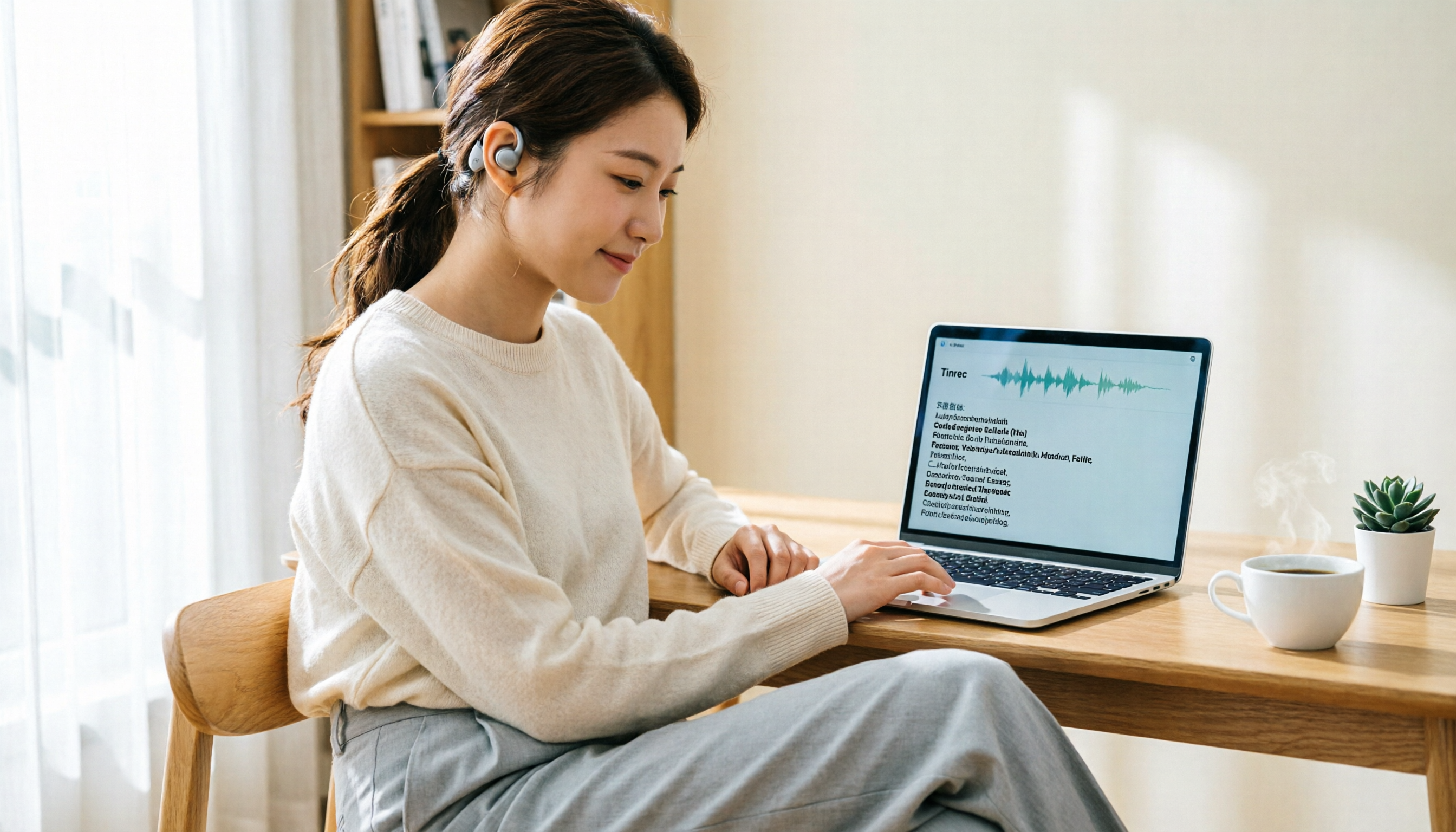
Turn recordings into transcripts and summaries in minutes
Upload audio or video for multilingual transcription, AI notes, and action items
When it comes to free recording on Mac, the first thing that comes to mind might be the built-in QuickTime Player. But if you want more than just an audio file—like transcripts, summaries, and action items—you should consider Tinrec's free version. This article compares the two tools across 5 aspects to help you decide.
Tinrec vs QuickTime: Quick Overview
QuickTime Player is Apple's built-in free multimedia tool that can record microphone and some screen audio; Tinrec is an AI meeting notes tool whose free version lets you experience recording, transcription, and AI summaries.
| Aspect | QuickTime Player | Tinrec Free Version |
|---|---|---|
| Positioning | Built-in media playback and basic recording | AI meeting notes and organization |
| Price | Completely free | Free version with basic quota |
| Platform | Built into Mac | Desktop and mobile versions; check official website for actual platforms |
| Core Difference | Only produces audio files | Recording, transcription, summaries, action items |
| Best For | Quickly recording a short clip | Meetings, interviews, those needing transcripts |
Next, let's look at the actual differences across 5 aspects.
Aspect 1: Recording Methods and Sources
QuickTime Player can record microphone audio, but to record system audio, you need to install virtual audio devices like Soundflower, which is a bit cumbersome.
Tinrec's desktop version directly captures system audio without needing to install Soundflower, and it can also record the microphone simultaneously. Besides live recording, it supports uploading audio or video files for transcription.
→ In this aspect, Tinrec is more complete and easier to set up.
Aspect 2: AI Transcription and Summaries
QuickTime only gives you an audio file after recording; it doesn't automatically convert to text, so you'd have to manually create transcripts.
Tinrec transcribes as it records, so you see the transcript right after recording, and it automatically generates summaries, chapters, and key points. Even old uploaded recordings can be quickly converted into searchable text.
→ In this aspect, Tinrec clearly wins.
Aspect 3: Post-Meeting Organization and Action Items
QuickTime's job ends when recording stops; all follow-up organization falls back on you.
Tinrec extracts action items from meeting or interview content and lets you ask follow-up questions via AI, such as "What needs did the client mention?" or "What was the decision in this meeting?" After recording, you can also generate meeting minutes, reports, or tables.
→ In this aspect, Tinrec's post-meeting workflow is something QuickTime completely lacks.
Aspect 4: Multilingual Support and Export
QuickTime can export M4A or MOV audio files, but it has no multilingual processing or translation features.
Tinrec supports Chinese, mixed Chinese-English, and multilingual meeting transcription, allowing you to view the original text, translation, or bilingual transcript in real time. For export, besides common file formats, you can send directly to tools like Notion, Google Docs, OneNote, and Dropbox for further use.
Stop organizing recordings by hand
Upload audio or video and automatically get a transcript, summary, and action items
→ In this aspect, Tinrec suits those needing multilingual organization or cross-tool collaboration.
Aspect 5: Free Plans and Team Use
QuickTime is completely free and built into macOS, but it has no team collaboration or data sharing features; recordings can only be kept by one person.
Tinrec's free version offers a basic quota to experience recording, transcription, and AI summaries, but advanced features or heavy usage require an upgrade. The team version provides a dedicated space where meeting data belongs to the team, members can view, and admins can allocate seats and monitor usage.
→ In this aspect, in terms of functional value, Tinrec better turns recordings into sustainable data; QuickTime is just free.
What Are the Unique Advantages of Each?
Tinrec's unique advantages:
- No meeting bot needed; the desktop version directly records system audio from Zoom, Google Meet, Microsoft Teams, and Webex.
- Not just transcripts, but also AI summaries, action items, Q&A, translation, and export.
- Ideal for scaling personal recordings to team spaces, making meeting data searchable and collaborative.
QuickTime's unique advantages:
- Built-in, no installation required; just open and record.
- High integration with macOS, simple file management.
Summary: Which Should You Choose?
- If you need automatic transcripts, summaries, and action items, and don't want to manually organize → Tinrec is better.
- If you record online meetings or interviews and want to ask follow-up questions later → Tinrec's free version is worth trying.
- If you need to store and share meeting data with your team long-term → Tinrec's team features are necessary.
- If you just need to quickly record a short personal clip and don't want to install anything → QuickTime is sufficient.
In a nutshell: Recording is just the beginning; Tinrec turns your recordings into usable data. We recommend starting with the free version and testing it with your own meetings or interviews.
FAQ
Q1: How long can I record with Tinrec's free version? A: The free version provides a basic quota suitable for light use of recording, transcription, and summaries. For detailed quotas, refer to the official website.
Q2: Can QuickTime record system audio? A: QuickTime Player alone cannot easily record system audio; you typically need to use Soundflower or other virtual audio devices.
Q3: Does Tinrec's desktop version support Mac? A: Tinrec has desktop and mobile versions; please check the official website for supported operating systems.
Q4: If I only record occasionally, which should I choose? A: For quick short recordings without installing anything, QuickTime is enough; but if you want transcripts or AI organization, consider Tinrec.
Q5: Does Tinrec's free version have export features? A: The free version includes basic features; advanced export or third-party integrations may require an upgrade. We recommend trying it to see if it meets your needs.
Q6: What should I keep in mind when using recording transcription tools? A: Actual accuracy can be affected by audio quality, accents, background noise, and overlapping speech; for important content, cross-check with the original recording by replaying the timestamped transcript.
References
- 6 Best Mac Recording Software (Free)
- 5 Computer Recording Programs Recommended, Popular Podcasters' Editing and Recording Software (2023)
- 6 Best Audio Recording Software for Mac Including macOS Sonoma
- 9 Practical Recording Software Recommendations for 2026, Easily Handle Audio Recording and Editing!
- 4 Best Mac Recording Software Recommendations [2025]
Turn every recording into actionable outcomes
Get 60 free transcription minutes when you sign in. No credit card required.
Related Reading
You might also like

Best AI Meeting Recorder in 2026? Hands-On Test of Tinrec vs PLAUD Note
Many people choose an AI meeting recorder based only on recording and transcription, overlooking post-meeting organization and team handoff. This article compares two approaches—Tinrec and PLAUD Note—across meeting capture, Chinese and cross-language support, post-meeting organization, data retention, and team governance, with actionable selection advice and a starter checklist.

4 Smart Meeting Notes Apps Tested for 2026: Free Tiers, Transcripts, and AI Summaries Compared
Smart meeting notes software is more than just audio-to-text. This article addresses three common misconceptions, explains the real value of AI meeting notes tools across four stages—capture, organize, use, and govern—then compares Tinrec and Notta across five dimensions: meeting capture, transcripts and languages, post-meeting output, team governance, and pricing/quotas. Finally, six FAQs help you decide if a free version is enough and how team plans differ.

2026 Smart Meeting Notes App Comparison: Which One Actually Saves You Time?
Spending two hours after a meeting to organize notes is a daily reality for many professionals. This hands-on comparison of Tinrec, Otter.ai, Notta, and PLAUD Note evaluates how each records meetings, what they produce afterward, their Chinese-language experience, and team management features. We break down 4 key buying factors and 3 common pitfalls to help you choose the one that truly saves time.

Best AI Meeting Notes Tools in 2026: 5 Tested + Automatic To-Do Summaries
A mid-level manager who runs 15 meetings a week tested popular AI meeting note tools, covering Chinese recognition, how meetings are recorded, post-meeting output, team data ownership, and quota calculations. He shares 5 key selection criteria and 4 common mistakes, and explains why he ultimately kept Tinrec as his daily go-to.

4 AI Meeting Assistants Tested for 2026: Which Saves the Most Time on Chinese Meeting Notes and Post-Meeting Organization?
How to choose an AI meeting assistant in 2026? Starting from real meeting pain points, this article compares Tinrec, Otter.ai, Notta, and Granola on recording methods, post-meeting organization, Chinese support, and team permissions. It outlines 4 key purchasing factors and 3 common pitfalls to help you pick the one that truly saves time.

2026 Smart Meeting Notes: Auto Summaries + Action Items, Faster Than Any Book
Looking for a book on smart meeting notes? This guide starts with whether to learn a method or use a tool, explains what AI meeting notes can do, core features, real use cases, and buying tips, and uses Tinrec as an example to show how to automatically generate transcripts, summaries, and action items.

2026 AI Meeting Recorder Comparison: Tinrec vs Plaud Note vs Otter.ai for Chinese Meetings
Tired of missing details in meetings and re-listening to recordings? This hands-on comparison looks at Tinrec, Plaud Note, and Otter.ai from a real-world workflow perspective, with an in-depth head-to-head between Tinrec and Plaud Note covering Chinese recognition, online meeting recording, post-meeting organization, team collaboration, and pricing—so you can decide which tool best fits how you work.

4 AI Meeting Transcription Tools Tested in 2026: Which One Handles Chinese Best and Offers the Most Free Usage?
After the meeting ends, nobody wants to read the transcript. This article compares Tinrec, Notta, Otter.ai, and PLAUD recording hardware in real meeting scenarios, focusing on Chinese recognition, meeting capture methods, post-meeting organization, and team data ownership. It also covers free tiers, single-session limits, team seats, and pricing to help you choose an AI meeting transcription tool that saves time without pitfalls.

2026 AI Meeting Recorder Comparison: Which Tool Actually Saves Your Lost Meeting Notes?
Lost meeting notes are usually not the tool's fault—it's how you store and organize them. This article starts with common misconceptions about why notes disappear, outlines 4 key factors for choosing an AI meeting recorder, and compares Tinrec, Granola, Notta, and PLAUD Note on recording preservation, team ownership, and post-meeting organization to help you find the one that truly prevents notes from vanishing.