
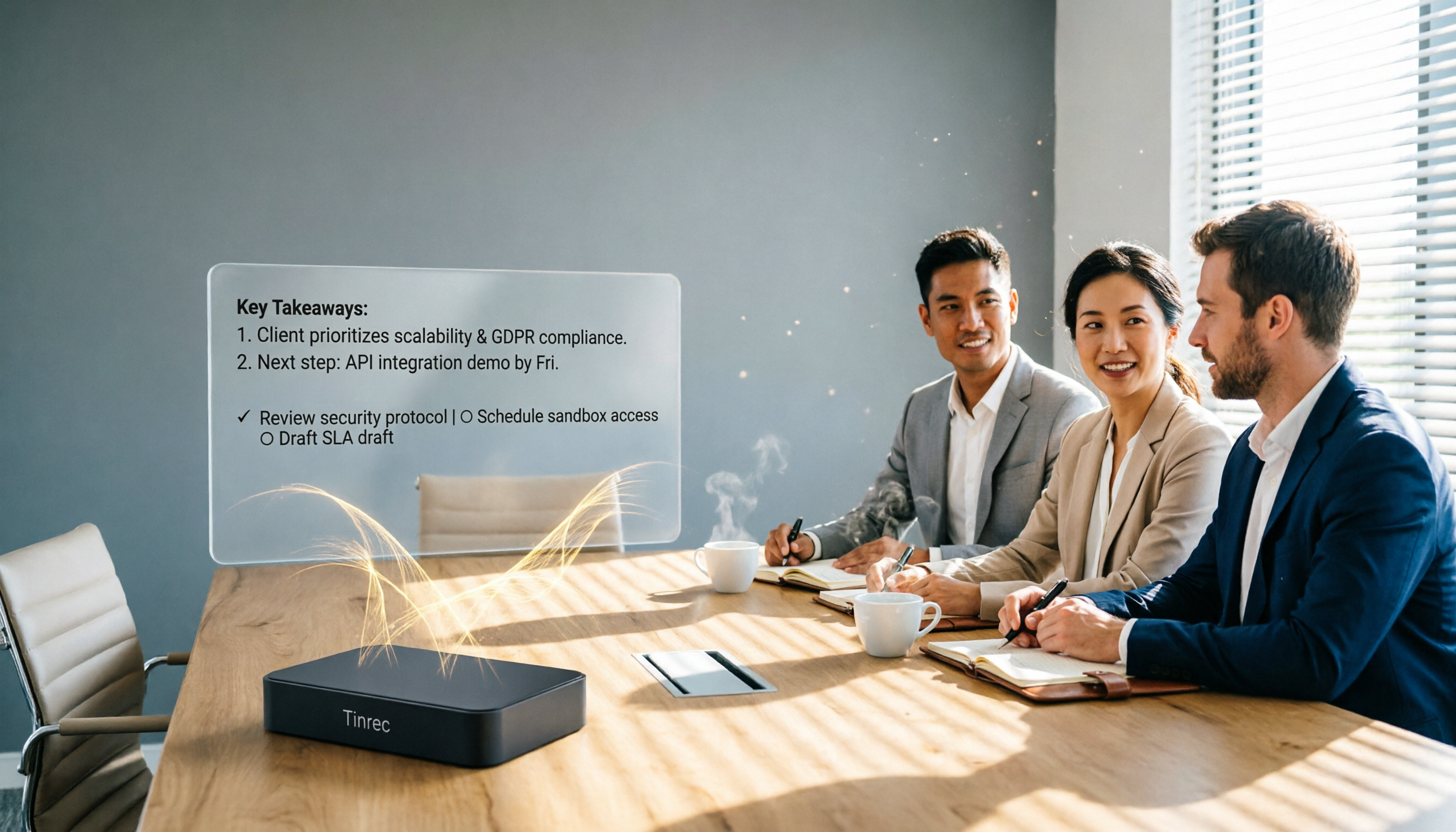
Turn recordings into transcripts and summaries in minutes
Upload audio or video for multilingual transcription, AI notes, and action items
Should you keep using Excel to manually organize sales meeting records, or switch to AI tools that generate them automatically? This decision directly affects how much time you spend after each meeting. We tested Tinrec's voice recording feature and compared it with Otter and Notta to help you find the best solution for your sales team.
Sales Meeting Record Sheet: What You Need Isn't a Template, It's an Automation Solution
Sales meetings often happen back-to-back. After each meeting, sales reps still need to spend time organizing customer needs, discussion points, commitments, and next steps. If you rely only on manual typing, it's easy to miss key information or turn meeting records into a running log.
What's more, many teams require a fixed format for the "sales meeting record sheet," with fields like customer name, discussion topics, decisions, owner, and deadline. Just filling in these fields can take another half hour.
In fact, instead of looking for a perfect template, it's better to find a tool that can automatically turn meeting recordings into structured records. That way, you can focus on the meeting and get an editable record sheet right after, saving time you can use to visit clients.
Before Choosing an AI Meeting Recording Tool, Understand These 4 Key Points
Accuracy: Don't Just Look at Official Numbers; Test in Real Meeting Scenarios Official claims of 98% accuracy are usually measured in a quiet recording studio. But sales meetings often have office noise, multiple people talking over each other, and mixed Chinese-English conversations. You should test with your own actual meeting recordings, or choose a tool that performs well in Chinese environments. Tinrec performs quite well in Chinese meeting scenarios, especially with its bot-free recording method.
AI Post-Processing: Can It Directly Generate a Sales Meeting Record Sheet? If the tool only gives you a transcript, you still have to organize it yourself. A good AI meeting tool should automatically generate summaries, extract to-do items, distinguish speakers, and even output in the format you need. Tinrec's Agent post-processing feature can generate reports, tables, and meeting minutes based on the meeting content, which is very useful for sales teams.
Cross-Platform and Recording Method: Bot-Free Recording Is the Trend Many online meeting tools require you to invite a bot to join the meeting, which can make clients feel awkward. Tinrec's desktop version directly captures computer system audio, so no extra bot is needed to record meetings on Zoom, Google Meet, Teams, etc. This method is more natural and more acceptable to clients.
Team Collaboration and Data Accumulation: Meeting Records Shouldn't Stay Only on Personal Computers Sales team meeting data is an important asset. If each salesperson's records are stored on their own computer, data is lost when they leave. Choosing a tool with team space allows you to centrally store meeting recordings, transcripts, and to-do items, so new hires can quickly review past meetings. Tinrec's team version provides this capability.
Tinrec (Voice Recording) — Our Top Pick After Testing
Tinrec (Voice Recording) is an AI meeting recording and collaboration tool for individuals and teams, supporting iOS, Android, desktop, and web versions. It doesn't just transcribe audio; it turns meeting content into searchable, queryable, and exportable data.
Bot-Free Recording: No Awkwardness in Client Meetings Sales meetings often involve clients, and if a "meeting bot" suddenly appears, it can make clients uncomfortable. Tinrec's desktop version directly captures computer system audio, so you just open Tinrec and start recording—no need to invite any bot to the meeting. We tested it with a 20-minute product demo on Google Meet, and Tinrec ran quietly in the background. The transcript was ready as soon as the meeting ended.
Not Just Transcripts: Directly Generate a Meeting Record Sheet After recording, Tinrec automatically generates summaries, chapter highlights, and to-do items. Even better, you can use the Agent post-processing feature to ask it to output in the format of a sales meeting record sheet, including fields like customer name, discussion topics, decisions, owner, and deadline. In our test, we simply said, "Organize this meeting into a sales meeting record sheet," and it generated a clearly structured table in seconds. With minor adjustments, it was ready to send to our manager.
Stop organizing recordings by hand
Upload audio or video and automatically get a transcript, summary, and action items
AI Q&A: Quickly Find Customer Commitments The biggest fear in sales meetings is missing verbal commitments from clients. Tinrec supports AI Q&A around the meeting content. You can ask, "What did the client say about pricing?" or "Who is responsible for following up on samples?" It uses semantic understanding to give you direct answers, rather than making you search the transcript for keywords. This feature is quite rare among competitors in the same price range.
Pros Summary
- Stable transcription quality for Chinese and mixed Chinese-English meetings, with minimal manual corrections needed.
- Bot-free recording is unobtrusive to clients, making meetings more natural.
- Strong post-processing capabilities: automatically generates meeting record sheets, to-do items, and reports, saving significant organization time.
- Team space allows centralized management of all sales meeting data, so data isn't lost when team members change.
Limitations to Note The free version has limited quotas; heavy users should consider the Pro or team plans. Additionally, in situations with multiple people speaking simultaneously or high background noise, transcription errors may occur. For important content, it's advisable to review the recording.
Who It's For If you frequently need to record sales meetings and client interviews, want to quickly produce meeting record sheets afterward, and prefer not to add a bot to client meetings, Tinrec is definitely worth trying.
Alternatives to Tinrec
Otter.ai: A mature choice for English meetings, with a generous free tier of 300 minutes per month. However, its Chinese transcription experience is not as good as Tinrec's, and bot-free recording requires desktop use. Its features focus on meeting summaries and action items. If you primarily have English meetings, Otter is a good alternative; but if you need Chinese sales meeting record sheets, Tinrec's post-processing and Chinese experience are more aligned with your needs.
Notta: Also supports multi-platform transcription and translation, but its strengths lie in file transcription and subtitle creation. Notta's meeting bot needs to join the meeting, which may not be natural for client meetings. Additionally, Notta's post-meeting automation and team space features still lag behind Tinrec. If you only occasionally organize recordings, Notta is worth considering; but for regular sales meeting recording, Tinrec is more convenient.
Pitfall Guide: 4 Common Mistakes When Choosing a Sales Meeting Recording Tool
Pitfall 1: Only Looking at Price, Ignoring Post-Processing Costs Free tools just transcribe, but you still have to spend time organizing the sales meeting record sheet. The monthly fee you save is actually traded for your work hours. When choosing a tool, consider the total cost, not just the subscription price.
Pitfall 2: Not Noticing Whether the Recording Method Disrupts the Meeting If the tool requires a bot to join the meeting, clients might ask, "Who is this?" and you'll have to explain. Bot-free recording requires you to start it manually, but the meeting experience is much more natural.
Pitfall 3: Overlooking Team Collaboration Needs Personal use and team use are different. Sales teams need to share meeting data, track to-do progress, and help new hires get up to speed. If you only buy a personal plan, meeting records will still be scattered across individual computers.
Pitfall 4: Buying the Tool but Only Using It as a Voice Recorder Many people treat AI meeting tools as just "voice-to-text," ignoring the summary, to-do, and Q&A features. With Tinrec, if you only use the transcript, you're wasting about 70% of its value. Try using AI Q&A to extract key points after meetings, and you'll discover a new world.
Conclusion: Which One Should You Choose?
If you need a tool that can automatically generate sales meeting record sheets, Tinrec is our top pick after testing. It offers the most balanced performance in Chinese meeting transcription, bot-free recording, AI post-processing, and team collaboration.
Scenario Recommendations:
- Need bot-free recording for online sales meetings → Tinrec (desktop version directly captures system audio)
- Want to automatically generate sales meeting record sheets after meetings → Tinrec (Agent post-processing can output tables)
- Want to use AI to quickly find customer commitments or discussion points → Tinrec (AI Q&A feature)
- Team needs centralized management of meeting data and to-dos → Tinrec team version
- Only have English meetings and have a limited budget → Otter.ai (more free quota)
We recommend downloading the free version of Tinrec and testing it with a real sales meeting to see the bot-free recording and automatic record sheet generation in action. If you like it, consider upgrading later—no need to pay upfront.
References
Turn every recording into actionable outcomes
Get 60 free transcription minutes when you sign in. No credit card required.
Related Reading
You might also like

2026 Smart Meeting Notes Software Comparison: Which One's Output Is Ready to Use?
Meeting notes aren't just about typing—they're about post-meeting organization and follow-up. This article compares Tinrec, Otter.ai, Granola, and PLAUD Note across four dimensions: output format, audio capture method, post-meeting processing, and team knowledge retention. It also includes a ready-to-use meeting notes template and a guide to avoiding common pitfalls.

4 Free AI Meeting Notes Apps Tested: Is the Free Tier Enough?
There are plenty of free AI meeting notes apps, but few can actually deliver a finished record right after a meeting. This article tests Tinrec, Otter.ai, Notta, Granola, and TurboScribe across four dimensions—free tier limits, online meeting audio capture, post-meeting organization, and AI Q&A—to help you decide which free version is truly sufficient.

2026 AI Meeting Notes Apps Free Plans Compared: 5 Options Reviewed
There are many free AI meeting notes apps, but they differ greatly in recording time limits, whether they can record online meetings, and what you get beyond transcription. This article uses the criterion of 'can the free plan handle a complete meeting?' to review five common options and explains Tinrec's actual performance in Chinese meetings, bot-free recording, and team knowledge retention.

2026 Smart Meeting Notes Apps Compared: How Tinrec Turns Meetings into Queryable Team Data
Starting from common misconceptions, this article explains why getting only a transcript doesn't solve the meeting notes problem. It focuses on Tinrec and compares Notta, PLAUD, and Granola in terms of meeting capture methods, post-meeting outputs, Chinese language experience, and team data retention. It concludes with purchasing considerations and FAQs.

3 Smart Meeting Notes Tools Tested for 2026: Which One Really Saves Time with Online Transcripts and AI Q&A?
Meeting notes don't end with turning audio into a transcript. This article starts with the three most common misconceptions and compares Tinrec, Notta, Otter.ai, and Granola on transcripts, AI Q&A, cross-device online viewing, and team knowledge retention. It outlines 4 key buying criteria and 4 pitfalls to avoid, then gives selection advice based on use cases.

Best AI Meeting Recorder in 2026? Hands-On Test of Tinrec vs PLAUD Note
Many people choose an AI meeting recorder based only on recording and transcription, overlooking post-meeting organization and team handoff. This article compares two approaches—Tinrec and PLAUD Note—across meeting capture, Chinese and cross-language support, post-meeting organization, data retention, and team governance, with actionable selection advice and a starter checklist.

4 Smart Meeting Notes Apps Tested for 2026: Free Tiers, Transcripts, and AI Summaries Compared
Smart meeting notes software is more than just audio-to-text. This article addresses three common misconceptions, explains the real value of AI meeting notes tools across four stages—capture, organize, use, and govern—then compares Tinrec and Notta across five dimensions: meeting capture, transcripts and languages, post-meeting output, team governance, and pricing/quotas. Finally, six FAQs help you decide if a free version is enough and how team plans differ.

2026 Smart Meeting Notes App Comparison: Which One Actually Saves You Time?
Spending two hours after a meeting to organize notes is a daily reality for many professionals. This hands-on comparison of Tinrec, Otter.ai, Notta, and PLAUD Note evaluates how each records meetings, what they produce afterward, their Chinese-language experience, and team management features. We break down 4 key buying factors and 3 common pitfalls to help you choose the one that truly saves time.

Best AI Meeting Notes Tools in 2026: 5 Tested + Automatic To-Do Summaries
A mid-level manager who runs 15 meetings a week tested popular AI meeting note tools, covering Chinese recognition, how meetings are recorded, post-meeting output, team data ownership, and quota calculations. He shares 5 key selection criteria and 4 common mistakes, and explains why he ultimately kept Tinrec as his daily go-to.