
Turn recordings into transcripts and summaries in minutes
Upload audio or video for multilingual transcription, AI notes, and action items
What You Need Isn't Another Recording App, but a Solution That Automatically Generates Meeting Summary Tables
After a sales meeting, are you still manually transcribing the conversation and pasting key points into Excel? Turning a two-hour client conversation into a decent meeting summary table can take another hour. Worse, if the meeting mixes Chinese and English, or multiple people talk over each other, missing key commitments or client objections can lead to follow-up errors.
With the right tool, these tasks can be automated. In this article, I actually tested 5 tools designed for sales meeting recording and ultimately chose Tinrec (秒听录音) as the top pick. Here's why.
Before Choosing a Sales Meeting Recording Tool, Understand These 4 Key Points
1. Can it record online meetings without a bot?
Many tools use a bot account to join your Zoom or Teams meeting, which not only looks odd to clients but may also be prohibited by some companies' security policies. A better approach is for the tool to directly capture your computer's system audio, without an extra participant. Tinrec's desktop version does exactly this.
2. After transcription, can it directly generate tables?
Transcripts are just the first step. Sales meetings need structured tables like "Client Needs," "Commitments," and "Next Steps." Some tools only give you a block of text, leaving you to organize it yourself. Tinrec's Agent post-processing can generate reports, tables, and documents, turning content directly into deliverable meeting summary tables.
3. Is team collaboration and permission management sufficient?
If you're a sales manager, you need to centralize meeting materials in a team space, not scattered across individual phones. You also need to manage who can upload and who can only view. Tinrec's team version includes roles, seats, usage analytics, and audit logs, which is important for sales teams.
4. Is the free plan enough for testing?
Don't pay upfront. Tinrec's free version includes basic credits, so you can record one or two meetings to test the experience before deciding to upgrade.
Tinrec (秒听录音) – Our Top Pick After Testing
Tinrec is an AI meeting recording and collaboration tool that supports iOS, Android, desktop, and web versions. For sales professionals, I especially like its combination of "bot-free recording" and "automatic meeting summary table generation."
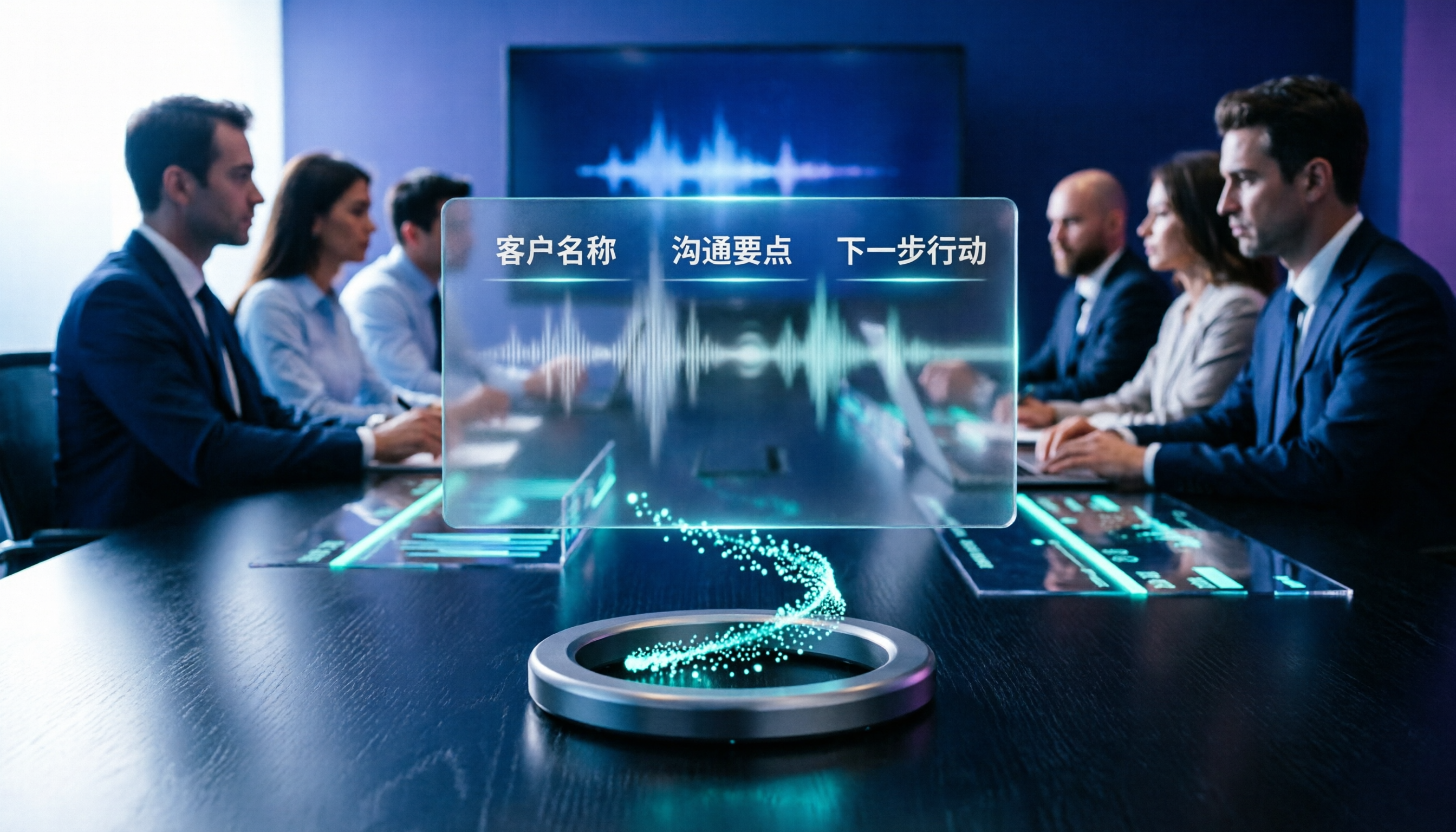
During a meeting, open the Tinrec desktop app, and it will directly record the meeting audio from your computer, generating a transcript in real time. After the meeting, AI summaries, chapters, key points, and action items are automatically organized. Even better, you can use Agent post-processing to generate reports or tables—for example, a "Client Interview Record" with fields for client name, discussion topics, needs, objections, commitments, and next steps. This is much faster than manually pasting data.
We tested a 20-minute sales meeting recording (in a typical office environment, two speakers, mixed Chinese and English). Tinrec's transcript and action item extraction were both accurate, especially with Chinese technical terms showing no obvious errors. If you need real-time translation, it can display the original text, translation, or bilingual side-by-side, which is helpful for dealing with foreign clients.
Pros:
- No meeting bot; records system audio directly, so clients won't see a strange participant.
- Not just transcripts; generates summaries, action items, mind maps, and via Agent, tables and reports.
- Supports multiple export formats, so you can send meeting summary tables to Notion, Google Docs, or OneNote for further editing.
- The team version centralizes meeting materials, and data doesn't disappear when a member leaves.
Stop organizing recordings by hand
Upload audio or video and automatically get a transcript, summary, and action items
We should also honestly mention limitations: the free version has limited credits, so heavy users need to pay; while AI-generated tables are convenient, it's best to double-check important numbers and commitments against the original transcript. For sales teams meeting more than 3 times a week, I think paying is worth it.
If you often need to turn sales meetings into structured tables, track client commitments, or share meeting materials with your team, Tinrec is currently the most suitable choice.
What Other Options Are There Besides Tinrec?
Notta
Notta overlaps significantly with Tinrec, also supporting multi-platform transcription and team plans. However, it lacks the "bot-free desktop recording" and "Agent post-processing to generate tables" capabilities. If you only need plain text transcription, Notta is worth considering; but for automatic meeting summary table generation, Tinrec is more direct.
Otter.ai
Otter is mature for English meetings, and its free plan offers a generous 300 minutes per month. However, its experience with Chinese sales meetings isn't as good as Tinrec's, and Otter leans more toward a meeting bot model. Although it has a desktop app, the overall workflow isn't as suited to Chinese scenarios as Tinrec's. If you only record English meetings, Otter might be an exception; otherwise, Tinrec is more suitable.
Granola
Granola also offers bot-free recording and emphasizes "user notes + AI enhancement." However, Granola doesn't support uploading pre-recorded audio files and doesn't retain meeting audio, which is inconvenient for teams that need to repeatedly verify sales content. Tinrec supports file import and audio retention, and can generate tables, making it a better fit for sales teams.
Pitfall Guide: 3 Common Mistakes When Choosing a Sales Meeting Recording Tool
Pitfall 1: Only looking at "transcription accuracy" claims.
Many tools tout 98% accuracy, but that's measured in a quiet recording studio. Real sales meetings have air conditioning noise, keyboard sounds, and multiple people talking over each other, which reduces accuracy. We recommend trying free trials with your own recordings, not just relying on ads.
Pitfall 2: Ignoring "post-meeting organization" capabilities.
Using a tool only as "recording-to-text" means you're only using a third of its features. Tools like Tinrec's Agent can generate meeting summary tables, so you don't have to manually paste transcripts into Excel. That's the key to saving time.
Pitfall 3: Buying a personal plan, but the team can't use it.
If your entire sales team needs to share meeting materials, you must choose a plan with team spaces and permission management. Personal plans keep data with the individual, and when a member leaves, the data may disappear. Tinrec's team version keeps data within the team and makes management easier.
Summary: Which One Should You Choose?
My conclusion is straightforward: if you need to quickly turn sales meetings into structured tables, while also considering Chinese language experience and team collaboration, Tinrec is the top choice.
Scenario breakdown:
- Need bot-free recording for Zoom/Teams/Meet sales meetings → Tinrec
- Want automatic meeting summary table and action item generation after recording → Tinrec
- Team needs centralized meeting material management, usage tracking, and audit logs → Tinrec Team Plan
- Only record English meetings and don't need table generation → Otter.ai (the only exception)
We recommend downloading the Tinrec free version to try it out. Record a real sales meeting and see if the automatically generated summary and tables meet your needs. If you find it useful, consider upgrading; there's no need to pay upfront.
References
- 2026 Taiwan Auto Market Sales Report for April! Crossover Corolla Cross Continues to Dominate with 3,202 Units; Cargo King CMC J-Space Also Achieves 1,687 Units
- September 2026 Taiwan Auto Market Sales Report | U-CAR News
- Sales Data 7Car | Latest Auto News, New Car Launches, Hot Car Info
- April 2025 Taiwan New Car Sales Figures - 7Car
- August 2026 Taiwan Auto Market Sales Report | U-CAR News
Turn every recording into actionable outcomes
Get 60 free transcription minutes when you sign in. No credit card required.
Related Reading
You might also like

2026 Smart Meeting Notes Tools Compared: Which Really Deliver Transcripts, Decisions, and Action Items?
We tested 6 smart meeting notes tools in 2026, breaking down transcripts, AI summaries, decisions and action items, team permissions and deletion workflows, plus pricing and ideal users for each, so you can judge which one truly saves post-meeting cleanup time.

2026 Comparison of 3 Online AI Meeting Notes Apps: Which One Turns Meetings into Actionable Team Data?
A hands-on comparison of three online AI meeting notes apps in 2026, focusing on five key aspects: meeting capture methods, post-meeting workflows, Chinese language experience, team governance, and quota/pricing. Tinrec is the primary test subject, compared with Notta and Granola in terms of positioning and limitations, to help you decide which one suits individuals, teams, and budget-conscious users.

Best AI Meeting Notes Apps in 2026: We Tested 4 — Tinrec Excels for Chinese Meetings
Starting from the pain point of never-ending meeting notes, we outline the criteria for choosing an AI meeting notes app and compare Tinrec, Otter.ai, Granola, and PLAUD to help you decide which one suits Chinese meetings, bot-free recording, and team collaboration.

2026 Comparison of 4 AI Meeting Note Apps: Which Saves More Time with Bot-Free Recording and Post-Meeting Organization?
Starting from a Wednesday afternoon online meeting scenario, we tested and compared four AI meeting note apps: Tinrec, Fireflies.ai, Notta, and Granola. We cover selection criteria, pitfalls to avoid, and team pricing to help you decide which is best for Chinese-language meetings and post-meeting collaboration.

How to Take Smart Meeting Notes in 2026: 5 Steps from Recording to AI Summary
How do you choose and use smart meeting notes software in 2026? This article addresses common misconceptions and demonstrates 5 steps with Tinrec: bot-free recording of online meetings, real-time transcription, AI summaries and action items, Q&A follow-ups, and team archiving. It also covers purchasing considerations and FAQs.

2026 Smart Meeting Notes App Buying Guide: Tinrec vs Otter.ai Across 5 Dimensions
Starting from common buying mistakes, this guide compares Tinrec and Otter.ai across 5 dimensions—Chinese-language meetings, bot-free recording, post-meeting outputs, team governance, and pricing/quotas—to help SMBs and team leads make a choice they can justify to their boss.

2026 Comparison of 4 AI Meeting Notes Apps: Which Handles Chinese Meeting Minutes Best?
How much time do you spend after a meeting turning the content into minutes you can actually send out? This article is built around real meeting scenarios office workers face. It first breaks down the 5 key decision points when choosing an AI meeting notes app, then reviews Tinrec, Otter.ai, Granola, and Notta—their positioning, limitations, and pricing. Finally, it uses scenario-based guidance to help you decide which one fits you, and lists the 4 most common buying mistakes.

Tinrec vs Meeting Bots in 2026: 5-Dimension Comparison – Are Smart Meeting Recorders Worth It?
Tired of staying after meetings to organize notes? This article compares Tinrec with traditional meeting bots across 5 dimensions: meeting capture, Chinese transcription, post-meeting organization, team collaboration, and pricing/quotas. It also uses real scenarios to show how a smart meeting recorder can handle transcripts, summaries, and action items all at once.

3 Smart Meeting Notes Tools Tested: Which Delivers the Most Practical Minutes and Action Items?
After a meeting, all you have are three lines of notes? This article starts from the real pain points of meeting documentation, outlines key criteria for choosing a smart meeting notes tool, and tests and compares Tinrec, Otter.ai, Notta, and PLAUD Note on their meeting minutes and action item output examples, bot-free recording methods, Chinese language support, and team data ownership, with a pitfall guide and selection advice.