
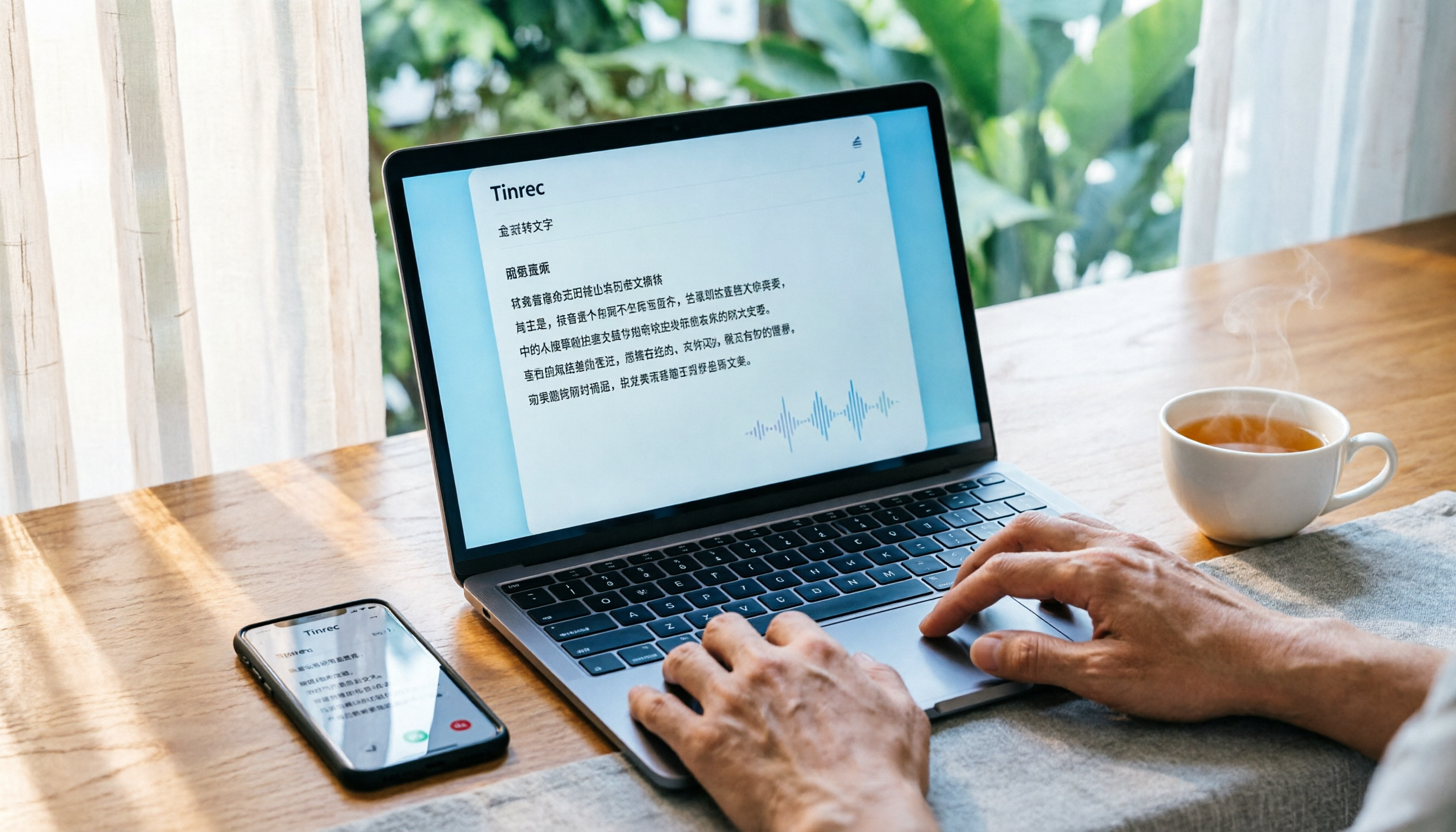
Turn recordings into transcripts and summaries in minutes
Upload audio or video for multilingual transcription, AI notes, and action items
After Recording a Call, You Don't Need Another Recording App—You Need an Organization Solution
Are you looking for a call recording app? Think about it first: do you just want to "record," or do you want the recording to be "actually useful" afterward?
Many people rush to find a recording app, but the real headache starts after the recording. Manually transcribing, searching for a key sentence in an hour-long recording, or turning call highlights into to-do items—these tasks often take more time than the recording itself.
If you've been through this, this article is for you. We tested three AI tools that can handle call recordings to help you find a solution that truly boosts your productivity.
4 Key Points to Understand Before Choosing a Call Transcription Tool
Accuracy: Don't just rely on official claims. Real-world performance is affected by recording quality, background noise, accents, and overlapping speech. The best way to test is to use your own recordings in a free trial.
AI Summarization: Transcription is just the first step. The ability to auto-generate summaries, extract action items, or even query the recording via Q&A is what saves you time on follow-up work.
Cross-Platform Support: You might record on your phone but want to edit, share, or export on your computer. Whether the tool supports multiple devices directly impacts your workflow.
Free Tier Sufficiency: Most tools offer a free version, but it often comes with minute limits or feature restrictions. Check if the free allowance covers your daily needs before deciding to pay.
Tinrec (秒聽錄音) — Our Top Pick After Testing
Tinrec is an AI recording assistant that supports multiple audio input methods, including importing existing recordings, recording online meetings, and mobile recording. If you've already recorded a phone call with another method, you can upload the file to Tinrec, and it will automatically transcribe it and further organize it into usable content.
For example, say you have a 20-minute client call recording. After uploading to Tinrec, you get not only the transcript but also auto-generated summaries, chapters, and action items. You can even ask it: "What budget constraints did the client mention?" Tinrec will answer based on the recording content, not just give you keyword search results. This feature is rare among similar tools.
If you frequently use Zoom, Google Meet, or Teams for online calls, Tinrec's desktop version can capture system audio directly—no need to add a bot. That means you don't have to invite a "recording bot" to your meeting to capture both sides of the conversation and get real-time transcription.
We particularly like its Chinese language experience. Tinrec delivers stable transcription quality for Chinese and Traditional Chinese content, and it also supports real-time translation and bilingual transcripts, which is helpful for mixed Chinese-English conference calls.
Pros:
Stop organizing recordings by hand
Upload audio or video and automatically get a transcript, summary, and action items
- Goes beyond transcription with summaries, action items, and AI Q&A, saving significant organization time.
- Bot-free online meeting recording—no need to worry about disrupting participants.
- Comprehensive Chinese and multilingual support, ideal for users in Taiwan.
- Team space feature centralizes recordings and transcripts for easy collaboration.
Cons:
- The free plan has basic limits; heavy users will need to upgrade.
- Accuracy is affected by recording quality; heavy background noise may require manual correction.
Best for:
- Professionals who frequently need to turn call recordings into text and key points.
- Teams that record online meetings and want quick post-meeting documentation.
- Users who require high-quality Chinese transcription.
Beyond Tinrec: Other Options
Otter.ai: A mature choice for English meetings, with a generous free plan of 300 minutes per month. However, its Chinese transcription and team space management are not as optimized for Taiwan use cases as Tinrec. If you primarily record English content, Otter is worth considering; but if you need Chinese summaries, action item extraction, and team vocabulary features, Tinrec is more complete.
Notta: A multilingual transcription tool with some overlapping features with Tinrec. The free plan offers 120 minutes per month, with a 3-minute limit per session. Notta performs well in file transcription and subtitle generation, but lacks Tinrec's team space, AI Q&A, and bot-free desktop recording. If you only need simple file transcription, Notta is sufficient; but for further organization and collaboration, Tinrec is more suitable.
Pitfall Guide: 4 Common Mistakes When Choosing a Call Transcription Tool
Mistake 1: Focusing only on recording, ignoring organization. Many tools can record, but you still have to manually transcribe and find key points afterward. Choose a tool with AI summaries, action item extraction, and Q&A to truly save time.
Mistake 2: Overlooking cross-platform needs. You might record on your phone and want to edit and export on your computer. If the tool doesn't support multi-device sync, you'll be frustrated. Check if it has web, desktop, and mobile versions.
Mistake 3: Assuming unlimited transcription for all recordings. Free plans usually have minute limits, and single recording length may also be capped. Understand the limits upfront to avoid running out mid-recording.
Mistake 4: Paying without trying first. Each tool handles different accents and noise environments differently. Test your own recordings with the free version before upgrading.
Conclusion: Which One Should You Choose?
Overall, Tinrec is our top pick after testing, especially for users who need an all-in-one "recording + organization" solution.
- Need Chinese transcription + AI organization (summaries, action items, Q&A) → Tinrec
- Need bot-free online meeting recording → Tinrec
- Need team sharing and management of meeting data → Tinrec
- Only record English and want a large free allowance → Otter.ai
- Simple file transcription without follow-up organization → Notta
We recommend starting with Tinrec's free version. Upload your call recording, experience the auto-summary and AI Q&A, and upgrade only if you find it useful—there's no need to pay upfront.
References
Turn every recording into actionable outcomes
Get 60 free transcription minutes when you sign in. No credit card required.
Related Reading
You might also like

2026 Comparison of 4 Meeting Transcription Tools: What Do the Output Files Look Like and Are They Ready to Use?
Meeting transcription doesn't just produce a single file—it generates a set of data: a verbatim transcript, a version with timestamps and speaker labels, AI summaries and action items, and whether you can export to your existing workflow. This article starts from 'what the files actually are' and compares Tinrec, Otter.ai, Notta, and TurboScribe in terms of output content, free tiers, and limitations, helping you choose the one you can use right away.

2026 Comparison of 4 Meeting Transcription Tools: The Easiest Way to Download Transcripts
After converting meeting recordings to transcripts, the real problem is often getting the text out. This article compares Tinrec, Otter.ai, Notta, and TurboScribe from a practical download and export perspective, covering export methods, quota limits, and team data ownership. It also outlines 4 key points to check before choosing a tool and 4 common mistakes, helping you pick a solution that turns transcripts into usable files.

2024 Comparison of 4 Smart Meeting Notes Platforms: Which Offers the Best Free Tier and Post-Meeting Organization?
Recording the meeting is just the beginning of the pain. This article starts from real meeting scenarios, breaks down 5 key points for choosing a smart meeting notes platform, and compares Tinrec, Otter.ai, Notta, and Granola in terms of free tier limits, Chinese transcription, post-meeting organization, and team collaboration to help you decide which one truly saves time.

2026 Smart Meeting Notes Tools Compared: Which One Actually Turns Meetings into Action Items?
Many people write meeting notes as verbatim transcripts, but no one follows up afterward. This article starts with common pitfalls, covers key factors for choosing smart meeting notes tools, provides usable examples, and compares Tinrec, Notta, Granola, and Otter.ai in terms of features, limitations, and pricing to help you find a tool that turns meetings into decisions and action items.

Smart Meeting Notes Software Free Plans in 2026: Tinrec vs. Granola
How do you choose a free smart meeting notes tool in 2026? This article compares Tinrec and Granola, two bot-free meeting transcription tools, across free tier limits, audio retention, Chinese-language experience, post-meeting output, and team governance to help you decide which fits your meeting workflow.

2026 Smart Meeting Notes Software Comparison: Bot-Free Recording vs. Chinese Meetings—Which Is Easier?
A workflow-based comparison of Tinrec, Otter.ai, Granola, and TurboScribe, covering meeting capture methods, Chinese and mixed-language support, post-meeting summaries and action items, audio retention, and team seat management. We break down key buying factors and common pitfalls to help you decide which tool fits your meeting scenarios.

2026 Smart Meeting Notes Tools Compared: Tinrec vs Otter.ai vs Notta — Which Is Best for Chinese-Speaking Teams?
A hands-on comparison of three smart meeting notes tools in 2026: Tinrec, Otter.ai, and Notta. We compare Chinese transcription, bot-free online meeting capture, post-meeting action items and reports, team data governance, and plan quotas to help Chinese-speaking teams decide which tool to buy.

2026 Smart Meeting Notes Comparison: Tinrec vs Otter.ai — Which Is Better for Chinese-Speaking Teams?
Compare Tinrec and Otter.ai across six dimensions—meeting capture, Chinese-language experience, post-meeting output, team governance, and pricing/quotas—to help you decide which AI meeting notes tool to choose, including free tiers, team seats, and export capabilities.

2026 Smart Meeting Notes Comparison: Tinrec vs PLAUD Note vs Otter.ai — Which Is Right for Chinese-Speaking Teams?
How do you choose smart meeting notes software in 2026? This comparison looks at Tinrec, PLAUD Note, and Otter.ai from a team procurement perspective, breaking down differences in meeting capture, input sources, post-meeting organization, Chinese-language experience, team governance, and total cost of ownership to help you decide which option fits Chinese-speaking teams.