
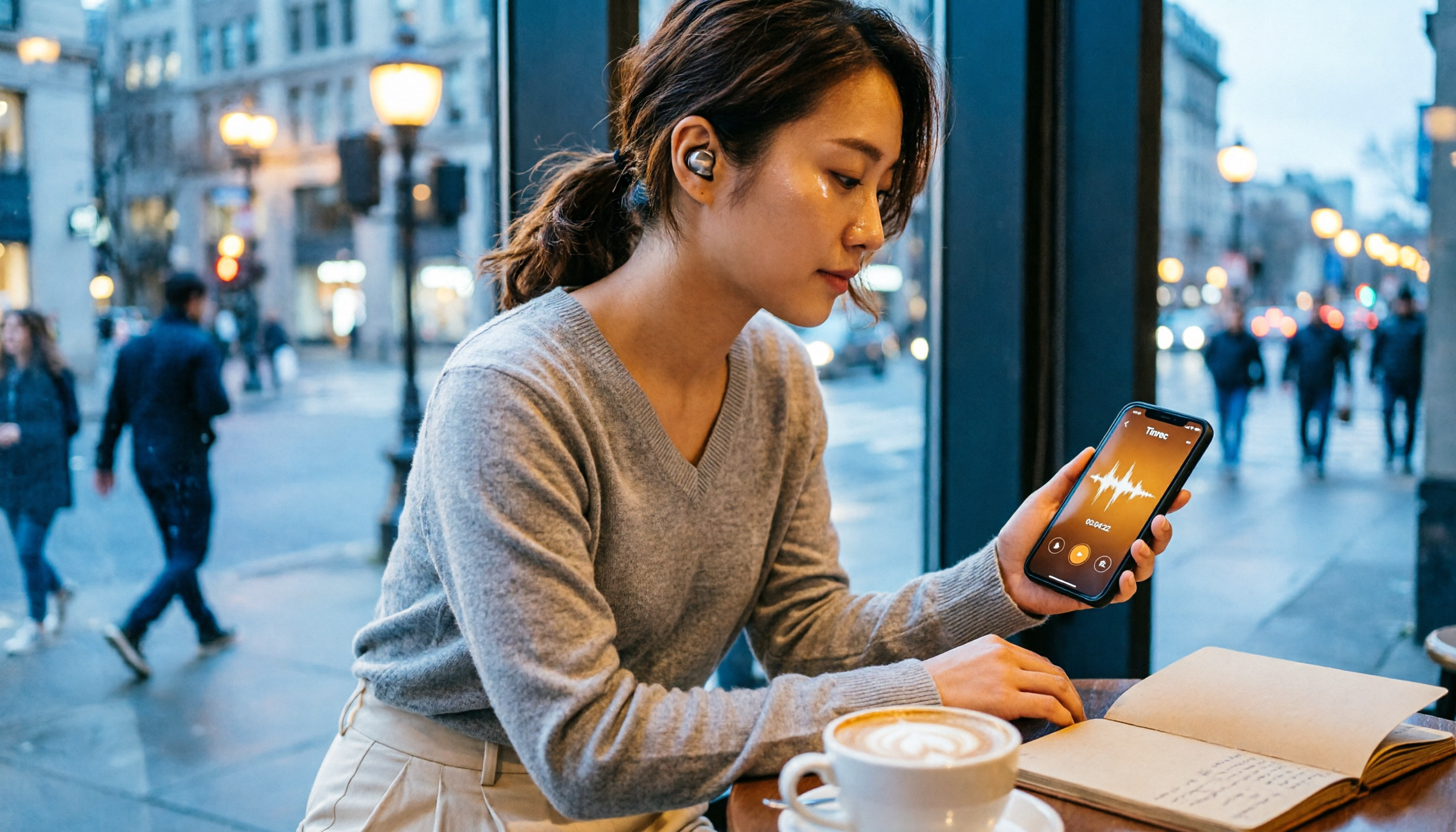
Turn recordings into transcripts and summaries in minutes
Upload audio or video for multilingual transcription, AI notes, and action items
How to Choose an Android Call Recorder App in 2026: A 5-Step Guide
You Don't Just Need a "Call Recorder App"—You Need a Complete Recording and Organization Solution
Many people assume that Android phones can easily find a free call recorder app that automatically records every call. But in reality, since Android 10, Google has restricted call recording permissions, causing many apps to either fail to capture audio or require enabling accessibility services to work at all. Even worse, even if you manage to record, organizing the files afterward can be a nightmare: finding key points, searching, and sharing become difficult.
If you've ever experienced "recording a bunch of audio files but never going back to listen," or "wanting to record an important call but discovering the app didn't capture any sound," this article will help you rethink: what you need might not just be "call recording," but a tool that turns all your important conversations—phone calls, meetings, face-to-face interviews—into searchable, organized, and actionable data.
Before Choosing a Recording App, Understand These 4 Key Points
1. Can It Capture the Audio You Need?
Call recording, meeting recording, and field recording have completely different requirements. Android's built-in call recording may only support specific brands or regions, and third-party call recorder apps vary in stability. If you primarily record meetings or interviews, you should consider tools that focus on "microphone recording," which aren't restricted by call permissions and typically offer better audio quality.
2. Is It Easy to Organize After Recording?
Getting just an MP3 file has limited value. A good tool should help you automatically transcribe, identify speakers, generate summaries and action items, and even let you ask questions to find key points in the recording. Otherwise, the recording is just digital clutter taking up space.
3. Cross-Platform and Backup Capabilities
Recording on your phone, organizing on your computer, and sharing with your team—if your tool is tied to a single device, subsequent processing becomes painful. Cross-platform sync, cloud backup, and the ability to export to other services (like Notion, Google Docs) significantly impact the user experience.
4. Free Tier and Pricing
Free versions usually have minute limits or feature restrictions. Whether the paid version is worth it depends on your usage frequency. Don't just look at the monthly fee; calculate the long-term cost and whether the paid plan truly solves the complete "record → organize → act" workflow.
Tinrec (Miao Ting Lu Yin)—Our Top Pick After Testing
Tinrec is an AI-powered recording and meeting organization tool for individuals and teams, supporting iOS, Android, and web versions. It doesn't just record; it turns audio into searchable, summarizable, and queryable data. While Tinrec doesn't specialize in "phone call recording," if you need to document meetings, interviews, classes, or any face-to-face conversation, it's currently one of the most comprehensive options.
Core Features in Real-World Scenarios:
Scenario 1: Real-Time Transcription for In-Person Meetings
Open the Tinrec mobile app, tap record, and it will transcribe speech to text in real time. By the end of the meeting, the transcript, summary, and chapters are automatically generated—no need to spend two hours re-listening to the recording. For example, if someone in a product discussion says, "We need to finalize the spec by next Wednesday," Tinrec will mark that as a to-do item and list the responsible person and deadline.
Scenario 2: Online Meetings Without a Bot
The Tinrec desktop version can directly capture system audio from your computer, recording online meetings on Zoom, Google Meet, Microsoft Teams, and more—no need to invite a meeting bot. This is great for meetings where you don't want a "third-party attendee." It also transcribes in real time, so you can organize minutes as soon as the meeting ends.
Scenario 3: AI Q&A to Find Key Points After Recording
The most impressive feature is the AI Q&A. You can directly ask Tinrec, "Who mentioned the budget in the last meeting?" It doesn't just return keyword search results; it answers based on semantic understanding. For example, during our test, we asked, "What are the three things the client cares about most?" Tinrec extracted clear answers from a one-hour interview recording, saving a significant amount of manual review time.
Hands-On Experience:
Stop organizing recordings by hand
Upload audio or video and automatically get a transcript, summary, and action items
We tested a 10-minute Chinese product discussion recording in a typical office environment (with air conditioning background noise). Tinrec's transcription accuracy was satisfactory, clearly distinguishing different speakers. A few proper nouns needed manual correction, but overall, it could serve as a draft for official meeting minutes. Especially in sentences mixing Chinese and English, the switching was smooth with no obvious errors.
Pros:
- More Than Just a Transcript: Automatic summaries, chapters, to-dos, and mind maps turn recordings directly into usable work documents.
- Consistent Cross-Platform Experience: Record on your phone, organize on your computer, and review on the web—all data syncs, so you can revisit anytime on the go.
- Team Spaces: Create teams, invite members, allocate seats, and centralize meeting data. New members can search historical records, solving the problem of "meeting notes scattered everywhere."
Limitations:
The free version has a monthly quota (check the official page for specifics), and heavy users may need to upgrade to Pro or Team plans. Additionally, if your primary need is "recording phone calls" itself, Tinrec is not a dedicated call recorder. For that, we recommend using your phone's built-in feature or a dedicated app, then importing the audio file into Tinrec for organization.
Who Is It For?
If you frequently need to record meetings, interviews, classes, or ideas, and want to quickly generate summaries and to-dos, or even use AI to ask questions and find key points, Tinrec is currently the most complete solution on the market. Especially for team collaboration, it turns meeting data into a true organizational asset.
Beyond Tinrec: Other Options
Cube ACR
Cube ACR is a well-known call recorder app on Android, supporting regular calls and VoIP calls like WhatsApp and Line. It's suitable for users who just need to save call audio files. However, its recording organization capabilities are limited—it can't automatically generate summaries or to-dos like Tinrec, nor does it support AI Q&A or cross-platform team collaboration. If you only want a simple call recorder, it's worth considering; if you need post-recording processing, Tinrec is more comprehensive.
Call Recorder - CallsBox
CallsBox is simple to use, automatically records incoming and outgoing calls, and can save files to the cloud. However, its recording quality and stability vary by device, and it lacks AI features like transcription and summarization. In contrast, Tinrec's AI post-processing capabilities (summaries, to-dos, Q&A) are completely absent in CallsBox, making Tinrec better for users who need to extract action items from recordings.
Pitfall Guide: 4 Common Mistakes When Choosing a Recording App
Mistake 1: Assuming All Android Phones Can Directly Record Calls
The truth is, call recording permissions have been tightened since Android 10. Some brands have built-in features, but not all models do. Instead of blindly downloading apps, first check if your phone supports it, or consider using "microphone recording" to capture important conversations.
Mistake 2: Only Looking at App Store Ratings Without Testing Yourself
Many call recorder apps have polarized reviews—some say they work great, others say they can't record at all. The key factor is your phone model and system version. We recommend downloading the app and making a test call to ensure both sides are clear before committing to long-term use.
Mistake 3: Recording and Never Organizing
The purpose of recording is future reference. If you just pile up files, it's as good as not recording. Use AI tools to automatically transcribe and generate summaries to truly unlock the value of recordings. Tinrec's AI Q&A is designed to solve this—just ask it for key points after recording, which is much faster than manually listening for an hour.
Mistake 4: Ignoring Recording Laws
In the U.S., federal and state laws vary regarding recording conversations. Some states require two-party consent, meaning all parties must agree to be recorded. Before recording, make sure it's legal, especially in situations involving others' privacy. It's best to obtain consent from all parties involved.
Summary: Which One Should You Choose?
In summary, if you just want a simple Android call recorder, your phone's built-in feature or Cube ACR, CallsBox can meet your needs. But if you want recordings to be more than just "archives"—to become searchable, organized, and actionable data—Tinrec is currently the most worthwhile solution to try.
Scenario-Based Recommendations:
- Need to record meetings, interviews, classes, and automatically transcribe, summarize, and create to-dos → Tinrec (Top Pick)
- Need to record phone calls and only need to save audio files → Phone built-in or Cube ACR
- Need to record calls and want automatic transcription → Use phone's built-in recording first, then upload to Tinrec for organization
- Team collaboration, sharing meeting notes, managing members and usage → Tinrec for Teams
- Limited budget, occasional recording → Try Tinrec's free version first
We recommend downloading Tinrec's free version to try it out. After experiencing the AI summaries and Q&A, you might find that recording organization can be this easy—and say goodbye to the nightmare of manually replaying recordings.
References
- 2026 Best 5 Call Recorder Apps: Comprehensive Review with Auto-Recording/Transcription – AirDroid
- Call Recorder - Google Play
- How to Record Calls on Android? 2025 Latest Guide: Built-in Features, Apps, Hardware Devices
- Call Recording - Google Play
- Call Recording App Recommendations: Most Practical Mobile Call Recorder Apps in 2026
Turn every recording into actionable outcomes
Get 60 free transcription minutes when you sign in. No credit card required.
Related Reading
You might also like

2026 Comparison of 4 Meeting Transcription Tools: What Do the Output Files Look Like and Are They Ready to Use?
Meeting transcription doesn't just produce a single file—it generates a set of data: a verbatim transcript, a version with timestamps and speaker labels, AI summaries and action items, and whether you can export to your existing workflow. This article starts from 'what the files actually are' and compares Tinrec, Otter.ai, Notta, and TurboScribe in terms of output content, free tiers, and limitations, helping you choose the one you can use right away.

2026 Comparison of 4 Meeting Transcription Tools: The Easiest Way to Download Transcripts
After converting meeting recordings to transcripts, the real problem is often getting the text out. This article compares Tinrec, Otter.ai, Notta, and TurboScribe from a practical download and export perspective, covering export methods, quota limits, and team data ownership. It also outlines 4 key points to check before choosing a tool and 4 common mistakes, helping you pick a solution that turns transcripts into usable files.

2024 Comparison of 4 Smart Meeting Notes Platforms: Which Offers the Best Free Tier and Post-Meeting Organization?
Recording the meeting is just the beginning of the pain. This article starts from real meeting scenarios, breaks down 5 key points for choosing a smart meeting notes platform, and compares Tinrec, Otter.ai, Notta, and Granola in terms of free tier limits, Chinese transcription, post-meeting organization, and team collaboration to help you decide which one truly saves time.

2026 Smart Meeting Notes Tools Compared: Which One Actually Turns Meetings into Action Items?
Many people write meeting notes as verbatim transcripts, but no one follows up afterward. This article starts with common pitfalls, covers key factors for choosing smart meeting notes tools, provides usable examples, and compares Tinrec, Notta, Granola, and Otter.ai in terms of features, limitations, and pricing to help you find a tool that turns meetings into decisions and action items.

Smart Meeting Notes Software Free Plans in 2026: Tinrec vs. Granola
How do you choose a free smart meeting notes tool in 2026? This article compares Tinrec and Granola, two bot-free meeting transcription tools, across free tier limits, audio retention, Chinese-language experience, post-meeting output, and team governance to help you decide which fits your meeting workflow.

2026 Smart Meeting Notes Software Comparison: Bot-Free Recording vs. Chinese Meetings—Which Is Easier?
A workflow-based comparison of Tinrec, Otter.ai, Granola, and TurboScribe, covering meeting capture methods, Chinese and mixed-language support, post-meeting summaries and action items, audio retention, and team seat management. We break down key buying factors and common pitfalls to help you decide which tool fits your meeting scenarios.

2026 Smart Meeting Notes Tools Compared: Tinrec vs Otter.ai vs Notta — Which Is Best for Chinese-Speaking Teams?
A hands-on comparison of three smart meeting notes tools in 2026: Tinrec, Otter.ai, and Notta. We compare Chinese transcription, bot-free online meeting capture, post-meeting action items and reports, team data governance, and plan quotas to help Chinese-speaking teams decide which tool to buy.

2026 Smart Meeting Notes Comparison: Tinrec vs Otter.ai — Which Is Better for Chinese-Speaking Teams?
Compare Tinrec and Otter.ai across six dimensions—meeting capture, Chinese-language experience, post-meeting output, team governance, and pricing/quotas—to help you decide which AI meeting notes tool to choose, including free tiers, team seats, and export capabilities.

2026 Smart Meeting Notes Comparison: Tinrec vs PLAUD Note vs Otter.ai — Which Is Right for Chinese-Speaking Teams?
How do you choose smart meeting notes software in 2026? This comparison looks at Tinrec, PLAUD Note, and Otter.ai from a team procurement perspective, breaking down differences in meeting capture, input sources, post-meeting organization, Chinese-language experience, team governance, and total cost of ownership to help you decide which option fits Chinese-speaking teams.