
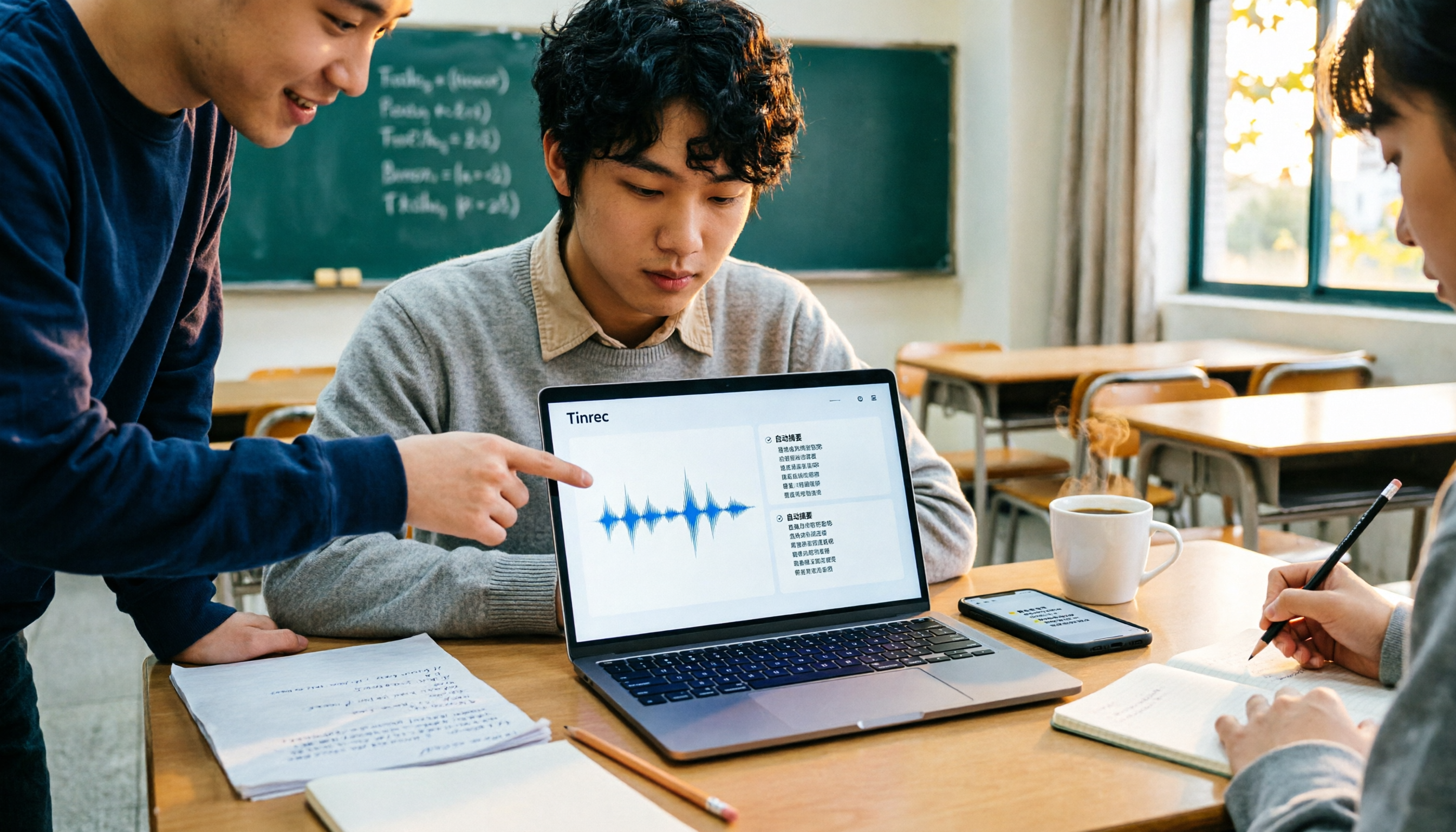
Turn recordings into transcripts and summaries in minutes
Upload audio or video for multilingual transcription, AI notes, and action items
2026 Hands-On Comparison of 3 Classroom Note-Taking Apps: Which One Saves the Most Time with Voice-to-Text AI Summaries?
Many students think classroom notes mean handwriting apps or using a regular voice recorder to capture the entire lecture, then listening back slowly at home. Actually, the most time-consuming part isn't writing—it's post-class organization. A smarter approach is using AI voice-to-text that automatically generates summaries and to-dos, saving at least half the time. This time, we compare Tinrec and Otter to see which one suits Hong Kong students better. If you only want pure handwriting notes, apps like Notability are out of scope here because they don't automatically organize recordings.
Tinrec vs Otter | Quick Overview
| Item | Tinrec | Otter |
|---|---|---|
| Positioning | AI meeting notes and team collaboration tool | AI meeting assistant |
| Free Plan | Free tier with basic usage quota | Basic: 300 minutes per month |
| Paid Plans | Weekly pass, Pro monthly/yearly (prices per official site) | Pro: ~US$8.49/month billed annually (approx. HK$66), Business separate |
| Platforms | Desktop, mobile, web | iOS, Android, web, desktop |
| Key Differences | No bot recording, optimized for Chinese/Cantonese, AI Q&A, team spaces | Mature English transcription, meeting automation, AI Chat |
Dimension 1 | Lecture Recording Methods
Otter supports recording via its mobile app and can connect to Zoom, Teams, and Meet, but some features require a bot to join meetings or use its dedicated app. Tinrec's desktop version directly captures system audio without needing to invite a bot; the mobile app also supports real-time recording, suitable for in-person classes and online classes.
→ This dimension: Tinrec is more flexible, especially for online classes where you don't have to worry about bots being banned by professors.
Dimension 2 | Chinese and Cantonese Recognition
Otter excels at English transcription, but when dealing with Chinese, Cantonese, or mixed Chinese-English content, errors and sentence segmentation noticeably increase. Tinrec focuses on Chinese and multilingual support, offering real-time translation and bilingual display, which is advantageous for Hong Kong students listening to Cantonese lectures and taking mixed-language notes. During our trial, Tinrec handled local accents and slang more reliably.
→ This dimension: Tinrec clearly wins.
Stop organizing recordings by hand
Upload audio or video and automatically get a transcript, summary, and action items
Dimension 3 | Post-Class Organization and AI Features
Otter offers AI Chat, summaries, and keyword search, but its features lean toward post-meeting organization. Tinrec provides summaries, chapters, highlights, and to-dos, plus the ability to ask AI questions about the note content, generate reports/tables, and export to Notion, Google Docs, OneNote, and Dropbox. Students can use Agents for post-processing to create study notes.
→ This dimension: Tinrec is more comprehensive.
Dimension 4 | File Import and Historical Recordings
Otter Pro only allows 10 file imports per month; Basic has none, relying mainly on in-app recording. Tinrec supports importing audio and video files, allowing students to convert existing lecture recordings or videos into text; the free plan also includes a basic quota.
→ This dimension: Tinrec is better for organizing existing recordings.
Dimension 5 | Team and Collaboration
Otter Business is required for team management; individual plans are mainly for personal use. Tinrec's free plan already includes team features; the team plan offers spaces, members, seats, usage analytics, and audit logs, suitable for study groups or student clubs sharing class notes without worrying about losing data if someone leaves.
→ This dimension: Tinrec is better for collaboration.
What Unique Advantages Does Each Have?
Tinrec Advantages:
- No bot recording, so no worries about Zoom/Teams restrictions.
- Chinese/Cantonese recognition and real-time translation.
- AI Q&A, to-do extraction, multi-format export, and Agent post-processing.
- Team spaces and seat management for sharing class notes.
Otter Advantages:
- Mature English transcription and AI features.
- Integration with many workflows, though not necessarily essential for students.
Summary: Which One Should You Choose?
- If you need lecture recordings automatically converted to text, summaries, and to-dos, especially for Chinese/Cantonese content → Tinrec is more complete.
- If you want to ask questions about your notes and generate study reports → Tinrec has AI Q&A; Otter Pro may not cover this.
- If you switch between phone, tablet, and computer → Tinrec supports all platforms.
- If you only listen to English lectures and are already in the Otter ecosystem → Otter Basic or Pro might be sufficient.
In a nutshell: For Hong Kong students, Tinrec is the more time-saving lecture-to-text solution. We recommend trying the free version with your own lecture recordings before deciding to upgrade.
References
- Clearnote - Note Sharing App - App Store
- [Note Software] Top 10 Note Apps Recommended to Break Away from Traditional Methods | Online Notes Super Convenient — ProjectManager
- 2026 [Note Software Recommendations] Note Apps Are Trending, 10 Popular Note Software Picks for Super Convenient Online Notes - Funit
- 2026 Latest 15 Note Apps Recommended, Loved by Office Workers and Students! | Pinkoi Design Magazine
- Notewise - AI Notes, PDF, Documents - Google Play
Turn every recording into actionable outcomes
Get 60 free transcription minutes when you sign in. No credit card required.
Related Reading
You might also like

2026 Comparison of 4 Meeting Transcription Tools: What Do the Output Files Look Like and Are They Ready to Use?
Meeting transcription doesn't just produce a single file—it generates a set of data: a verbatim transcript, a version with timestamps and speaker labels, AI summaries and action items, and whether you can export to your existing workflow. This article starts from 'what the files actually are' and compares Tinrec, Otter.ai, Notta, and TurboScribe in terms of output content, free tiers, and limitations, helping you choose the one you can use right away.

2026 Comparison of 4 Meeting Transcription Tools: The Easiest Way to Download Transcripts
After converting meeting recordings to transcripts, the real problem is often getting the text out. This article compares Tinrec, Otter.ai, Notta, and TurboScribe from a practical download and export perspective, covering export methods, quota limits, and team data ownership. It also outlines 4 key points to check before choosing a tool and 4 common mistakes, helping you pick a solution that turns transcripts into usable files.

2024 Comparison of 4 Smart Meeting Notes Platforms: Which Offers the Best Free Tier and Post-Meeting Organization?
Recording the meeting is just the beginning of the pain. This article starts from real meeting scenarios, breaks down 5 key points for choosing a smart meeting notes platform, and compares Tinrec, Otter.ai, Notta, and Granola in terms of free tier limits, Chinese transcription, post-meeting organization, and team collaboration to help you decide which one truly saves time.

2026 Smart Meeting Notes Tools Compared: Which One Actually Turns Meetings into Action Items?
Many people write meeting notes as verbatim transcripts, but no one follows up afterward. This article starts with common pitfalls, covers key factors for choosing smart meeting notes tools, provides usable examples, and compares Tinrec, Notta, Granola, and Otter.ai in terms of features, limitations, and pricing to help you find a tool that turns meetings into decisions and action items.

Smart Meeting Notes Software Free Plans in 2026: Tinrec vs. Granola
How do you choose a free smart meeting notes tool in 2026? This article compares Tinrec and Granola, two bot-free meeting transcription tools, across free tier limits, audio retention, Chinese-language experience, post-meeting output, and team governance to help you decide which fits your meeting workflow.

2026 Smart Meeting Notes Software Comparison: Bot-Free Recording vs. Chinese Meetings—Which Is Easier?
A workflow-based comparison of Tinrec, Otter.ai, Granola, and TurboScribe, covering meeting capture methods, Chinese and mixed-language support, post-meeting summaries and action items, audio retention, and team seat management. We break down key buying factors and common pitfalls to help you decide which tool fits your meeting scenarios.

2026 Smart Meeting Notes Tools Compared: Tinrec vs Otter.ai vs Notta — Which Is Best for Chinese-Speaking Teams?
A hands-on comparison of three smart meeting notes tools in 2026: Tinrec, Otter.ai, and Notta. We compare Chinese transcription, bot-free online meeting capture, post-meeting action items and reports, team data governance, and plan quotas to help Chinese-speaking teams decide which tool to buy.

2026 Smart Meeting Notes Comparison: Tinrec vs Otter.ai — Which Is Better for Chinese-Speaking Teams?
Compare Tinrec and Otter.ai across six dimensions—meeting capture, Chinese-language experience, post-meeting output, team governance, and pricing/quotas—to help you decide which AI meeting notes tool to choose, including free tiers, team seats, and export capabilities.

2026 Smart Meeting Notes Comparison: Tinrec vs PLAUD Note vs Otter.ai — Which Is Right for Chinese-Speaking Teams?
How do you choose smart meeting notes software in 2026? This comparison looks at Tinrec, PLAUD Note, and Otter.ai from a team procurement perspective, breaking down differences in meeting capture, input sources, post-meeting organization, Chinese-language experience, team governance, and total cost of ownership to help you decide which option fits Chinese-speaking teams.