
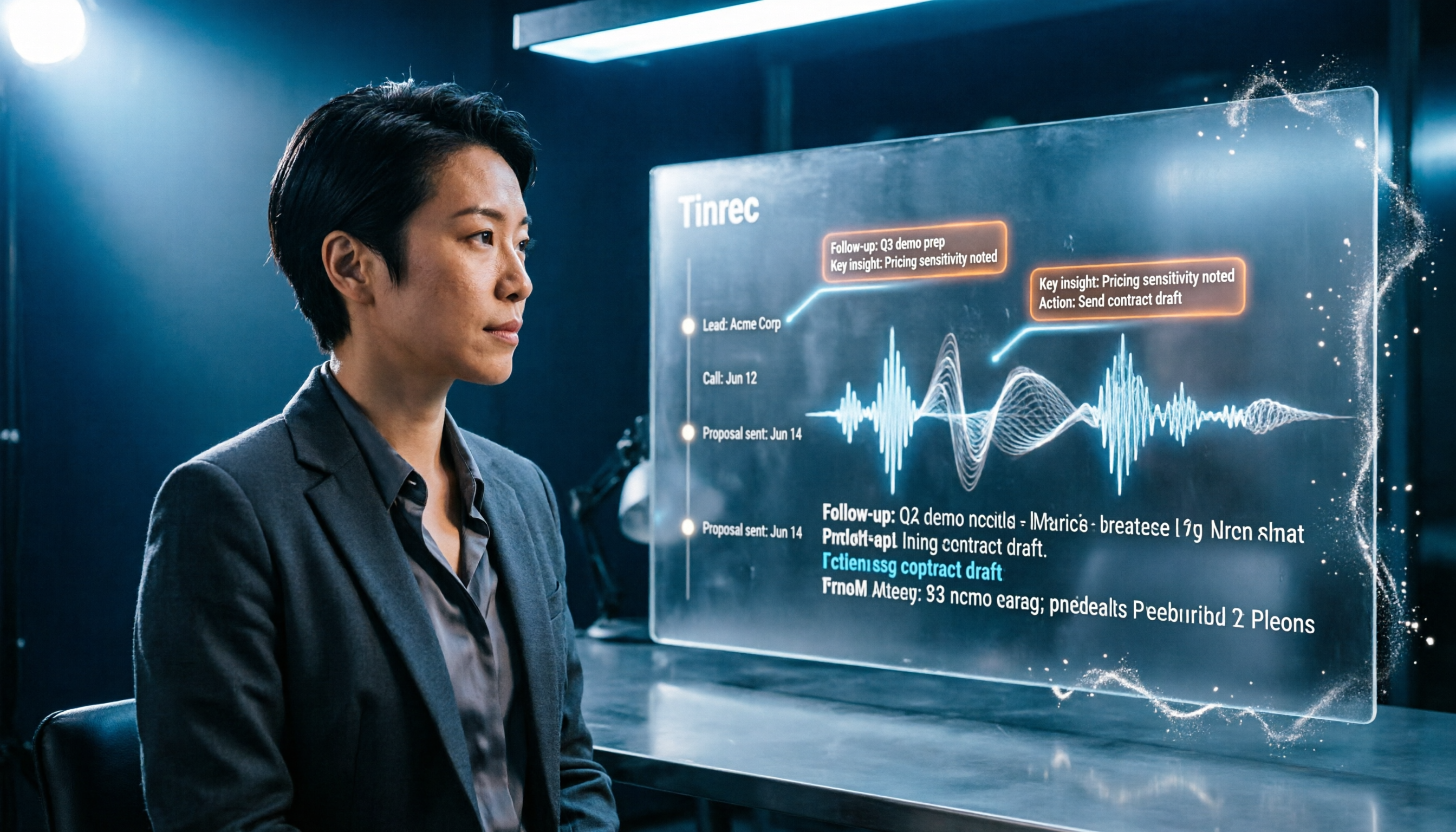
Turn recordings into transcripts and summaries in minutes
Upload audio or video for multilingual transcription, AI notes, and action items
Many people think that recording customer visits is just about turning on your phone's recorder and organizing it later. But when visits pile up, audio files sit in your phone, and you never have time to listen back, let alone summarize key points. Actually, you should change your approach: with the right tool, you can have clear text records and to-do items right after the visit. This article reviews 5 customer visit recording software, from AI transcription to CRM systems, comparing costs and use cases.
Why You Need Customer Visit Recording Software
After a customer visit, relying on memory or scattered notes can easily lead to missing customer needs, commitments, and follow-up actions. A good visit record helps you track customers, hand off work, and review sales pitches. This article covers different types of tools to help you choose based on budget and needs.
Tinrec (Instant Recording) | AI Customer Visit Recording That Saves the Most Time
Tinrec is an AI meeting notes and collaboration tool that also works well for customer visits. It not only transcribes recordings but also automatically organizes key points and action items, saving you tons of time.
- Record online meetings without a bot: When you have remote meetings with clients via Zoom or Meet, open the Tinrec desktop app to capture system audio—no need to invite a bot, so clients won't feel awkward.
- Real-time transcription with automatic summaries and action items: You get a transcript immediately after the visit, and AI highlights key points and next steps, so you don't have to stay up late organizing.
- AI Q&A: You can ask questions like "What are the client's concerns about pricing?" and Tinrec will find answers from the recording.
- Team space: Ideal for sales teams; visit records are stored centrally, so you don't lose data when someone leaves.
Cost: Personal plans include a free tier, weekly pass, Pro monthly, and Pro annual; team plans are USD 29.80 per paid seat per month (or USD 199/year per seat), with shared import quota of 2,000 minutes per seat per month; live recording doesn't count against minutes. Check the official website for details.
Best for: Salespeople, consultants, and support staff who need to quickly organize customer visit content without manual typing.
Vital CRM | Popular Customer Management for Taiwanese SMBs
Vital CRM is a cloud CRM from Taiwan's IISI (叡揚資訊), focusing on customer management and membership. It has a free version (permanent, but accounts are removed if inactive for over 6 months); the SMB plan costs NT$600 per month (billed annually), including customer data, contact history, tags, newsletters, etc. It has a mobile app for on-the-go access.
Best for: SMBs with limited budgets that want an off-the-shelf CRM to manage basic customer info and interaction records.
Ragic CRM | Flexible Customizable Cloud CRM Like Excel
Ragic lets you design your own customer management forms without coding, ideal for teams with unique processes. You can customize fields for visit records, such as date, purpose, outcome, and next steps. It supports iOS/Android apps for editing on the go. There's a free trial; paid plans are quoted based on needs.
Stop organizing recordings by hand
Upload audio or video and automatically get a transcript, summary, and action items
Best for: Small teams that need high customization and dislike rigid off-the-shelf software.
HubSpot CRM | Full-Featured Free CRM, Great for Getting Started
HubSpot is a globally recognized CRM platform with a free version. The free tier lets you manage customers, contacts, deals, and tasks, and record visit activities and calls. Paid plans add features, but the basic CRM is free forever.
Best for: Individuals or small teams with minimal budget that want to start building a customer database.
Pota Software CRM | Taiwan's One-Time Purchase Customer Management System
Pota Software offers a customer relationship management system with Lite and Professional versions. You can choose standalone or web-based versions, allowing you to access customer data and service records even when away from the office. It supports customer categories, needs, and preference tracking, and is suitable for mailing labels and SMS campaigns. Pricing requires contacting the vendor.
Best for: Traditional businesses or shops that prefer a one-time purchase over monthly subscriptions.
How to Choose Among These Options?
- For the most time-saving automatic organization: Choose Tinrec—AI transcription plus summaries and action items, so you have records right after the visit.
- For full CRM features with a limited budget: Choose Vital CRM's free or SMB plan.
- For high customization: Choose Ragic CRM.
- For zero budget and basic customer management: Choose HubSpot's free version.
- For no monthly fees and one-time purchase: Contact Pota Software.
3 Things to Know Before Using Customer Visit Recording Software
- Get client consent before recording: Under Taiwan's Personal Data Protection Act and Communications Protection and Surveillance Act, it's best to verbally inform or obtain consent before recording.
- Don't just save audio files: Organize into text and key points for quick retrieval later.
- Review and hand off regularly: Store records in a team space to avoid data loss when someone leaves.
Conclusion
Customer visit recording isn't just about "having a recording"; it's about quickly turning it into usable information. If you hate organizing recordings, Tinrec's AI summaries and Q&A can save you a lot of time—definitely worth a try.
FAQ
Q1: Do customer visit recording tools have to be paid? Not necessarily. HubSpot CRM and Vital CRM both have free versions, but with limited features; Tinrec also offers a free tier to try.
Q2: Can Tinrec be used for in-person customer visits? Yes, you can use the mobile app to record and transcribe in real time, or upload audio files for organization.
Q3: How long should customer visit records be kept? It depends on company policy, but it's recommended to keep them at least until after the partnership ends; cloud tools allow long-term storage.
Q4: Is AI-generated visit recording accurate? It works well with clear audio, but for important details, it's still advisable to cross-check with the transcript.
Q5: How can teams share visit records? Tinrec's team plan allows creating a team space for centralized storage and search; Vital CRM also has team permissions.
References
- Customer Relationship Management - Lite - Customer Service Management System - CRM Software, CRM System, Membership Management, Customer Management Software - Pota Software
- 7 CRM System Recommendations from Taiwan and Abroad: Features and Pricing Compared! - ORDERLY CRM
- Customer Management - Professional - Customer Relationship Management - Customer Service Management System_Professional - CRM Software, CRM System, Customer Management Software, Customer Management System - Pota Software
- Ragic CRM: Truly Customizable Cloud Customer Management System
- Start Managing Your VIP Customers! Five Free Practical Software Tools for Managing Customer Data
Turn every recording into actionable outcomes
Get 60 free transcription minutes when you sign in. No credit card required.
Related Reading
You might also like

Tinrec vs Notta 2026: 5-Dimension Comparison — Which Free Chinese Meeting Transcription Tool Is Good Enough?
How to choose free meeting recording transcription software? This article compares Tinrec and Notta across 5 dimensions, tests bot-free online meeting recording, Chinese transcripts, AI summaries, and action items, and also covers the free quotas and limitations of Otter.ai and TurboScribe to help US professionals pick a truly usable meeting transcription tool.

2026 Free Meeting Transcription Options: Tinrec vs. Notta Compared
How to choose a meeting transcription tool? This article compares Tinrec and Notta across five dimensions: free quota, meeting capture method, post-meeting organization, Chinese language experience, and team data retention. It also explains the practical differences between free and paid plans to help you decide which tool better fits your meeting scenario.

2026 Comparison of 4 Meeting Transcription Tools: Which Free Version Is Good Enough?
Using the same mixed Chinese-English meeting recording, we tested Tinrec, Otter.ai, Notta, and Granola to clarify the differences: which one can record online meetings without a bot, which one only gives you a transcript, which free tier is truly sufficient, and what to consider for roles and seats when sharing meeting data with a team.

Smart Meeting Notes in 2026: Auto Summaries + Action Items Made Easy
Learn how to take smart meeting notes with Tinrec: from bot-free recording of online meetings, transcripts, and AI summaries to action item extraction, plus a clear explanation of the common misconception about "contrast adjustment" in meeting notes.

How to Use Meeting Recording Transcription in 2026: 5 Steps from Recording to Meeting Minutes
A mid-level manager leading a 10-person team with 15 meetings per week breaks down meeting recording transcription in 5 steps: from identifying meeting type, audio setup, real-time transcription, AI summary, to action item export. The article also explains Tinrec's practical approach and limitations for Chinese-language meetings, bot-free recording, and team knowledge retention.

2026 Comparison of 4 Meeting Transcription Tools: What Do the Output Files Look Like and Are They Ready to Use?
Meeting transcription doesn't just produce a single file—it generates a set of data: a verbatim transcript, a version with timestamps and speaker labels, AI summaries and action items, and whether you can export to your existing workflow. This article starts from 'what the files actually are' and compares Tinrec, Otter.ai, Notta, and TurboScribe in terms of output content, free tiers, and limitations, helping you choose the one you can use right away.

2026 Comparison of 4 Meeting Transcription Tools: The Easiest Way to Download Transcripts
After converting meeting recordings to transcripts, the real problem is often getting the text out. This article compares Tinrec, Otter.ai, Notta, and TurboScribe from a practical download and export perspective, covering export methods, quota limits, and team data ownership. It also outlines 4 key points to check before choosing a tool and 4 common mistakes, helping you pick a solution that turns transcripts into usable files.

2024 Comparison of 4 Smart Meeting Notes Platforms: Which Offers the Best Free Tier and Post-Meeting Organization?
Recording the meeting is just the beginning of the pain. This article starts from real meeting scenarios, breaks down 5 key points for choosing a smart meeting notes platform, and compares Tinrec, Otter.ai, Notta, and Granola in terms of free tier limits, Chinese transcription, post-meeting organization, and team collaboration to help you decide which one truly saves time.

2026 Smart Meeting Notes Tools Compared: Which One Actually Turns Meetings into Action Items?
Many people write meeting notes as verbatim transcripts, but no one follows up afterward. This article starts with common pitfalls, covers key factors for choosing smart meeting notes tools, provides usable examples, and compares Tinrec, Notta, Granola, and Otter.ai in terms of features, limitations, and pricing to help you find a tool that turns meetings into decisions and action items.