
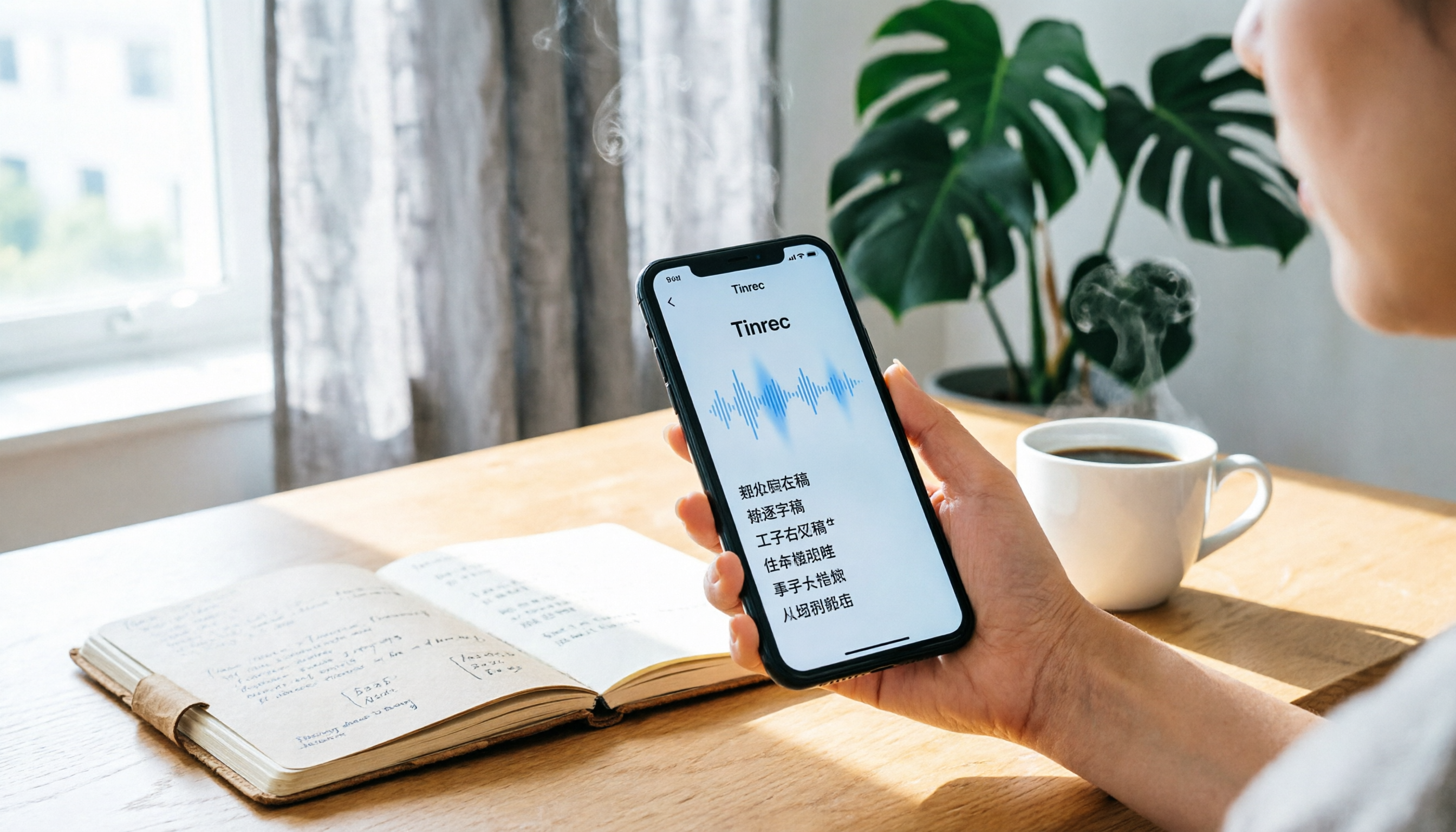
Turn recordings into transcripts and summaries in minutes
Upload audio or video for multilingual transcription, AI notes, and action items
During last Friday's department meeting, you sat through 90 minutes but only remember the boss saying, "We'll discuss this later." When you got home and tried to organize the meeting notes, you realized 27 minutes of the recording were spent just coordinating schedules. If you've ever used your phone to record, you know this pain.
Choosing the right AI recording tool can save you more than half your organizing time.
Spending too much time on meeting recordings and transcripts? You need a smarter approach
Traditional recording just stores audio; you still have to handle the transcript, key points, and action items yourself. Many office workers spend over 6 hours a week replaying recordings, typing transcripts, and summarizing conclusions.
If you frequently need to record meetings, interviews, client calls, or course content, this article is for you. Below, I'll first walk you through the key buying points, then introduce my top pick after hands-on testing—Tinrec—along with a Plaud Note tutorial and comparison.
Before choosing an AI recording note tool, understand these 4 key points
1. Recording modes How easily you can switch between ambient and call recording directly affects how often you use it. For example, Plaud Note uses a toggle switch, while Tinrec lets you select the source directly in the app or desktop version.
2. AI organization depth Just transcribing isn't enough; it should automatically generate summaries, action items, meeting minutes, and even let you ask questions to find key points. Tinrec lets you ask follow-up questions about the meeting content after transcription, which is more practical than many tools.
3. Multi-device and team collaboration If you sometimes join meetings on your computer and sometimes record on your phone while out, cross-device sync is important. If you also want your team to view meeting materials together, team spaces and permission management can't be ignored.
4. Price and free tier Hardware recorders usually require an extra purchase, while software tools depend on whether the free plan is sufficient. Starting with a free version or trial to confirm it fits before paying is the safest approach.
Tinrec (秒听录音) — Our Top Pick After Hands-On Testing
Tinrec is an AI meeting notes and collaboration tool that not only converts audio to text but also turns meetings into searchable, queryable, and collaboratively editable team resources.
If you often have online meetings, its desktop version can directly record your computer's system audio without needing to invite a meeting bot to Zoom, Google Meet, Teams, or Webex. After the meeting, transcripts, summaries, chapters, and action items are automatically generated—no manual organization needed.
Even more useful is the AI Q&A: you can ask, "Who mentioned the budget in the last meeting?" and Tinrec will answer directly based on the meeting content, rather than just throwing keywords at you. This is rare in typical voice recorders or pure transcription tools.
Stop organizing recordings by hand
Upload audio or video and automatically get a transcript, summary, and action items
We also tested uploading audio files and mobile recording; everything from transcripts to key point summaries was smooth. The free version lets you experience basic features, and only heavy users need a paid plan. If you need cross-device support, Chinese content, AI summaries, and team collaboration, Tinrec is highly polished right now.
Beyond Tinrec: What Other Options Are There? Plaud Note Tutorial and Quick Review
Plaud Note: A Portable Recording Hardware Ideal for users who don't want to record with their phone and need a portable device. Operation is intuitive: push the toggle down for note mode, long-press the button for 1 second until you feel one vibration to start recording; long-press again for 1 second until you feel two vibrations to stop. Push the toggle up to switch to call recording, but you'll need to place it in the dedicated MagSafe case and attach it to the back of your phone magnetically.
Each Plaud device includes 300 minutes of transcription per month, and recording battery life can reach 30 hours. The downside is that you need to buy the hardware separately, and it can't directly record computer system audio like Tinrec. Team collaboration and AI Q&A are also not as complete as Tinrec.
Otter.ai: Mature for English meetings, but Chinese experience may not be as smooth If you mainly record English meetings, Otter.ai's free plan with 300 minutes per month is sufficient. However, its Chinese transcription and integration with team data organization may not be as seamless for Taiwanese users as Tinrec.
Pitfall Guide: 3 Common Mistakes with AI Recording Notes
Pitfall 1: Only buying hardware, ignoring backend AI capabilities Some people spend money on a voice recorder but end up transcribing manually. We recommend comparing AI summaries, action item extraction, AI Q&A, and other features first, rather than just looking at recording quality or battery life.
Pitfall 2: Forgetting to get consent before recording Whether it's a meeting, interview, or call, you should inform participants and obtain explicit consent before recording to avoid legal and privacy issues.
Pitfall 3: Ignoring cross-device and team needs If you only record on your phone but need to organize on your computer, the workflow will be clunky. Tools like Tinrec's desktop and web versions seamlessly connect, and team members can share meeting materials—this makes a big difference in the long run.
Summary: Which One Should You Choose?
If you want a portable hardware device, prefer toggle operation, and don't mind carrying an extra device, Plaud Note is worth considering.
But if you need online meeting recording, audio transcription, AI summaries, AI Q&A, or team collaboration, Tinrec is a more complete choice. Especially since it requires no extra hardware and its desktop version directly records system audio, the time saved on organizing is very noticeable.
We recommend starting with Tinrec's free plan. If you already have a Plaud Note, you can also upload its audio files to Tinrec for organization—using both together is also a good approach.
References
- Plaud User Guide | Complete Tutorial and Operation Manual
- Plaud Taiwan | Official Website | Leading AI Recording Device Brand
- PLAUD NOTE | AI Smart Recording Card | Free 300 Minutes of Transcription per Month - Esentra International
- Recording Operation Guide | Plaud Taiwan
- Plaud Note Six-Month Usage Review – Hengyu Teacher's Life Tech
Turn every recording into actionable outcomes
Get 60 free transcription minutes when you sign in. No credit card required.
Related Reading
You might also like

6 Best Online Meeting Transcription Tools Tested for 2026: Which Free Version Is Enough?
Tired of typing up meeting notes after every online call? We tested 6 online meeting transcription tools, covering bot-free recording, AI summaries, action item extraction, and team knowledge retention. We list free tiers and paid pricing honestly to help you choose the right tool for your workflow.

Free Online Audio Transcription Guide 2026: Upload Without Installing + AI Summaries in One Go
There are many free online audio transcription tools, but the definition of "free" varies widely. This guide starts with common misconceptions, outlines 4 key points for choosing a tool, and compares the free tiers, Chinese recognition, and post-meeting organization capabilities of Tinrec, MyEdit, Notta, and TurboScribe, with a pitfall guide and scenario-based recommendations.

2026 Comparison of 4 Audio-to-Text Apps: PTT Users Care About More Than Just Transcription Accuracy
On PTT, discussions about "Is audio-to-text useful?" often split into two camps: some say the transcript needs heavy editing, while others say clear audio is enough. This article starts from the meeting notes scenario, breaks down 4 key purchasing factors, compares Tinrec, Granola, TurboScribe, and PLAUD, and provides a guide to avoid pitfalls plus selection advice to help you find a tool that truly saves post-meeting organizing time.

How to Choose Speech-to-Text in 2026: 5-Step Hands-On Test + 3 Common Mistakes
Many people choose speech-to-text tools based only on free minutes, only to end up manually editing the transcript. Using Tinrec as an example, this article walks through 5 steps covering live recording, online meetings, summary to-dos, AI Q&A, and team export, and outlines 3 common mistakes, team plan seats, and pricing details to help you determine which tool fits your workflow.

Tinrec vs Notta 2026: 5-Factor Comparison — Which Audio-to-Text Tool Should You Download?
Half the people searching for 'how to download audio-to-text' don't actually need to download anything. This article compares Tinrec and Notta across 5 practical dimensions: how to get the tool, meeting recording, post-meeting organization, usage limits, and team collaboration. It also includes brief reviews of Granola and TurboScribe, plus 4 key pitfalls to check before downloading.

Tinrec vs Notta 2026: 5-Dimension Comparison — Which Audio-to-Text Tool Is More Time-Saving for Student Self-Study?
From classroom lectures, group discussions, and exam review scenarios, this comparison of Tinrec and Notta across 5 dimensions explains how to choose an audio-to-text tool, how to evaluate free tiers, and how Tinrec works in practice for Chinese meetings, bot-free recording, post-meeting organization, and team collaboration.

2026 Best 4 Audio-to-Text Tools Compared: How to Choose from Recording to Transcript
Transcribing audio to text isn't hard—the challenge is whether the output is usable. Based on real scenarios like Chinese meetings, interviews, and lecture recordings, this article compares Tinrec, Otter.ai, Notta, and Granola on transcription, summarization, AI Q&A, and team collaboration. It also outlines selection criteria and pitfalls to help you find the right audio-to-text solution.

2026 Comparison of 4 Meeting Transcription Tools: Which AI Meeting Notes Actually Save Time?
2026 hands-on comparison of meeting transcription tools, evaluating Tinrec, Otter.ai, Notta, and Granola across input sources, Chinese recognition, post-meeting organization, and team collaboration, with common pitfalls and selection advice.

2026 Audio-to-Text Tools Compared: Which Offers the Best Free Tier and Post-Meeting Organization?
Starting from common misconceptions, this article explains how to use audio-to-text so you don't just end up with a pile of transcripts. It compares Tinrec, Otter.ai, Notta, and TurboScribe on free quotas, post-meeting organization, and team collaboration to help you choose the right tool.