
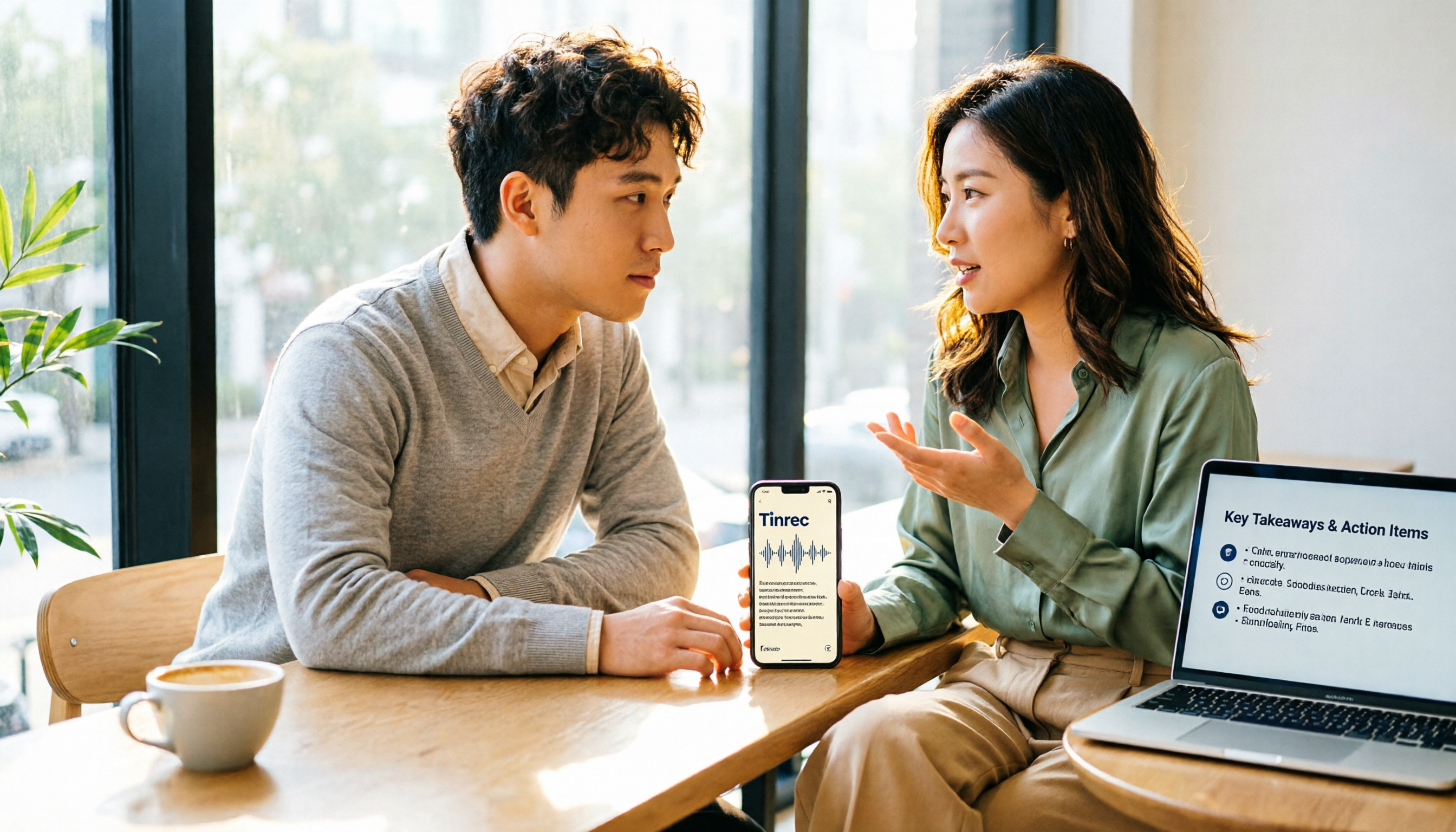
Turn recordings into transcripts and summaries in minutes
Upload audio or video for multilingual transcription, AI notes, and action items
Why Are People Looking for Plaud Alternatives?
Many readers search for "how Plaud recording works" but are actually stuck at the hardware barrier: you first need to buy a NotePin or Note Pro, then rely on the app to record. A common misconception is that buying the hardware gives you unlimited transcription, but in reality, the free monthly allowance is only 300 minutes, and you need to purchase more once you exceed it. If you just want to turn meetings, interviews, or classes into searchable transcripts and summaries, you don't need to buy a recording card first. Tinrec lets you record directly on your phone or computer, making it ideal for those who don't want to carry an extra device.
Tinrec vs. Plaud: What's Different in Core Experience?
Recording entry: Plaud requires buying hardware and connecting to the app; Tinrec allows direct recording via web, desktop, and mobile. Hardware cost: Plaud's entry-level device is about USD 159, and the Pro is about USD 189; Tinrec offers a free version to try first, so you don't have to spend money upfront. Transcription allowance: Plaud Starter gives 300 minutes per month; Tinrec's free version also has a basic allowance, but check the official page for details. Meeting scenarios: Plaud is suitable for on-the-go recording in person; Tinrec's desktop version can record computer audio from Zoom, Meet, and Teams without a bot. Post-meeting organization: Tinrec provides automatic summaries, chapters, and action items, and you can ask AI "What's the conclusion?"; Plaud mainly relies on templates and summaries, but the hardware itself doesn't handle subsequent collaboration.
Stop organizing recordings by hand
Upload audio or video and automatically get a transcript, summary, and action items
Tinrec's Core Features at a Glance
Bot-free online meeting recording: Open the desktop version to record meeting audio playing on your computer, no need to add a bot to the meeting. Audio transcription and translation: Upload mp3, mp4, and other files to get transcripts, and view original text, translations, or bilingual side-by-side. AI summaries, action items, and Q&A: Long meetings are automatically segmented into chapters with key points highlighted; you can ask questions like "What requirements did the client mention?" Team space: Keep meeting materials within your team; members can view them, and admins can allocate seats, monitor usage, and access audit logs.
Real-World Use Cases
Meetings: Start Tinrec desktop, and after recording, you get transcripts, summaries, and action items—no need to re-listen before sending to colleagues. Interviews: Use Tinrec on your phone for real-time recording and transcription; search for the interviewee's exact words after the interview. Classes: Record the lecture, get a transcript, and then ask "What are the key points for the exam?" Personal notes: Capture ideas on your phone and organize them into documents later.
Key Considerations When Choosing a Recording-to-Text Tool
First, assess hardware needs: If you already have a phone and laptop, you may not need to buy a recording card. Check transcription allowances: Official free tiers exist, but prices after exceeding limits vary greatly. Evaluate post-processing capabilities: Transcripts alone aren't enough; automatic summaries, action items, and Q&A are what save time. Check cross-device sync: Tinrec's unified account works across phone, computer, and web; Plaud is tied to its device.
Conclusion: Is Tinrec Worth Trying?
If you just want to know how Plaud recording works, the answer is: buy the hardware, connect the app, and press record. But if you don't want to spend extra on a device and need meeting minutes, transcripts, summaries, and team collaboration, Tinrec is a solid alternative. We recommend signing up for Tinrec's free version, testing it with your own recordings, and considering a paid plan only if it saves you time.
References
Turn every recording into actionable outcomes
Get 60 free transcription minutes when you sign in. No credit card required.
Related Reading
You might also like

6 Best Online Meeting Transcription Tools Tested for 2026: Which Free Version Is Enough?
Tired of typing up meeting notes after every online call? We tested 6 online meeting transcription tools, covering bot-free recording, AI summaries, action item extraction, and team knowledge retention. We list free tiers and paid pricing honestly to help you choose the right tool for your workflow.

Free Online Audio Transcription Guide 2026: Upload Without Installing + AI Summaries in One Go
There are many free online audio transcription tools, but the definition of "free" varies widely. This guide starts with common misconceptions, outlines 4 key points for choosing a tool, and compares the free tiers, Chinese recognition, and post-meeting organization capabilities of Tinrec, MyEdit, Notta, and TurboScribe, with a pitfall guide and scenario-based recommendations.

2026 Comparison of 4 Audio-to-Text Apps: PTT Users Care About More Than Just Transcription Accuracy
On PTT, discussions about "Is audio-to-text useful?" often split into two camps: some say the transcript needs heavy editing, while others say clear audio is enough. This article starts from the meeting notes scenario, breaks down 4 key purchasing factors, compares Tinrec, Granola, TurboScribe, and PLAUD, and provides a guide to avoid pitfalls plus selection advice to help you find a tool that truly saves post-meeting organizing time.

How to Choose Speech-to-Text in 2026: 5-Step Hands-On Test + 3 Common Mistakes
Many people choose speech-to-text tools based only on free minutes, only to end up manually editing the transcript. Using Tinrec as an example, this article walks through 5 steps covering live recording, online meetings, summary to-dos, AI Q&A, and team export, and outlines 3 common mistakes, team plan seats, and pricing details to help you determine which tool fits your workflow.

Tinrec vs Notta 2026: 5-Factor Comparison — Which Audio-to-Text Tool Should You Download?
Half the people searching for 'how to download audio-to-text' don't actually need to download anything. This article compares Tinrec and Notta across 5 practical dimensions: how to get the tool, meeting recording, post-meeting organization, usage limits, and team collaboration. It also includes brief reviews of Granola and TurboScribe, plus 4 key pitfalls to check before downloading.

Tinrec vs Notta 2026: 5-Dimension Comparison — Which Audio-to-Text Tool Is More Time-Saving for Student Self-Study?
From classroom lectures, group discussions, and exam review scenarios, this comparison of Tinrec and Notta across 5 dimensions explains how to choose an audio-to-text tool, how to evaluate free tiers, and how Tinrec works in practice for Chinese meetings, bot-free recording, post-meeting organization, and team collaboration.

2026 Best 4 Audio-to-Text Tools Compared: How to Choose from Recording to Transcript
Transcribing audio to text isn't hard—the challenge is whether the output is usable. Based on real scenarios like Chinese meetings, interviews, and lecture recordings, this article compares Tinrec, Otter.ai, Notta, and Granola on transcription, summarization, AI Q&A, and team collaboration. It also outlines selection criteria and pitfalls to help you find the right audio-to-text solution.

2026 Comparison of 4 Meeting Transcription Tools: Which AI Meeting Notes Actually Save Time?
2026 hands-on comparison of meeting transcription tools, evaluating Tinrec, Otter.ai, Notta, and Granola across input sources, Chinese recognition, post-meeting organization, and team collaboration, with common pitfalls and selection advice.

2026 Audio-to-Text Tools Compared: Which Offers the Best Free Tier and Post-Meeting Organization?
Starting from common misconceptions, this article explains how to use audio-to-text so you don't just end up with a pile of transcripts. It compares Tinrec, Otter.ai, Notta, and TurboScribe on free quotas, post-meeting organization, and team collaboration to help you choose the right tool.