
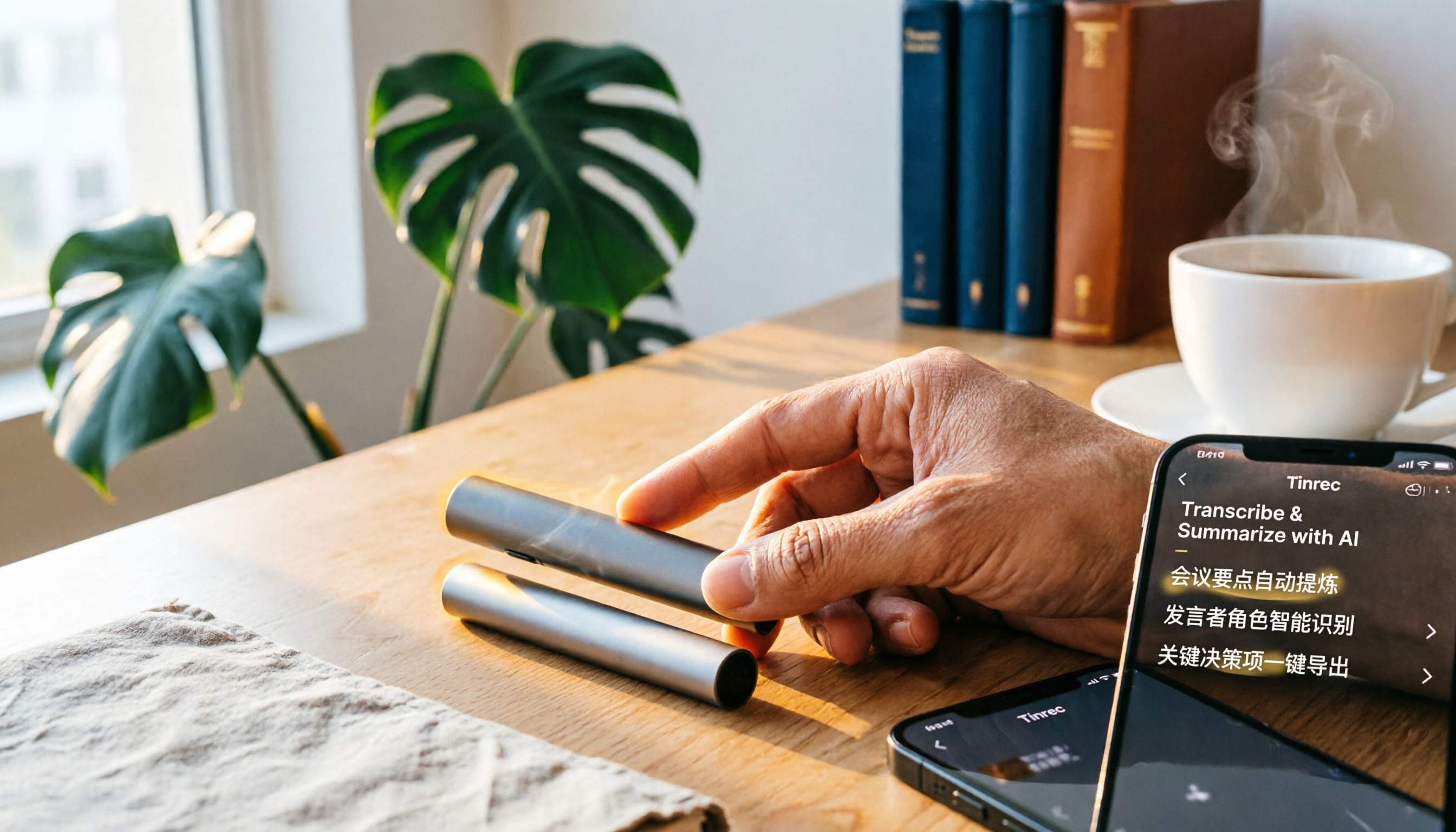
Turn recordings into transcripts and summaries in minutes
Upload audio or video for multilingual transcription, AI notes, and action items
Want to record meetings, classes, or interviews, but tired of spending hours replaying, transcribing, and summarizing? The Plaud Note is an AI recording card designed to eliminate these hassles.
Plaud Note is a portable recording tool that lets you record with one tap, automatically transcribes audio into text, and uses AI to generate key summaries. It combines hardware recording with app transcription, making it ideal for office workers, students, journalists, salespeople, and anyone who frequently needs to capture conversations.
What is Plaud Note?
Plaud Note is a slim, lightweight AI smart recording card. A switch on the device lets you toggle between "Note Recording" and "Phone Call Recording" modes. After recording, simply open the Plaud app to automatically transcribe the audio into text, use AI to organize key points, generate summaries, and even apply templates like interview notes.
Its core concept is to combine "record → transcribe → summarize" into one seamless process, saving you hours of manual work.
Key Features and Highlights
- One-Tap Recording: Press and hold the central button to start or stop recording—simple and intuitive.
- Dual Mode Switch: Slide the switch down for ambient recording (Note Mode) and up for phone call recording.
- AI Transcription and Summaries: After recording, the app automatically transcribes and generates key takeaways and bullet-point insights.
- Interview Note Template: Ideal for journalists or researchers; you can input date, location, interviewer, and other details, and the app automatically organizes the interview outline.
- Long Battery Life: Records continuously for up to 30 hours, with a standby time of about 60 days.
- 300 Minutes of Monthly Transcription: Each Plaud device includes 300 minutes of transcription per month, with options to upgrade for more.
Note that recording does not require an internet connection, but you'll need to be online to use transcription, summaries, and file syncing on your phone or computer.
Pricing
Plaud hardware prices vary by model and region. According to official information from Taiwan, each device includes 300 minutes of transcription per month. If you exceed that, you can purchase a paid upgrade for more minutes and advanced features.
For actual pricing, check the official Plaud Taiwan website or authorized resellers, as prices may change with promotions.
Stop organizing recordings by hand
Upload audio or video and automatically get a transcript, summary, and action items
How to Use: 5 Steps to Record and Transcribe
Step 1: Create an Account and Pair Your Device
Download the Plaud app, create an account, and log in. Then follow the in-app instructions to pair your Plaud device.
Step 2: Switch to the Correct Recording Mode
There is a sliding switch on the device. Slide it down to "Note Recording Mode" for meetings, classes, interviews, and other ambient sound; slide it up for "Phone Call Recording Mode" to capture calls.
Step 3: Start Recording
Press and hold the recording button for 1 second until you feel a single vibration, indicating that recording has started. The device will now capture audio.
Step 4: Stop Recording
Press and hold the recording button again for 1 second until you feel two vibrations, indicating that recording has stopped.
Step 5: Open the App to Sync and Transcribe
After recording, open the Plaud app and let the device sync with your phone. The app will automatically transcribe the audio into text and provide AI summaries and key point extraction. You can also upload the audio file to Plaud Web for further editing and export.
Frequently Asked Questions
Does Plaud Note require an internet connection for recording?
No, recording itself does not require internet. However, you need an internet connection to use the app for transcription, summaries, and file syncing.
How do I use Phone Call Recording Mode?
Slide the switch up to Phone Call Recording Mode, place the Plaud Note in its dedicated MagSafe leather case, and attach it magnetically to the back of your phone. If your phone doesn't support MagSafe, you may need a magnetic adapter ring. This mode uses resonance to capture audio and supports both regular calls and speakerphone.
How many transcription minutes do I get per month?
Each Plaud device includes 300 minutes of transcription per month. If you need more, you can upgrade your plan for additional minutes and advanced features.
How long can I record?
Plaud Note can record continuously for up to 30 hours, with a standby time of about 60 days, enough for most meetings, classes, or interviews.
Can I upload other audio files to Plaud for transcription?
Yes. Even without your Plaud device, you can upload audio files recorded on other devices to the Plaud app or website, and they will be transcribed and summarized with AI.
Should I be concerned about privacy when using Plaud for recording notes?
Yes. Before starting a recording, always inform the other party and obtain their explicit consent, and comply with local laws and privacy regulations.
References
- Plaud User Guide | Complete Tutorial and Operating Instructions
- Plaud Taiwan | Official Website | Leading AI Recording Device Brand
- PLAUD NOTE | AI Smart Recording Card | Free 300 Minutes of Transcription per Month - Esentra
- Recording Guide | Plaud Taiwan
- Plaud Note Six-Month Review – Teacher Hengyu's Life Tech
Turn every recording into actionable outcomes
Get 60 free transcription minutes when you sign in. No credit card required.
Related Reading
You might also like

Tinrec vs Notta 2026: 5-Dimension Comparison — Which Audio-to-Text Tool Is More Time-Saving for Student Self-Study?
From classroom lectures, group discussions, and exam review scenarios, this comparison of Tinrec and Notta across 5 dimensions explains how to choose an audio-to-text tool, how to evaluate free tiers, and how Tinrec works in practice for Chinese meetings, bot-free recording, post-meeting organization, and team collaboration.

2026 Best 4 Audio-to-Text Tools Compared: How to Choose from Recording to Transcript
Transcribing audio to text isn't hard—the challenge is whether the output is usable. Based on real scenarios like Chinese meetings, interviews, and lecture recordings, this article compares Tinrec, Otter.ai, Notta, and Granola on transcription, summarization, AI Q&A, and team collaboration. It also outlines selection criteria and pitfalls to help you find the right audio-to-text solution.

2026 Comparison of 4 Meeting Transcription Tools: Which AI Meeting Notes Actually Save Time?
2026 hands-on comparison of meeting transcription tools, evaluating Tinrec, Otter.ai, Notta, and Granola across input sources, Chinese recognition, post-meeting organization, and team collaboration, with common pitfalls and selection advice.

2026 Audio-to-Text Tools Compared: Which Offers the Best Free Tier and Post-Meeting Organization?
Starting from common misconceptions, this article explains how to use audio-to-text so you don't just end up with a pile of transcripts. It compares Tinrec, Otter.ai, Notta, and TurboScribe on free quotas, post-meeting organization, and team collaboration to help you choose the right tool.

Tinrec vs Notta 2026: 5-Dimension Comparison — Which Is Better for Chinese Meeting Transcription for Teams?
Meeting transcription tools are not just about converting speech to text; they also need to handle post-meeting organization and team collaboration. This article compares Tinrec and Notta across 5 dimensions, analyzing bot-free meeting recording, Chinese-language experience, AI summary Q&A, team seat governance, and purchasing considerations to help you choose the right solution for Chinese meetings and team knowledge retention.

How to Transcribe Audio to Text in 2026: Mixed Chinese-English Transcription + AI-Generated Meeting Minutes
How do you transcribe audio to text? From manual typing and built-in phone voice input to AI transcription platforms, the real difference between these three approaches isn't the text they produce—it's how much effort you still have to spend organizing afterward. This article breaks down 4 key buying factors, tests Tinrec's meeting workflow, briefly reviews Notta, TurboScribe, and Granola for their best-fit scenarios, and includes 3 common pitfalls to avoid.

2026 Free Audio-to-Text Options Compared: Tinrec vs Notta
What is an audio-to-text file? Starting from real meeting and interview scenarios, this article explains what audio-to-text files are used for and compares the free plans of Tinrec and Notta, including Chinese meeting transcription, bot-free recording, post-meeting workflows, and team governance, to help you choose the right option.

Best Meeting Transcription Tools in 2026: 5 Tested for Chinese Meetings & Post-Meeting Workflows
Which meeting transcription tool is best? I tested 5 tools, comparing audio capture methods, Chinese recognition, post-meeting outputs, and team data ownership. Using 'how many steps from meeting end to usable data' as the criterion, I explain why Tinrec is smoothest for Chinese meetings and team knowledge retention, and who Otter.ai, Notta, and Granola are each best for.

Tinrec vs Notta 2026: 5-Dimension Comparison — Which Free Audio-to-Text Tool Is Better?
Are free audio-to-text tools actually usable? This article compares Tinrec and Notta across five dimensions — free quota, recording method, post-meeting organization, Chinese recognition, and team data ownership — and adds suitable use cases for Otter.ai and TurboScribe, helping you choose the right tool without spending money.