
Turn recordings into transcripts and summaries in minutes
Upload audio or video for multilingual transcription, AI notes, and action items
I Was Drowning in Interview Transcripts Until I Realized I Was Using the Wrong Tools
Last month, I had to process a batch of user interview recordings totaling over three hours. I thought I could just throw them into a transcription app, but I quickly found that free tiers come with a ton of restrictions, and paid plans weren't necessarily a fit for my workflow. What's more, even after getting the transcripts, I still had to manually highlight key points, list action items, and recall who said what. Eventually, I realized that choosing a speech-to-text tool isn't about whether it can transcribe—it's about how much it can do for you after transcription. In this article, I'll share my hands-on experience from the past few weeks, covering three free plans I think are worth considering, along with the key factors you shouldn't overlook when choosing.
Before Choosing a Speech-to-Text Tool, Understand These 3 Key Points
First, the ability to organize after transcription. Many tools just give you a raw transcript, leaving you to handle the rest. But what really eats up your time is going back to find key points, organizing action items, and turning content into usable notes or reports. So even with free plans, look for features like automatic summaries, chapters, action item extraction, and even AI Q&A—these are what actually save you time.
Second, whether you need extra hardware. Some plans are tied to a specific recorder or device, which adds an extra cost. If you mainly record on your phone or computer, a software-only solution is more flexible—no need to carry an extra gadget.
Third, free limits and future flexibility. The free allowance is just a starting point, but you need to think: Is the upgrade cost reasonable once you hit the limit? Are there annual discounts? How does team sharing work? Don't just look at the monthly free minutes; consider the long-term cost across your entire usage scenario.
Tinrec (秒听录音) — My Go-To Choice Lately
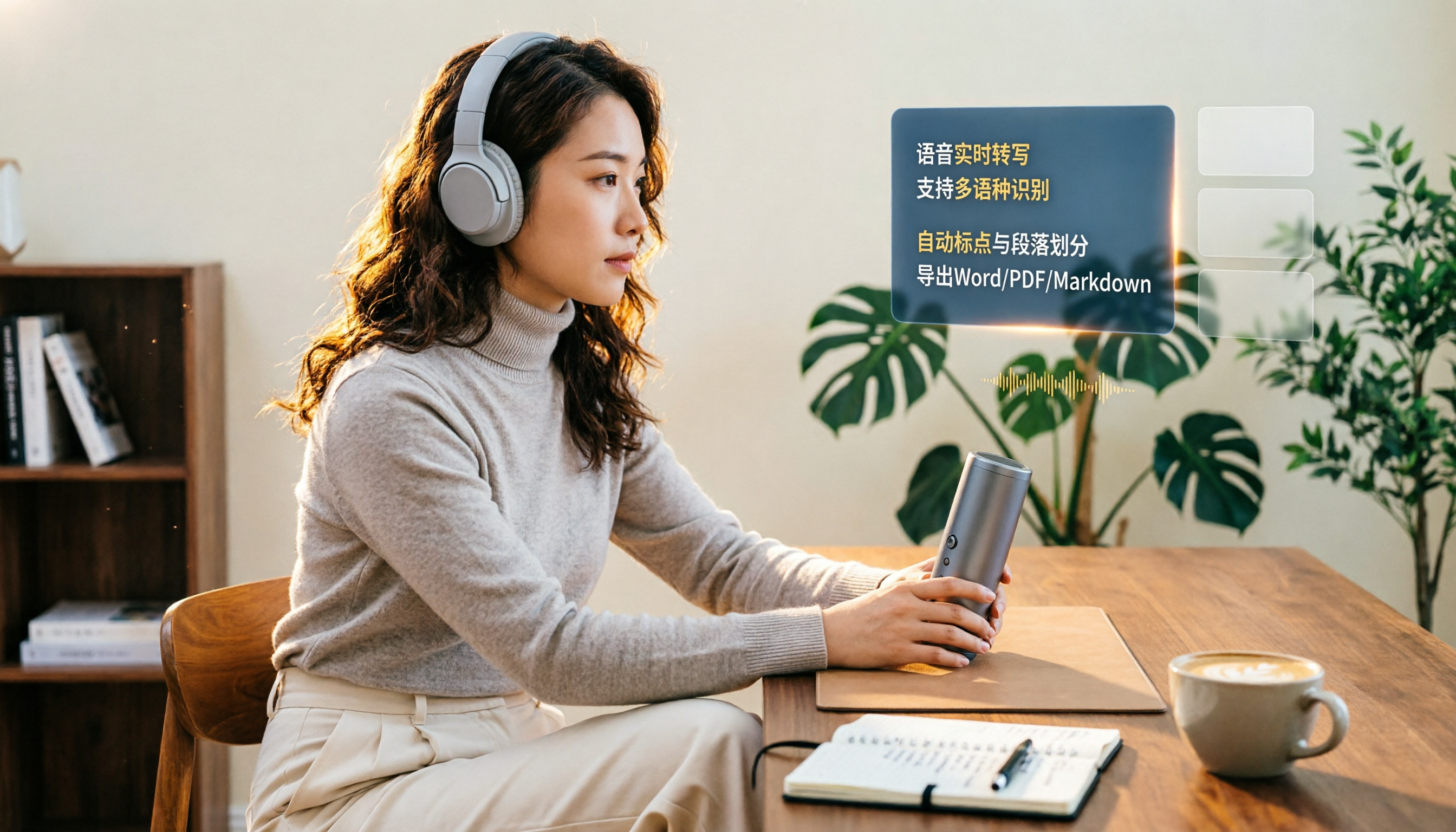
Tinrec is an AI meeting notes and collaboration tool, not just a simple speech-to-text app. I've been using its free tier for a while, and what surprised me most is that it doesn't just convert audio to text—it also automatically generates summaries, chapters, and action items.
For example, last week I recorded a half-hour client meeting. After recording, Tinrec not only provided the transcript but also listed three key conclusions and five follow-up actions. I could even ask it directly, "What was the client's attitude toward the budget?" and it would answer based on the meeting content, rather than just showing keyword search results.
Plus, you don't need to buy a separate recorder. It works on your phone and computer, and you can even use the desktop app to record online meetings directly, without inviting a bot to join Zoom or Meet. For teams that don't like seeing unfamiliar bots in meetings, this is a thoughtful design.
The free tier offers a limited trial allowance, which is enough to experience the full workflow. My advice: Use the free tier to record two or three meetings, get a feel for the efficiency of having summaries and action items automatically generated, and then decide whether to upgrade.
If you need to share meeting materials with colleagues or manage team members, Tinrec also has a team plan. The team plan centralizes meeting recordings, transcripts, summaries, and action items in one space, allowing admins to set roles and seats, and new members can access historical data. For departments that frequently hand off meeting content, this is much more reliable than everyone storing files separately.
Stop organizing recordings by hand
Upload audio or video and automatically get a transcript, summary, and action items
Beyond Tinrec: Other Free Options
PLAUD Note: A hardware recorder, ideal for those who like to record on the go. The free Starter plan offers 300 minutes of transcription per month, but you need to purchase the device first (NotePin starts at $159). It's lightweight and has great battery life, but if you mainly record online meetings or prefer to organize everything on your computer afterward, Tinrec—which requires no extra hardware and supports bot-free desktop recording—is more straightforward.
Otter.ai: A veteran choice for English meetings, with a generous free tier of 300 minutes per month. Its recognition and summaries for English content are mature, but if you need team knowledge management for Chinese meetings or a more complete post-meeting workflow (like exporting directly to Notion or generating reports), Tinrec is better suited for Chinese-speaking users.
Pitfall Guide: 3 Common Mistakes When Choosing a Speech-to-Text Tool
Pitfall 1: Only looking at free minutes, ignoring what you can do after transcription. Many tools offer generous free allowances, but the output is just plain text. You still have to organize everything yourself, so you don't actually save time. My advice: Use the free tier to record a real meeting and see if it can automatically summarize, list action items, or even let you find key points through Q&A.
Pitfall 2: Buying hardware only to realize the software subscription is the long-term cost. The recorder itself might not be expensive, but unlocking advanced AI features often requires a monthly or annual fee. If you already record on your phone or computer, just use a software solution and save the hardware money.
Pitfall 3: Ignoring cross-platform and team sharing needs. If you record on your phone today and want to organize on your computer tomorrow, a tool that doesn't support cross-device sync will be a pain. Similarly, if meeting materials need to be shared with colleagues, keeping them only in a personal account will inevitably lead to chaos. Choose a solution that can scale from personal to team use, and you'll save a lot of time on organization later.
Summary: How Should You Choose?
If most of your meetings happen on your computer or phone, you occasionally need to record online meetings, and you want summaries and action items right after recording → Start with Tinrec's free tier.
If you're already used to a recorder, often on the move, and need offline recording → PLAUD Note is worth considering, but remember to factor in the subscription cost.
If you only record English content and don't need Chinese team collaboration → Otter.ai's free tier is a great deal, and it's the only exception I'd recommend for heavy English users.
My starting approach is simple:
- Identify your most common recording scenarios (in-person, online, interviews, meetings).
- Use the free tiers to record a real piece of content and compare transcription accuracy.
- Focus on testing the post-transcription summary, action items, and Q&A features to see which saves you the most time.
- Check whether it supports the meeting platforms or file formats you commonly use.
- If you need to share with colleagues, set up a team space to test permissions and data ownership.
- Finally, look at upgrade pricing, calculating based on your actual monthly usage, rather than being tied to the free allowance.
No tool is inherently good or bad; it's about whether it fits your workflow. Start with the free tier, test gradually, and you'll find the most efficient way to handle recordings.
References
- Plaud Taiwan | Official Website | AI Recording Device Leader
- Plaud Note | The Smartest AI Voice Recorder Card
- [Unboxing] Ultra-Thin AI ChatGPT Recorder Plaud Note Unboxing Review: Smooth Experience for Meeting Notes/Phone Call Transcription and Summaries
- Plaud Note Pro Unboxing Review | Portable AI Smart Recorder Evolved! Is It Good? Who Should Buy It? - Mr. Mad
- PLAUD Smart Recorder | Recorders/Audio Accessories - PChome 24h Shopping
Turn every recording into actionable outcomes
Get 60 free transcription minutes when you sign in. No credit card required.
Related Reading
You might also like

2026 Comparison of 2 Audio-to-Text Platforms: Free Tiers, Chinese Recognition, and Post-Meeting Organization at a Glance
A side-by-side comparison of Tinrec and Notta across free tiers, Chinese recognition, online meeting recording, post-meeting organization, and team collaboration, helping you decide whether the free version is enough and when to upgrade.

iPhone Voice Memos vs Tinrec in 2026: 5-Dimension Comparison — Is Free Transcription Enough?
iPhone's built-in Voice Memos can now transcribe recordings for free, so do you still need a separate tool? This article compares iPhone's built-in features with Tinrec across 5 practical dimensions and honestly explains where the free limits are, helping you decide which approach fits your meeting volume.

4 Free Audio-to-Text Tools Tested for 2026: Which Free Tier Is Actually Enough?
There are plenty of free audio-to-text tools, but few can handle a full meeting. This hands-on comparison tests the free plans of Tinrec, Otter.ai, Notta, and TurboScribe—breaking down how limits are calculated, transcript post-processing, audio retention, and team collaboration—to help you decide which free version is truly usable.

2026 Comparison of 2 Free Audio-to-Text Tools: Whose Free Tier Is Actually Enough?
Starting from the pain point of post-meeting organization for mid-level managers with multiple weekly meetings, this hands-on comparison tests Tinrec and Notta's free version quotas, online meeting recording, post-meeting AI organization, Chinese experience, team collaboration, and export workflows to help you decide how to choose a free audio-to-text tool.

Which Speech-to-Text Tool Is Better in 2026? 5 Steps to Choose the Right One
How to choose a speech-to-text tool? This article compares Tinrec and Otter.ai feature by feature, covering Chinese and mixed Chinese-English transcription, online meeting recording methods, post-meeting outputs, input sources, team management, and pricing quotas. Finally, it uses 5 steps to help you decide which one to choose.

4 Best Free Audio-to-Text Tools in 2026: Which Free Tier Actually Works?
Free audio-to-text tools are plentiful, but the real bottleneck is the quota: some limit you to 3 minutes per recording, while others run out of monthly minutes mid-month. This hands-on test compares the free plans of 4 tools, looking at how quotas are calculated, how meetings are recorded, and what you get after the meeting. It also covers 4 common pitfalls to help you pick the one that can handle a full meeting.

2026 Speech-to-Text Comparison: Tinrec vs PLAUD Note Tested Across 5 Key Areas
Starting from students' top concerns—budget, classroom scenarios, and note organization needs—this comparison tests Tinrec and PLAUD Note across five dimensions: upfront cost, recording sources, post-transcription organization, Chinese recognition, and group collaboration, with final recommendations for different student types.

6 Best Audio-to-Text Tools for Cantonese in 2026: Which Free Option Is Actually Usable?
We tested 6 audio transcription tools for Cantonese support and free plans. Compare free limits, Cantonese accuracy, export formats, and post-meeting workflows to avoid two common traps: 'fake free' plans and tools that claim Chinese support but can't understand Cantonese. Find the one that truly works for you.

Tinrec vs Notta: 2026 Comparison of Chinese Transcription, Free Tiers, and Team Collaboration
There are many online audio-to-text tools, but the real challenge isn't the few minutes of transcription—it's the organization, follow-up questions, and handoff afterward. This article compares Tinrec and Notta across five dimensions: online usage, Chinese recognition, free tier and pricing, post-meeting organization, and team collaboration. It honestly lists limitations and plans to help you decide which better fits your work style.