
Turn recordings into transcripts and summaries in minutes
Upload audio or video for multilingual transcription, AI notes, and action items
Many people ask me: Is Plaud worth recommending? But the real question isn't "which device is best," but whether you actually need a standalone recording device or just an AI tool that can organize meetings without extra cost. I tested Plaud, Tinrec, and Otter.ai side by side, starting with their free plans and key buying considerations.
The Real Pain Point in Meeting Notes Is Post-Processing
A two-hour meeting takes another two hours to summarize; you record audio but have to listen from the beginning; and cross-platform file conversion and finding key points are a hassle. Many think buying a voice recorder solves it, but transcription and summarization are the real time sinks.
3 Key Points to Understand Before Choosing an AI Recording Tool
- Recording Source: Hardware records on the go; app/desktop records online meetings directly. If you often use Zoom or Meet, hardware may not be convenient.
- AI Post-Processing: Transcripts alone aren't enough; the key is whether summaries, action items, and Q&A can be generated automatically.
- Free Plan Limits: The monthly transcription minutes are your real trial cost. Tinrec offers a free version to try.
Tinrec (秒听录音) — Our Top Pick After Testing
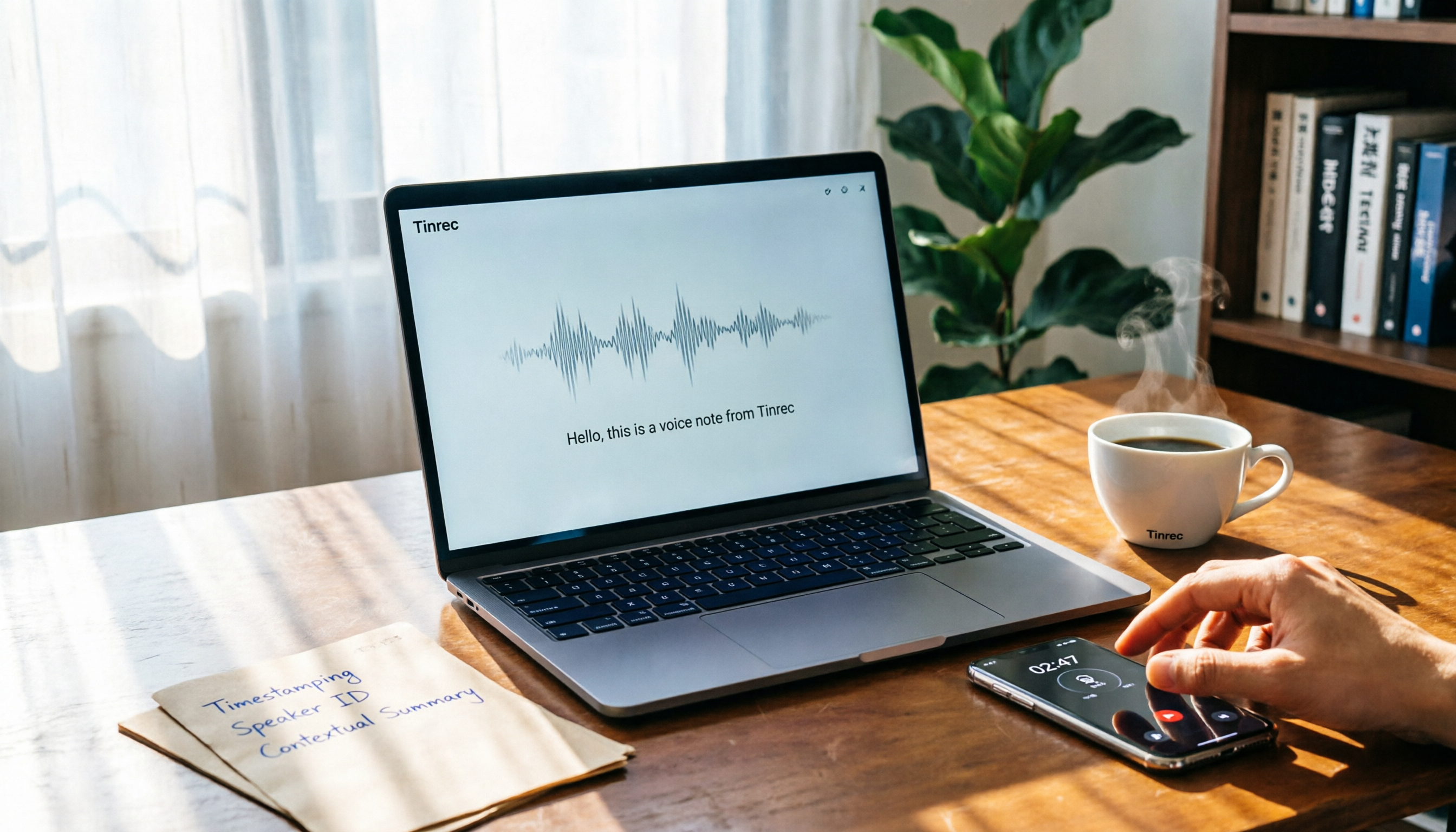
Tinrec is an AI meeting notes and collaboration tool that supports real-time recording, bot-free online meeting transcription, audio file import, and real-time translation. Its biggest convenience: no extra hardware needed—you can record from your computer or phone.
In practice, when you open the desktop app during a meeting, it captures system audio directly, so you don't need to invite a bot to Zoom or Teams. After the meeting, it automatically generates transcripts, summaries, chapters, and action items. You can also ask AI follow-up questions like "Who mentioned the budget in the last meeting?"
The free version provides basic quotas, enough for a few test meetings per week. For heavy use, consider Pro, available as monthly or annual plans. Note: the free version has limited quotas, and file imports consume minutes; the team plan offers shared quotas, member management, and audit logs, suitable for departments.
Stop organizing recordings by hand
Upload audio or video and automatically get a transcript, summary, and action items
If you mainly record Chinese meetings, need action items, or want to make meeting data searchable for your team, Tinrec is a very worthwhile option to try.
What Other Options Are There Besides Tinrec?
Plaud Note / NotePin: AI recording hardware. Pros: portable and convenient for phone calls. But you need to spend $159 for NotePin or $189 for Note Pro upfront, plus a separate transcription membership. Tinrec requires no device purchase—you can record from your computer or phone, and it handles online meetings and old audio files directly.
Otter.ai: Mature for English meetings; Basic free plan offers 300 minutes per month. But if you mainly handle Chinese meetings, Tinrec's Traditional Chinese recognition, team keywords, and export options are more tailored to users in Taiwan.
Pitfall Guide: 3 Common Mistakes When Choosing AI Recording Tools
- Only Looking at Hardware Specs: A recorder may be small and trendy, but without good transcription and summarization, you'll still spend time organizing.
- Ignoring Free Plan Limits: Some tools' free versions only allow 3-minute recordings per session or don't allow file imports. Check before deciding.
- Buying Hardware Before Realizing It Can't Record Online Meetings: Hardware like Plaud is great for in-person meetings, but for remote meetings, you still need a desktop tool.
Summary: Which One Should You Choose?
- Mainly record online meetings and don't want extra devices → Tinrec (free version is enough to try)
- Often on the go, need portable or phone call recording → Plaud (but budget for hardware)
- Only record English meetings with zero budget → Otter.ai free version
I recommend downloading Tinrec's free version first; the monthly basic quota covers several meetings. If you like it, consider upgrading—there's no need to buy hardware right away.
References
- Plaud Note Pro Unboxing Review | Portable AI Smart Recorder Evolved! Is It Good? Who Should Buy It? - Mr. Mad
- PLAUD Smart Recorder | Recorders/Audio Accessories - PChome 24h Shopping
- Plaud Taiwan | Official Website | Leading AI Recording Device Brand
- Plaud Note | The Smartest AI Voice Recorder Card
- Call Recording Feature Is Impressive! AI Voice Recorder "PLAUD NOTE" with GPT-4o Hands-on Review! A Great Companion for Business Activities | Saiga NAK (Gaming and Esports News Media)
Turn every recording into actionable outcomes
Get 60 free transcription minutes when you sign in. No credit card required.
Related Reading
You might also like

4 Best Free Audio-to-Text Tools in 2026: Which Free Tier Actually Works?
Free audio-to-text tools are plentiful, but the real bottleneck is the quota: some limit you to 3 minutes per recording, while others run out of monthly minutes mid-month. This hands-on test compares the free plans of 4 tools, looking at how quotas are calculated, how meetings are recorded, and what you get after the meeting. It also covers 4 common pitfalls to help you pick the one that can handle a full meeting.

2026 Speech-to-Text Comparison: Tinrec vs PLAUD Note Tested Across 5 Key Areas
Starting from students' top concerns—budget, classroom scenarios, and note organization needs—this comparison tests Tinrec and PLAUD Note across five dimensions: upfront cost, recording sources, post-transcription organization, Chinese recognition, and group collaboration, with final recommendations for different student types.

6 Best Audio-to-Text Tools for Cantonese in 2026: Which Free Option Is Actually Usable?
We tested 6 audio transcription tools for Cantonese support and free plans. Compare free limits, Cantonese accuracy, export formats, and post-meeting workflows to avoid two common traps: 'fake free' plans and tools that claim Chinese support but can't understand Cantonese. Find the one that truly works for you.

Tinrec vs Notta: 2026 Comparison of Chinese Transcription, Free Tiers, and Team Collaboration
There are many online audio-to-text tools, but the real challenge isn't the few minutes of transcription—it's the organization, follow-up questions, and handoff afterward. This article compares Tinrec and Notta across five dimensions: online usage, Chinese recognition, free tier and pricing, post-meeting organization, and team collaboration. It honestly lists limitations and plans to help you decide which better fits your work style.

How to Use Free Audio-to-Text Transcription in 2026: A Complete 5-Step Tutorial
There are many free audio-to-text tools, but "free" often means only a few minutes, no paragraph breaks, and no export. This article, from a student's practical perspective, breaks down common pitfalls of free audio transcription and uses Tinrec as an example to show how to turn class recordings, group discussions, and interview files into usable transcripts and key notes in 5 steps. It also covers how to evaluate free quotas and choose the right tool.

6 Best Online Meeting Transcription Tools Tested for 2026: Which Free Version Is Enough?
Tired of typing up meeting notes after every online call? We tested 6 online meeting transcription tools, covering bot-free recording, AI summaries, action item extraction, and team knowledge retention. We list free tiers and paid pricing honestly to help you choose the right tool for your workflow.

Free Online Audio Transcription Guide 2026: Upload Without Installing + AI Summaries in One Go
There are many free online audio transcription tools, but the definition of "free" varies widely. This guide starts with common misconceptions, outlines 4 key points for choosing a tool, and compares the free tiers, Chinese recognition, and post-meeting organization capabilities of Tinrec, MyEdit, Notta, and TurboScribe, with a pitfall guide and scenario-based recommendations.

2026 Comparison of 4 Audio-to-Text Apps: PTT Users Care About More Than Just Transcription Accuracy
On PTT, discussions about "Is audio-to-text useful?" often split into two camps: some say the transcript needs heavy editing, while others say clear audio is enough. This article starts from the meeting notes scenario, breaks down 4 key purchasing factors, compares Tinrec, Granola, TurboScribe, and PLAUD, and provides a guide to avoid pitfalls plus selection advice to help you find a tool that truly saves post-meeting organizing time.

How to Choose Speech-to-Text in 2026: 5-Step Hands-On Test + 3 Common Mistakes
Many people choose speech-to-text tools based only on free minutes, only to end up manually editing the transcript. Using Tinrec as an example, this article walks through 5 steps covering live recording, online meetings, summary to-dos, AI Q&A, and team export, and outlines 3 common mistakes, team plan seats, and pricing details to help you determine which tool fits your workflow.