
Turn recordings into transcripts and summaries in minutes
Upload audio or video for multilingual transcription, AI notes, and action items
2026 Hands-On Comparison of 3 AI Meeting Note Tools: Google AI Studio, Tinrec, NotebookLM – Which Saves You the Most Time?
What You Need Isn't a Tool, It's a Solution
Many people think that uploading an audio file to a free AI tool will handle meeting notes, only to end up spending more time figuring out how to use it.
For example, Google AI Studio has powerful models, but you have to write your own prompts and manually upload audio files. After all that, you'll find it lacks automatic action items or a team space. NotebookLM can process recordings, but it's only suitable for post-meeting analysis and can't directly record online meetings.
If you've experienced any of these issues—a pile of audio files, meeting notes that never keep up, or struggling to find key points later—this article is for you.
Before Choosing an AI Meeting Note Tool, Understand These 4 Key Points
- Bot-free recording of online meetings: The most convenient way is to record your computer's system audio directly, without needing to add a meeting bot. Tinrec's desktop version supports this mode.
- Post-transcription organization: Getting a raw transcript isn't enough. You need automatic summaries, chapters, action items, and even the ability to ask questions about the content. Tinrec offers complete post-processing features.
- Team collaboration and knowledge retention: Meeting data shouldn't be scattered across personal devices. A team space allows centralized storage, search, and management. Tinrec has a full-featured team version.
- Free tier and pricing: Free versions are good for trying out, but be aware of limitations. Tinrec's personal plan has a free tier (check the official site for details); the team plan is per-seat at USD 29.80/seat/month.
Tinrec – Our Top Pick After Hands-On Testing
Tinrec is an AI meeting note and collaboration tool for individuals and teams. It doesn't just convert speech to text; it organizes the content into searchable, summarizable, and queryable data.
Core Features in Real-World Scenarios
During a meeting, just open the Tinrec desktop app, and it captures your computer's system audio directly—no need to invite any bot to your Zoom, Google Meet, or Teams meetings. It transcribes in real time, so the transcript is ready when the meeting ends.
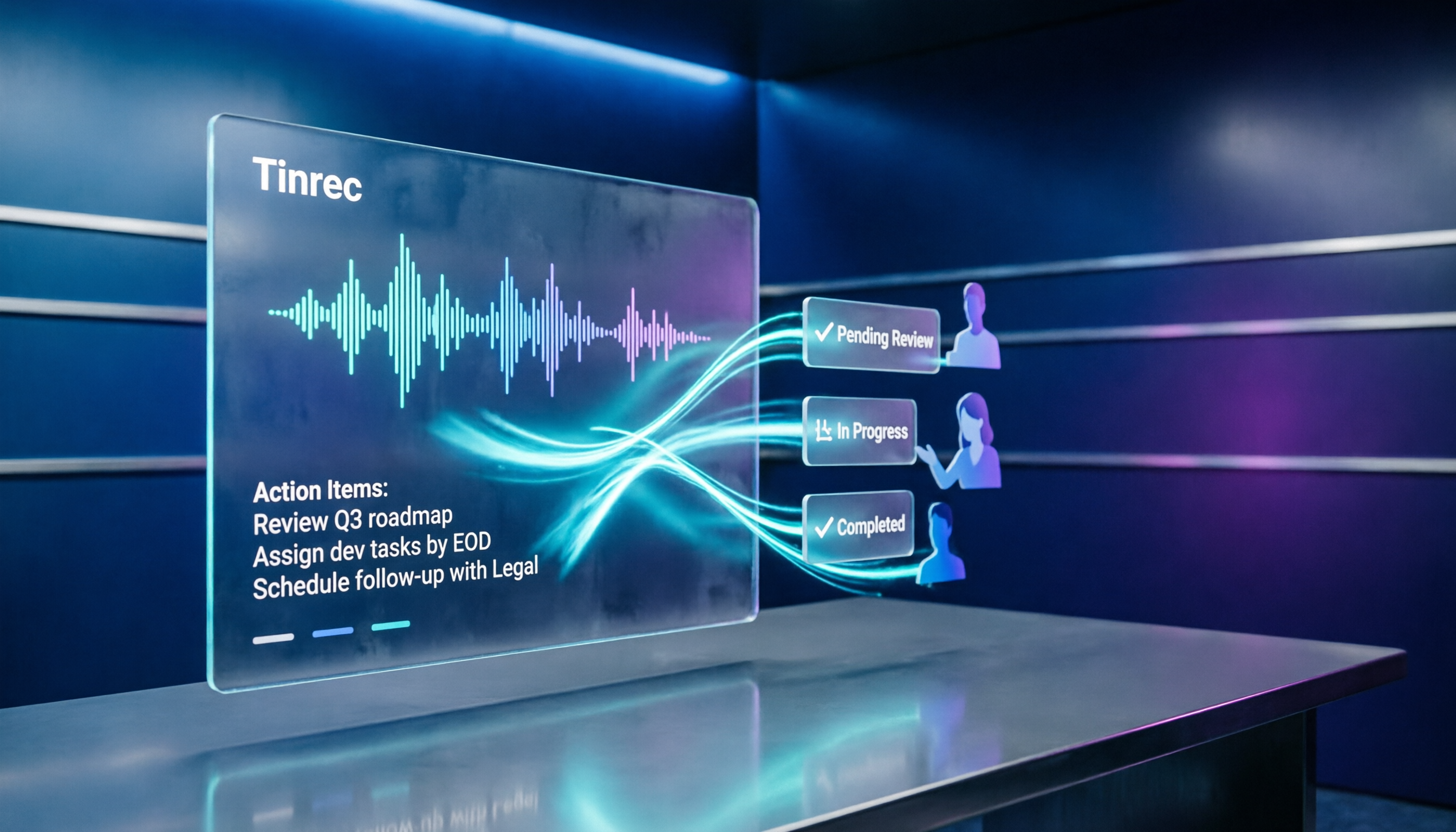
Beyond the transcript, Tinrec automatically generates summaries, chapters, key points, and action items. You can ask it, "Who mentioned the budget in the last meeting?" and it will answer based on the meeting content, not just keyword search.
For teams that need multilingual communication, Tinrec supports Chinese and mixed Chinese-English content, with real-time translation and bilingual viewing. Custom team glossaries can improve recognition of specialized terms.
Hands-On Experience
We tested with a 30-minute Chinese meeting recording. Tinrec's transcript was highly accurate, and the summary and action items were precise, clearly listing who is responsible for what and deadlines. The AI Q&A correctly referenced meeting content.
Stop organizing recordings by hand
Upload audio or video and automatically get a transcript, summary, and action items
Pros
- No extra meeting bot needed; one-click recording of online meetings from the desktop app.
- More than just transcription—summaries, action items, Q&A, and export all in one.
- Team space ensures meeting data is retained, so information isn't lost when team members change.
Cons
- The free personal plan has basic limits; heavy users will need to pay.
- The team plan is priced per seat, so initial costs can be high, but it's suitable for teams that need governance.
Who It's For
If you have online meetings every week, need to quickly organize action items, or want your team to share meeting notes, Tinrec is currently the most complete choice.
What Other Options Are There Besides Tinrec?
Google AI Studio
Google AI Studio is a free AI development platform where you can upload audio files and have Gemini organize transcripts and summaries. But you have to write your own prompts and manually upload files. It doesn't offer real-time meeting recording, automatic action items, or team collaboration. Tinrec, on the other hand, provides a dedicated meeting workflow—just open it and record, and it automatically organizes everything, saving you a lot of manual work.
NotebookLM
NotebookLM is good for organizing uploaded documents, recordings, and web pages, and can generate summaries and Q&A. However, it doesn't support real-time recording of online meetings or bot-free system audio capture. Tinrec not only supports real-time meetings but also preserves audio files, exports in multiple formats, and offers complete team space management.
Pitfall Guide: 3 Common Mistakes When Choosing an AI Meeting Note Tool
Pitfall 1: Focusing only on free, ignoring time costs
Google AI Studio is free, but you have to manually upload files and tweak prompts every time, which ends up costing you more time in the long run. Choose a tool with automated workflows, like Tinrec, to truly save time.
Pitfall 2: Overlooking team collaboration needs
Meeting notes from personal tools are scattered across individual devices, and new team members can't access historical data. A team version centralizes storage, search, and management. Tinrec's team space is designed for this.
Pitfall 3: Chasing only transcripts, ignoring post-meeting organization
A transcript is just the first step. Without summaries and action items, you'll still have to review everything yourself. Tinrec's automatic summaries and action item extraction give you a ready-to-use action list, saving you tons of time.
Conclusion: Which One Should You Choose?
If you want a meeting note tool that truly saves time, Tinrec is the top choice, especially for professionals who need bot-free recording of online meetings, automatic summaries and action items, and team collaboration.
- Need bot-free recording for Zoom/Meet/Teams → Tinrec (desktop app captures system audio directly)
- Need automatic summaries, action items, and AI Q&A → Tinrec (post-transcription processing)
- Need a team space to share meeting data → Tinrec (roles, seats, usage management)
- Prefer tinkering, only use free tools, and have no team needs → Google AI Studio (the only exception, but be prepared for manual work)
We recommend starting with Tinrec's free version to see if it meets your needs before upgrading or rolling out the team plan.
References
- How to Create Meeting Notes with AI Voice-to-Text? Gemini Notebook, Gemini, EchoScript Tutorial | 104 Career Force
- Using NotebookLM to Quickly Create Meeting Notes - Part 1/2
- Still Typing Meeting Notes by Hand? These 3 AI Tools Save You Time and Effort (The Third One Is Free and Fastest) :: I'm Chi
- Google Meet's Built-in Gemini AI Notes and "Help Me Take Notes" | Google Workspace
- Free AI Meeting Notes | Google AI Easily Distinguishes Speakers! Supports Cantonese and More, Completely Free!
Turn every recording into actionable outcomes
Get 60 free transcription minutes when you sign in. No credit card required.
Related Reading
You might also like

2026 Comparison of 2 Audio-to-Text Platforms: Free Tiers, Chinese Recognition, and Post-Meeting Organization at a Glance
A side-by-side comparison of Tinrec and Notta across free tiers, Chinese recognition, online meeting recording, post-meeting organization, and team collaboration, helping you decide whether the free version is enough and when to upgrade.

iPhone Voice Memos vs Tinrec in 2026: 5-Dimension Comparison — Is Free Transcription Enough?
iPhone's built-in Voice Memos can now transcribe recordings for free, so do you still need a separate tool? This article compares iPhone's built-in features with Tinrec across 5 practical dimensions and honestly explains where the free limits are, helping you decide which approach fits your meeting volume.

4 Free Audio-to-Text Tools Tested for 2026: Which Free Tier Is Actually Enough?
There are plenty of free audio-to-text tools, but few can handle a full meeting. This hands-on comparison tests the free plans of Tinrec, Otter.ai, Notta, and TurboScribe—breaking down how limits are calculated, transcript post-processing, audio retention, and team collaboration—to help you decide which free version is truly usable.

2026 Comparison of 2 Free Audio-to-Text Tools: Whose Free Tier Is Actually Enough?
Starting from the pain point of post-meeting organization for mid-level managers with multiple weekly meetings, this hands-on comparison tests Tinrec and Notta's free version quotas, online meeting recording, post-meeting AI organization, Chinese experience, team collaboration, and export workflows to help you decide how to choose a free audio-to-text tool.

Which Speech-to-Text Tool Is Better in 2026? 5 Steps to Choose the Right One
How to choose a speech-to-text tool? This article compares Tinrec and Otter.ai feature by feature, covering Chinese and mixed Chinese-English transcription, online meeting recording methods, post-meeting outputs, input sources, team management, and pricing quotas. Finally, it uses 5 steps to help you decide which one to choose.

4 Best Free Audio-to-Text Tools in 2026: Which Free Tier Actually Works?
Free audio-to-text tools are plentiful, but the real bottleneck is the quota: some limit you to 3 minutes per recording, while others run out of monthly minutes mid-month. This hands-on test compares the free plans of 4 tools, looking at how quotas are calculated, how meetings are recorded, and what you get after the meeting. It also covers 4 common pitfalls to help you pick the one that can handle a full meeting.

2026 Speech-to-Text Comparison: Tinrec vs PLAUD Note Tested Across 5 Key Areas
Starting from students' top concerns—budget, classroom scenarios, and note organization needs—this comparison tests Tinrec and PLAUD Note across five dimensions: upfront cost, recording sources, post-transcription organization, Chinese recognition, and group collaboration, with final recommendations for different student types.

6 Best Audio-to-Text Tools for Cantonese in 2026: Which Free Option Is Actually Usable?
We tested 6 audio transcription tools for Cantonese support and free plans. Compare free limits, Cantonese accuracy, export formats, and post-meeting workflows to avoid two common traps: 'fake free' plans and tools that claim Chinese support but can't understand Cantonese. Find the one that truly works for you.

Tinrec vs Notta: 2026 Comparison of Chinese Transcription, Free Tiers, and Team Collaboration
There are many online audio-to-text tools, but the real challenge isn't the few minutes of transcription—it's the organization, follow-up questions, and handoff afterward. This article compares Tinrec and Notta across five dimensions: online usage, Chinese recognition, free tier and pricing, post-meeting organization, and team collaboration. It honestly lists limitations and plans to help you decide which better fits your work style.