
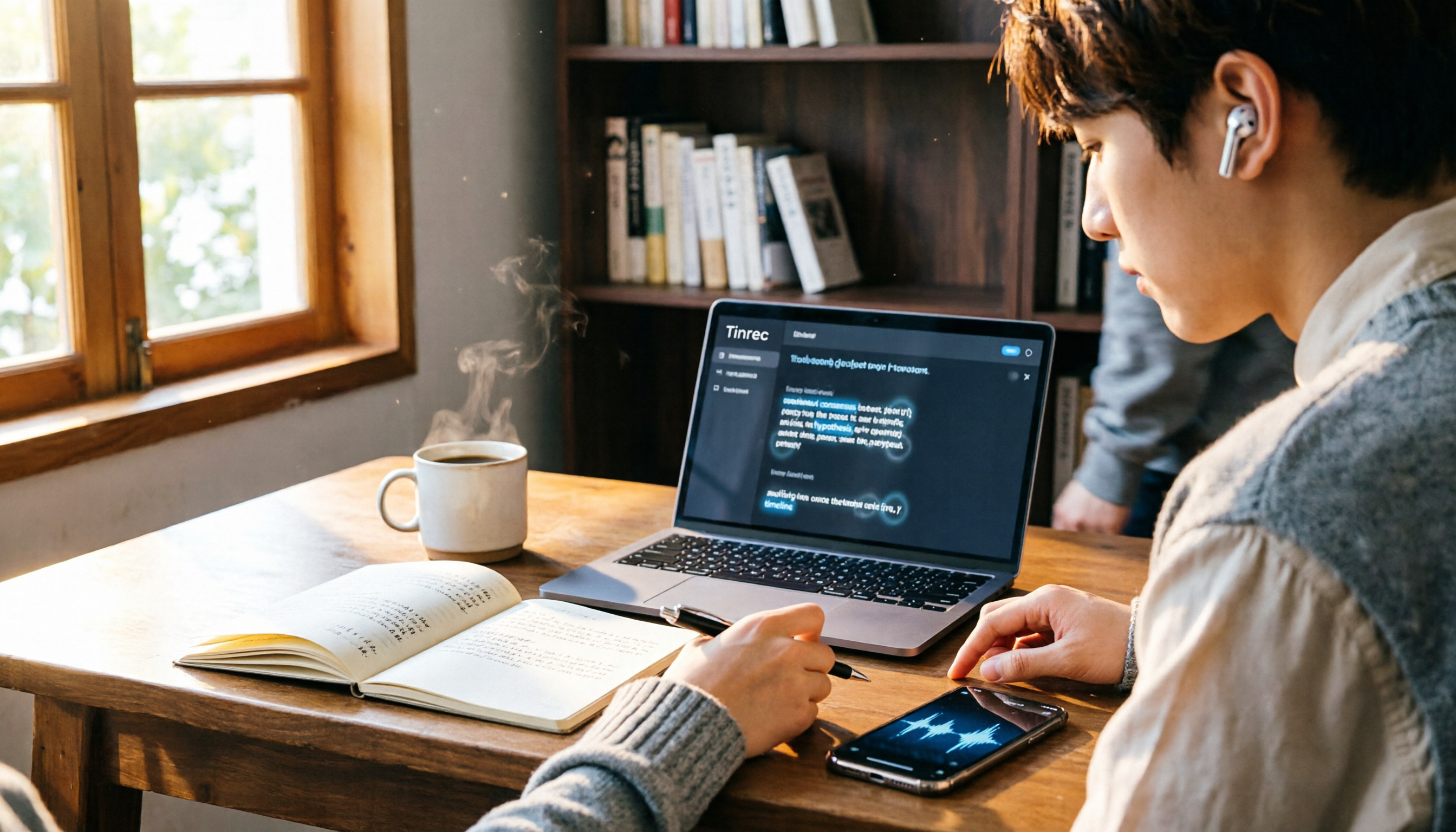
Turn recordings into transcripts and summaries in minutes
Upload audio or video for multilingual transcription, AI notes, and action items
When many people hear about transcribing voice on iPhone, their first reaction is "just use the built-in Voice Memos—it's free and convenient." I thought the same at first, until I opened a bunch of lecture recordings before finals and realized the built-in transcription, while viewable, lacks summaries, highlights, and to-dos—I still had to listen to three hours of audio from start to finish. Then I started using Tinrec and discovered that transcripts can be more than just text; they can become searchable, queryable, collaborative study material. This article shares my own pitfalls and how iPhone's built-in feature compares to Tinrec.
iPhone Voice Memos vs Tinrec: Quick Overview
First, the bottom line: iPhone's built-in Voice Memos transcription (iOS 18.4 or later, iPhone 12 or later) is completely free, and you can view the text right after recording. It suits those who "just want to turn audio into text and occasionally copy a few lines." Tinrec, on the other hand, is an AI meeting notes and collaboration tool that not only transcribes but also automatically organizes summaries, chapters, highlights, and to-dos. You can even ask AI questions about the recording and export to Notion or Google Docs for further editing.
- Price: iPhone built-in is free; Tinrec offers a free personal plan, weekly pass, and Pro monthly/annual plans (see official site for exact pricing), with team plans at USD 199 per seat per year (annual billing).
- Platform: iPhone built-in is tied to iPhone only; Tinrec supports web, desktop, and mobile.
- Core difference: One is "recording + transcript," the other is "recording + transcript + AI organization + team collaboration."
Below, I compare them across five dimensions using scenarios college students face most often.
Dimension 1: Transcription Accuracy and Chinese Support
iPhone's built-in transcription performs well in quiet environments, but error rates rise in classrooms with echoes or when group members talk simultaneously. It also struggles with mixed Chinese-English technical terms; as an information management major, terms like "API," "database," and "UI" sometimes get transcribed into odd words.
Tinrec is noticeably more stable with Chinese and mixed content, especially with its "team hotwords" feature—you can pre-enter common abbreviations and project names, and transcription will prioritize them. Last semester, during my capstone project discussions full of technical jargon, Tinrec's transcripts required almost no edits; I could copy them directly into shared documents.
→ This dimension: Tinrec clearly wins.
Dimension 2: Post-Processing Capabilities
iPhone's built-in feature only lets you view and copy the transcript; you still have to re-listen, highlight, and organize notes yourself. For a two-hour lecture, that's another nightmare.
Tinrec automatically generates AI summaries, chapters, highlights, and to-dos after transcription. Before finals, I upload the entire semester's recordings and use AI Q&A to ask commands like "List the key exam points from each class," "What are the assignment deadlines?" or "Which formulas did the teacher emphasize?" It pulls answers directly from all recordings, saving me at least two evenings of review time.
→ This dimension: Tinrec wins big; iPhone built-in lacks this entirely.
Stop organizing recordings by hand
Upload audio or video and automatically get a transcript, summary, and action items
Dimension 3: Cross-Platform and Cloud Sync
iPhone's built-in transcripts are locked to the phone; to get them to a computer, you have to use AirDrop or copy-paste. Also, you can't export audio files as text files directly—only copy plain text.
Tinrec stores everything in the cloud. I can record on my phone in class, then open the web app on my computer back at the dorm to continue editing, searching, and exporting—no file transfer needed. For students who switch between phone and laptop constantly, this is a huge plus.
→ This dimension: Tinrec wins.
Dimension 4: Team Collaboration and Sharing
iPhone's built-in transcripts can't be shared for collaborative editing or discussion. In group projects, everyone listens separately and then manually merges notes.
Tinrec offers team spaces where you can drop all group discussion recordings into one place. Members can view, play, and read transcripts; those with seats can edit and export. My project group created a team space—each meeting's recording auto-transcribed, and we left comments and questions directly on the transcript. Meeting minutes no longer depend on one person typing frantically.
→ This dimension: Tinrec is the only one with team capabilities; iPhone built-in has none.
Dimension 5: Recording and Import Methods
iPhone's built-in can only record live audio; it can't import external audio files or record online meetings (like Zoom or Google Meet discussions).
Tinrec supports live recording, uploading audio and video files, and even recording system audio on desktop—no meeting bot required. This is super useful for online or hybrid classes: I just open my computer, hit record, and the entire online lecture becomes a transcript with summaries and to-dos.
→ This dimension: Tinrec wins.
What Unique Advantages Does Each Have?
Tinrec's Unique Advantages
- AI Q&A and Post-Processing: Beyond viewing transcripts, you can ask questions about the recording, generate reports or tables, saving time on post-class organization.
- Bot-Free Online Meeting Recording: Desktop version captures system audio directly, no need to invite bots to online classes or discussions.
- Team Spaces and Hotword Management: Share recordings among multiple users, improving recognition of technical terms.
- Multi-Format Export: Export to Notion, Google Docs, OneNote, etc., seamlessly integrating with your existing note system.
iPhone Built-in's Unique Advantages
- Completely Free, Zero Barrier: No extra app needed; it's built into iOS after updates.
- Deep iOS Integration: One-tap recording, transcripts stored directly on your phone.
Summary: Which Should You Choose?
- If you occasionally record a snippet and want a quick transcript without spending money or installing new tools → iPhone built-in is enough.
- If you record lectures weekly, need to organize online meetings, and want highlights and to-dos → Try Tinrec's free version first, and consider the Pro plan if it suits you.
- If you need team collaboration, shared recordings, and member management → Tinrec's team plan is best (students can team up for annual billing; one seat is USD 16.58/month, cheaper than buying individual plans).
In a nutshell: iPhone built-in is "recording + transcript," while Tinrec is "recording + transcript + AI organization + team collaboration." If you're like me and don't want to spend hours re-listening and organizing notes, Tinrec is worth a try. Start with the free version and test it with your own lecture recordings—you'll see what I mean.
References
- View Voice Memos transcripts on iPhone - Apple Support (Taiwan)
- iPhone Voice Memos to Text: Built-in Transcription Without Third-Party Apps - Mr. Mad
- iPhone Notes and Recording Apps Have Transcript Features! Turn Lectures, Meetings, and Speeches into Text in Seconds: Simple 4-Step Tutorial | BusinessNext
- [iPhone Voice Memos to Text] 3 Complete Methods! iOS Built-in, Apps, or Recorders—Which Is Best?
- iPhone Voice-to-Text Settings Tips: 5 Ways to Convert Recordings to Text - Mr. Mad
Turn every recording into actionable outcomes
Get 60 free transcription minutes when you sign in. No credit card required.
Related Reading
You might also like

2026 Comparison of 2 Audio-to-Text Platforms: Free Tiers, Chinese Recognition, and Post-Meeting Organization at a Glance
A side-by-side comparison of Tinrec and Notta across free tiers, Chinese recognition, online meeting recording, post-meeting organization, and team collaboration, helping you decide whether the free version is enough and when to upgrade.

iPhone Voice Memos vs Tinrec in 2026: 5-Dimension Comparison — Is Free Transcription Enough?
iPhone's built-in Voice Memos can now transcribe recordings for free, so do you still need a separate tool? This article compares iPhone's built-in features with Tinrec across 5 practical dimensions and honestly explains where the free limits are, helping you decide which approach fits your meeting volume.

4 Free Audio-to-Text Tools Tested for 2026: Which Free Tier Is Actually Enough?
There are plenty of free audio-to-text tools, but few can handle a full meeting. This hands-on comparison tests the free plans of Tinrec, Otter.ai, Notta, and TurboScribe—breaking down how limits are calculated, transcript post-processing, audio retention, and team collaboration—to help you decide which free version is truly usable.

2026 Comparison of 2 Free Audio-to-Text Tools: Whose Free Tier Is Actually Enough?
Starting from the pain point of post-meeting organization for mid-level managers with multiple weekly meetings, this hands-on comparison tests Tinrec and Notta's free version quotas, online meeting recording, post-meeting AI organization, Chinese experience, team collaboration, and export workflows to help you decide how to choose a free audio-to-text tool.

Which Speech-to-Text Tool Is Better in 2026? 5 Steps to Choose the Right One
How to choose a speech-to-text tool? This article compares Tinrec and Otter.ai feature by feature, covering Chinese and mixed Chinese-English transcription, online meeting recording methods, post-meeting outputs, input sources, team management, and pricing quotas. Finally, it uses 5 steps to help you decide which one to choose.

4 Best Free Audio-to-Text Tools in 2026: Which Free Tier Actually Works?
Free audio-to-text tools are plentiful, but the real bottleneck is the quota: some limit you to 3 minutes per recording, while others run out of monthly minutes mid-month. This hands-on test compares the free plans of 4 tools, looking at how quotas are calculated, how meetings are recorded, and what you get after the meeting. It also covers 4 common pitfalls to help you pick the one that can handle a full meeting.

2026 Speech-to-Text Comparison: Tinrec vs PLAUD Note Tested Across 5 Key Areas
Starting from students' top concerns—budget, classroom scenarios, and note organization needs—this comparison tests Tinrec and PLAUD Note across five dimensions: upfront cost, recording sources, post-transcription organization, Chinese recognition, and group collaboration, with final recommendations for different student types.

6 Best Audio-to-Text Tools for Cantonese in 2026: Which Free Option Is Actually Usable?
We tested 6 audio transcription tools for Cantonese support and free plans. Compare free limits, Cantonese accuracy, export formats, and post-meeting workflows to avoid two common traps: 'fake free' plans and tools that claim Chinese support but can't understand Cantonese. Find the one that truly works for you.

Tinrec vs Notta: 2026 Comparison of Chinese Transcription, Free Tiers, and Team Collaboration
There are many online audio-to-text tools, but the real challenge isn't the few minutes of transcription—it's the organization, follow-up questions, and handoff afterward. This article compares Tinrec and Notta across five dimensions: online usage, Chinese recognition, free tier and pricing, post-meeting organization, and team collaboration. It honestly lists limitations and plans to help you decide which better fits your work style.