
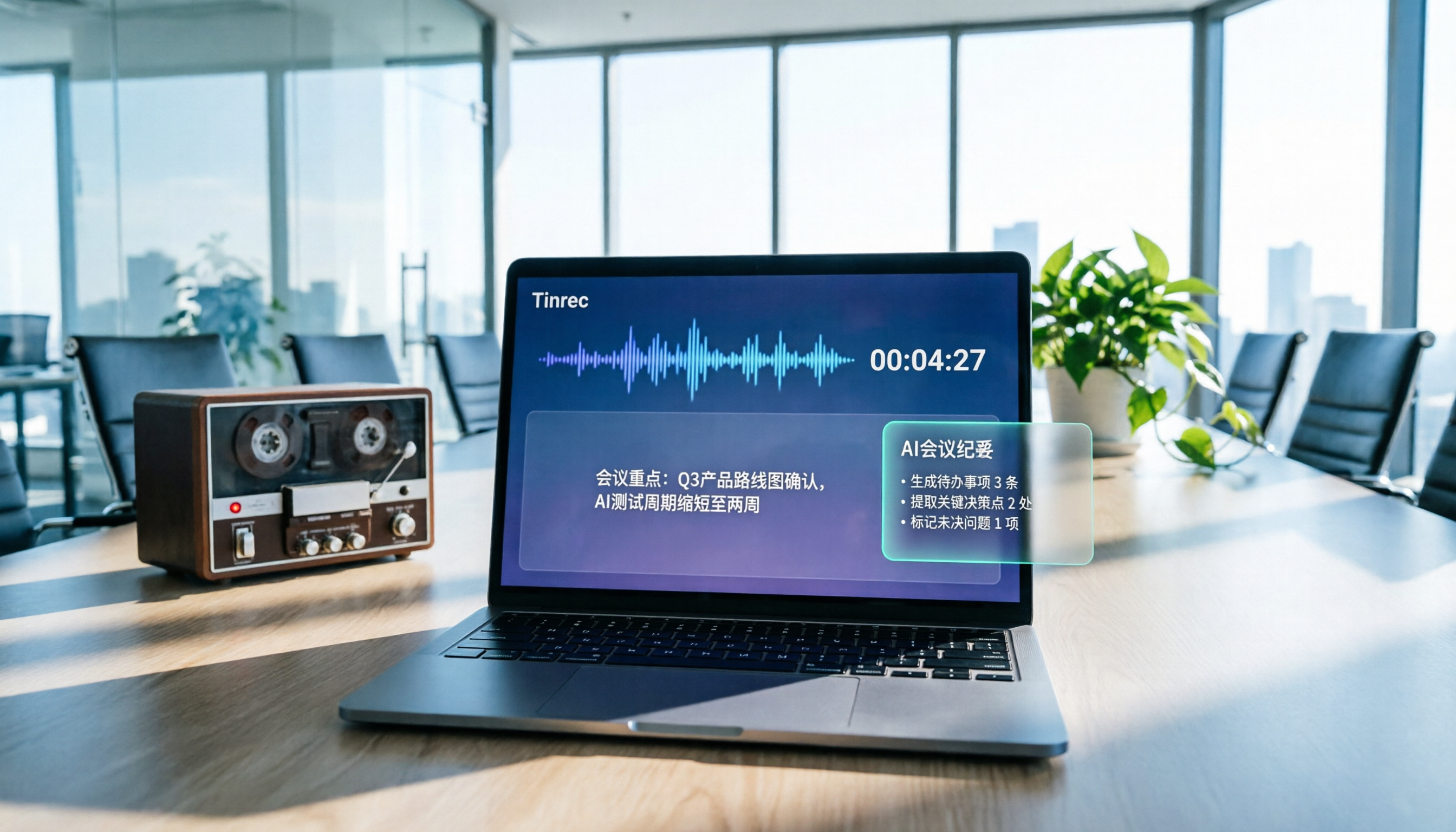
Turn recordings into transcripts and summaries in minutes
Upload audio or video for multilingual transcription, AI notes, and action items
Tinrec as a Plaud Alternative in 2026: Free Recording-to-Text + AI Meeting Minutes
Why Are People Looking for a Plaud Alternative?
Plaud is an AI recording hardware device that focuses on portable recording, phone call recording, and 300 minutes of free transcription per month. It does solve the problems of "poor smartphone recording quality" and "handwritten meeting notes," but it also brings several common pain points: you have to spend money on hardware upfront, the free allowance is only enough for light use, and unlocking full features requires a long-term subscription. If you are a manager or department head in a small or medium-sized business who attends more than 5 meetings a week, you'll quickly find that the total cost of ownership for hardware plus subscription is not low, and the recorded content remains scattered across personal devices, making it inconvenient for team sharing or retrieval.
If you are evaluating such solutions, or if you're stuck behind Plaud's hardware barrier, Tinrec is worth checking out. It requires no additional hardware; you can record, transcribe, summarize, and collaborate with your team directly from your computer or phone.
Tinrec vs Plaud: What's Different in Core Experience?
Hardware Barrier
Plaud requires you to purchase the recorder hardware before you can use its core recording features. Tinrec, on the other hand, is a software solution—your laptop or phone is the recording device. For teams that don't want an extra device in the drawer or that need to allocate budget wisely, Tinrec has a lower entry barrier.
Free Plan and Flexibility
Plaud's free plan offers 300 minutes of transcription per month but is tied to the hardware. Tinrec's free version also provides a basic allowance, letting you try recording, importing, and summarizing without paying for hardware upfront. More importantly, Tinrec's team plan includes a 7-day free trial, 1 free seat, and 300 minutes of shared import allowance, so you can invite colleagues to test it before deciding to upgrade.
Online Meeting Recording
Plaud relies mainly on hardware to capture audio. For online meetings like Zoom or Google Meet, you need to point the recorder at the speaker, which limits effectiveness. Tinrec's desktop app directly captures your computer's system audio, so no extra bot needs to join the meeting. The transcript of online meetings is cleaner and generated in real time.
AI Post-Processing Capabilities
Plaud's app can generate summaries, but Tinrec goes further: besides summaries and chapters, it can automatically extract action items, answer questions about the meeting content via AI, and generate reports and tables. For example, after a 1-hour project meeting, you can directly ask Tinrec, "What was the conclusion? Who is responsible for what?" and it will give you answers based on the transcript, without manually flipping through 30 pages of notes.
Team Collaboration and Governance
Plaud's content is mostly tied to personal accounts; sharing with the team requires exporting or screenshots. Tinrec has built-in team spaces where meeting data belongs to the team, and data doesn't disappear when a member leaves. Admins can allocate seats, view usage, set keywords, and even check operation logs. For small and medium-sized businesses that need to retain decision records, this is much more practical than a voice recorder.
Tinrec's Core Features at a Glance
Real-Time Recording-to-Text
Open Tinrec, and the text appears in sync with the recording, with less than 1 second of delay. During in-person interviews or face-to-face meetings, you can listen and confirm you haven't missed key points; the transcript is already complete by the time the meeting ends.
Bot-Free Online Meeting Recording
Tinrec's desktop app directly captures the meeting audio playing on your computer, so you don't need to invite a bot to join Zoom, Google Meet, Microsoft Teams, or Webex. You meet as usual, Tinrec transcribes in the background in real time, and you get a summary right after the meeting.
Stop organizing recordings by hand
Upload audio or video and automatically get a transcript, summary, and action items
AI Summaries, Chapters, and Action Items
Long meetings are scary without key points. Tinrec automatically breaks content into chapters, highlights key points, and extracts action items from the discussion. For example, after a client meeting, you directly get a list of "client needs, objections, and commitments," saving you 20 minutes of manual work.
AI Q&A and Post-Meeting Generation
You can ask questions about a single meeting or the entire team database: "What was the conclusion about the budget last month?" Tinrec answers based on semantic understanding. It can also generate meeting minutes, reports, tables, or mind maps, which is great for weekly reports or reporting to your boss.
Multi-Format Export and Third-Party Integrations
Tinrec supports exporting transcripts, summaries, and action items to tools like Notion, Google Docs, OneNote, and Dropbox. If you already have an established workflow, Tinrec doesn't lock you into a single platform.
Real-World Use Cases
Recurring Weekly Meetings
For department weekly meetings or project syncs, use Tinrec's desktop app to record, and it automatically produces summaries and action items. No more rotating meeting notes or chasing colleagues for notes after the meeting.
Client Interviews and Requirement Discussions
When sales or consultants visit clients, use the Tinrec mobile app to record in real time, listening and watching the transcription as you go. After the meeting, use AI Q&A to find key client needs and commitments, then export to CRM notes or follow-up lists.
Course and Lecture Notes
When attending classes or lectures, record the content, and Tinrec automatically segments and summarizes. You can search for specific topics, and even use the bilingual comparison feature to help understand foreign-language content.
Team Knowledge Base Accumulation
Centralize recordings, transcripts, and summaries from every meeting in the team space. New members can quickly search historical decisions. When a member leaves, the data remains in the team, so no file handover is needed.
What to Look for When Choosing a Recording-to-Text Tool
Do You Need Extra Hardware?
First, confirm whether you're willing to carry an extra device. If your main scenarios are online meetings or recording at your computer, a software solution is usually more convenient. Tinrec uses your phone or computer, saving hardware costs.
Are Input Sources Diverse?
Besides real-time recording, does it support uploading existing audio or video files? Tinrec can import old meeting recordings and interview clips, and it can also handle some web links, which is helpful for organizing historical data.
What Can You Do After Transcription?
The transcript is just the starting point. A good tool should help you summarize, find key points, track action items, and even answer questions. Tinrec's AI Q&A and post-processing features cut organization time from half an hour to 5 minutes.
Team Sharing and Permission Management
If you're a department head, consider content ownership and member permissions. Tinrec's team plan includes roles, seats, usage analytics, and audit logs, ensuring meeting assets truly belong to the company.
Is the Free Plan Sufficient?
Start with the free version to confirm transcription quality fits your scenarios. Tinrec's free version provides a basic allowance, and the team plan has a trial, so you can verify effectiveness without spending money.
Conclusion: Is Tinrec Worth Trying?
If you're looking for a tool that doesn't require buying hardware first, supports Chinese meetings, and automatically turns recordings into summaries and action items, Tinrec is currently one of the few options that meets all three. Especially for managers or department heads in small and medium-sized businesses, what you need is not a voice recorder, but a system that turns meetings into team assets.
Overall recommendation: 9/10 (for meeting minutes and team collaboration). We suggest starting with Tinrec's free version and testing transcription quality and AI organization with your actual meetings. If you need multi-user sharing, activate the team plan's 7-day free trial and invite 2-3 colleagues to verify the team space and permission management. Spending 10 minutes to try it is more direct than reading any review.
References
- Plaud Taiwan | Official Website | AI Recording Device Leader
- Plaud Note | The Smartest AI Voice Recorder Card
- Does PLAUD NOTE Cost Money? Complete Cost-Benefit Analysis of Free Plan and Subscription - UpToGo
- Plaud Note Pro Unboxing Review | The Next Evolution of Portable AI Recording! Is It Good? Who Should Buy It? - Mr. Mad
- Meeting Minutes and Class Notes Made Easy! 5 Steps to Use Plaud's Free AI Voice-to-Text
Turn every recording into actionable outcomes
Get 60 free transcription minutes when you sign in. No credit card required.
Related Reading
You might also like

2026 Audio-to-Text Comparison: Tinrec vs Otter.ai for Chinese Meetings & Team Knowledge
How to choose an audio-to-text tool in 2026? This article compares Tinrec and Otter.ai across 5 dimensions: Chinese meeting transcription, bot-free online meeting capture, audio file organization, post-meeting workflows, and team data governance. Based on public features and pricing, it helps you decide which is better suited for meeting notes needs in Taiwan.

How to Choose an Online Audio-to-Text Tool in 2026: 5 Steps to Pick the Right One and Get a Transcript
How do you choose an online audio-to-text tool? This article reviews 6 online options—Tinrec, MyEdit, cSubtitle, CyberLink, Yating Transcript, and Monica—comparing free quotas, Chinese recognition, export formats, and team collaboration. It also walks you through 5 steps to turn an audio file into a transcript.

2024 Review of 4 Audio-to-Text Tools: Which Saves the Most Time on Chinese Meeting Transcripts and AI Summaries?
The 2024 audio-to-text comparison isn't just about transcription speed—it's about whether the tool can organize your meeting notes afterward. Based on real meetings and interviews, this review compares Tinrec, Notta, Granola, and PLAUD on audio sources, transcripts, AI summaries, action items, team collaboration, and pricing limits to help you choose the right tool.

4 Free Online Audio-to-Text Tools Compared (2026): Which Offers the Best Free Tier and Chinese Recognition?
A comparison of Tinrec, MyEdit, cSubtitle, and Monica's free online audio-to-text offerings, covering free quotas, Chinese recognition, export formats, and post-meeting AI organization to help you decide which suits meetings, interviews, and subtitles.

4 Free AI Audio-to-Text Tools Tested: Which Free Tier Is Enough in 2026?
There are many free AI audio-to-text tools, but free quotas, single-recording length limits, Chinese recognition, and post-meeting organization capabilities vary widely. This article compares the free plans and use cases of 4 tools, using Tinrec's no-bot recording, AI Q&A, and team spaces as selection references.

2026 Comparison of 2 Online Audio-to-Text Tools: Tinrec vs Otter.ai — Which Is Better for Chinese Meetings?
Starting from common misconceptions, this comparison examines Tinrec and Otter.ai in Chinese meetings, bot-free recording, post-meeting organization, real-time translation, and team data retention to help you decide which online audio-to-text tool fits your daily work.

2026 Comparison of 2 Audio-to-Text Platforms: Free Tiers, Chinese Recognition, and Post-Meeting Organization at a Glance
A side-by-side comparison of Tinrec and Notta across free tiers, Chinese recognition, online meeting recording, post-meeting organization, and team collaboration, helping you decide whether the free version is enough and when to upgrade.

iPhone Voice Memos vs Tinrec in 2026: 5-Dimension Comparison — Is Free Transcription Enough?
iPhone's built-in Voice Memos can now transcribe recordings for free, so do you still need a separate tool? This article compares iPhone's built-in features with Tinrec across 5 practical dimensions and honestly explains where the free limits are, helping you decide which approach fits your meeting volume.

4 Free Audio-to-Text Tools Tested for 2026: Which Free Tier Is Actually Enough?
There are plenty of free audio-to-text tools, but few can handle a full meeting. This hands-on comparison tests the free plans of Tinrec, Otter.ai, Notta, and TurboScribe—breaking down how limits are calculated, transcript post-processing, audio retention, and team collaboration—to help you decide which free version is truly usable.