
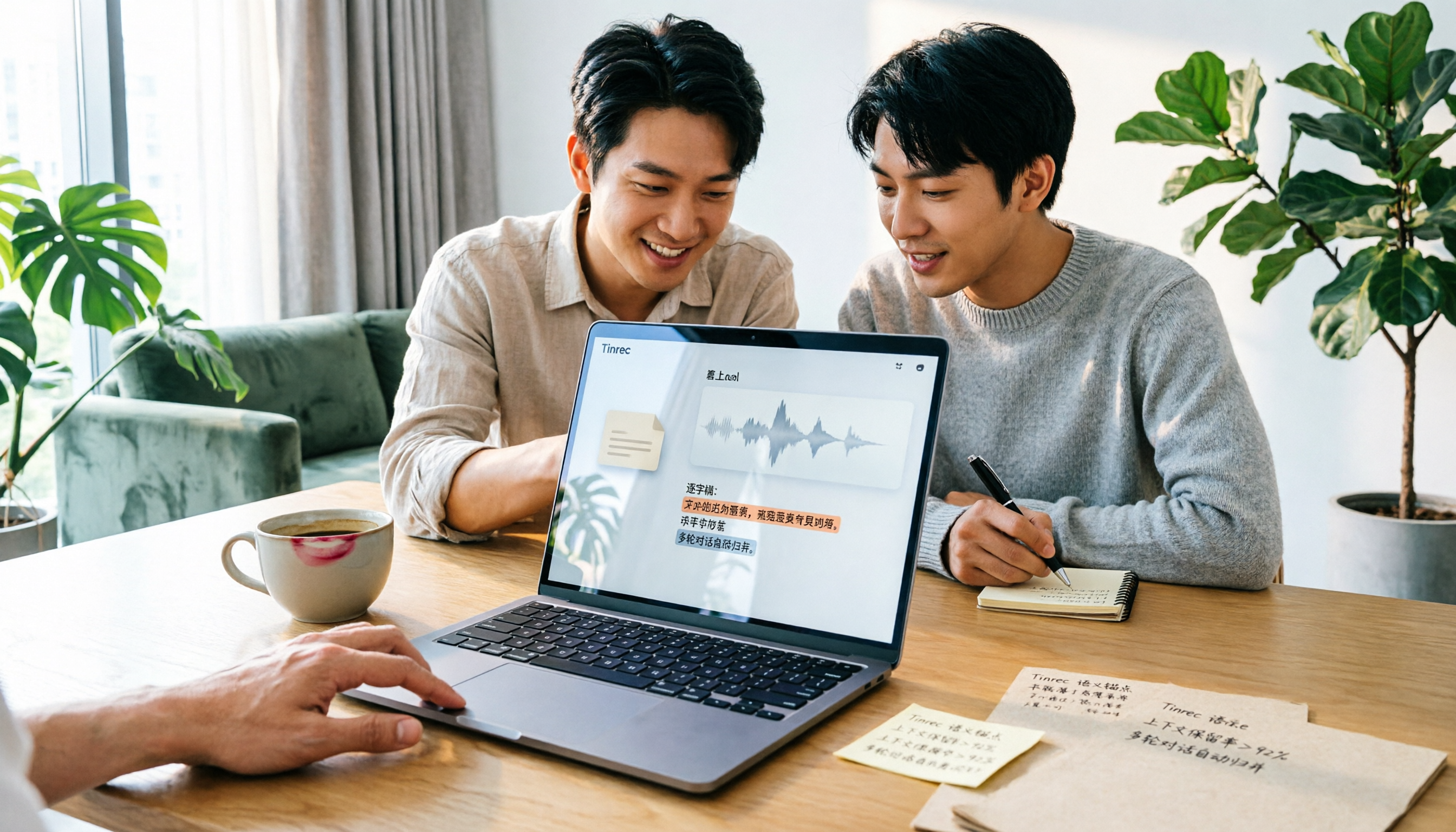
Turn recordings into transcripts and summaries in minutes
Upload audio or video for multilingual transcription, AI notes, and action items
Stop Piling Up Audio Files in Folders: What You Really Need Is to 'Put Them to Work'
Many people start with the idea: buy a voice recorder or open a recording app, record meetings, classes, and interviews, and then organize them later. But in most cases, after recording, the files just sit in your phone or cloud drive, with names like "Recording 001" or "Meeting 20260312." When you actually need to find a specific sentence, you realize you have to listen from start to finish, which is more tiring than not recording at all.
So, if your keyword is "online Plaud recording," don't rush to compare which recorder is the best. You should first confirm: Can the audio files be quickly converted into transcripts? Can it automatically generate summaries and action items? Can you search and ask questions directly when needed? This is the key to turning recordings from "space takers" into "task doers."
Before Choosing an Online Audio-to-Text Tool, Understand These 4 Key Points
1. Upload Sources: Not All Tools Accept Your Old Recordings. Some services only handle live meetings and don't let you upload audio files from Plaud recorders or other devices. If you have a pile of historical recordings, first check whether the tool can upload common audio or video files. Tinrec handles this well—you can upload files from your phone, computer, or Plaud recorder for organization.
2. After Transcription: Transcripts Are Just the Starting Point, Not the End. If you only get a transcript, you still have to read through it yourself. Better tools will help you segment, highlight key points, and extract action items. Tinrec's AI summaries, chapters, action item extraction, and mind maps make meeting notes closer to "deliverable results."
3. AI Q&A: Can You Quickly Find Key Points via Chat? When recordings are long, the worst fear is "Who said that thing last time?" Instead of manually searching keywords, just ask: "What was the conclusion of this meeting?" "Who is following up on the budget?" Tinrec supports asking questions about the meeting content, which most recorders or simple transcription tools can't do.
4. Cross-Device and Team Use: Data Shouldn't Be Locked in One Person's Phone. If you're using it as a team, consider how members share, who can upload, and who can only view. Tinrec's team version separates roles and seats—members can view, but only those with seats can upload and edit; if you don't think through these governance details, you'll likely run into conflicts later.
Tinrec (Miao Ting Lu Yin) – Our Top Pick After Testing
Tinrec is an online tool that combines recording, transcription, AI organization, and team collaboration, without needing extra hardware. For those who already have Plaud recordings, Tinrec's value is that you can upload files recorded by Plaud and let AI handle the subsequent organization.
In actual use, I open Tinrec's desktop version on my computer, and it directly captures the system audio. This means no need to invite bots to online meetings; it works with Zoom, Google Meet, and Microsoft Teams. While recording, the transcript appears in real time; after the meeting, summaries, chapters, and action items are usually already generated.
Even better is the "AI Q&A." Once, after recording a 40-minute product discussion, I asked Tinrec: "What was the final decision on which solution?" It answered within seconds based on the transcript and even pointed me to the relevant sections. That's much faster than manually listening from start to finish.
Stop organizing recordings by hand
Upload audio or video and automatically get a transcript, summary, and action items
We also tested with an 8-minute Chinese meeting recording (two people taking turns speaking, with slight keyboard noise), and Tinrec's transcript only needed a few typo corrections. However, if multiple people talk over each other or the background is noisy, you'll still need to cross-check with the original audio; this isn't a Tinrec issue but a common limitation of all speech-to-text services.
We must also honestly mention Tinrec's limitations: the free version provides basic credits, suitable for testing; if you have meetings every week or need to upload a lot, consider Pro, weekly, or annual plans. The team version uses paid seats to manage upload and analysis permissions, not unlimited transcription for everyone.
Who it's for: those who have accumulated a pile of recordings and want to turn meeting notes into a searchable database; those who need to record online meetings without bots; office workers or graduate students who don't want to manually organize transcripts.
Besides Tinrec, What Other Options Are There?
Plaud Note / NotePin: Suitable for those who want to record anytime without pulling out their phone. Plaud supports 112 languages, offers 300 minutes of transcription per month, and has long battery life. But Plaud's original strength is recording, not cloud-based team collaboration and AI Q&A like Tinrec; if you already have Plaud recordings, uploading them to Tinrec for organization is a more complete approach than using the Plaud app alone.
Otter.ai: Strong for English meetings, with 300 free minutes per month. However, its Chinese organization and document generation aren't as tailored to U.S. users as Tinrec is to Taiwanese users. If you mainly record in English, try Otter; for Chinese, go back to Tinrec.
Notta: Good multilingual transcription and translation, but the free version has a tight limit of 120 minutes per month and 3 minutes per session. Notta also has AI summaries, but for bot-free desktop recording and team space management granularity, Tinrec is more complete.
Avoidance Guide: 4 Common Mistakes in Organizing Online Recordings
Mistake 1: Putting All Your Budget into Recording Hardware. Plaud recorders are great, but if you don't have a follow-up process for uploading, transcribing, and organizing, your recordings will still gather dust. The right approach: first decide which online organization tool to use, then decide if you need additional hardware.
Mistake 2: Only Looking at 'Can Transcribe' Without Considering 'What You Can Do After Transcription.' Many apps just give you a 90-minute transcript and stop, leaving you to read it yourself. Look for tools like Tinrec that can generate summaries, action items, and support AI Q&A, so you don't fall into another form of manual organization.
Mistake 3: Assuming All Tools Automatically Join Meetings. Some services tout bots that auto-join meetings, but privacy and host consent issues are complex. Tinrec's desktop version doesn't use bots; it directly captures system audio, which is friendlier for those who don't want bots in meetings.
Mistake 4: Ignoring Team Permissions and Sharing One Account. Sharing a personal account with a team often leads to disputes like "Who deleted the file?" or "Who used up the credits?" If multiple people need access, look at the team version and clarify how roles and seats are divided.
Summary: Which One Should You Choose?
If you already have Plaud recordings, the easiest path is: upload files to Tinrec, and let it transcribe, summarize, answer questions, and export. If you often have online meetings and don't want to buy hardware, Tinrec's bot-free desktop recording is a very practical choice. If you mainly record English meetings and care about free minutes, consider Otter.ai. If you just want a portable recorder and don't necessarily need cloud collaboration, Plaud Note is still good hardware; but remember to connect your recordings back to Tinrec or a similar tool for organization.
Overall, I'd suggest starting with Tinrec's free version, upload a few Plaud recordings, and experience the efficiency of "ask and organize directly after recording." If you find it useful, consider upgrading; you don't need to pay upfront.
References
- Plaud Taiwan | Official Website | AI Recording Device Leader
- PLAUD NOTE | AI Smart Recording Card | Free 300 Minutes of Transcription per Month - Esentra International
- Plaud Note | The Smartest AI Recording Card
- Log in to Plaud Web – Help Center
- PLAUD Smart Recording | Recording/Audio Accessories - PChome 24h Shopping
Turn every recording into actionable outcomes
Get 60 free transcription minutes when you sign in. No credit card required.
Related Reading
You might also like

2026 Audio-to-Text Comparison: Tinrec vs Otter.ai for Chinese Meetings & Team Knowledge
How to choose an audio-to-text tool in 2026? This article compares Tinrec and Otter.ai across 5 dimensions: Chinese meeting transcription, bot-free online meeting capture, audio file organization, post-meeting workflows, and team data governance. Based on public features and pricing, it helps you decide which is better suited for meeting notes needs in Taiwan.

How to Choose an Online Audio-to-Text Tool in 2026: 5 Steps to Pick the Right One and Get a Transcript
How do you choose an online audio-to-text tool? This article reviews 6 online options—Tinrec, MyEdit, cSubtitle, CyberLink, Yating Transcript, and Monica—comparing free quotas, Chinese recognition, export formats, and team collaboration. It also walks you through 5 steps to turn an audio file into a transcript.

2024 Review of 4 Audio-to-Text Tools: Which Saves the Most Time on Chinese Meeting Transcripts and AI Summaries?
The 2024 audio-to-text comparison isn't just about transcription speed—it's about whether the tool can organize your meeting notes afterward. Based on real meetings and interviews, this review compares Tinrec, Notta, Granola, and PLAUD on audio sources, transcripts, AI summaries, action items, team collaboration, and pricing limits to help you choose the right tool.

4 Free Online Audio-to-Text Tools Compared (2026): Which Offers the Best Free Tier and Chinese Recognition?
A comparison of Tinrec, MyEdit, cSubtitle, and Monica's free online audio-to-text offerings, covering free quotas, Chinese recognition, export formats, and post-meeting AI organization to help you decide which suits meetings, interviews, and subtitles.

4 Free AI Audio-to-Text Tools Tested: Which Free Tier Is Enough in 2026?
There are many free AI audio-to-text tools, but free quotas, single-recording length limits, Chinese recognition, and post-meeting organization capabilities vary widely. This article compares the free plans and use cases of 4 tools, using Tinrec's no-bot recording, AI Q&A, and team spaces as selection references.

2026 Comparison of 2 Online Audio-to-Text Tools: Tinrec vs Otter.ai — Which Is Better for Chinese Meetings?
Starting from common misconceptions, this comparison examines Tinrec and Otter.ai in Chinese meetings, bot-free recording, post-meeting organization, real-time translation, and team data retention to help you decide which online audio-to-text tool fits your daily work.

2026 Comparison of 2 Audio-to-Text Platforms: Free Tiers, Chinese Recognition, and Post-Meeting Organization at a Glance
A side-by-side comparison of Tinrec and Notta across free tiers, Chinese recognition, online meeting recording, post-meeting organization, and team collaboration, helping you decide whether the free version is enough and when to upgrade.

iPhone Voice Memos vs Tinrec in 2026: 5-Dimension Comparison — Is Free Transcription Enough?
iPhone's built-in Voice Memos can now transcribe recordings for free, so do you still need a separate tool? This article compares iPhone's built-in features with Tinrec across 5 practical dimensions and honestly explains where the free limits are, helping you decide which approach fits your meeting volume.

4 Free Audio-to-Text Tools Tested for 2026: Which Free Tier Is Actually Enough?
There are plenty of free audio-to-text tools, but few can handle a full meeting. This hands-on comparison tests the free plans of Tinrec, Otter.ai, Notta, and TurboScribe—breaking down how limits are calculated, transcript post-processing, audio retention, and team collaboration—to help you decide which free version is truly usable.