
Turn recordings into transcripts and summaries in minutes
Upload audio or video for multilingual transcription, AI notes, and action items
Why You Need an Online Audio-to-Text Tool
Last semester, I took a course where the professor spoke super fast and flipped through slides even faster. I tried taking handwritten notes, but when I opened my notebook before the midterm, I couldn't even understand what I had written. Later, I started using an audio-to-text tool: I fed the entire lecture recording into it, and it automatically generated a transcript and key summaries. That saved me for the final exam. This article covers several tools I've tried; Tinrec is my current go-to, but the others have their own strengths, so you can check them out.
Tinrec (Instant Voice Recording) — The Most Complete AI Recording Assistant
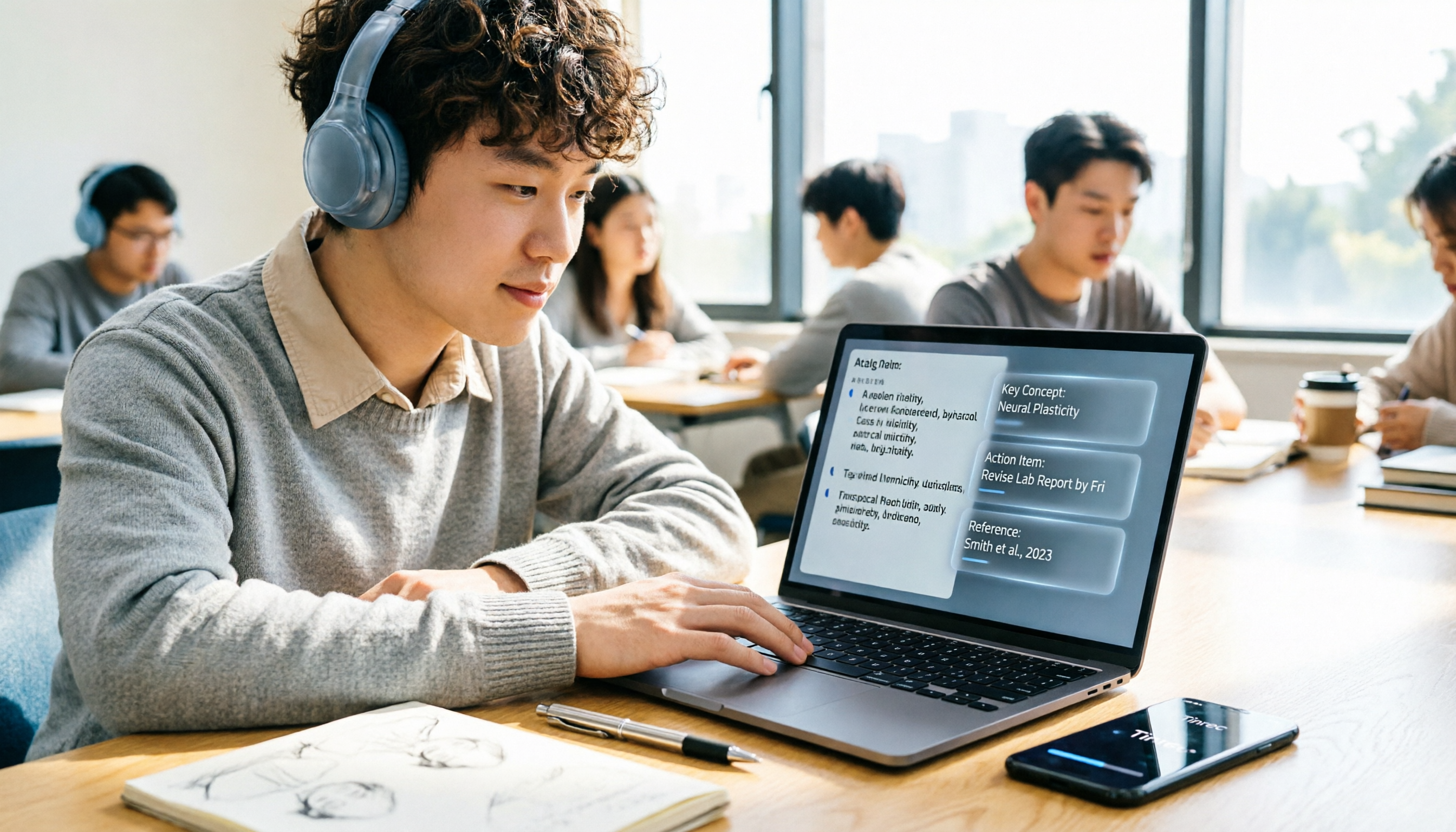
Tinrec has been my main tool this semester. It doesn't just convert audio to text; it also automatically organizes summaries, chapters, and to-dos, and even lets you ask AI questions like "What was the professor's main point just now?" I use it in three main scenarios: First, I record in-person classes with the mobile app, which transcribes in real time so I can view the transcript right after class. Second, I use the desktop version to record online classes (Zoom, Meet, etc.)—no need to add a bot to the meeting; it just records the computer's audio. Third, during group discussions, I record and it automatically generates meeting minutes and assigned to-dos, so we don't have to rely on memory. The free plan includes a basic quota; I record 3-4 classes a week, and the free quota is just about enough. If you need more, there are paid options: weekly, Pro monthly, and yearly plans. It's ideal for students who want one tool to handle recording, transcription, summarization, and Q&A, especially those who often need to organize group discussions.
Notta — Multilingual Transcription and Translation
Notta overlaps with Tinrec quite a bit, but it focuses on multilingual transcription and translation. If you often record English courses or classes taught by foreign professors, Notta's translation feature is pretty good. The free plan offers 120 minutes per month with a 3-minute limit per recording, suitable for occasional use. The paid Pro plan costs about USD 8.17/month when billed annually, with 1,800 minutes per month. The downside is the low free quota, and I don't really use the meeting bot feature. It's suitable for students who need multilingual transcription but don't have high usage.
Otter.ai — A Veteran Choice for English Meetings
Otter.ai is a veteran in English meeting transcription, used by many multinational companies. The free Basic plan offers 300 minutes per month, while Pro costs about USD 8.49/month when billed annually, with 1,200 minutes per month plus 10 file imports. Its English recognition is solid, but the Chinese experience isn't as smooth as Tinrec, and it lacks bot-free desktop recording. If you mainly have English meetings or classes, give it a try; if you have more Chinese classes, skip it.
Stop organizing recordings by hand
Upload audio or video and automatically get a transcript, summary, and action items
Granola — Bot-Free AI Meeting Notes
Granola also offers bot-free desktop recording, but it's unique in that it combines your own handwritten notes, which AI then enhances into more complete meeting notes. The free Basic plan is available, and the paid Business plan costs USD 14/month. However, it doesn't support uploading pre-recorded audio files, nor does it retain meeting audio, meaning you can't feed past recordings into it for organization. It's suitable for students who like to jot down key points during meetings, but not for catching up later.
PLAUD Note — A Portable AI Recording Device
PLAUD Note is a physical voice recorder. The NotePin costs USD 159, and the Note Pro costs USD 189. Additionally, you need a subscription to unlock transcription: Starter offers 300 minutes per month, and Pro costs USD 99.99 per year. The advantages are portability and long battery life, making it suitable for situations where you don't want to carry your phone. The downside is that you have to carry an extra device, and it can't be used directly for online meetings. If you often need offline recording and prefer not to use your phone, consider it; otherwise, an app like Tinrec is sufficient.
TurboScribe Free — Completely Free for Occasional Transcription
TurboScribe Free allows you to transcribe 3 files per day, each up to 30 minutes long. It's perfect for those who don't want to spend any money and only need to transcribe a lecture occasionally. The paid Unlimited plan costs USD 120 per year, but students usually find the free version sufficient. It doesn't have real-time recording; you can only upload files, so it's not suitable for classroom situations where you need to record and transcribe simultaneously.
With So Many Options, How Do You Choose?
- Want the most complete AI features (transcription + AI Q&A + summaries + to-dos) → Tinrec, the only one with all these features
- Need Chinese + Taiwanese recognition and want to record online classes → Tinrec (desktop bot-free recording, best Chinese experience)
- Only use English for meetings and don't care about Chinese → Otter.ai or Granola
- Zero budget and only need occasional transcription of a few files → TurboScribe Free
- Want a physical voice recorder for on-the-go recording → PLAUD Note (but requires an additional subscription)
3 Things to Know Before Using Online Audio-to-Text Tools
- Recording quality determines transcription accuracy: If you sit too far away or the environment is noisy, the AI will make mistakes. Sit near the front in class, or place your phone near the podium.
- Calculate your free quota carefully: Tinrec's free plan covers about 3-4 classes per week. If you record every class, you might need to consider a paid plan. Try the free version first before deciding.
- Always cross-check important content with the original: AI summaries may miss details. Don't rely solely on summaries for finals; go back and listen to the transcript at specific timestamps.
Summary
After using it for a semester, Tinrec is currently the best AI audio-to-text tool for students. You don't need to spend extra on a voice recorder; the app handles in-person classes, online classes, and group discussions. The free plan is sufficient for most students. If you often struggle with note-taking, give the free version a try.
References
- Plaud Taiwan | Official Website | Leading AI Recording Device Brand
- PLAUD NOTE | AI Smart Voice Recorder | Free 300 Minutes of Transcription per Month - Esentra International
- PLAUD [Official Flagship] NOTE AI Smart Voice Recorder - Space Black (Voice Recorder/Audio-to-Text/AI Meeting Summary/Phone Recording) - PChome 24h Shopping
- PLAUD – Voice Recorder.MP3.MP4 Tsann Kuen Online Shopping
- Plaud Note | The Smartest AI Voice Recorder
Turn every recording into actionable outcomes
Get 60 free transcription minutes when you sign in. No credit card required.
Related Reading
You might also like

2026 Audio-to-Text Comparison: Tinrec vs Otter.ai for Chinese Meetings & Team Knowledge
How to choose an audio-to-text tool in 2026? This article compares Tinrec and Otter.ai across 5 dimensions: Chinese meeting transcription, bot-free online meeting capture, audio file organization, post-meeting workflows, and team data governance. Based on public features and pricing, it helps you decide which is better suited for meeting notes needs in Taiwan.

How to Choose an Online Audio-to-Text Tool in 2026: 5 Steps to Pick the Right One and Get a Transcript
How do you choose an online audio-to-text tool? This article reviews 6 online options—Tinrec, MyEdit, cSubtitle, CyberLink, Yating Transcript, and Monica—comparing free quotas, Chinese recognition, export formats, and team collaboration. It also walks you through 5 steps to turn an audio file into a transcript.

2024 Review of 4 Audio-to-Text Tools: Which Saves the Most Time on Chinese Meeting Transcripts and AI Summaries?
The 2024 audio-to-text comparison isn't just about transcription speed—it's about whether the tool can organize your meeting notes afterward. Based on real meetings and interviews, this review compares Tinrec, Notta, Granola, and PLAUD on audio sources, transcripts, AI summaries, action items, team collaboration, and pricing limits to help you choose the right tool.

4 Free Online Audio-to-Text Tools Compared (2026): Which Offers the Best Free Tier and Chinese Recognition?
A comparison of Tinrec, MyEdit, cSubtitle, and Monica's free online audio-to-text offerings, covering free quotas, Chinese recognition, export formats, and post-meeting AI organization to help you decide which suits meetings, interviews, and subtitles.

4 Free AI Audio-to-Text Tools Tested: Which Free Tier Is Enough in 2026?
There are many free AI audio-to-text tools, but free quotas, single-recording length limits, Chinese recognition, and post-meeting organization capabilities vary widely. This article compares the free plans and use cases of 4 tools, using Tinrec's no-bot recording, AI Q&A, and team spaces as selection references.

2026 Comparison of 2 Online Audio-to-Text Tools: Tinrec vs Otter.ai — Which Is Better for Chinese Meetings?
Starting from common misconceptions, this comparison examines Tinrec and Otter.ai in Chinese meetings, bot-free recording, post-meeting organization, real-time translation, and team data retention to help you decide which online audio-to-text tool fits your daily work.

2026 Comparison of 2 Audio-to-Text Platforms: Free Tiers, Chinese Recognition, and Post-Meeting Organization at a Glance
A side-by-side comparison of Tinrec and Notta across free tiers, Chinese recognition, online meeting recording, post-meeting organization, and team collaboration, helping you decide whether the free version is enough and when to upgrade.

iPhone Voice Memos vs Tinrec in 2026: 5-Dimension Comparison — Is Free Transcription Enough?
iPhone's built-in Voice Memos can now transcribe recordings for free, so do you still need a separate tool? This article compares iPhone's built-in features with Tinrec across 5 practical dimensions and honestly explains where the free limits are, helping you decide which approach fits your meeting volume.

4 Free Audio-to-Text Tools Tested for 2026: Which Free Tier Is Actually Enough?
There are plenty of free audio-to-text tools, but few can handle a full meeting. This hands-on comparison tests the free plans of Tinrec, Otter.ai, Notta, and TurboScribe—breaking down how limits are calculated, transcript post-processing, audio retention, and team collaboration—to help you decide which free version is truly usable.