
Turn recordings into transcripts and summaries in minutes
Upload audio or video for multilingual transcription, AI notes, and action items
Tinrec vs Plaud Note 2026: 5-Dimension Comparison to Find the Best Meeting Saver
Should you buy a voice recorder or use an app? This is a question many Hong Kong office workers have pondered. Plaud Note is selling like hotcakes, but do you really need to spend money on hardware? Or is using an AI meeting tool like Tinrec a better deal? Let's break it down today.
Why Do You Need Voice-to-Text Tools?
Meetings every day until you clock out, and then you have to listen to recordings and type up transcripts after—can you still stand this overtime life? According to statistics, Hong Kong office workers spend an average of over 5 hours per week in meetings, but organizing meeting minutes often takes twice as long. Voice-to-text tools can help you save that time, so you can leave work earlier. This article covers 6 options, from AI meeting assistants to hardware recorders, to help you find the best fit.
Option 1 | Tinrec (Instant Recording) — The Most Complete AI Recording Assistant
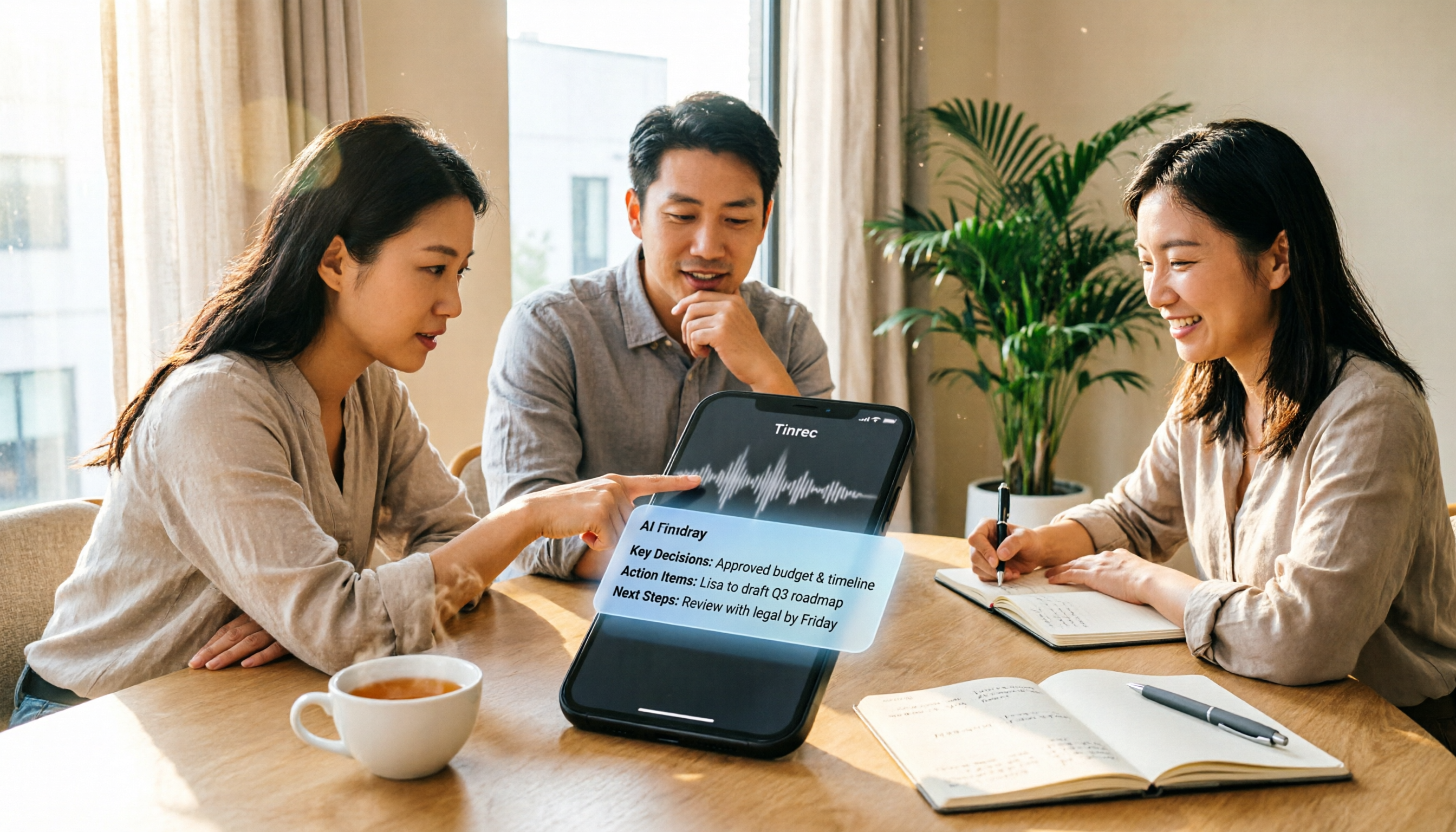
Tinrec is not just a voice-to-text tool; it's an AI platform that turns meetings into searchable, collaborative, and actionable team knowledge. You can use it to record online meetings (Zoom, Google Meet, Teams all work), and you don't need to invite a bot to join—just install the desktop app. After recording, it automatically generates transcripts, summaries, chapters, key points, and action items, and you can use the AI Q&A feature to ask follow-up questions about the meeting content. For example: "What objections did the client raise?" It will find them for you instantly.
Tinrec also supports real-time translation and bilingual display, perfect for those meeting with foreign clients. The personal plan offers a free tier, weekly pass, Pro monthly, and yearly plans, while the team plan provides dedicated space, member management, usage analytics, and audit logs. It's suitable for users who need bot-free recording, strong Chinese meeting support, and want to turn meeting knowledge into team assets.
Option 2 | Plaud Note — AI Smart Recording Card, the Hardware Enthusiast's Choice?
Plaud Note is a credit-card-sized recording card that magnetically attaches to the back of your phone, with a switch to toggle between phone calls and ambient recording. It supports transcription in 112 languages, offers 300 free transcription minutes per month, and includes speaker labeling and custom vocabulary. Battery life allows for 30 hours of continuous recording and up to 2 months of standby. Pricing starts at around USD 159 on the US official site, with subscription plans for additional transcription minutes. It's suitable for users who frequently meet clients face-to-face, need portable hardware recording, and prefer not to rely on a phone app.
Option 3 | Otter.ai — Mature Choice for English Meetings
Otter.ai is a veteran AI meeting assistant, covering Zoom, Teams, and Meet, with real-time transcription, speaker identification, and AI Chat. The free plan offers 300 minutes per month, while the Pro plan costs about USD 8.49/month when billed annually, including 1,200 minutes per month. It's mature for English business meetings, but for Chinese scenarios and team knowledge management, Tinrec is better suited for Hong Kong users. It's ideal for users with English-centric meetings who need mature automation features.
Stop organizing recordings by hand
Upload audio or video and automatically get a transcript, summary, and action items
Option 4 | Notta — Multilingual Transcription Tool
Notta overlaps significantly with Tinrec, supporting multi-device transcription, meeting notes, file import, and translation. The free plan offers 120 minutes per month, while the Pro plan costs about USD 8.17/month billed annually, with 1,800 minutes per month. It's strong in multilingual transcription but lacks Tinrec's bot-free desktop recording and deep team spaces. It's suitable for users who need extensive file transcription and multilingual subtitles.
Option 5 | Granola — Bot-Free AI Note-Taking
Granola takes a bot-free approach, using desktop system audio for real-time transcription and combining it with your handwritten notes to generate more accurate meeting content. The free version is available, and the Business plan costs USD 14 per user per month. However, it doesn't support uploading pre-recorded audio files and doesn't save meeting audio. It's suitable for users who prefer handwritten notes with AI enhancement and don't need to keep original recordings.
Option 6 | TurboScribe — High-Value File Transcription with a Generous Free Plan
TurboScribe focuses on long documents and batch transcription. The free plan offers 3 documents per day, each up to 30 minutes; the Unlimited plan costs USD 120 per year, with single files up to 10 hours. It's not a meeting assistant, but if you only need to transcribe a recording occasionally, the free plan is sufficient. It's suitable for users with zero budget who only need simple file transcription.
With So Many Options, How Do You Choose?
• For the most complete AI features (transcription + AI Q&A + auto minutes + team collaboration) → Tinrec (the only one with all these features) • For Cantonese + Mandarin bilingual transcription and bot-free online meeting recording → Tinrec (supports multiple languages, desktop app records system audio directly) • For frequent client visits requiring portable hardware recording → Plaud Note (magnetic phone attachment, convenient call recording) • For English-centric meetings with mature automation → Otter.ai (mature English ecosystem) • For occasional file transcription with zero budget → TurboScribe free plan (3 documents per day)
4 Things to Know Before Using Voice-to-Text Tools
- Get consent before recording: Hong Kong law regulates recording; it's advisable to say before a meeting: "I'd like to use an AI note-taking tool to assist with minutes, and I'll share them with you afterward. Is that okay?"
- Accuracy depends on audio quality: Background noise, overlapping speech, and accents can affect transcription. Tinrec performs well with clear audio, but for important content, it's best to cross-check with the original.
- Hardware isn't everything: Plaud Note's recording hardware is convenient, but follow-up tasks like organizing and team sharing require the app, while Tinrec covers the entire process directly through the app.
- Clarify team permissions: If using the team plan, remember to distinguish roles and seats—only seats can record and edit; regular members can only view.
Conclusion
Plaud Note is a great choice for hardware enthusiasts, but if you want an AI meeting assistant that works directly on your computer and phone without extra hardware, Tinrec's bot-free recording, AI Q&A, and team spaces are clearly better suited for Hong Kong office workers. It offers great value and is worth a try.
References
- Plaud Taiwan | Official Website | Leading AI Recording Device Brand
- Plaud Note | The Smartest AI Voice Recording Card
- PLAUD NOTE | AI Smart Recording Card | Free 300 Minutes of Transcription Monthly - Esentra International
- CES 2026: Plaud Launches Desktop Software Plaud Desktop for Bot-Free Online Meeting Recording and Integration with Recorder Content #App (245545) - Cool3c
- PLAUD [Official Flagship] NOTE AI Smart Recording Card - Space Black (Voice Recorder / Voice-to-Text / AI Meeting Summary / Call Recording) - PChome 24h Shopping
Turn every recording into actionable outcomes
Get 60 free transcription minutes when you sign in. No credit card required.
Related Reading
You might also like

2026 Audio-to-Text Comparison: Tinrec vs Otter.ai for Chinese Meetings & Team Knowledge
How to choose an audio-to-text tool in 2026? This article compares Tinrec and Otter.ai across 5 dimensions: Chinese meeting transcription, bot-free online meeting capture, audio file organization, post-meeting workflows, and team data governance. Based on public features and pricing, it helps you decide which is better suited for meeting notes needs in Taiwan.

How to Choose an Online Audio-to-Text Tool in 2026: 5 Steps to Pick the Right One and Get a Transcript
How do you choose an online audio-to-text tool? This article reviews 6 online options—Tinrec, MyEdit, cSubtitle, CyberLink, Yating Transcript, and Monica—comparing free quotas, Chinese recognition, export formats, and team collaboration. It also walks you through 5 steps to turn an audio file into a transcript.

2024 Review of 4 Audio-to-Text Tools: Which Saves the Most Time on Chinese Meeting Transcripts and AI Summaries?
The 2024 audio-to-text comparison isn't just about transcription speed—it's about whether the tool can organize your meeting notes afterward. Based on real meetings and interviews, this review compares Tinrec, Notta, Granola, and PLAUD on audio sources, transcripts, AI summaries, action items, team collaboration, and pricing limits to help you choose the right tool.

4 Free Online Audio-to-Text Tools Compared (2026): Which Offers the Best Free Tier and Chinese Recognition?
A comparison of Tinrec, MyEdit, cSubtitle, and Monica's free online audio-to-text offerings, covering free quotas, Chinese recognition, export formats, and post-meeting AI organization to help you decide which suits meetings, interviews, and subtitles.

4 Free AI Audio-to-Text Tools Tested: Which Free Tier Is Enough in 2026?
There are many free AI audio-to-text tools, but free quotas, single-recording length limits, Chinese recognition, and post-meeting organization capabilities vary widely. This article compares the free plans and use cases of 4 tools, using Tinrec's no-bot recording, AI Q&A, and team spaces as selection references.

2026 Comparison of 2 Online Audio-to-Text Tools: Tinrec vs Otter.ai — Which Is Better for Chinese Meetings?
Starting from common misconceptions, this comparison examines Tinrec and Otter.ai in Chinese meetings, bot-free recording, post-meeting organization, real-time translation, and team data retention to help you decide which online audio-to-text tool fits your daily work.

2026 Comparison of 2 Audio-to-Text Platforms: Free Tiers, Chinese Recognition, and Post-Meeting Organization at a Glance
A side-by-side comparison of Tinrec and Notta across free tiers, Chinese recognition, online meeting recording, post-meeting organization, and team collaboration, helping you decide whether the free version is enough and when to upgrade.

iPhone Voice Memos vs Tinrec in 2026: 5-Dimension Comparison — Is Free Transcription Enough?
iPhone's built-in Voice Memos can now transcribe recordings for free, so do you still need a separate tool? This article compares iPhone's built-in features with Tinrec across 5 practical dimensions and honestly explains where the free limits are, helping you decide which approach fits your meeting volume.

4 Free Audio-to-Text Tools Tested for 2026: Which Free Tier Is Actually Enough?
There are plenty of free audio-to-text tools, but few can handle a full meeting. This hands-on comparison tests the free plans of Tinrec, Otter.ai, Notta, and TurboScribe—breaking down how limits are calculated, transcript post-processing, audio retention, and team collaboration—to help you decide which free version is truly usable.