
Turn recordings into transcripts and summaries in minutes
Upload audio or video for multilingual transcription, AI notes, and action items
In the first morning class, the professor speaks quickly at the podium. You're scribbling notes and miss a key formula. After class, you open your recorder, thinking at least you have the audio, only to find you need to spend twice as long listening and organizing. This is a common daily scenario for many students and teachers.
What Can Tinrec Do for You?
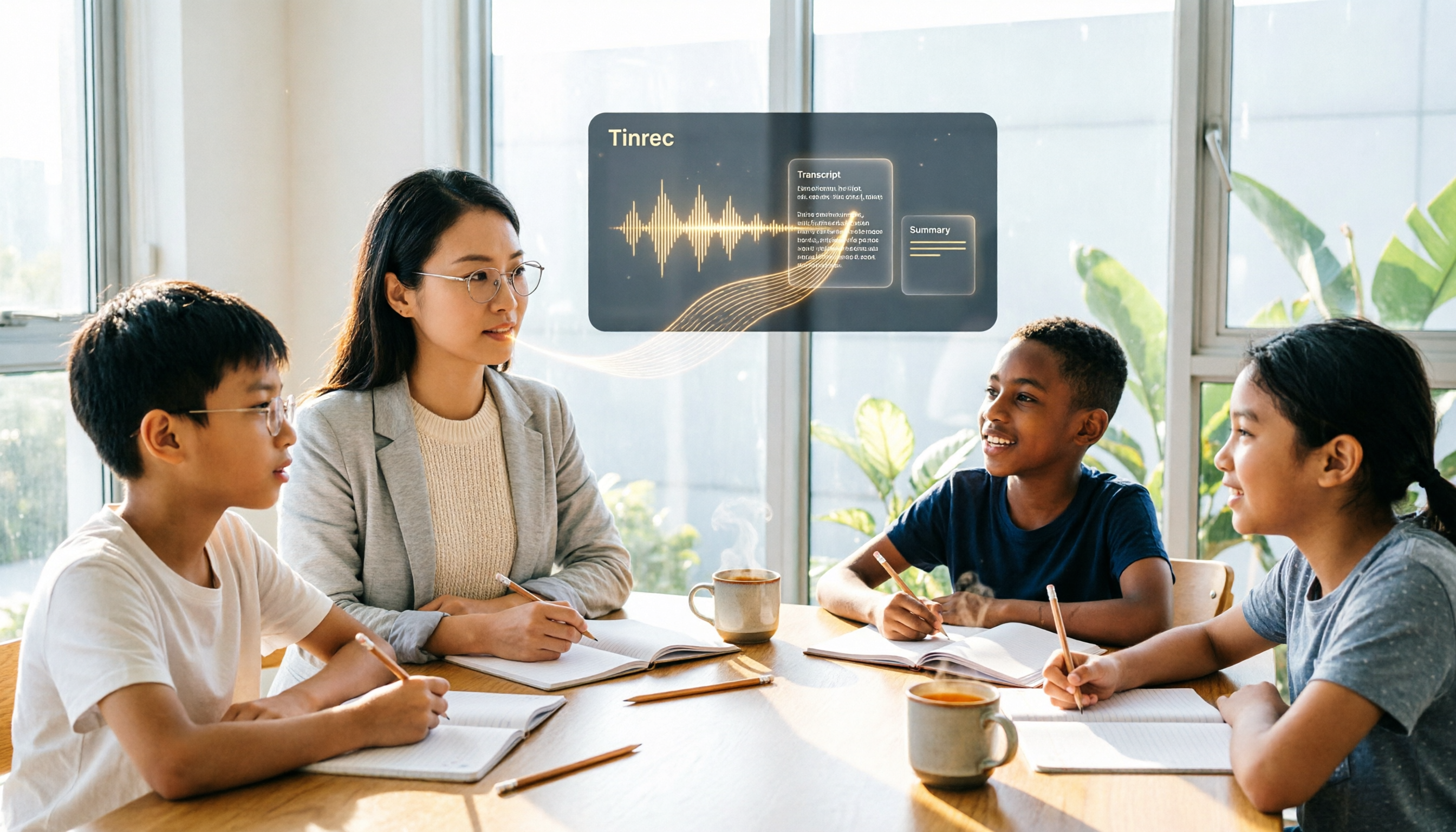
Scenario 1: Convert classroom recordings to transcripts and summaries. With Tinrec, for example, it transcribes as you record, and by the end of class, the AI has generated key points, chapters, and action items, so you don't have to manually organize.
Scenario 2: Record online courses. The Tinrec desktop version directly captures your computer's system audio, no need to add a meeting bot. It works with Zoom, Meet, and Teams.
Scenario 3: Organize teaching materials. After recording, export to Notion or Google Docs with one click, turning class content into shareable notes.
What Are Tinrec's Core Capabilities?
Real-time transcription: Text appears as you record, with less than 1 second delay, so you can confirm key points during class.
AI summaries and chapters: Break long courses into structured key points, not just condensation, but organized by topic, conclusion, and action items.
Action item extraction and AI Q&A: You can ask, "What is the exam scope the professor mentioned?" Tinrec answers based on semantics.
Team space: Teachers can create class spaces, upload recordings, and share notes. Students can view but not edit (requires seats).
Compared to the Plaud recorder, Tinrec doesn't require buying extra hardware; it works on your phone or computer and supports importing old recordings.
Practical Use Cases
Teachers recording classes: After class, an automatic summary is generated and sent directly to students for review, saving time on organizing notes.
Students in class: Record lectures and use AI Q&A for review after class, no need to re-listen to two hours.
Faculty meetings: Team space centrally stores meeting recordings, transcripts, and decisions; new members can review history.
Stop organizing recordings by hand
Upload audio or video and automatically get a transcript, summary, and action items
Interviews or speeches: Quickly get transcripts and key points after recording, suitable for research or reporting.
4 Points to Consider When Choosing a Teaching Recording Tool
- Need for extra hardware: Plaud is a hardware device; Tinrec uses your phone or computer, lowering cost.
- Transcription quota: Plaud includes 300 minutes per month; Tinrec's free version has a basic quota, and team plans include 2000 minutes per seat per month shared.
- AI post-processing: Both have summaries, but Tinrec offers more complete multi-format export, team collaboration, and AI Q&A.
- Language and terminology: Tinrec supports Chinese and real-time translation, and team custom terms can improve recognition of teaching-specific jargon.
FAQ
Q: Which is better for teaching, Plaud or Tinrec? A: If you already have Plaud, you can continue using it; if you haven't bought one, Tinrec doesn't require extra hardware, and its team collaboration features are better for teachers sharing materials.
Q: Is the Tinrec free version sufficient? A: The free version lets you experience basic recording, transcription, and summaries; it's enough for light use. For multiple classes per week, we recommend Pro or team plans.
Q: Can Tinrec record online courses? A: Yes, the desktop version captures system audio without a bot, and it can record on Zoom, Teams, Meet, and other platforms.
Q: How accurate is the transcription? A: We don't promise 100% accuracy. Quality is high in clear environments; for important content, we recommend cross-checking the transcript with the recording.
Conclusion
Classroom notes don't necessarily require buying a hardware recorder. Tinrec turns your phone or computer into an AI recording tool, with more complete post-processing, export, and team collaboration. We recommend teachers and students try it, starting with the free version.
References
- Plaud Taiwan | Official Website | Leading AI Recording Device Brand
- Plaud Note Pro Unboxing Review | Portable AI Smart Recorder Evolved! Is It Good? Who Should Buy It? - Mr. Mad
- [Unboxing] Ultra-thin AI ChatGPT Recorder Plaud Note Unboxing Test: Smooth Experience for Meeting Minutes/Phone Call Transcription and Summaries
- PLAUD NOTE | AI Smart Recording Card | Free 300 Minutes of Transcription per Month - Esentra International
- Recording Guide | Plaud Taiwan
Turn every recording into actionable outcomes
Get 60 free transcription minutes when you sign in. No credit card required.
Related Reading
You might also like

2026 Audio-to-Text Comparison: Tinrec vs Otter.ai for Chinese Meetings & Team Knowledge
How to choose an audio-to-text tool in 2026? This article compares Tinrec and Otter.ai across 5 dimensions: Chinese meeting transcription, bot-free online meeting capture, audio file organization, post-meeting workflows, and team data governance. Based on public features and pricing, it helps you decide which is better suited for meeting notes needs in Taiwan.

How to Choose an Online Audio-to-Text Tool in 2026: 5 Steps to Pick the Right One and Get a Transcript
How do you choose an online audio-to-text tool? This article reviews 6 online options—Tinrec, MyEdit, cSubtitle, CyberLink, Yating Transcript, and Monica—comparing free quotas, Chinese recognition, export formats, and team collaboration. It also walks you through 5 steps to turn an audio file into a transcript.

2024 Review of 4 Audio-to-Text Tools: Which Saves the Most Time on Chinese Meeting Transcripts and AI Summaries?
The 2024 audio-to-text comparison isn't just about transcription speed—it's about whether the tool can organize your meeting notes afterward. Based on real meetings and interviews, this review compares Tinrec, Notta, Granola, and PLAUD on audio sources, transcripts, AI summaries, action items, team collaboration, and pricing limits to help you choose the right tool.

4 Free Online Audio-to-Text Tools Compared (2026): Which Offers the Best Free Tier and Chinese Recognition?
A comparison of Tinrec, MyEdit, cSubtitle, and Monica's free online audio-to-text offerings, covering free quotas, Chinese recognition, export formats, and post-meeting AI organization to help you decide which suits meetings, interviews, and subtitles.

4 Free AI Audio-to-Text Tools Tested: Which Free Tier Is Enough in 2026?
There are many free AI audio-to-text tools, but free quotas, single-recording length limits, Chinese recognition, and post-meeting organization capabilities vary widely. This article compares the free plans and use cases of 4 tools, using Tinrec's no-bot recording, AI Q&A, and team spaces as selection references.

2026 Comparison of 2 Online Audio-to-Text Tools: Tinrec vs Otter.ai — Which Is Better for Chinese Meetings?
Starting from common misconceptions, this comparison examines Tinrec and Otter.ai in Chinese meetings, bot-free recording, post-meeting organization, real-time translation, and team data retention to help you decide which online audio-to-text tool fits your daily work.

2026 Comparison of 2 Audio-to-Text Platforms: Free Tiers, Chinese Recognition, and Post-Meeting Organization at a Glance
A side-by-side comparison of Tinrec and Notta across free tiers, Chinese recognition, online meeting recording, post-meeting organization, and team collaboration, helping you decide whether the free version is enough and when to upgrade.

iPhone Voice Memos vs Tinrec in 2026: 5-Dimension Comparison — Is Free Transcription Enough?
iPhone's built-in Voice Memos can now transcribe recordings for free, so do you still need a separate tool? This article compares iPhone's built-in features with Tinrec across 5 practical dimensions and honestly explains where the free limits are, helping you decide which approach fits your meeting volume.

4 Free Audio-to-Text Tools Tested for 2026: Which Free Tier Is Actually Enough?
There are plenty of free audio-to-text tools, but few can handle a full meeting. This hands-on comparison tests the free plans of Tinrec, Otter.ai, Notta, and TurboScribe—breaking down how limits are calculated, transcript post-processing, audio retention, and team collaboration—to help you decide which free version is truly usable.