
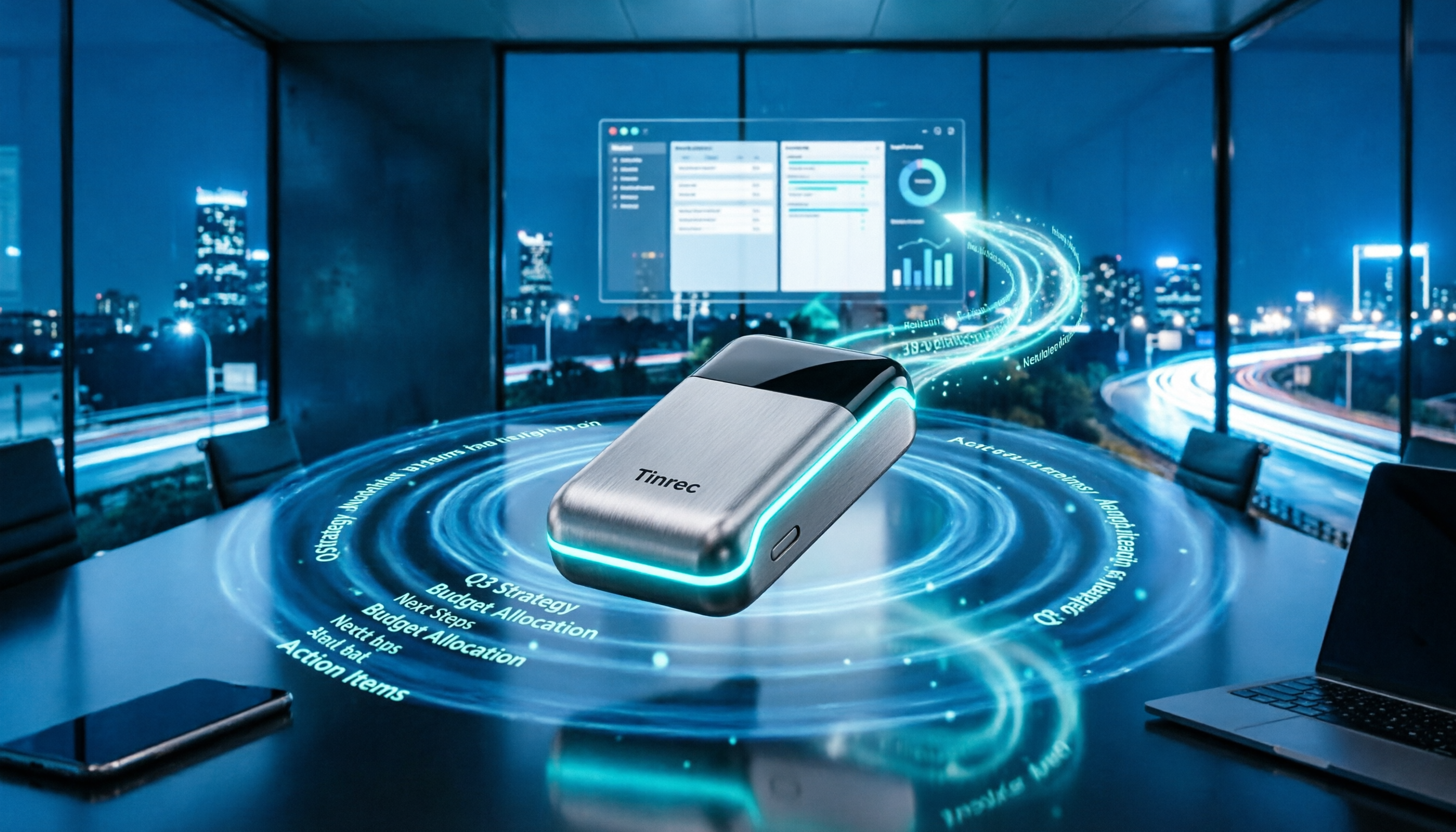
Turn recordings into transcripts and summaries in minutes
Upload audio or video for multilingual transcription, AI notes, and action items
Many people think that buying an AI voice recorder and capturing audio is all they need, but after using it for a while, they realize: it works well for in-person interviews, but online meetings require a different approach; and after recording, you still have to manually organize transcripts, summaries, and action items. In 2025, if you want a recording solution that truly saves you time, you need to look beyond hardware and consider the AI processing and team collaboration capabilities. This article compares Plaud Note (recording hardware) and Tinrec (AI meeting documentation tool) across 5 dimensions to help you determine which one suits your use case.
Tinrec vs Plaud Note | Quick Overview
Plaud Note is an AI recording hardware device that is slim and portable, featuring one-touch recording, long battery life, and hardware noise reduction. Tinrec is a software tool that lets you record, transcribe, and organize using your phone or computer, without needing extra hardware. Both can convert speech to text, but their positioning and ideal use cases are quite different.
Basic info:
- Plaud Note: Hardware device, requires separate purchase; includes 300 minutes of transcription per month, with more available via subscription; suitable for on-the-go recording and in-person interviews.
- Tinrec: Software service, free tier available for trial; personal plans include weekly, monthly, and yearly options; team plans priced separately; supports phone, computer, and web, suitable for online and offline meetings, file organization, and team collaboration.
This article compares them across 5 dimensions: use cases, meeting capture methods, input sources, AI processing capabilities, and team collaboration and management.
Dimension 1 | Use Cases and Core Positioning
Plaud Note is positioned as a "portable recording hardware" device. Its strength is that you can pull it out anytime and press a button to record lectures, interviews, or ideas. However, for online meetings, you have to play the audio through your phone or computer speakers and place Plaud nearby to capture it, which can be affected by environmental interference.
Tinrec covers both offline and online scenarios: the mobile app can record in real time, and the desktop app can directly capture the system audio from online meeting platforms, eliminating the need for external speakers. In other words, whether you're in a conference room, a coffee shop, or at home, you can use the same tool to get the job done.
→ This dimension: Tinrec is more comprehensive; Plaud has an advantage in pure on-the-go recording but covers a narrower range of scenarios.
Dimension 2 | Meeting Capture Methods
Plaud Note uses its hardware microphone to record ambient sound. This works well in quiet, in-person environments, but when recording online meetings, you must play the audio out loud, and room echo and keyboard sounds can be picked up.
Tinrec's desktop app directly captures the computer's system audio, so you don't need to add a meeting bot or use external speakers. In other words, when you're in a Zoom, Google Meet, Teams, or Webex meeting, just open Tinrec and it will record both sides of the conversation and transcribe it in real time.
→ This dimension: Tinrec clearly wins in online meeting capture.
Dimension 3 | Input Sources and Flexibility
Plaud Note's primary input source is hardware recording. While you can upload audio files through the app for transcription, its support for existing audio and video files is limited. If you have a backlog of historical recordings to organize, it can be cumbersome.
Tinrec supports multiple input methods: real-time recording, computer meeting recording, uploading audio or video files, phone recording, and even importing from some public links. This means you can organize not only new meetings but also your accumulated past recordings in one go.
→ This dimension: Tinrec offers significantly higher input flexibility.
Stop organizing recordings by hand
Upload audio or video and automatically get a transcript, summary, and action items
Dimension 4 | Post-Transcription Processing and AI Features
Plaud Note provides transcripts, summaries, and key point extraction, and includes six ChatGPT-related modes to help you quickly grasp content highlights. However, its organization tends to be "template-based," making it harder to ask follow-up questions on specific issues.
Tinrec offers transcripts, summaries, chapters, and key points, and can also automatically extract action items and generate mind maps. You can use AI Q&A to ask questions like "What was decided in this meeting?" or "What concerns did the client raise?" After the meeting, you can use Agent post-processing to generate reports, tables, and even export to tools like Notion and Google Docs.
→ This dimension: Tinrec offers deeper post-meeting organization and extensibility.
Dimension 5 | Team Collaboration and Management
Plaud Note is more geared toward individual use, with limited team features. If you're recording for yourself, it's fine; but if you need to share across a department and track progress, it becomes challenging.
Tinrec offers a team plan: you can create a dedicated team space to centrally store meeting materials; admins can assign roles, manage seats, view usage analytics, and access audit logs. Even when a member leaves, you can transfer their resources to someone else. In other words, meeting notes are no longer scattered across personal devices but become a searchable team asset.
→ This dimension: Tinrec clearly wins in team scenarios; Plaud essentially lacks comparable capabilities.
What Are the Unique Advantages of Each?
Tinrec's unique advantages:
- No need to buy extra hardware; works on phone, computer, and web.
- Desktop app records online meetings without a bot, so it doesn't disrupt the meeting.
- AI Q&A, action item extraction, mind maps, and third-party exports provide a complete post-meeting workflow.
- Team space, member management, usage analytics, and audit logs make it suitable for organizations.
Plaud Note's unique advantages:
- Lightweight hardware with up to 30 hours of battery life, ideal for long offline recordings.
- Dual microphones and noise reduction design deliver stable audio quality for pure on-the-go recording.
Summary: Which One Should You Choose?
- If you need to record online meetings or organize historical audio files, choose Tinrec.
- If you need AI Q&A, action item extraction, and report generation, choose Tinrec.
- If you want to share meeting materials with your team and manage member permissions, choose Tinrec's team plan.
- If you spend long hours outdoors without a computer and only need portable recording, Plaud Note is a suitable complement.
In one sentence: For most professionals, Tinrec is the more complete choice. We recommend downloading the Tinrec free version and testing it with your own recordings; if you already have Plaud hardware, you can also import the audio files into Tinrec for further processing.
FAQ
How much quota does the Tinrec free version include?
The free version provides basic quota to experience recording, importing, summarization, and transcription. For specific minute limits, please refer to the official website or the app.
Do I need to buy hardware for Tinrec?
No. Tinrec is a software service that works on phone, computer, and web; you only need the device's microphone for real-time recording.
What happens when Plaud Note's 300 minutes run out?
You can upgrade your subscription through the app to get more transcription minutes. For specific plans and pricing, please refer to Plaud's official documentation.
Can Tinrec record online meetings?
Yes. Tinrec's desktop app directly captures the computer's system audio and supports Zoom, Google Meet, Microsoft Teams, and Webex, without needing to add a meeting bot.
How much does Tinrec's team plan cost?
The team plan is currently USD 29.80 per paid seat per month, or USD 199 per year (approximately USD 16.58/month). Actual pricing and promotions may vary; please refer to the official purchase page.
How accurate is the speech-to-text transcription?
Tinrec does not guarantee a fixed accuracy rate. It performs well with clear audio and common scenarios, but may be affected by background noise, accents, and overlapping speech. For important content, we recommend cross-checking with the transcript's timestamped playback.
References
- Plaud Taiwan | Official Website | Leading AI Recording Device Brand
- Plaud Note Pro Unboxing Review | Portable AI Smart Recorder Evolved! Is It Good? Who Should Buy It? - Mr. Mad
- PLAUD Smart Recorder | Recorders/Audio Accessories - PChome 24h Shopping
- China's AI Recording Capsule Sells Well in US and Japan, Plaud's Secret Is "Not Saying It's a Chinese Company" | CommonWealth Magazine
- PLAUD NOTE ChatGPT AI Smart Recording Card - Space Black | Sunfar Online Shopping
Turn every recording into actionable outcomes
Get 60 free transcription minutes when you sign in. No credit card required.
Related Reading
You might also like

2026 Audio-to-Text Comparison: Tinrec vs Otter.ai for Chinese Meetings & Team Knowledge
How to choose an audio-to-text tool in 2026? This article compares Tinrec and Otter.ai across 5 dimensions: Chinese meeting transcription, bot-free online meeting capture, audio file organization, post-meeting workflows, and team data governance. Based on public features and pricing, it helps you decide which is better suited for meeting notes needs in Taiwan.

How to Choose an Online Audio-to-Text Tool in 2026: 5 Steps to Pick the Right One and Get a Transcript
How do you choose an online audio-to-text tool? This article reviews 6 online options—Tinrec, MyEdit, cSubtitle, CyberLink, Yating Transcript, and Monica—comparing free quotas, Chinese recognition, export formats, and team collaboration. It also walks you through 5 steps to turn an audio file into a transcript.

2024 Review of 4 Audio-to-Text Tools: Which Saves the Most Time on Chinese Meeting Transcripts and AI Summaries?
The 2024 audio-to-text comparison isn't just about transcription speed—it's about whether the tool can organize your meeting notes afterward. Based on real meetings and interviews, this review compares Tinrec, Notta, Granola, and PLAUD on audio sources, transcripts, AI summaries, action items, team collaboration, and pricing limits to help you choose the right tool.

4 Free Online Audio-to-Text Tools Compared (2026): Which Offers the Best Free Tier and Chinese Recognition?
A comparison of Tinrec, MyEdit, cSubtitle, and Monica's free online audio-to-text offerings, covering free quotas, Chinese recognition, export formats, and post-meeting AI organization to help you decide which suits meetings, interviews, and subtitles.

4 Free AI Audio-to-Text Tools Tested: Which Free Tier Is Enough in 2026?
There are many free AI audio-to-text tools, but free quotas, single-recording length limits, Chinese recognition, and post-meeting organization capabilities vary widely. This article compares the free plans and use cases of 4 tools, using Tinrec's no-bot recording, AI Q&A, and team spaces as selection references.

2026 Comparison of 2 Online Audio-to-Text Tools: Tinrec vs Otter.ai — Which Is Better for Chinese Meetings?
Starting from common misconceptions, this comparison examines Tinrec and Otter.ai in Chinese meetings, bot-free recording, post-meeting organization, real-time translation, and team data retention to help you decide which online audio-to-text tool fits your daily work.

2026 Comparison of 2 Audio-to-Text Platforms: Free Tiers, Chinese Recognition, and Post-Meeting Organization at a Glance
A side-by-side comparison of Tinrec and Notta across free tiers, Chinese recognition, online meeting recording, post-meeting organization, and team collaboration, helping you decide whether the free version is enough and when to upgrade.

iPhone Voice Memos vs Tinrec in 2026: 5-Dimension Comparison — Is Free Transcription Enough?
iPhone's built-in Voice Memos can now transcribe recordings for free, so do you still need a separate tool? This article compares iPhone's built-in features with Tinrec across 5 practical dimensions and honestly explains where the free limits are, helping you decide which approach fits your meeting volume.

4 Free Audio-to-Text Tools Tested for 2026: Which Free Tier Is Actually Enough?
There are plenty of free audio-to-text tools, but few can handle a full meeting. This hands-on comparison tests the free plans of Tinrec, Otter.ai, Notta, and TurboScribe—breaking down how limits are calculated, transcript post-processing, audio retention, and team collaboration—to help you decide which free version is truly usable.